
Office Resources
Cloud Computer Login
1. Go to https://www.dwservice.net/ and Click “Login”
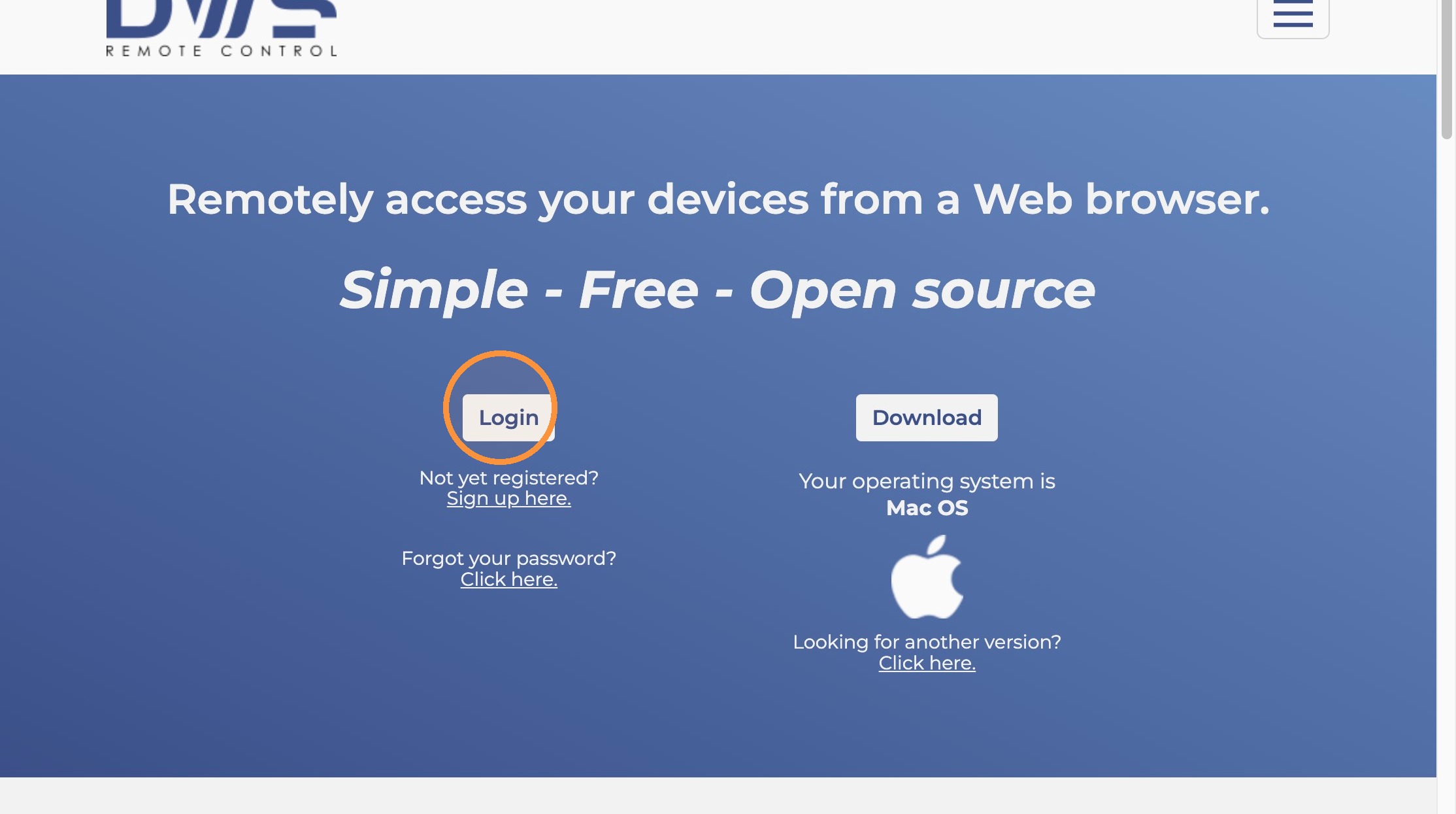
Account Login
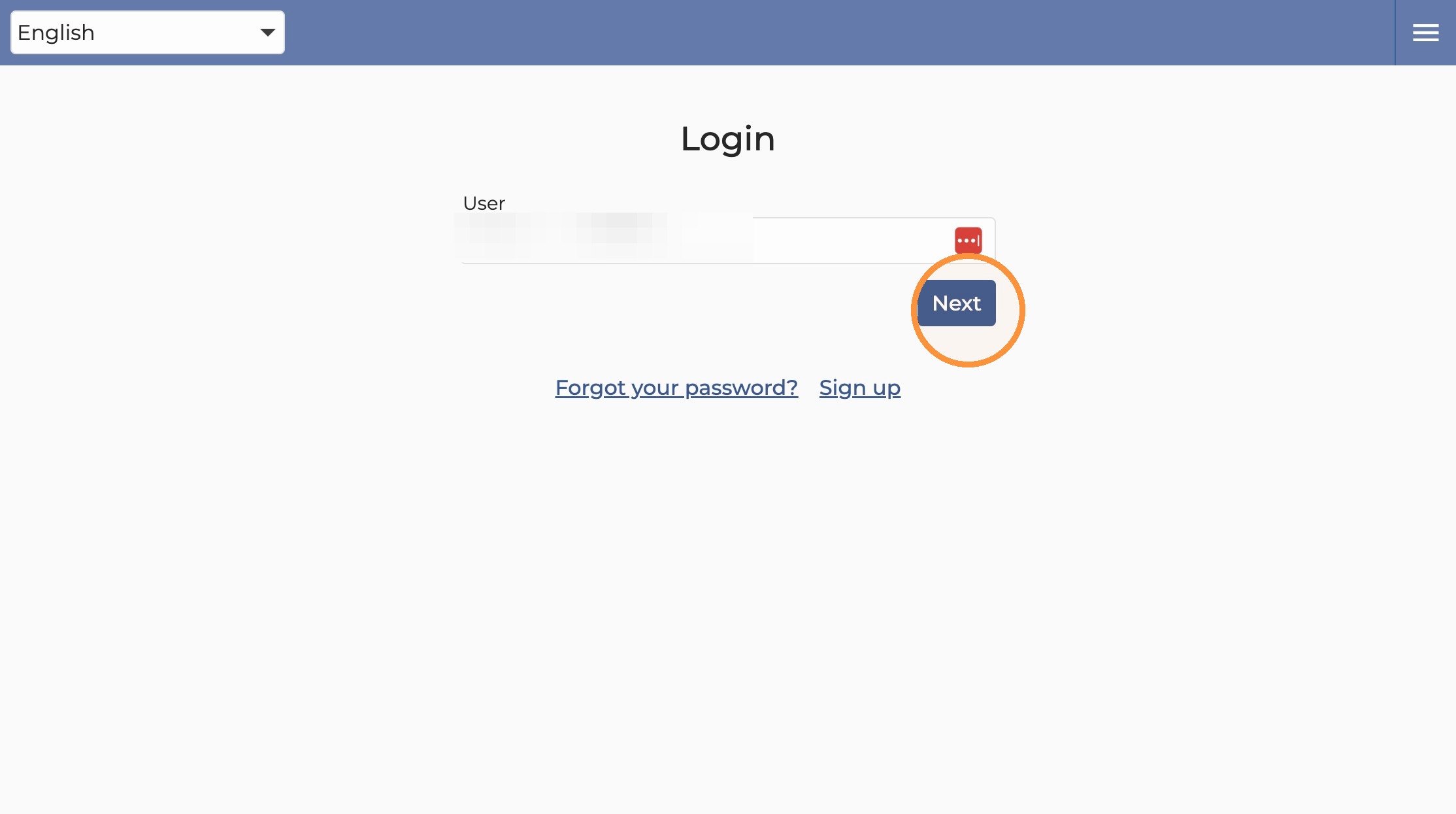
2. Type in your username and Click “Next”
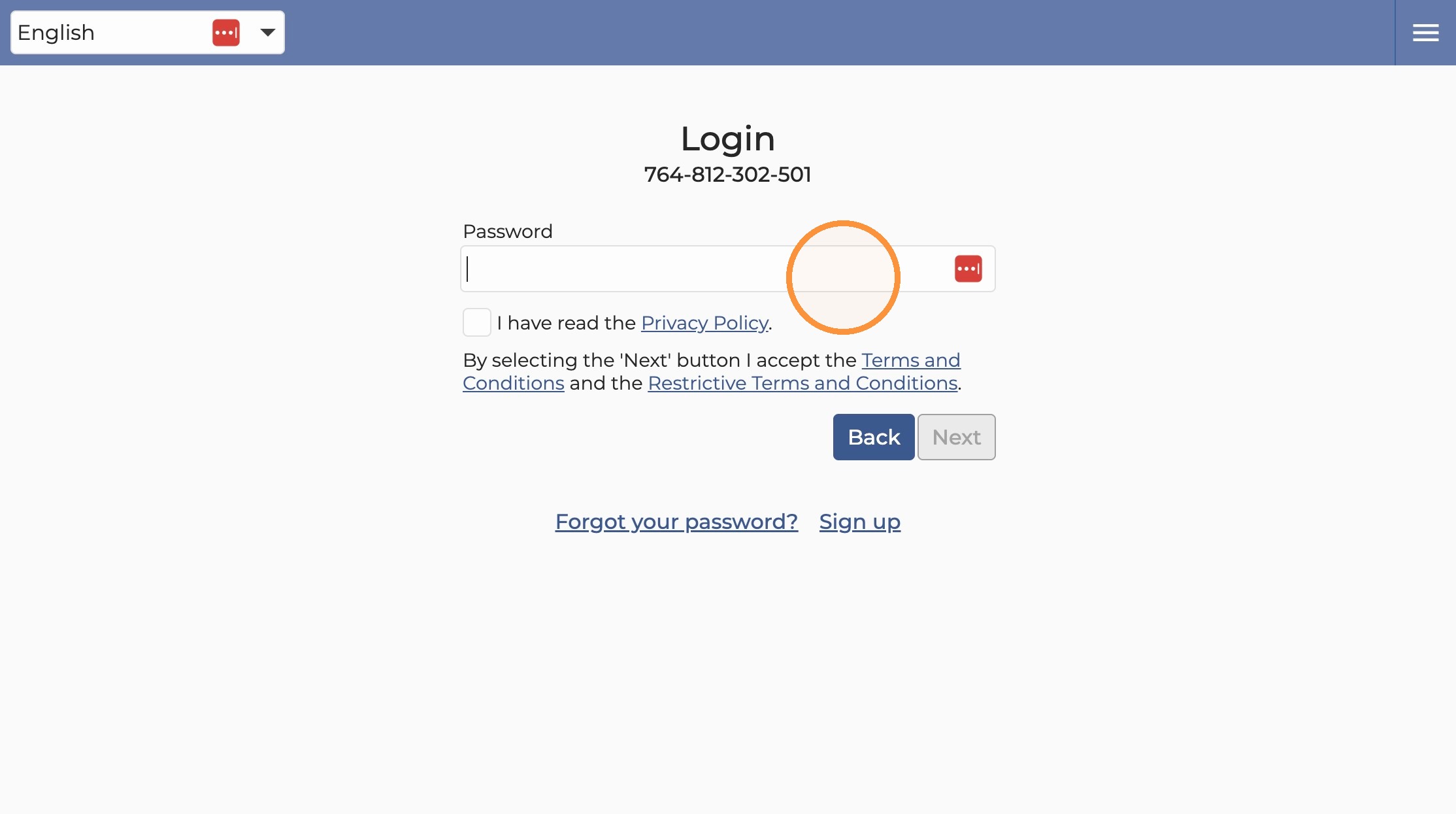
3. Click this password field.
4. Enter password and Click here to agree to privacy policy.
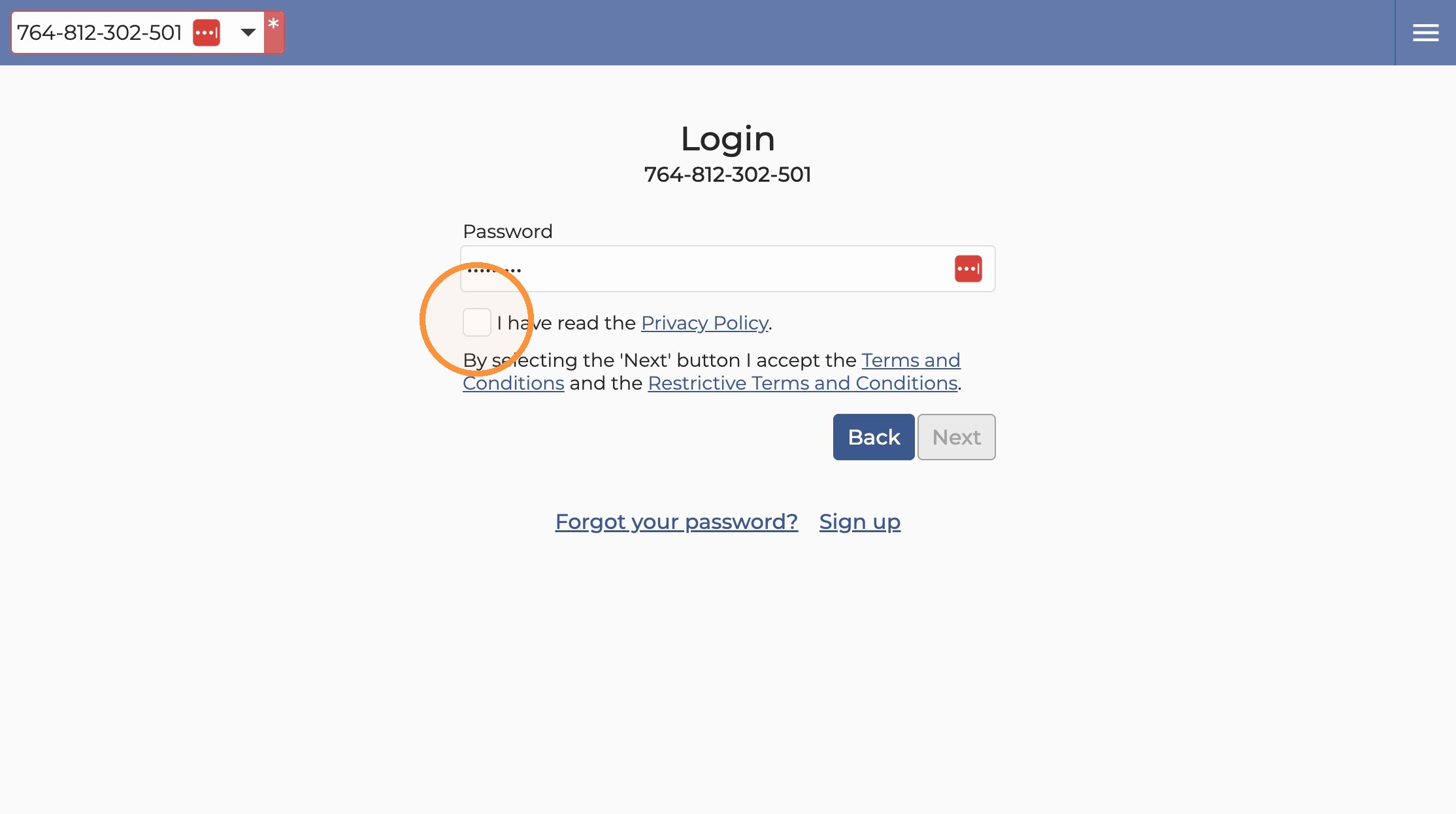
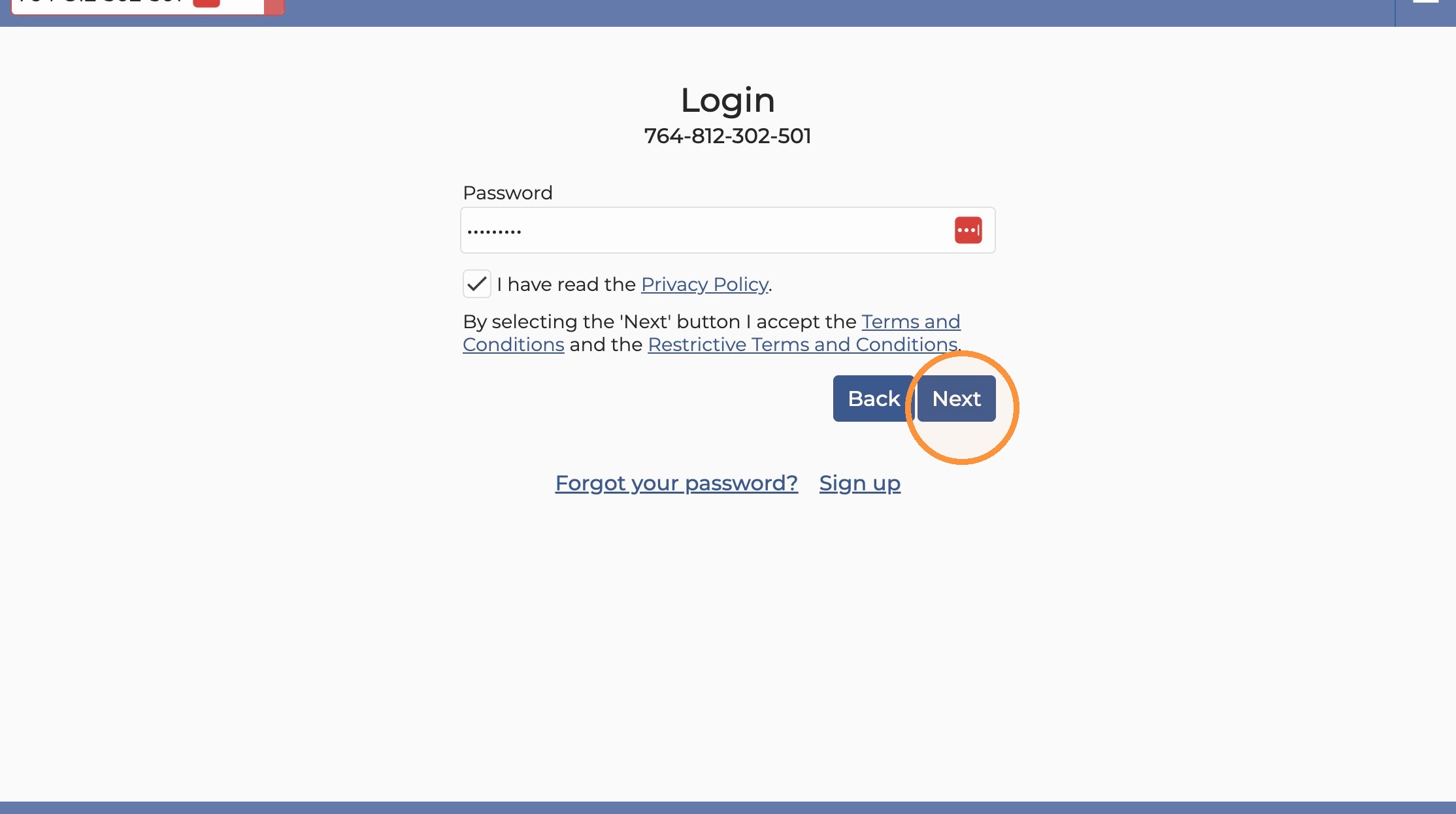
5. Click “Next”
Remote Access
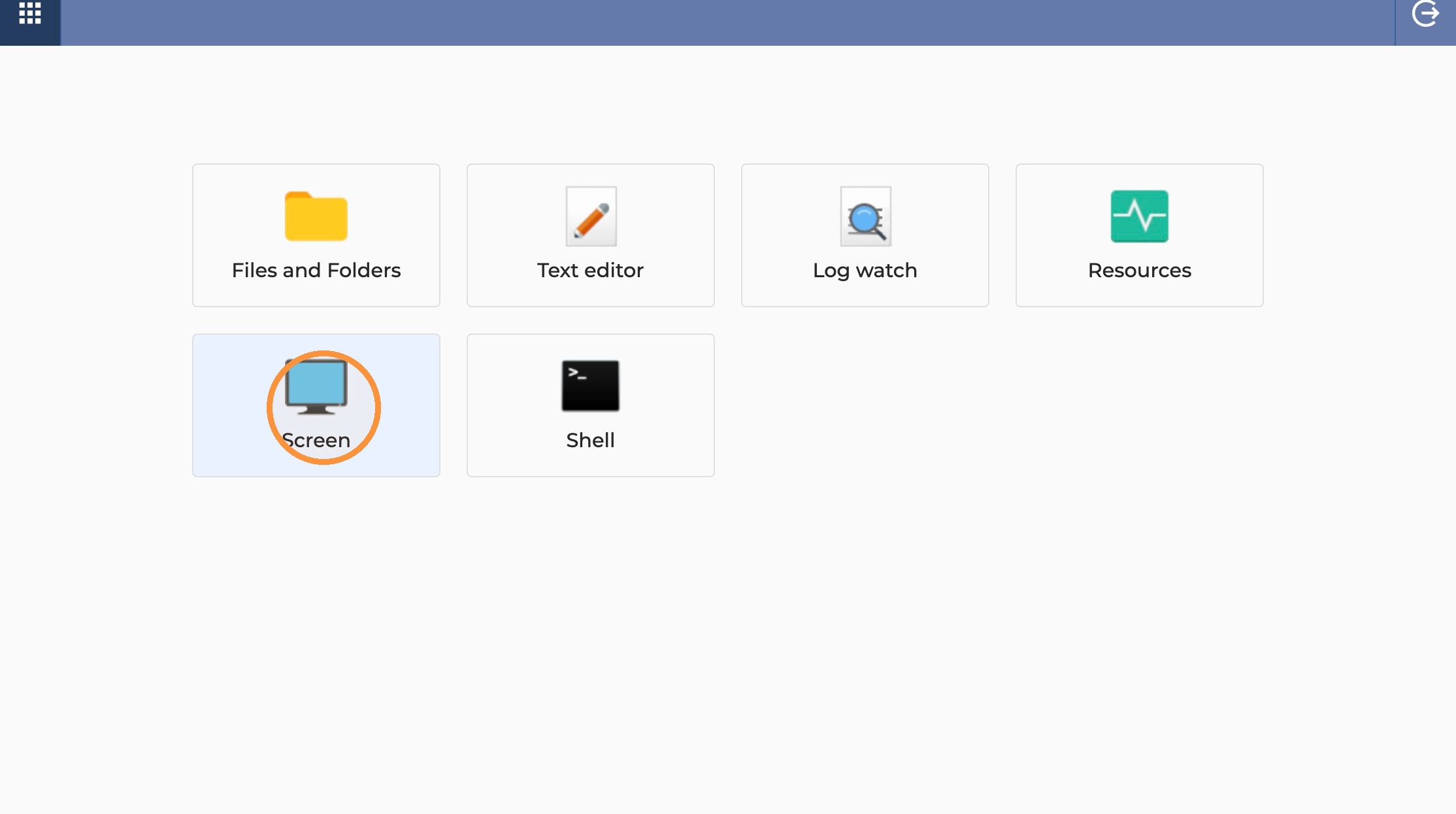
6. Click here to access the Cloud computer remotely.
Made with Scribe