
Office Resources
Updating HR Data Studio Report
This SOP explains how to update the HR recruitment report using the latest applicant export from GoHighLevel.
HR only needs to:
- Export applicant data from GHL.
- Add the export to the existing data in the Google Sheet.
- Review the updated report in Looker Studio.
No formulas, charts, or report settings should be edited.
Links
Looker Studio report:
Open the HR Recruitment Report
Google Sheet:
Open the Applicant Reporting Sheet
Use the GHL Raw Export tab only. Do not touch anything else. Other tabs are automatically populated and updated.
Part 1: Export the Applicant Data From GHL
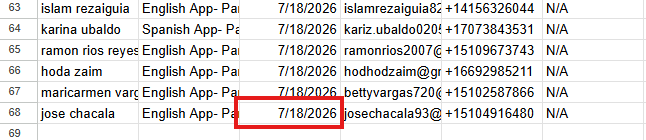
- Check the last export date in the Raw Export Tab of the Google Sheet.
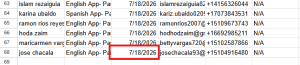
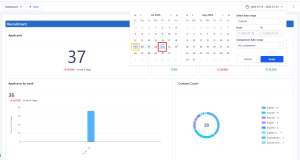
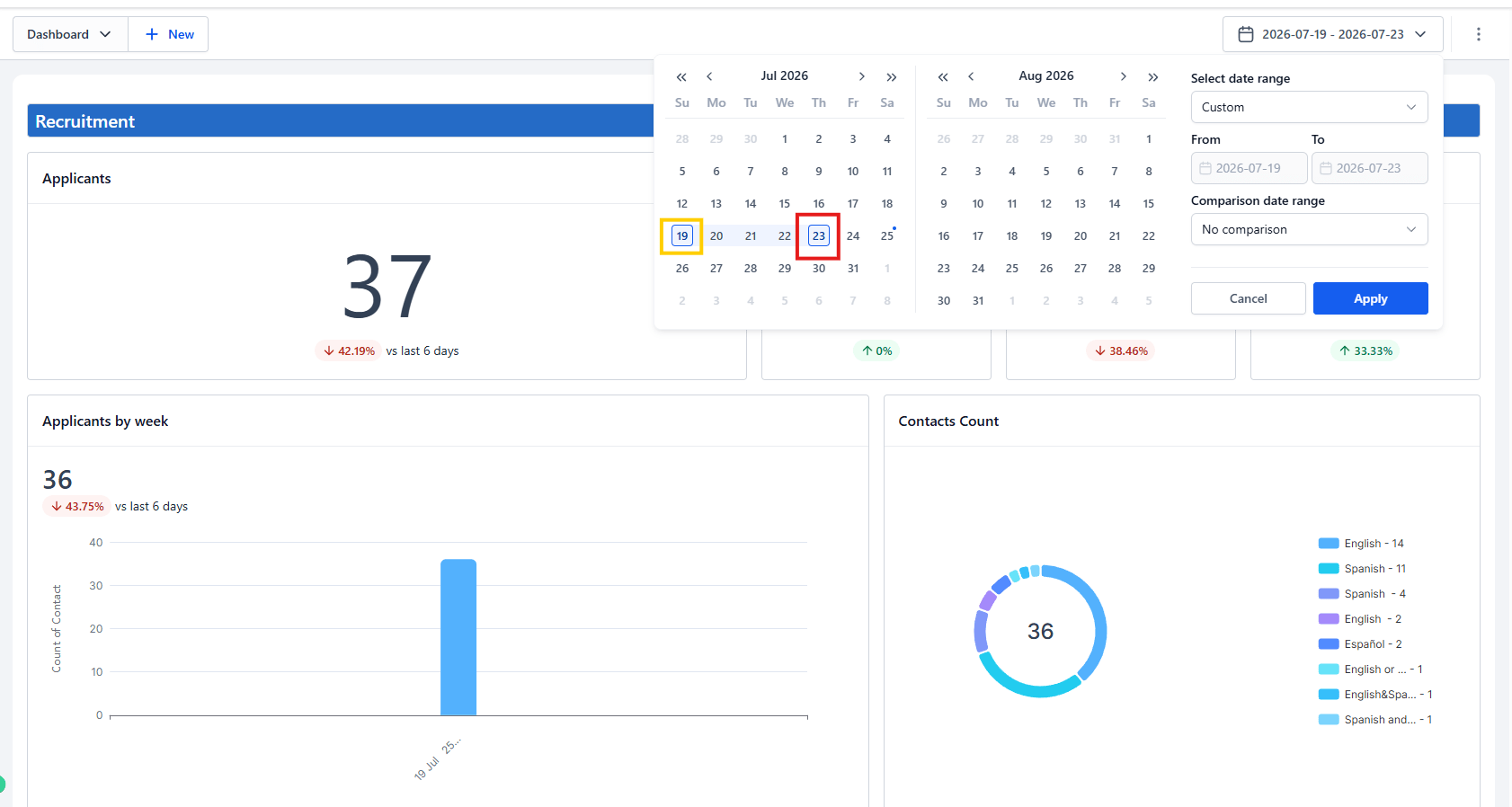
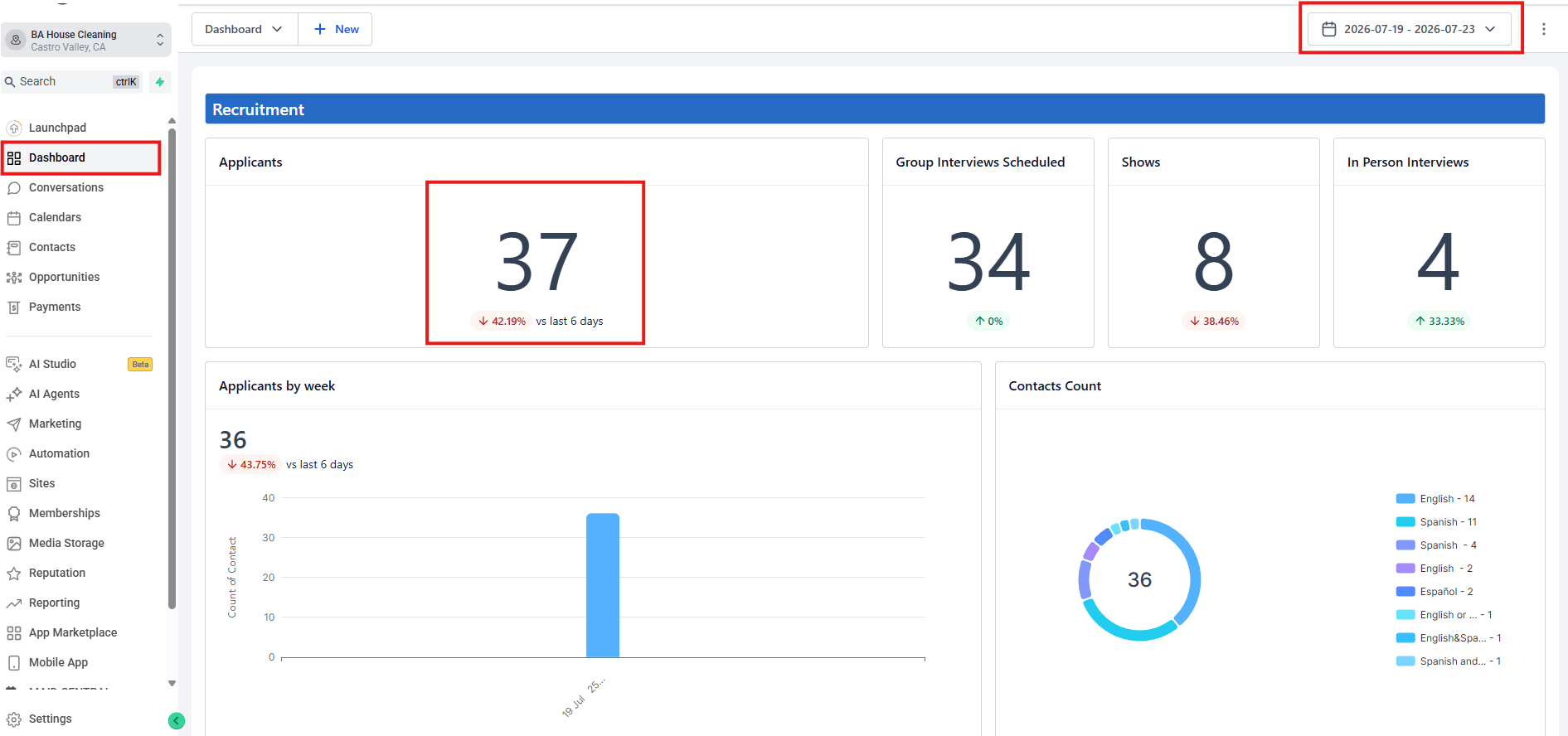
- In GHL’s dashboard, filter the date starting from a day AFTER the last export’s date and up to YESTERDAY’s date (PDT Timezone) to ensure all data exported is complete.
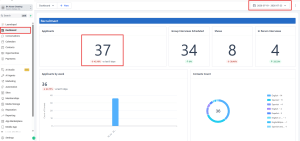
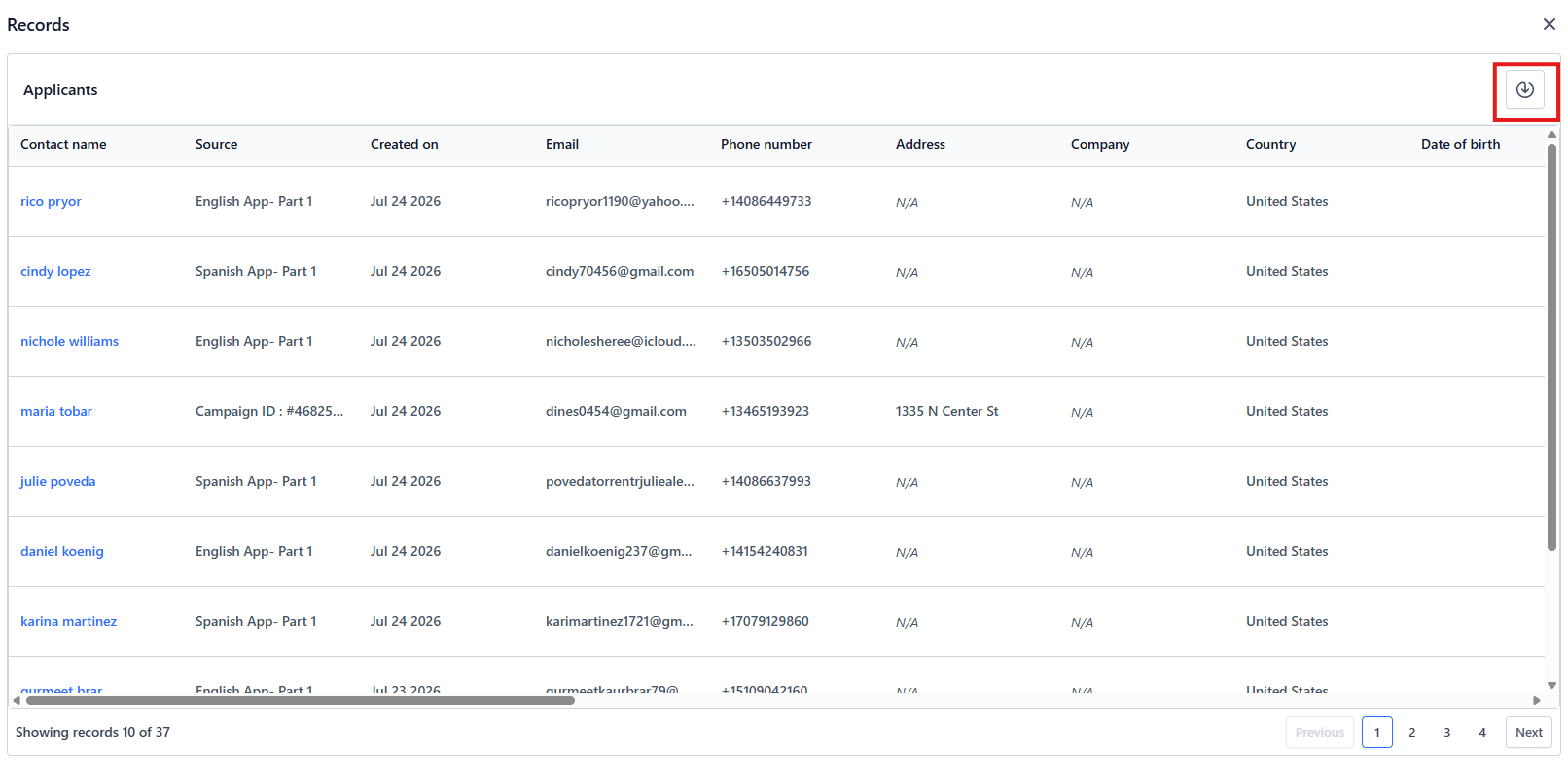
- Find the recruitment section and click the number under the “applicants” heading.
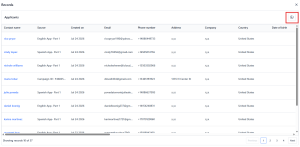
- Export the contacts as a CSV file by clicking the button on the upper right corner of the screen that appears after clicking the applicant number.
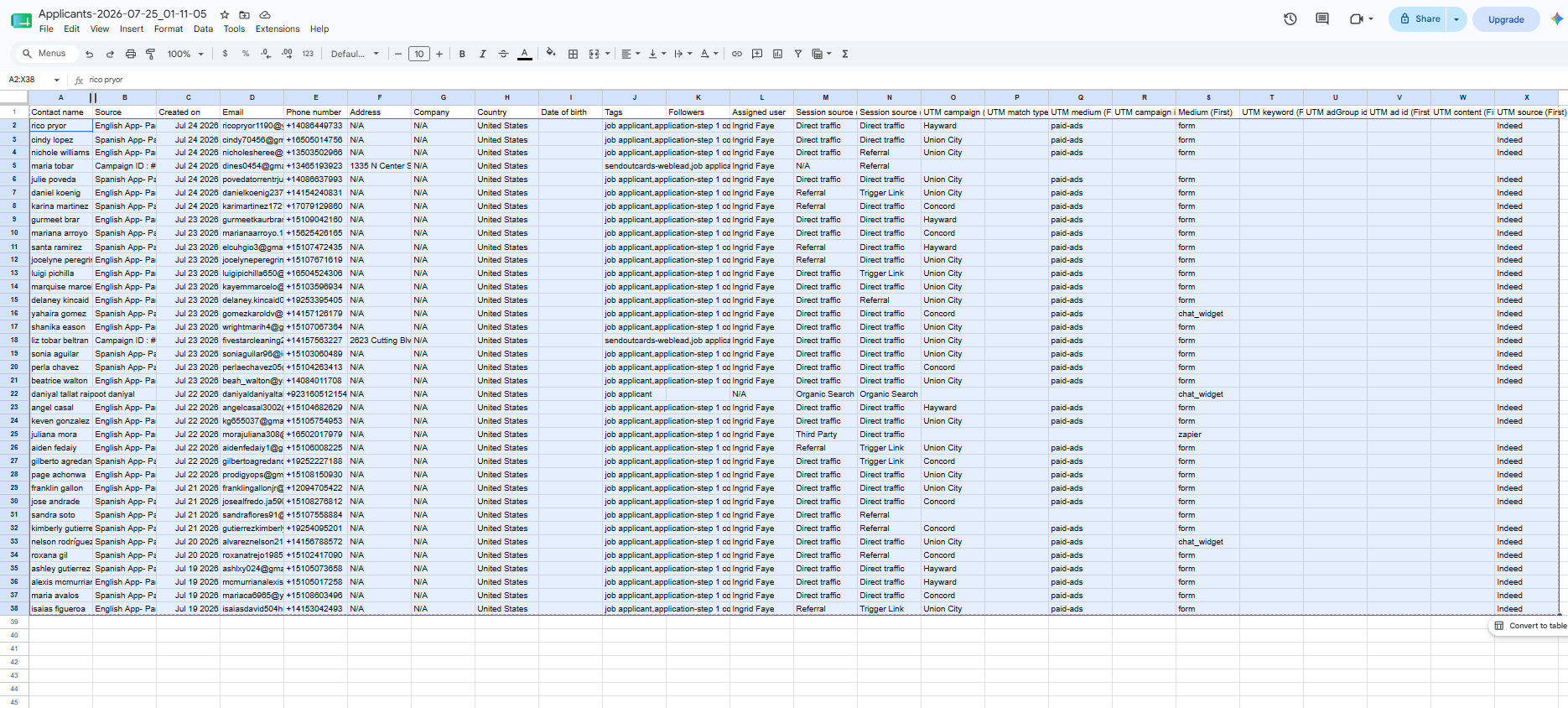
- Open the CSV and copy EVERYTHING (up to Column X) except the headings (Row 1).
Part 2: Update the Google Sheet
- Open the Applicant Reporting Sheet.
- Open the GHL Raw Export tab.
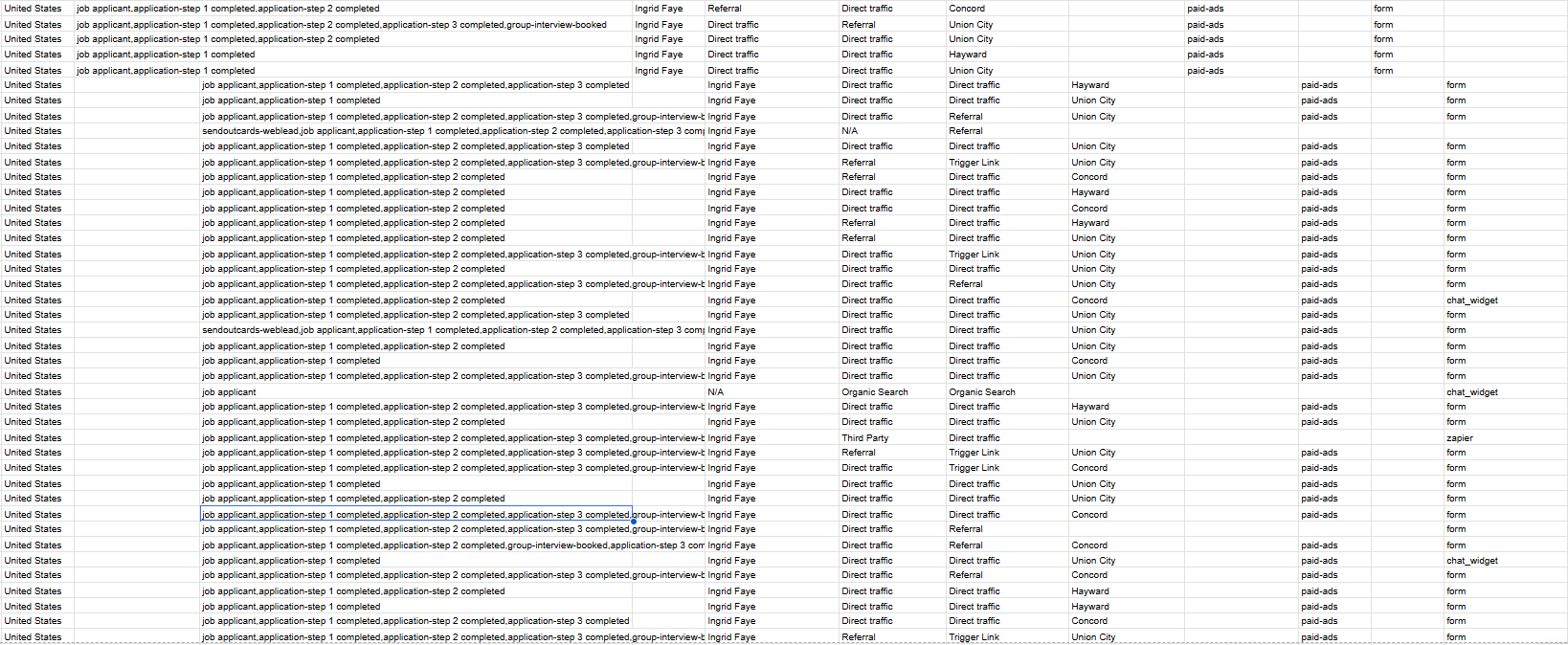
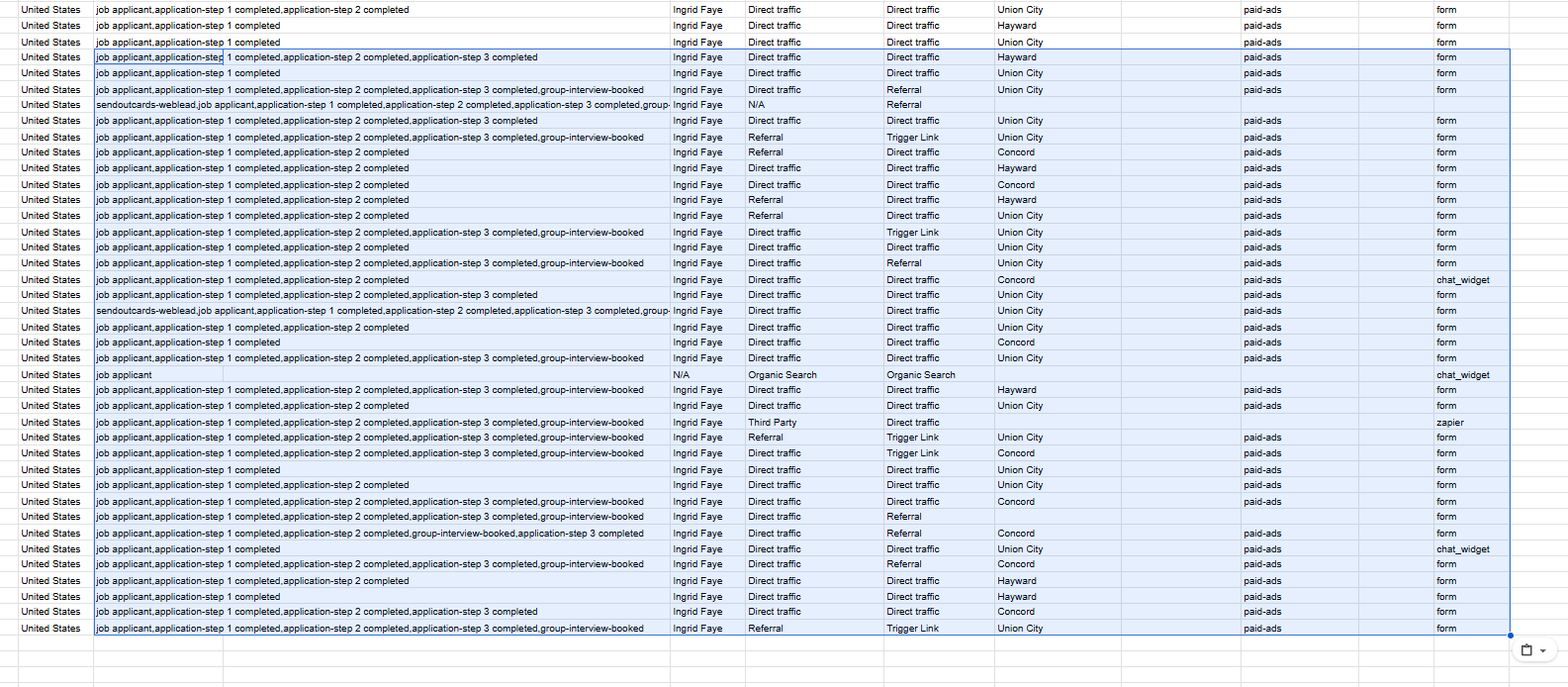
- Paste copied GHL export data under the last entry.
- You may need to adjust data to different columns as needed.
- After pasting, wait for at least 3 minutes for the formulas in the other tabs to update.
Important rules
- Do not rename, remove, reorder, or manually edit the column headers.
- Do not edit the formulas or other reporting tabs.
- Only replace the data inside the GHL Raw Export tab.
Part 3: Review the Looker Studio Report
Open the HR Recruitment Report.
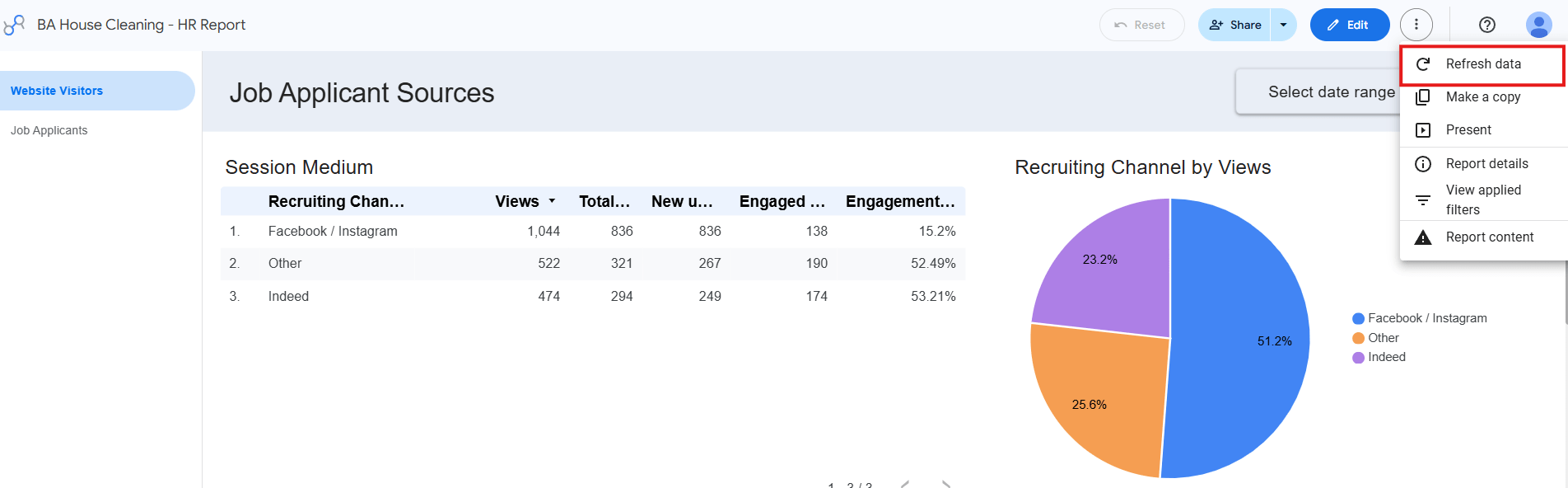
If the report does not update immediately, force an update by navigating on the three dots at the upper right corner called “more report actions”. Click Refresh Data.
Page 1: Recruitment Traffic and Applicant Conversion
Page 1 shows:
- Website visitors to the recruitment landing pages
- Recruitment traffic by source
- Indeed traffic broken down by city
- Applicant counts by channel
- Ap