Transferring Service When a Customer Moves to a New Location
Purpose
Ensure that when an existing customer moves to a new home, their cleaning service is correctly transferred without creating a new lead or counting it as a new sale.
🟢 Goal of This Process
Our primary objective is to retain the customer and avoid attrition when they move to a new home.
By transferring their service right away, we maintain the relationship and protect recurring revenue.
Key Messaging for Staff
-
Preserve the Relationship: Focus on keeping the client on recurring service during their move so there is no interruption.
-
Avoid Build-Up: Emphasize that starting service immediately in the new home—while it is still in immaculate condition—prevents build-up and avoids the need for a deep clean later.
-
Quote Quickly: Always create and send a new quote for the new location and clearly encourage the client to begin service as soon as possible.
Optional Services to Mention
-
Move-In Cleaning:
-
If the new home does require a deeper clean or if the client simply prefers a full initial Top-to-Bottom Deluxe cleaning, this can be offered.
-
If the customer chooses this option, check with the Sales / Customer Service team for the current new-customer promotion and apply it if appropriate.
-
-
Move-Out Cleaning:
-
If requested, offer a Move-Out Cleaning for the home they are leaving.
-
Treat this as a separate one-time service and quote it separately.
-
Owner
Sales / Customer Service Department or Scheduler (whoever manages current customer accounts).
All team members should understand this process for coverage.
Process Steps
-
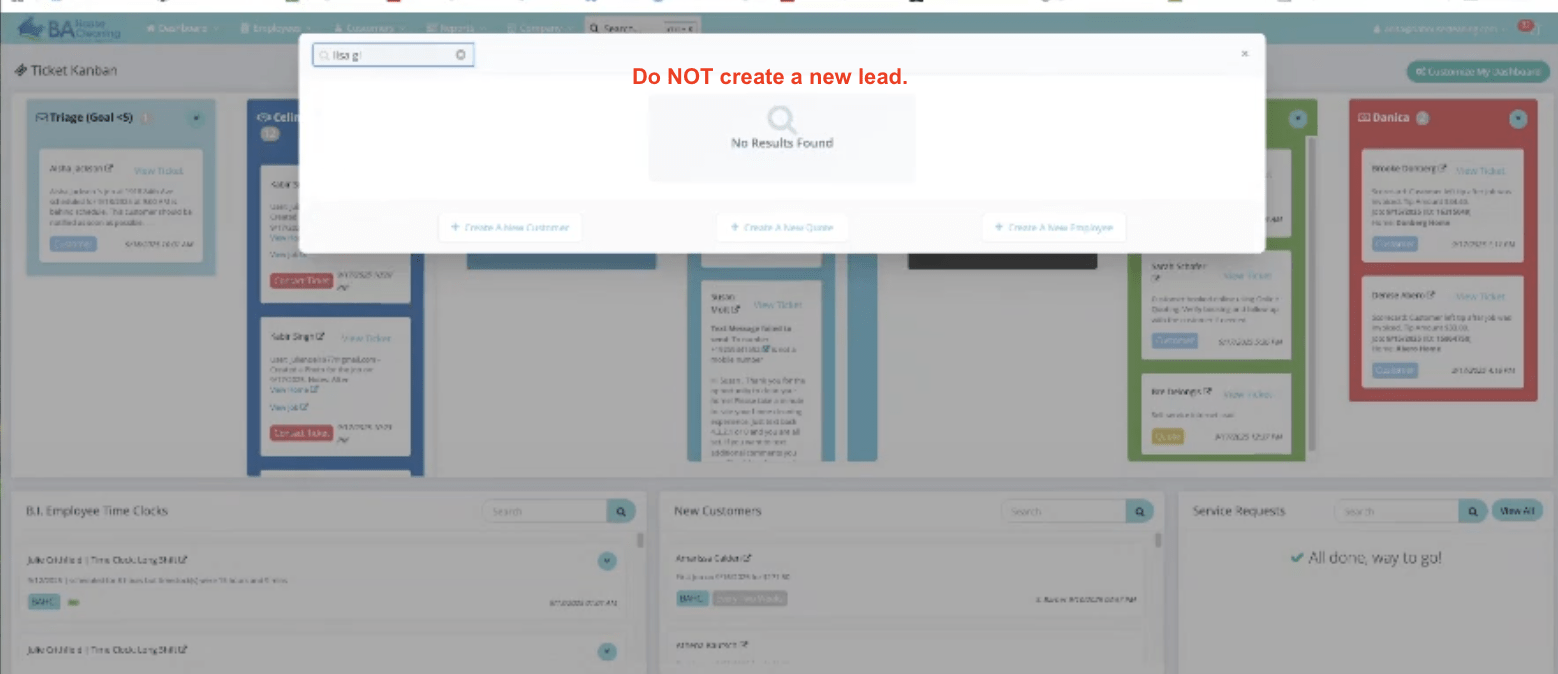
Locate the Existing Customer Record
-
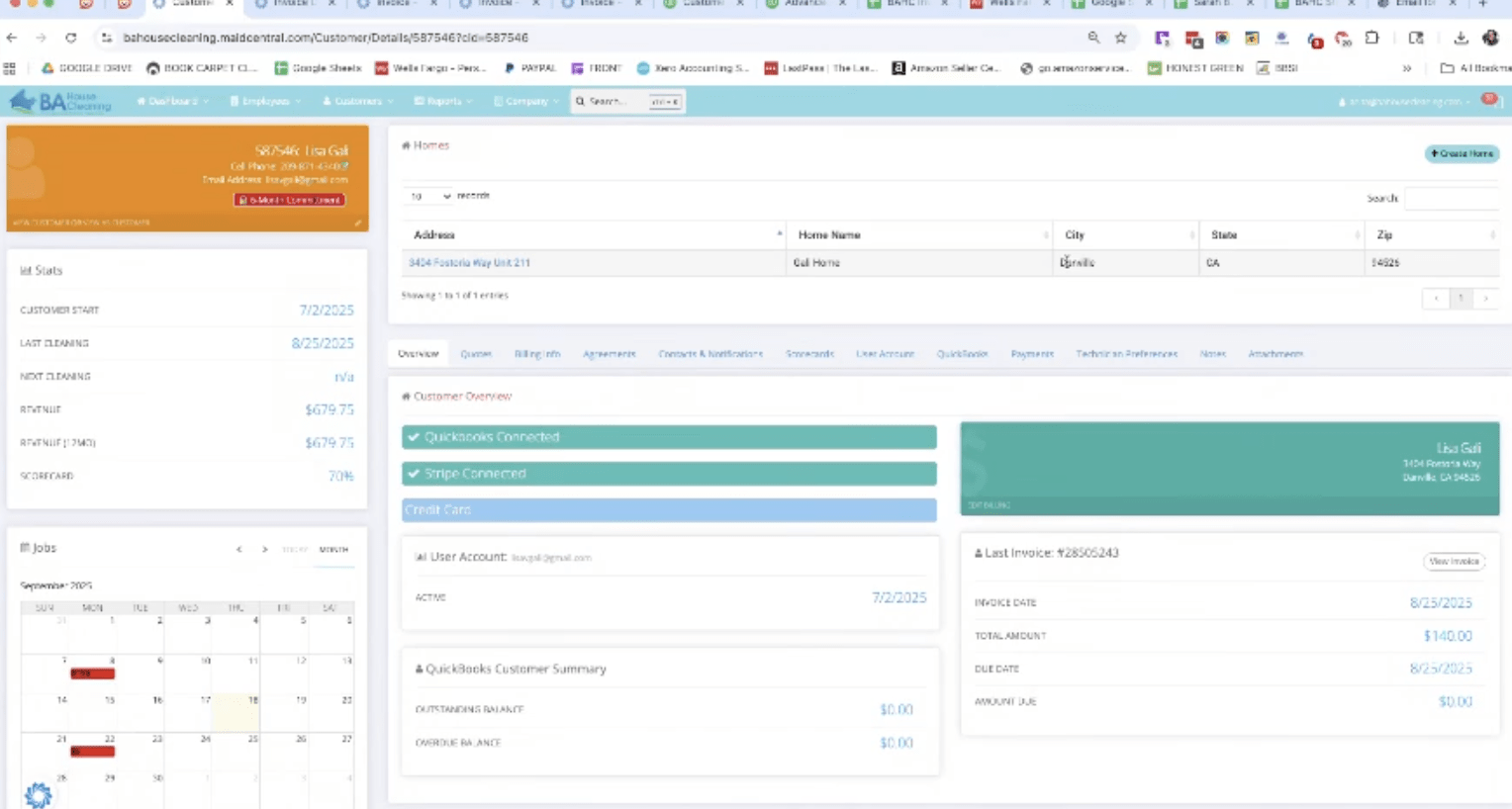
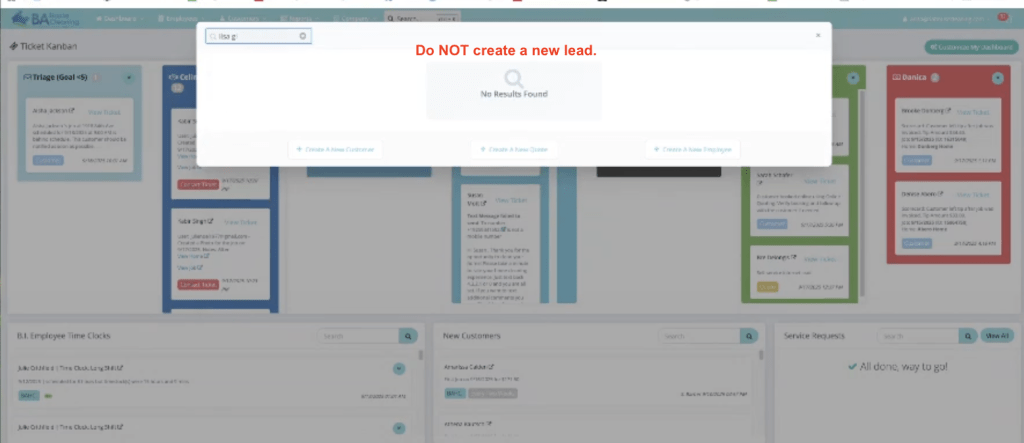
In MaidCentral, search for the existing customer by name or email.
-
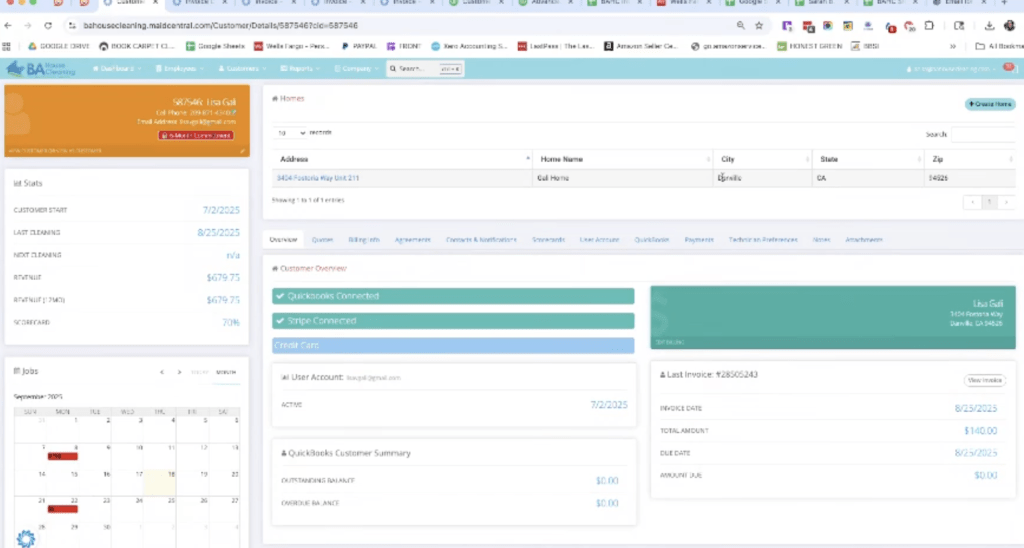
Open the current customer profile—do not create a new lead.
-
-
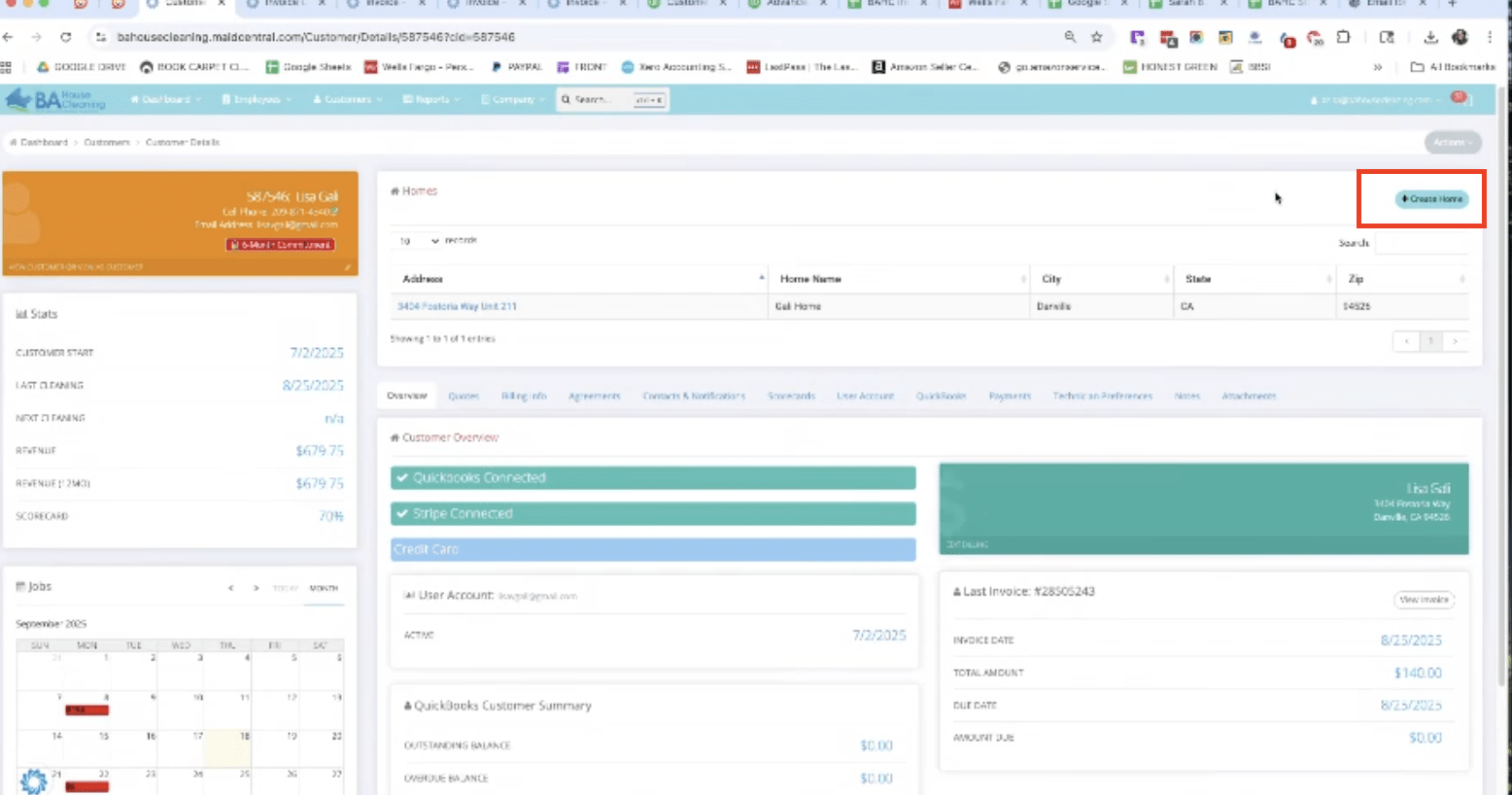
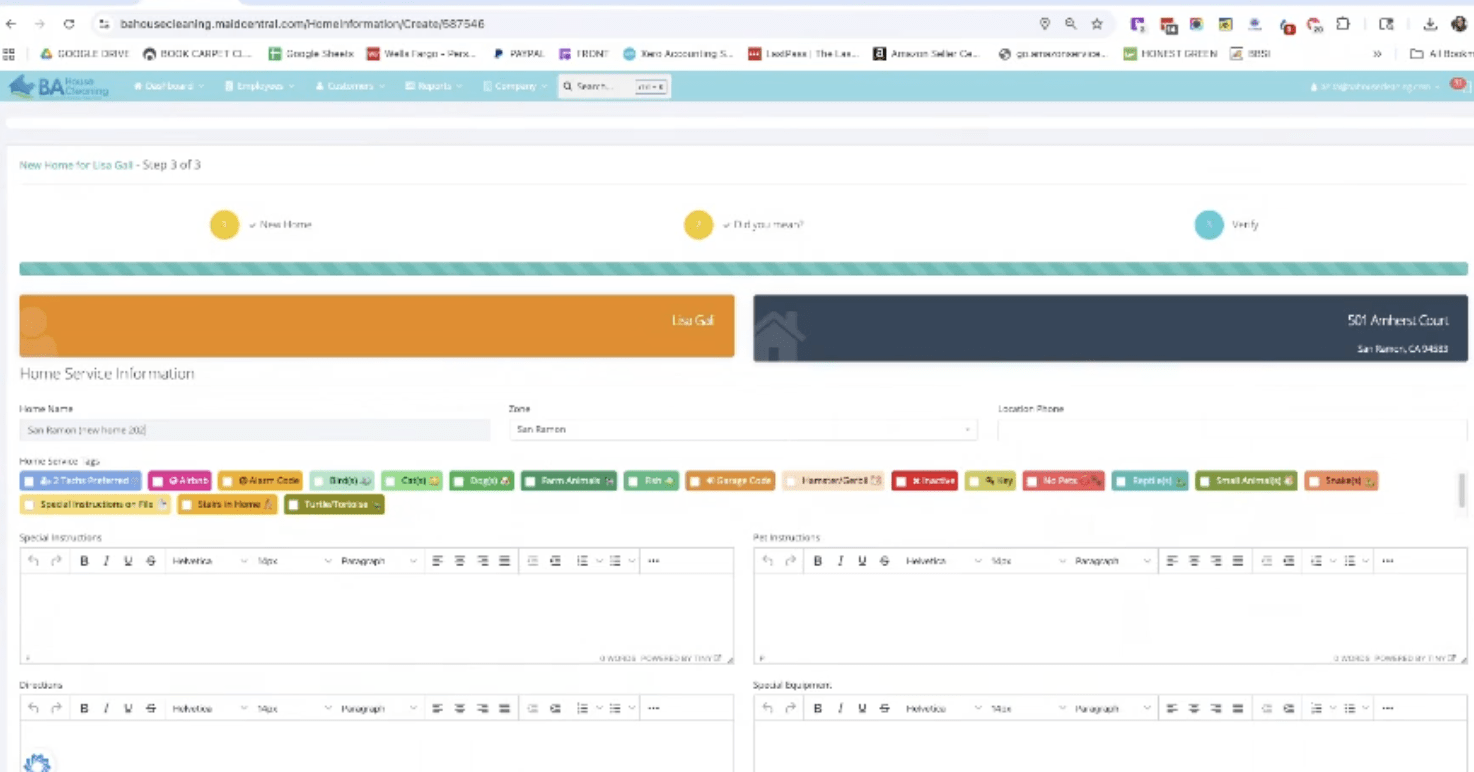
Create a New Home Under the Customer Profile