
Office Resources
Rescheduling Core Process
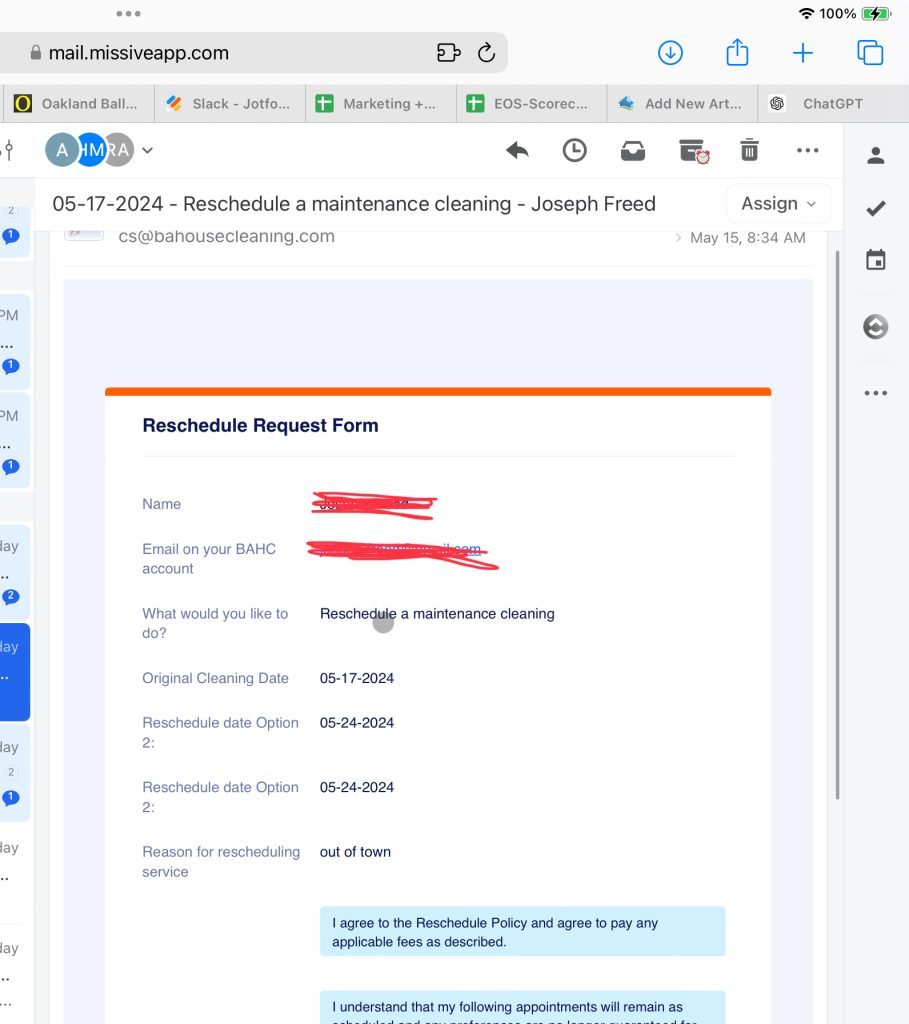
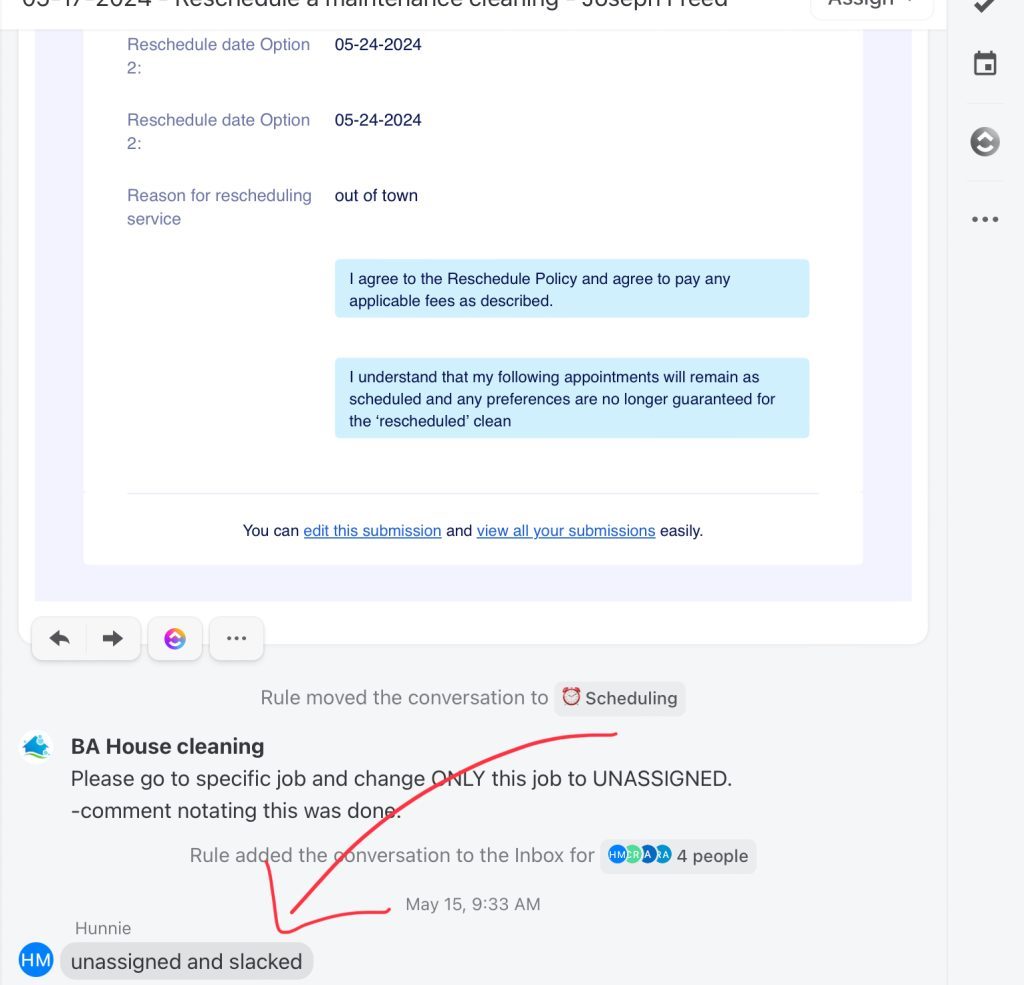
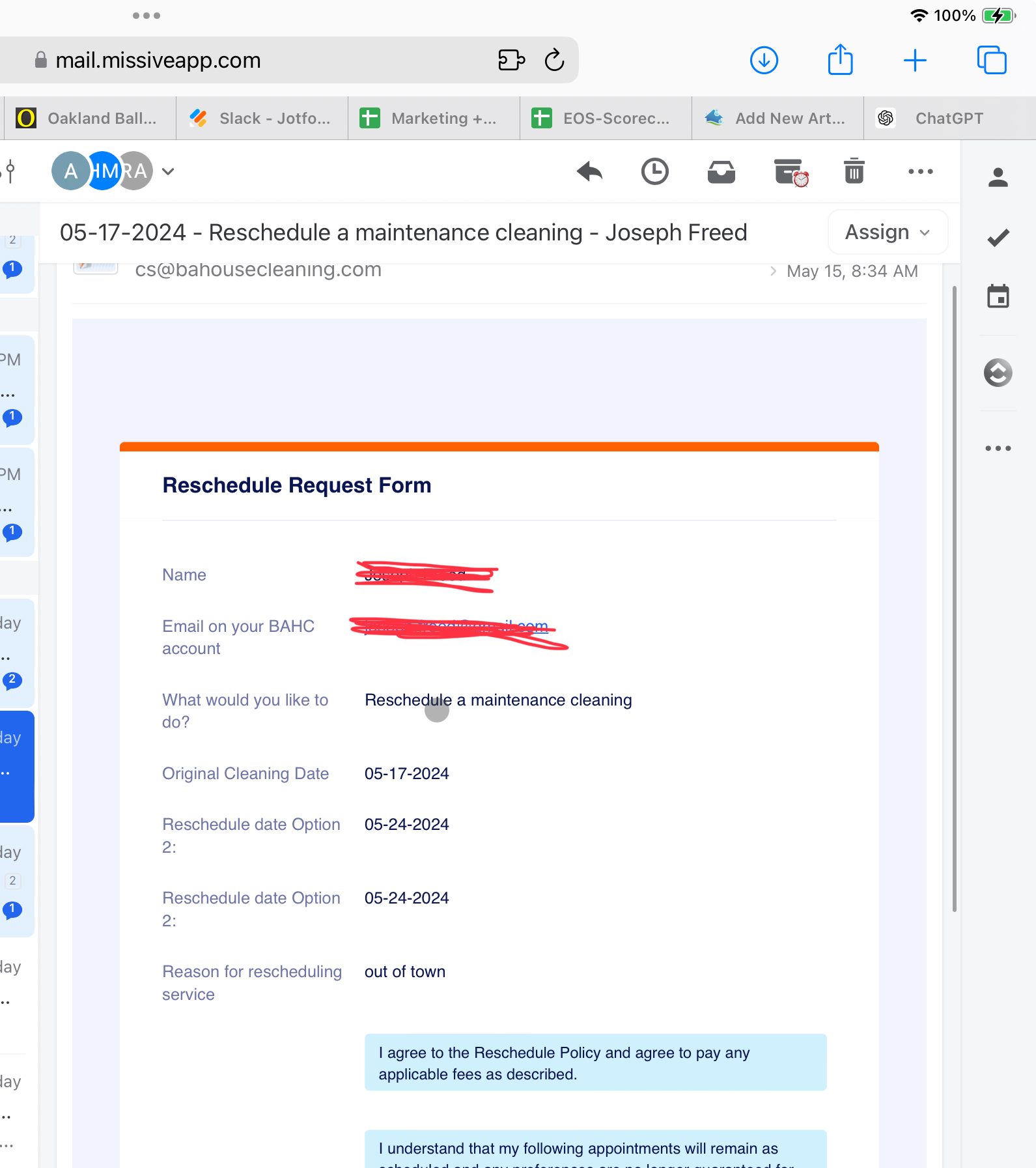
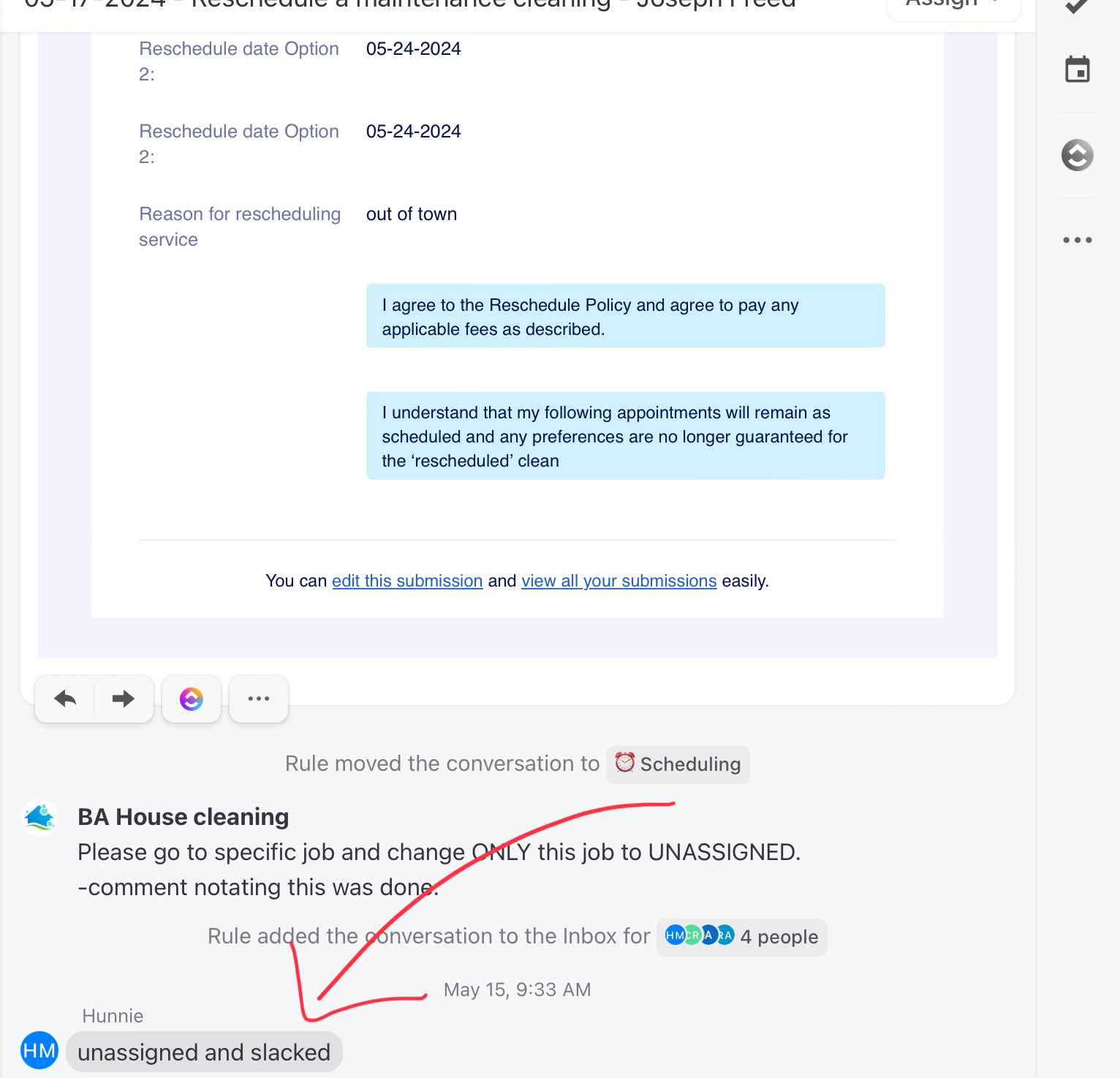
Step 1: Receive Rescheduling Request
- Confirm that Sales/Customer Service (CS) has attempted to retain the original schedule.
- Acknowledge that the customer still wishes to reschedule.
Step 2: Pull Up Client Information
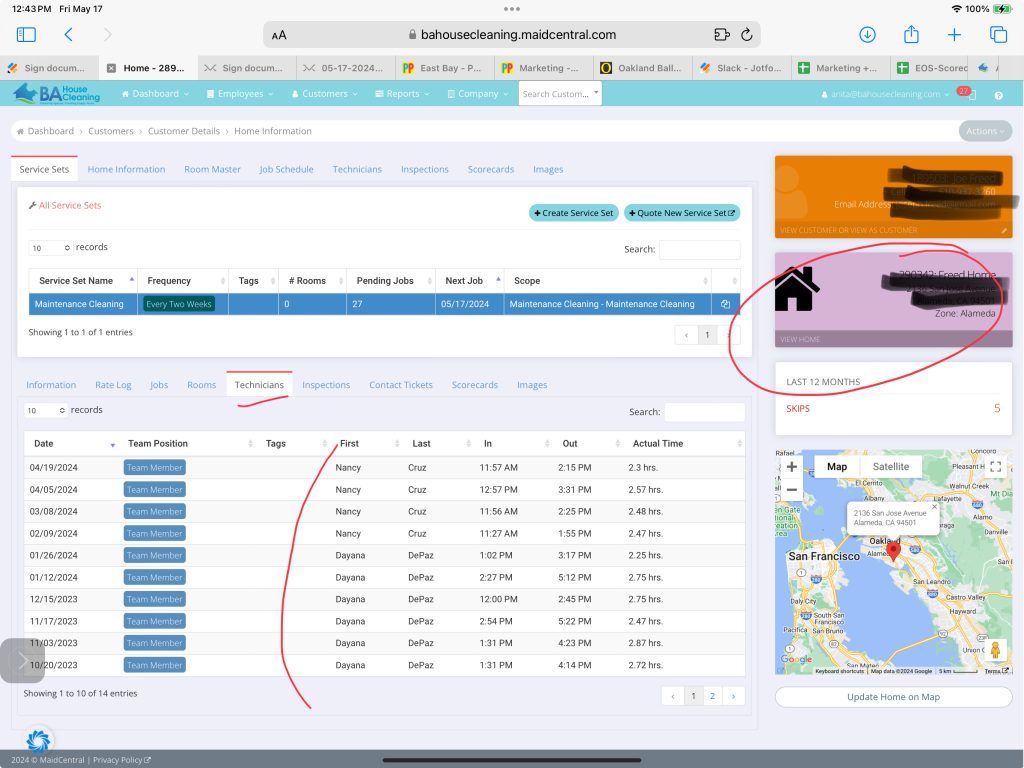
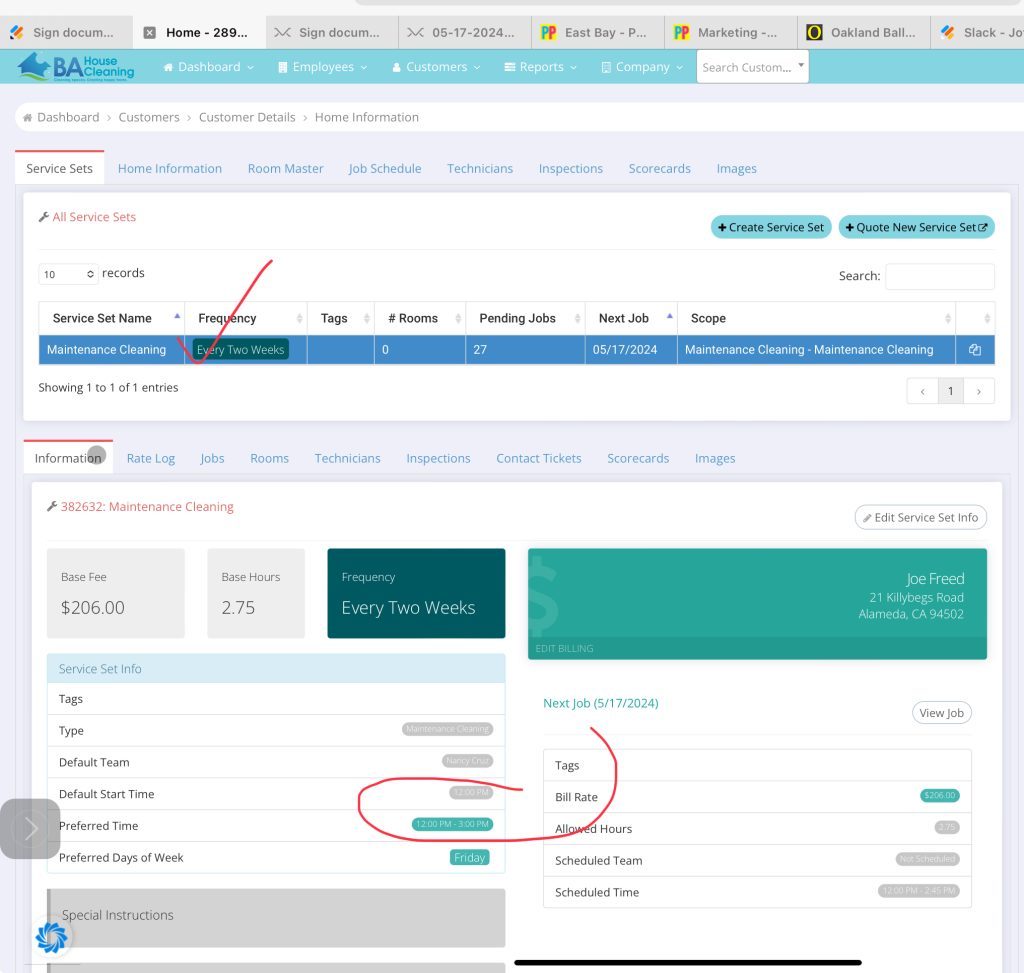
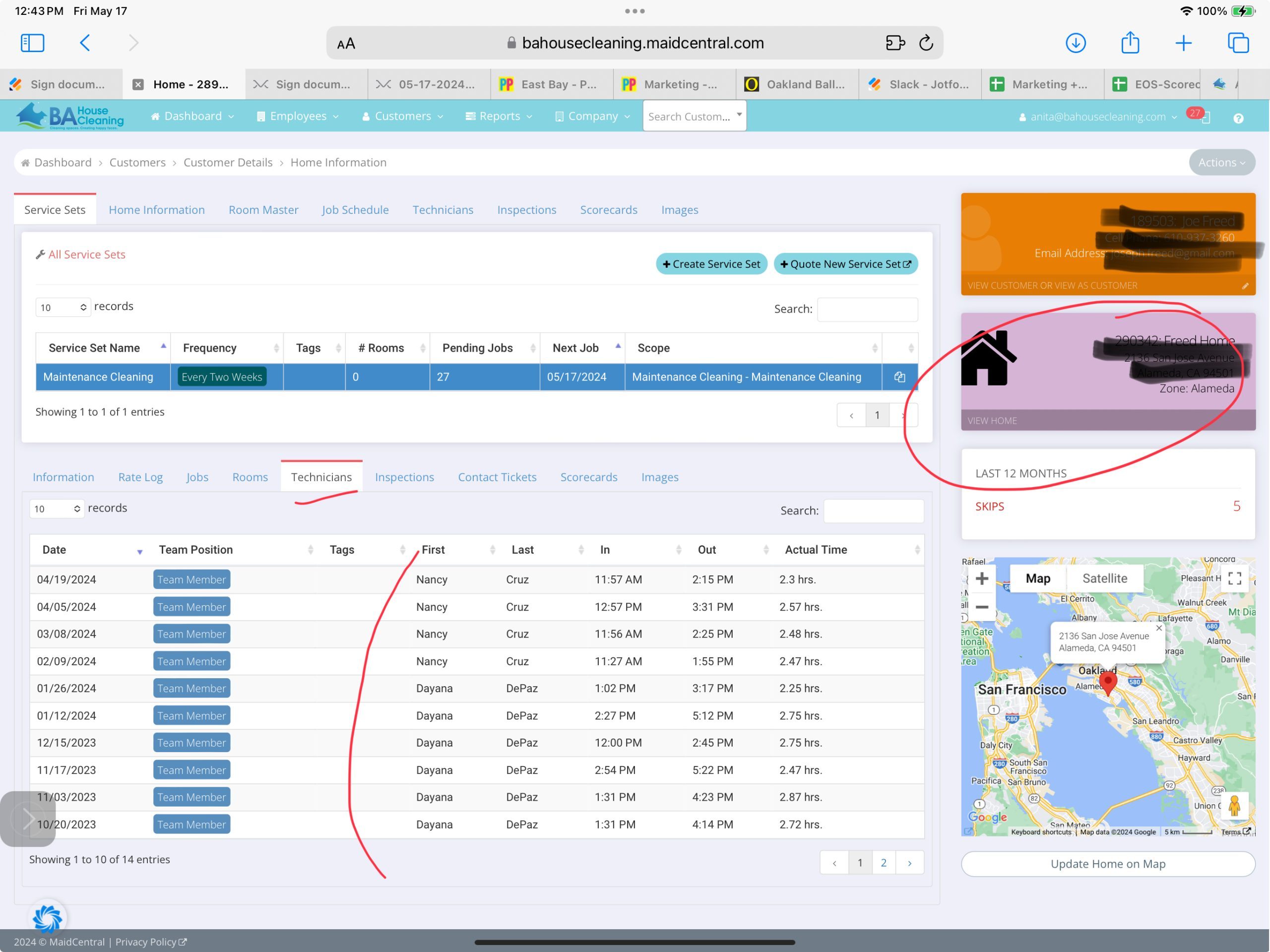
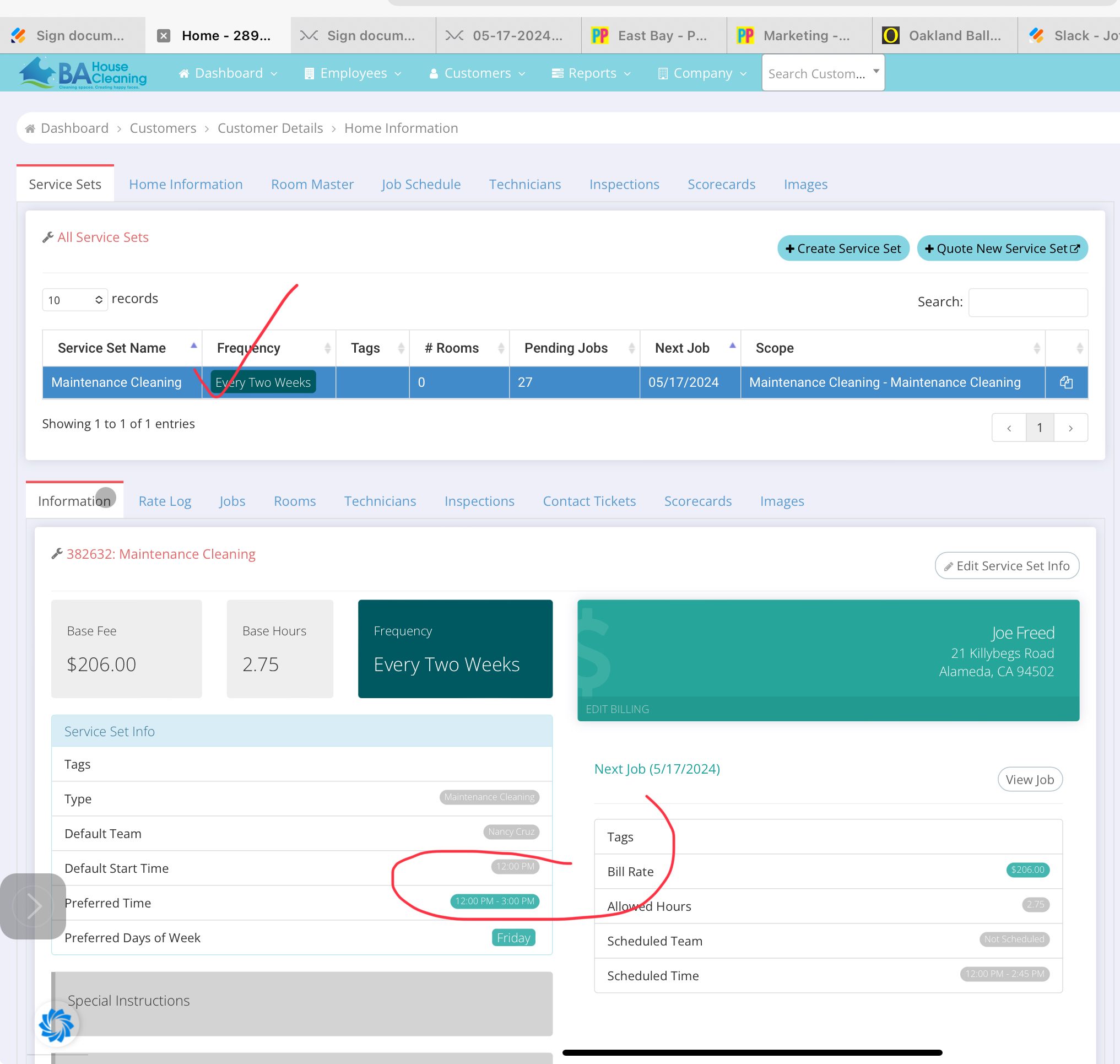
- Access the client’s profile in Maid Central.
- Note the typical technician assigned to the client.
- Identify the home zone of the client.
- Review the client’s arrival time preferences (keeping in mind that these may not apply to rescheduled appointments).
Step 3: Check Technician Preferences
- Verify if there are any specific technician preferences or “do not send” notes on the client’s account.
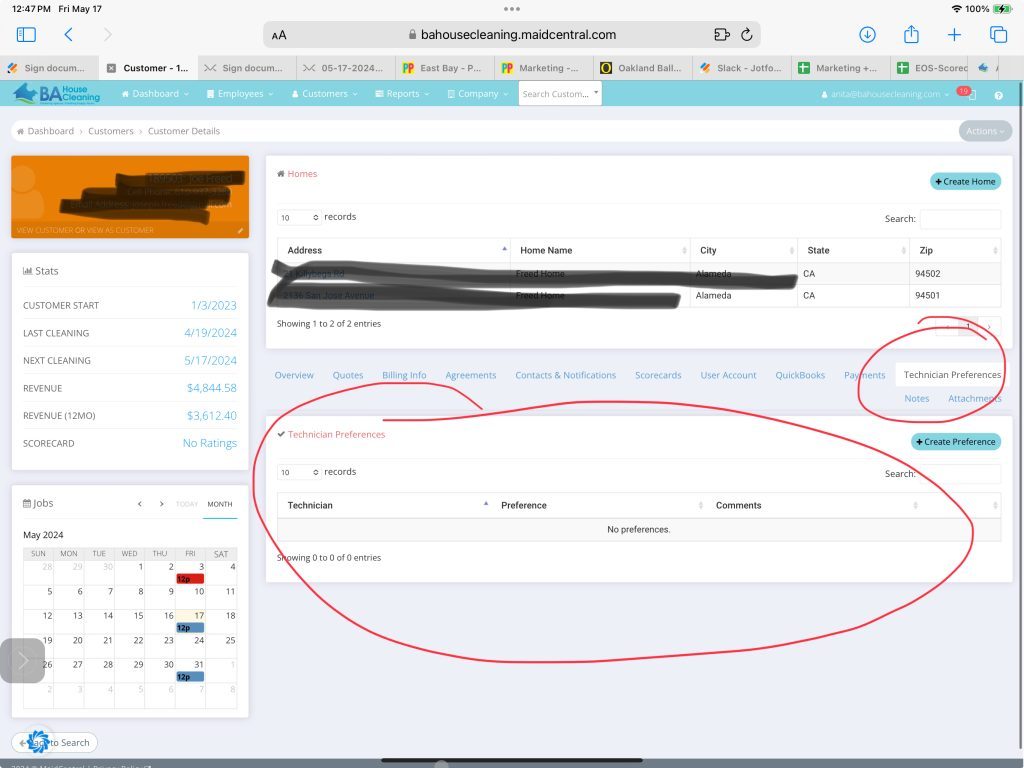
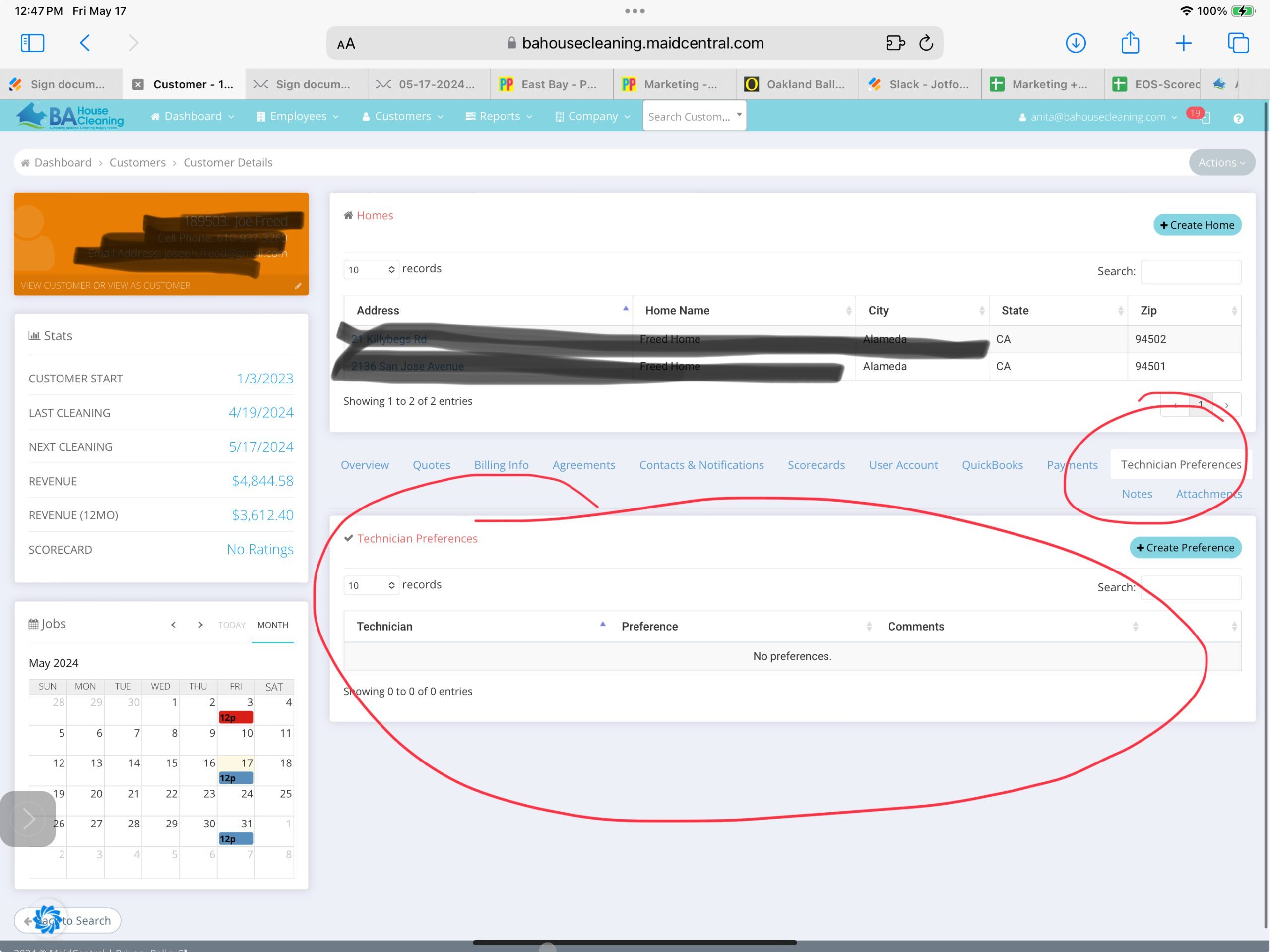
Step 4: Find the Soonest Available Date
- Aim to reschedule the cleaning to the earliest possible date preferred by the client using Job Schedule (customers>jobSchedule)
- Prioritize assigning the existing cleaning technician if they are available in the client’s area on the rescheduled date. If not, assign any technicians that’s available and in the area in order to not compromise our efficiency score.
Step 5: Communicate with the Client
- Inform the client of the new date change by checking client notification during the rescheduling process.
- Ensure that the notification email for the reschedule request was sent to client successfully (Client>Notes)
Notes:
- Always aim to provide the best possible customer service experience.
- Keep clear records of all communications and changes in Maid Central for reference.