
Parking Reimbursement & Client Communication Policy
Purpose
To create a clear, fair, and consistent process when a Cleaning Technician must pay for parking while servicing a client’s home.
This protects:
-
Technician morale
-
Company margins
-
Client expectations
-
Long-term retention
🚦 When This Applies
Use this process when:
-
No free parking is available
-
Street parking requires payment
-
The technician is on a time crunch
-
Client did not provide parking instructions in advance
🧼 Technician Procedure
1️⃣ Pay for parking (if needed)
If no immediate free option is visible and time is limited, the technician may:
-
Pay for parking at their discretion
-
Take a screenshot or photo of the charge
-
Post in Slack (Parking channel or designated channel)
💰 Cost Responsibility Rules
🟢 One-Time Clients
If total parking cost (all CTs combined) is under $10:
-
Company absorbs the cost
-
Do not request reimbursement
-
Still ask for future parking suggestions
If over $10:
-
Office may request reimbursement or partial reimbursement
🔵 Recurring Clients
Recurring clients require clearer expectations.
After first occurrence:
-
Notify client
-
Ask for solution
If parking continues to require payment:
Options:
-
Client provides guest pass or designated space
-
Client reimburses parking per visit
-
Rate modification added to recurring service
-
Add note to account: “Paid parking required each visit”
⚠ Important:
Do not repeatedly absorb parking fees for recurring clients without resolution.
Office Procedure
1. Contact Client about the parking situation
2. Locate customer in MaidCentral
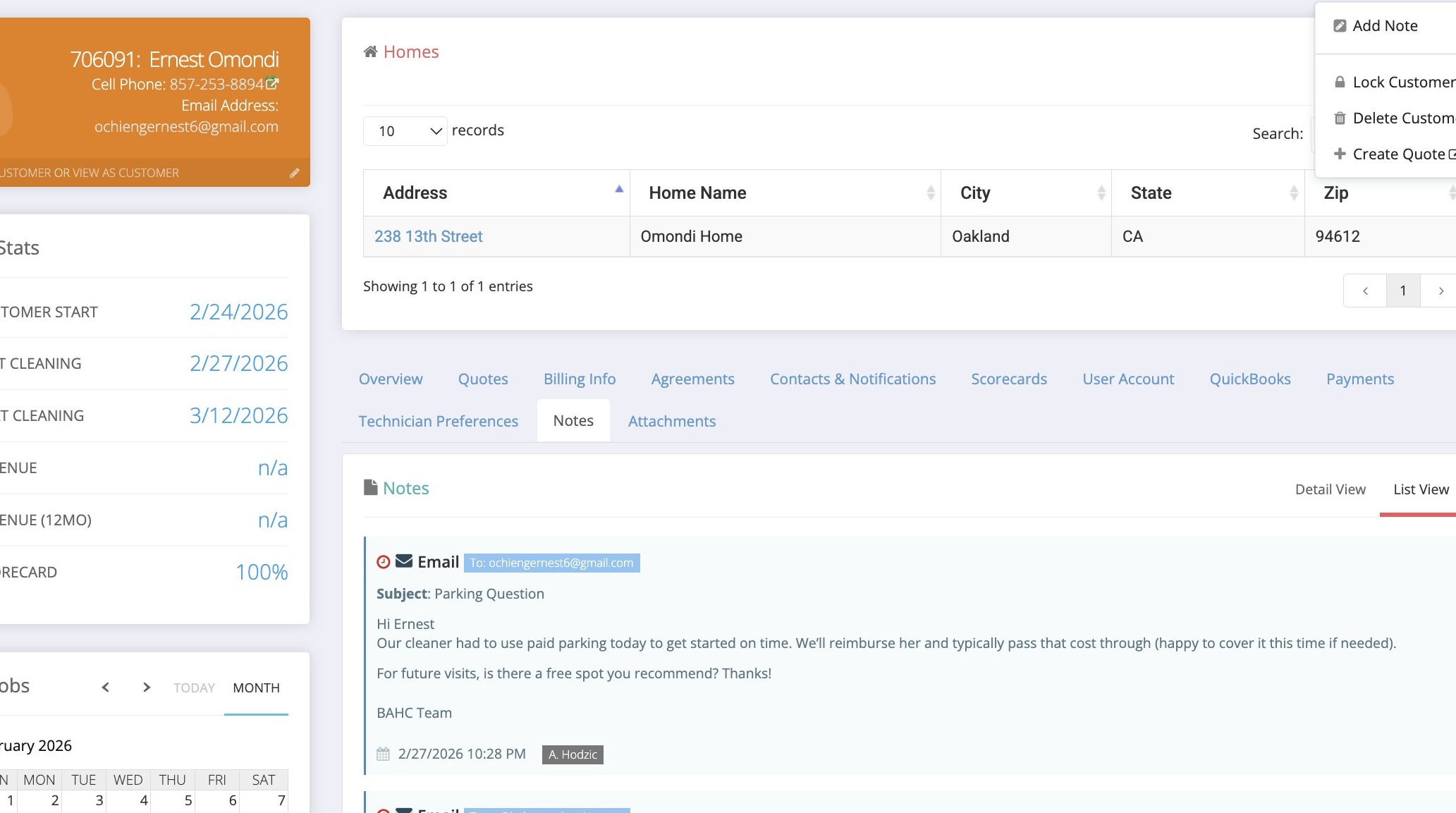
3. Click “Add Note”
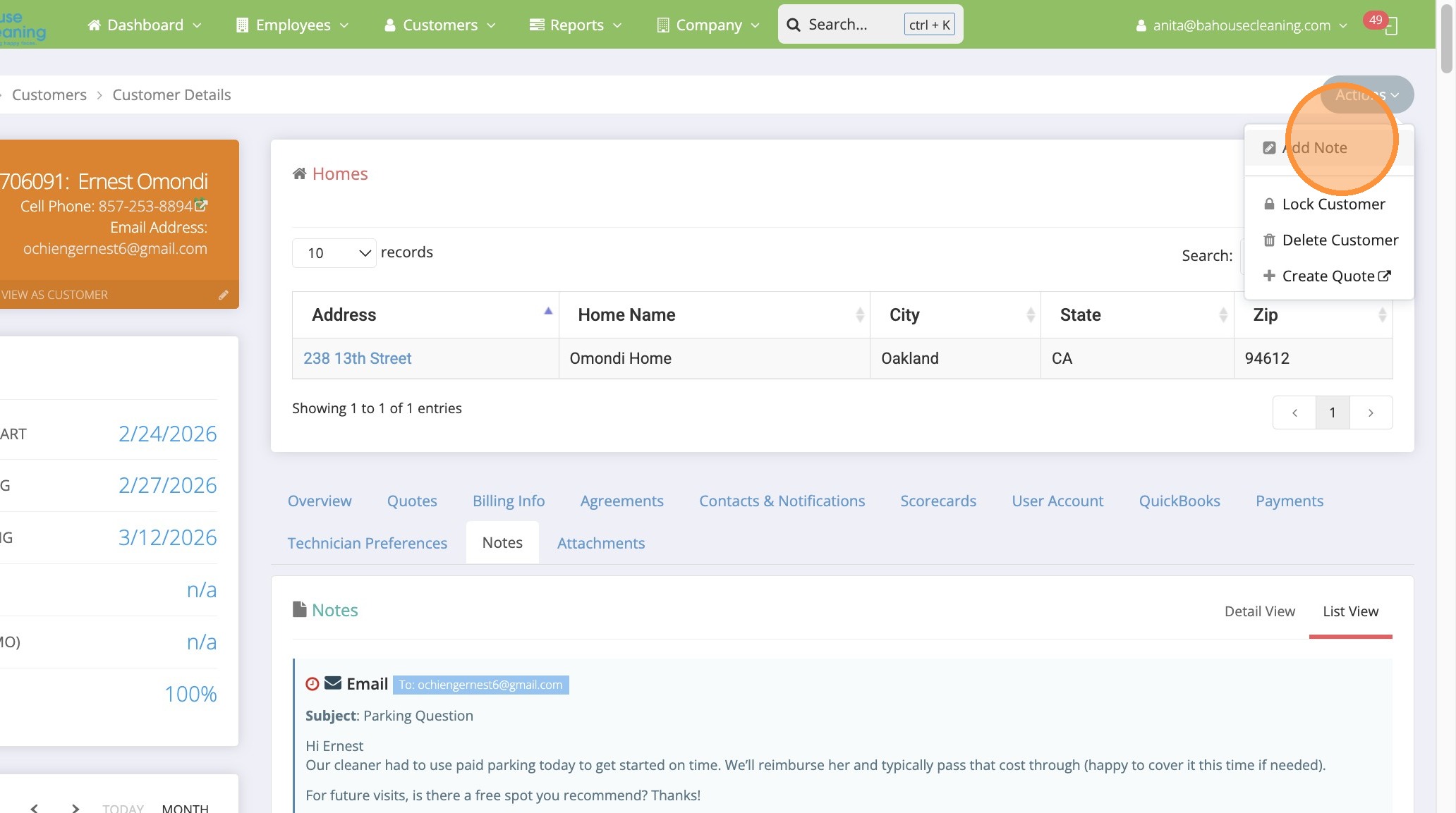
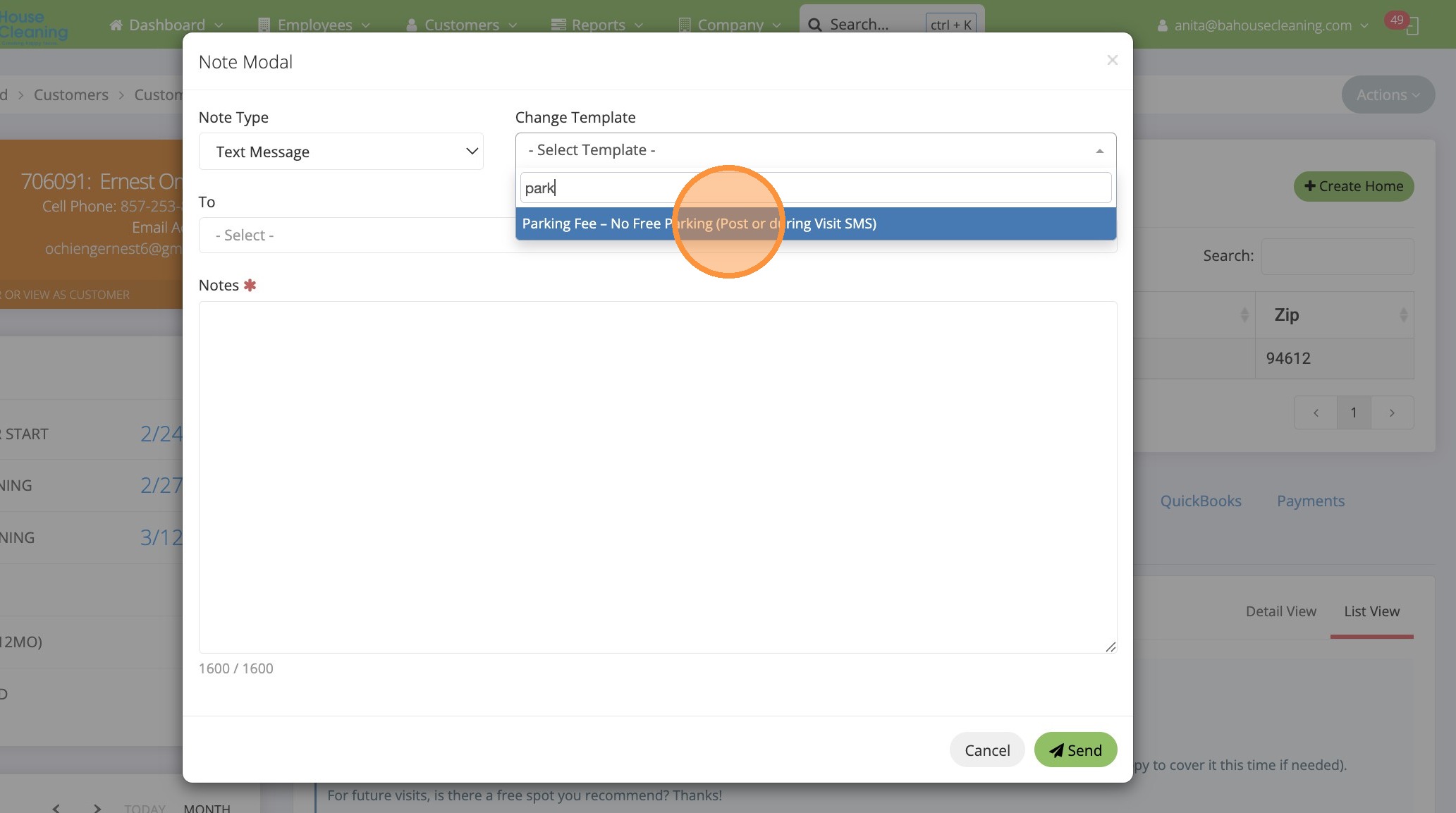
4. Select the “Text Message” option.
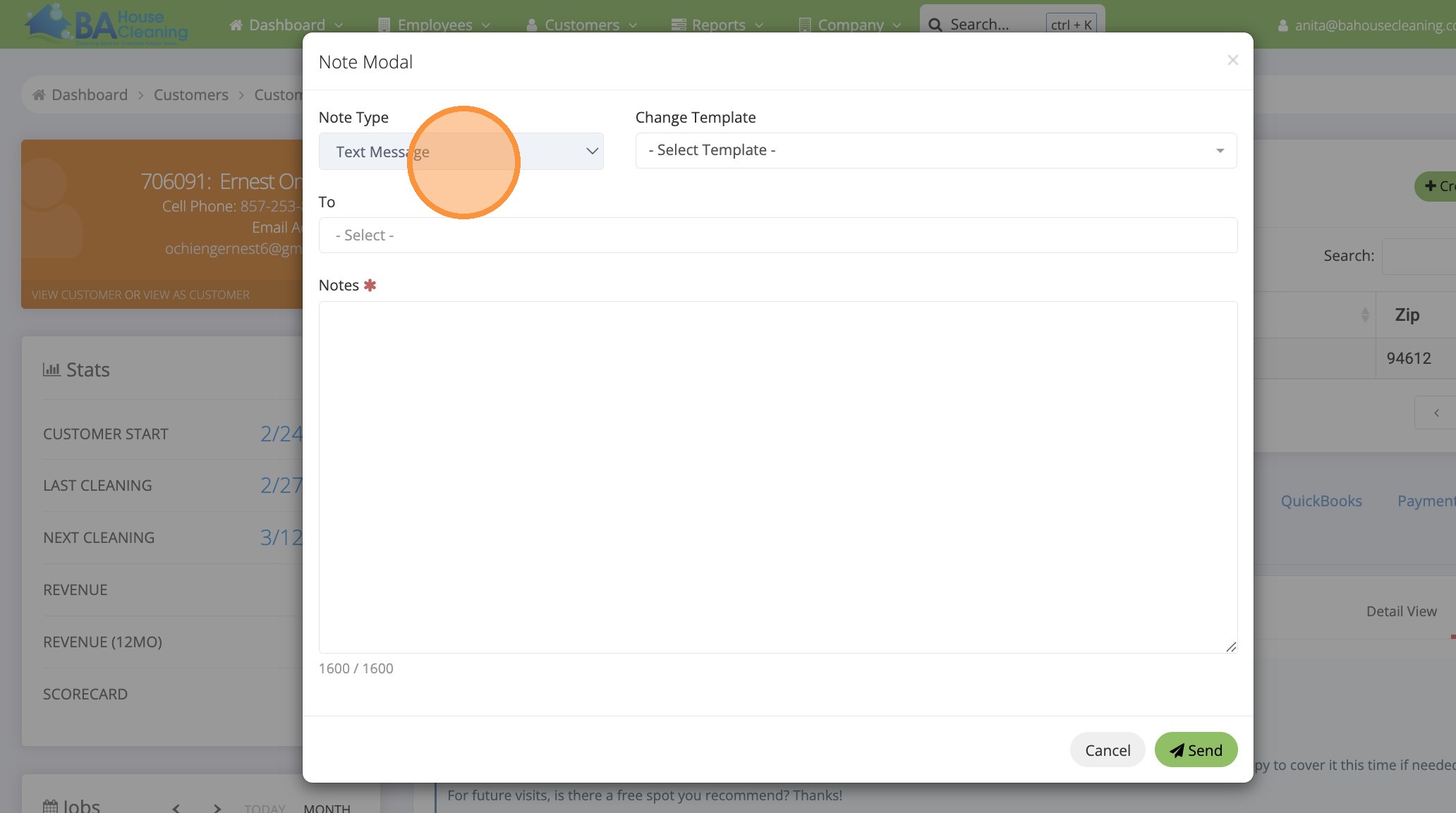
5. Click “- Select Template -“
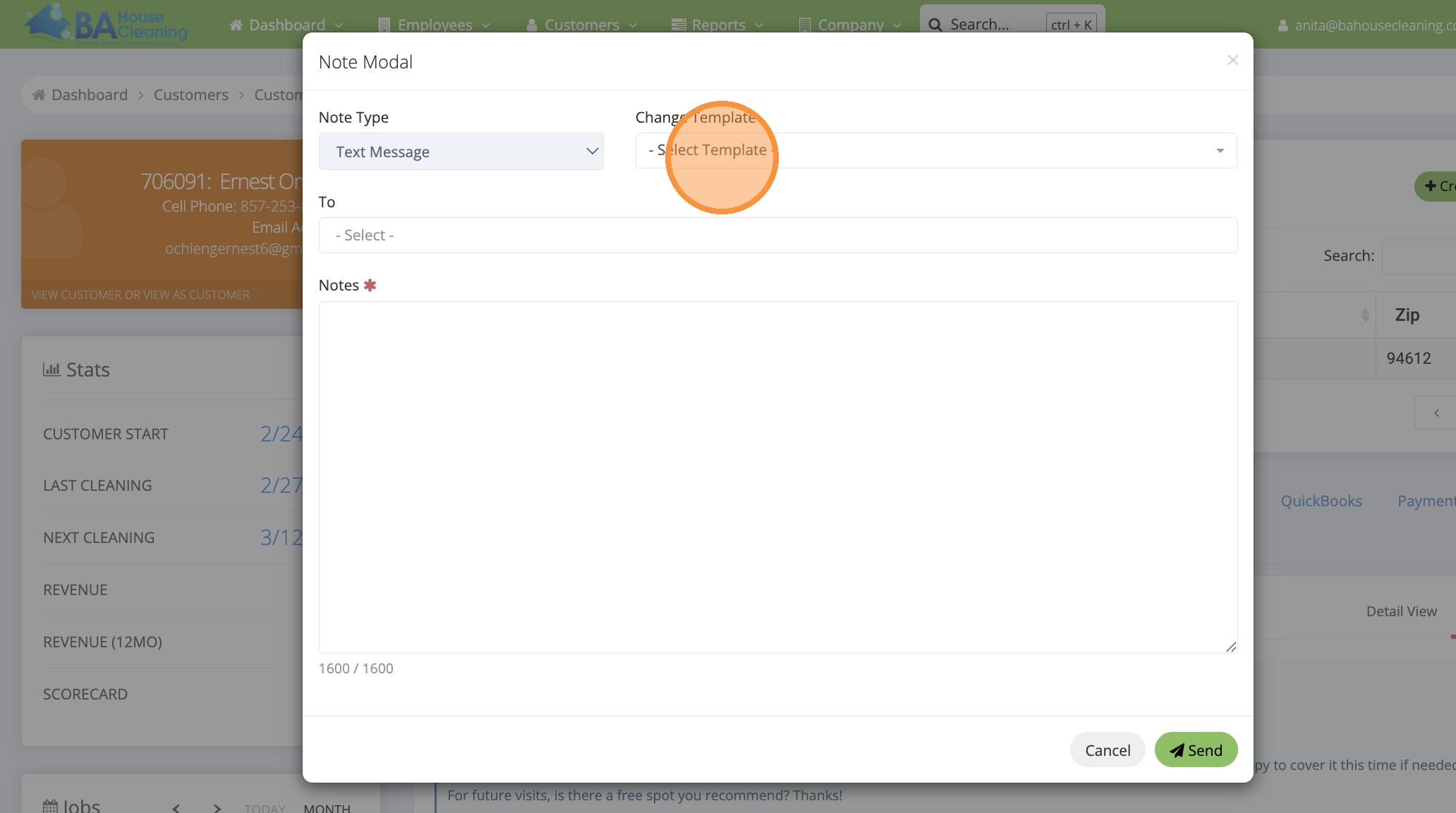
6. Type “park”
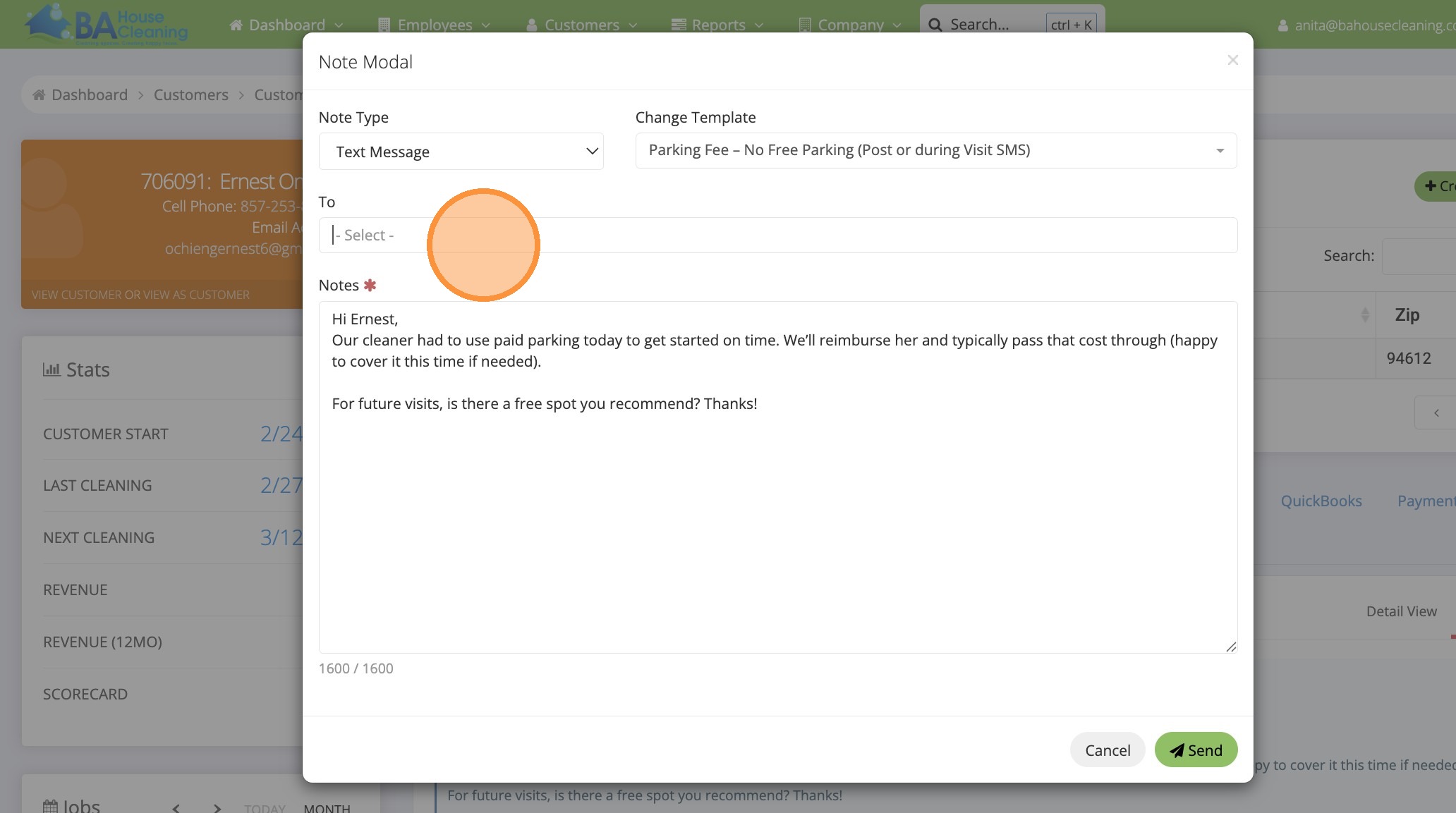
7. Click “Parking Fee – No Free Parking (Post or during Visit SMS)”
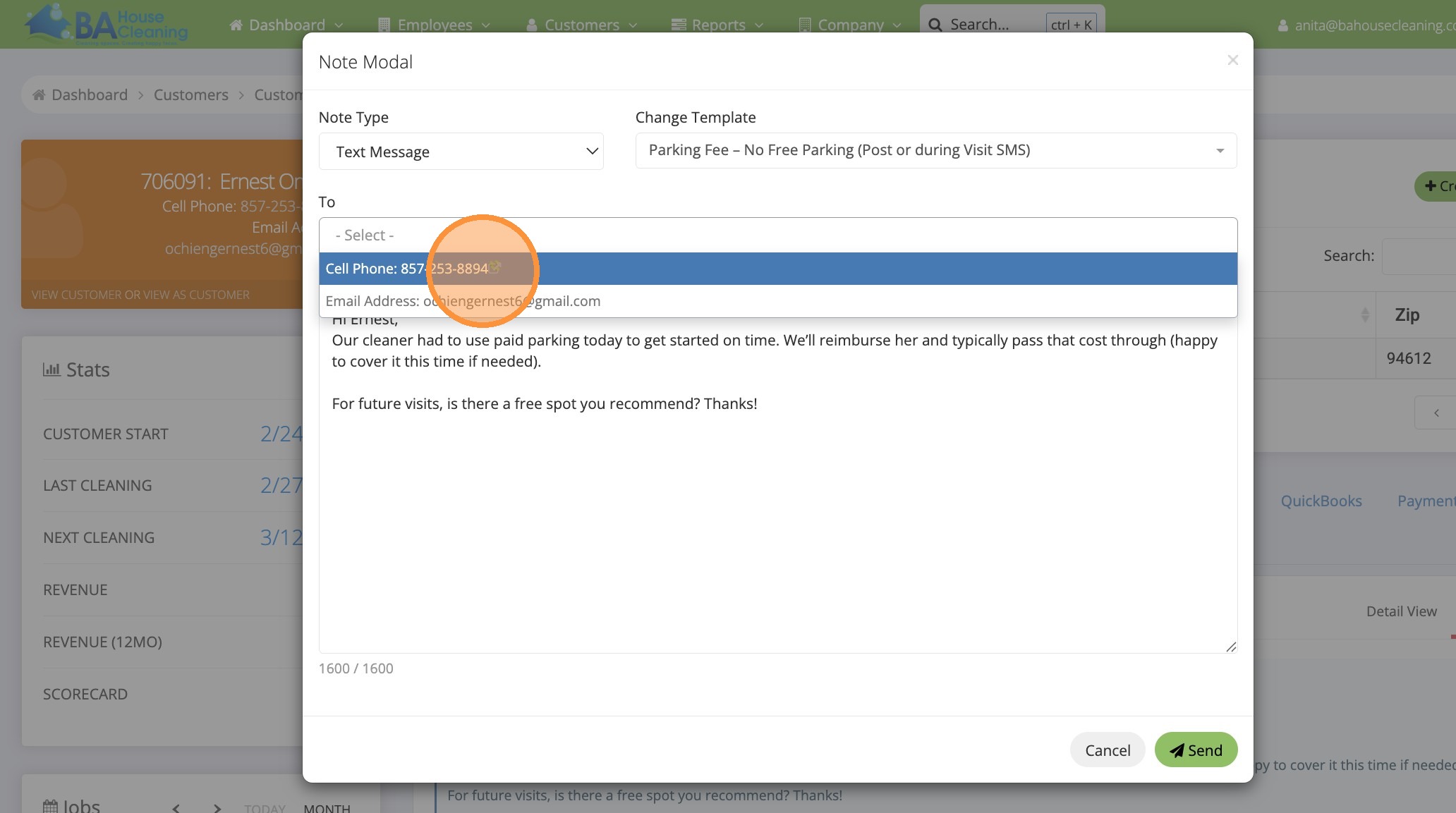
8. Click the “- Select -” field.
9. Click “Cell Phone”
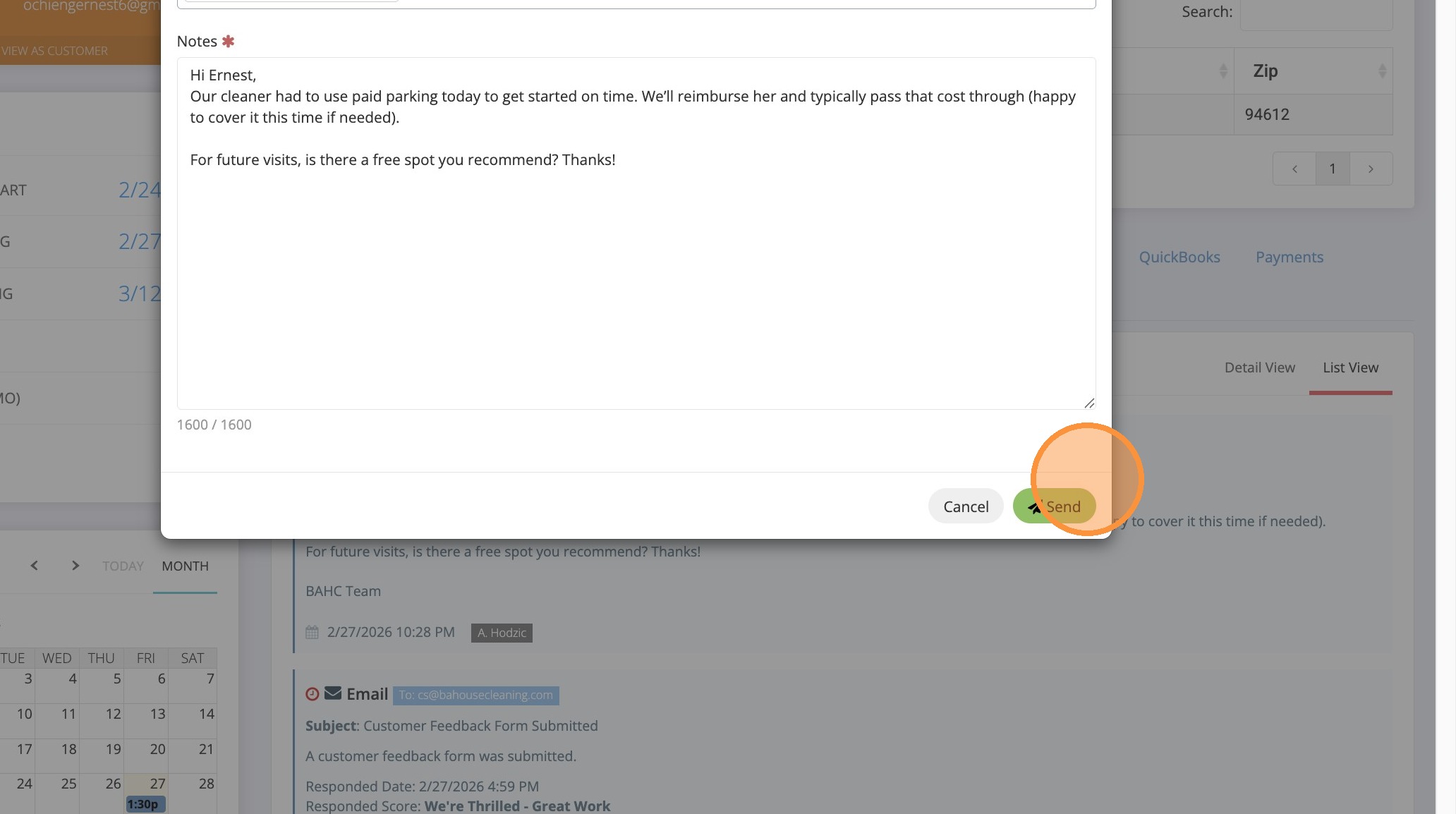
10. Click “Cancel Send”
11. Open new MaidCentral tab
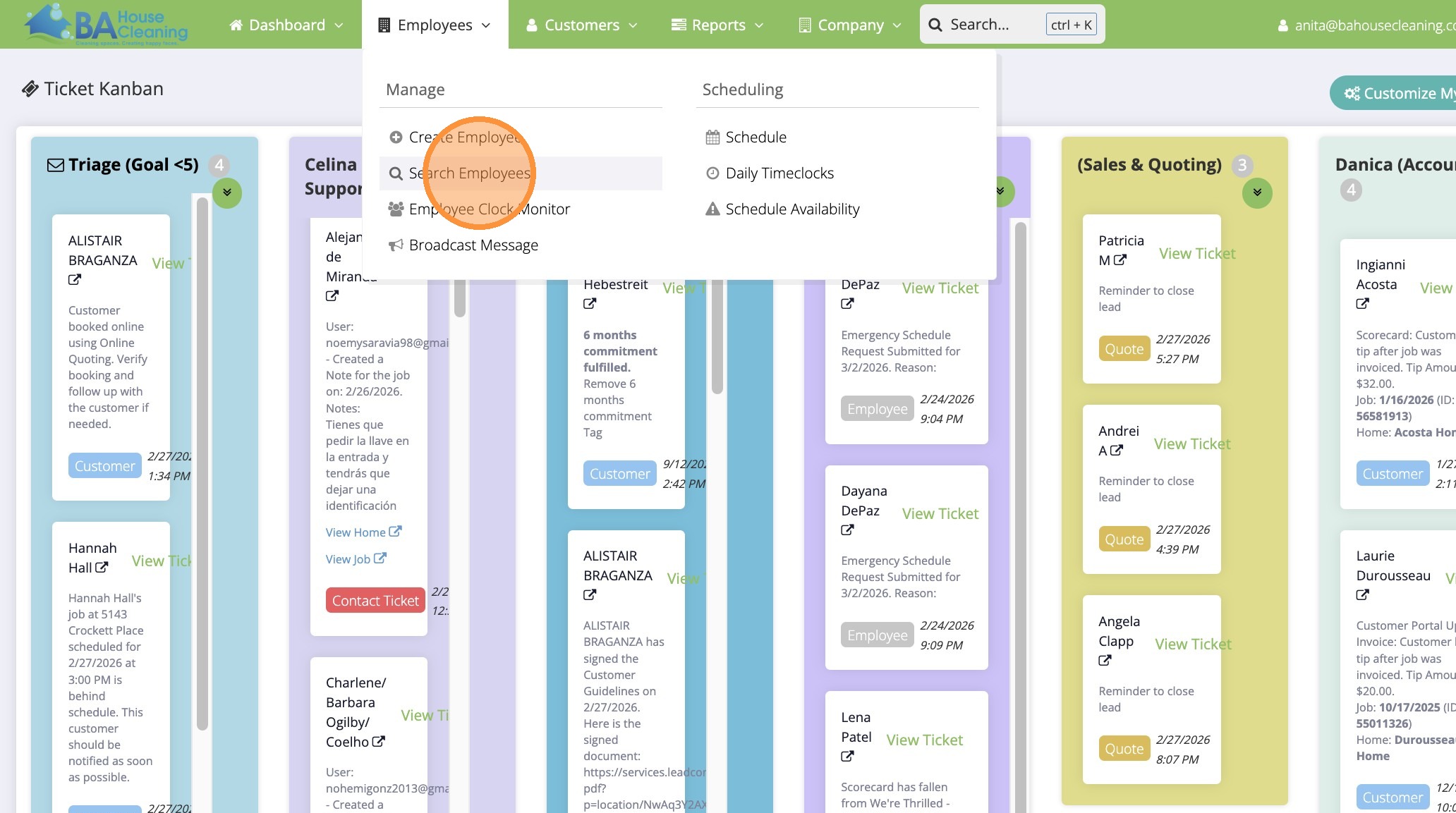
12. Click “Search Employees”
13. Click the “Search:” field.
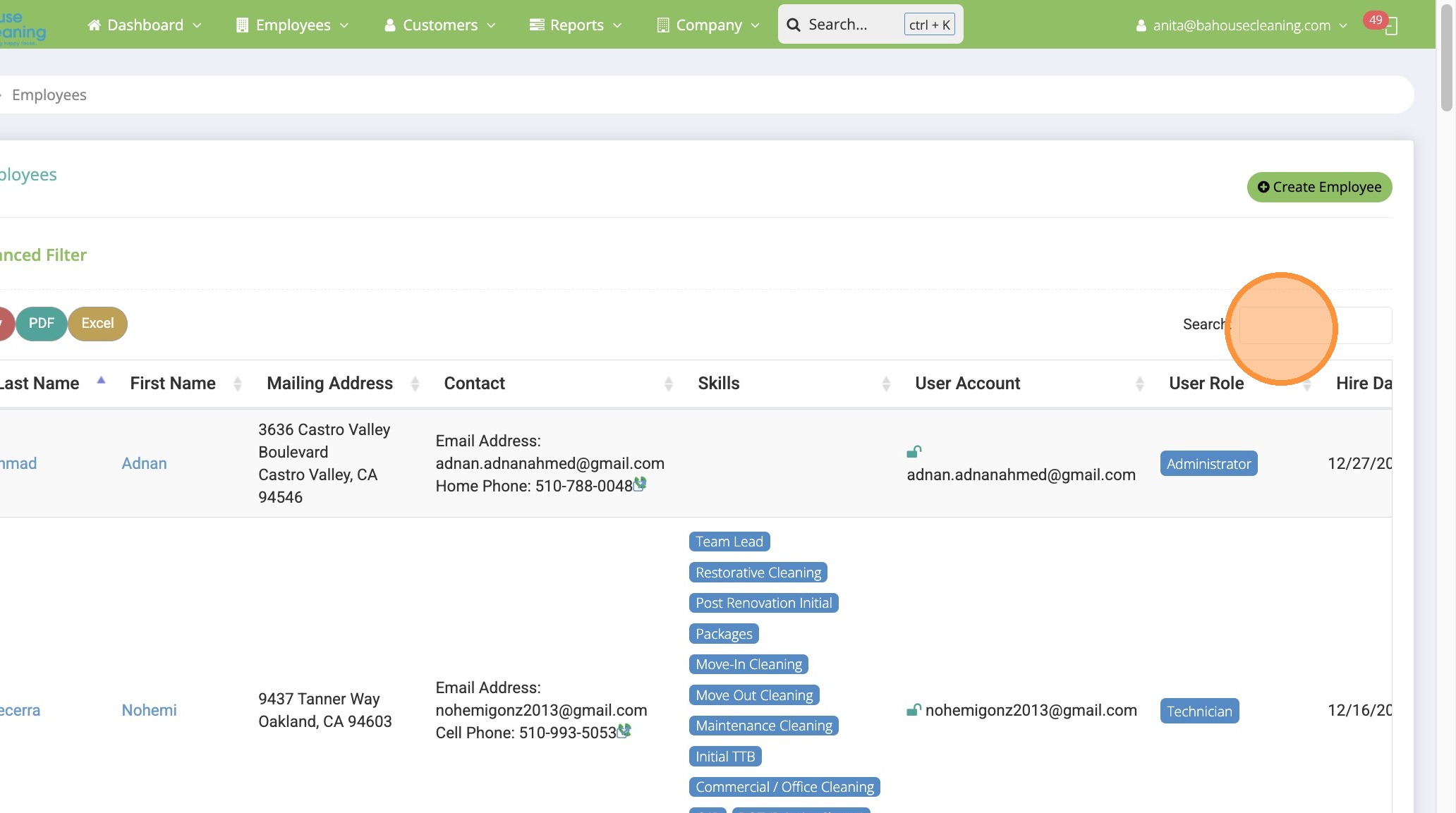
14. Search by employee name
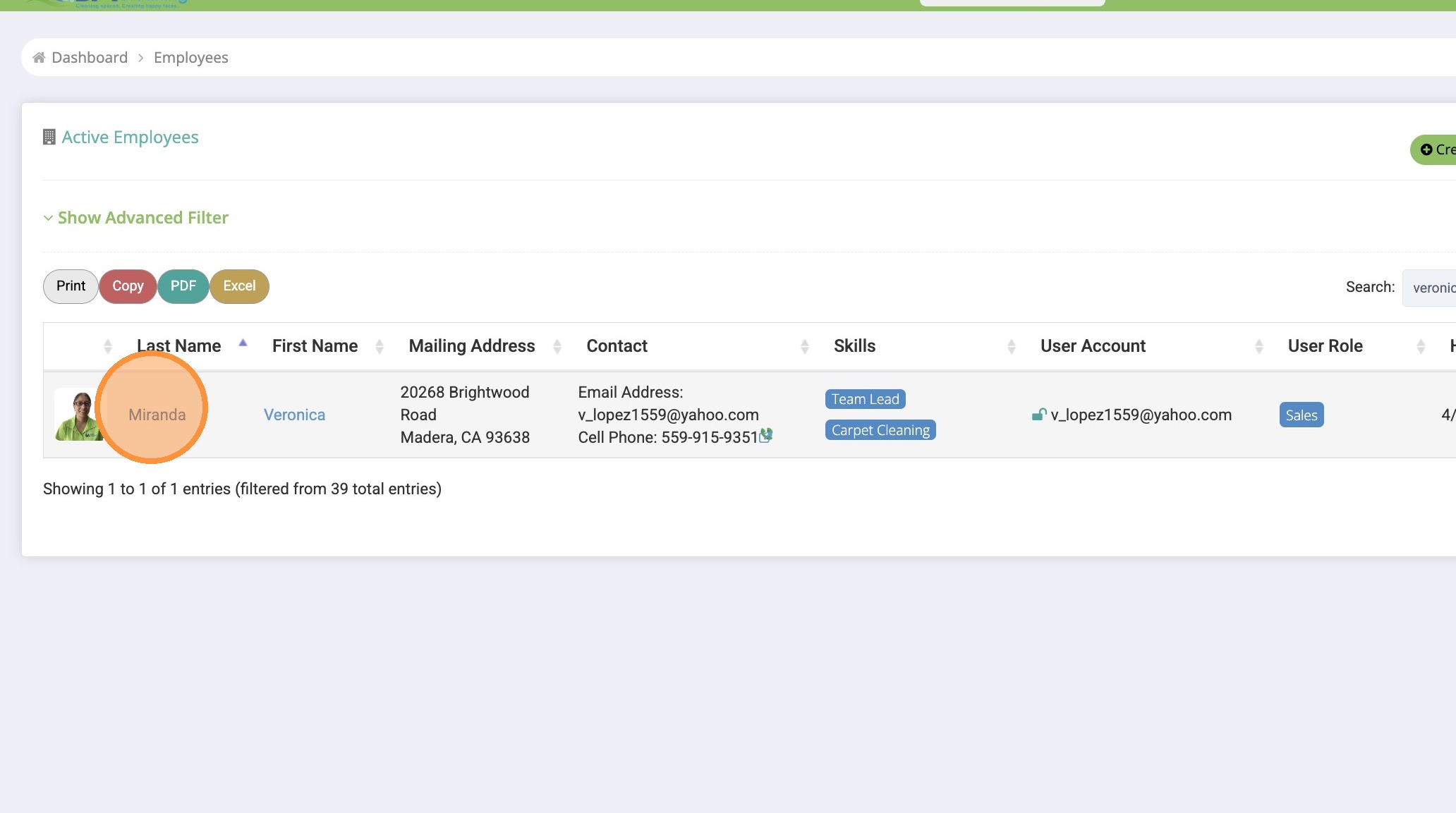
15. Click “Additional Pay”