
Monthly Batch Invoicing
1. In Maid Central, Click Company> “Batch Invoicing”
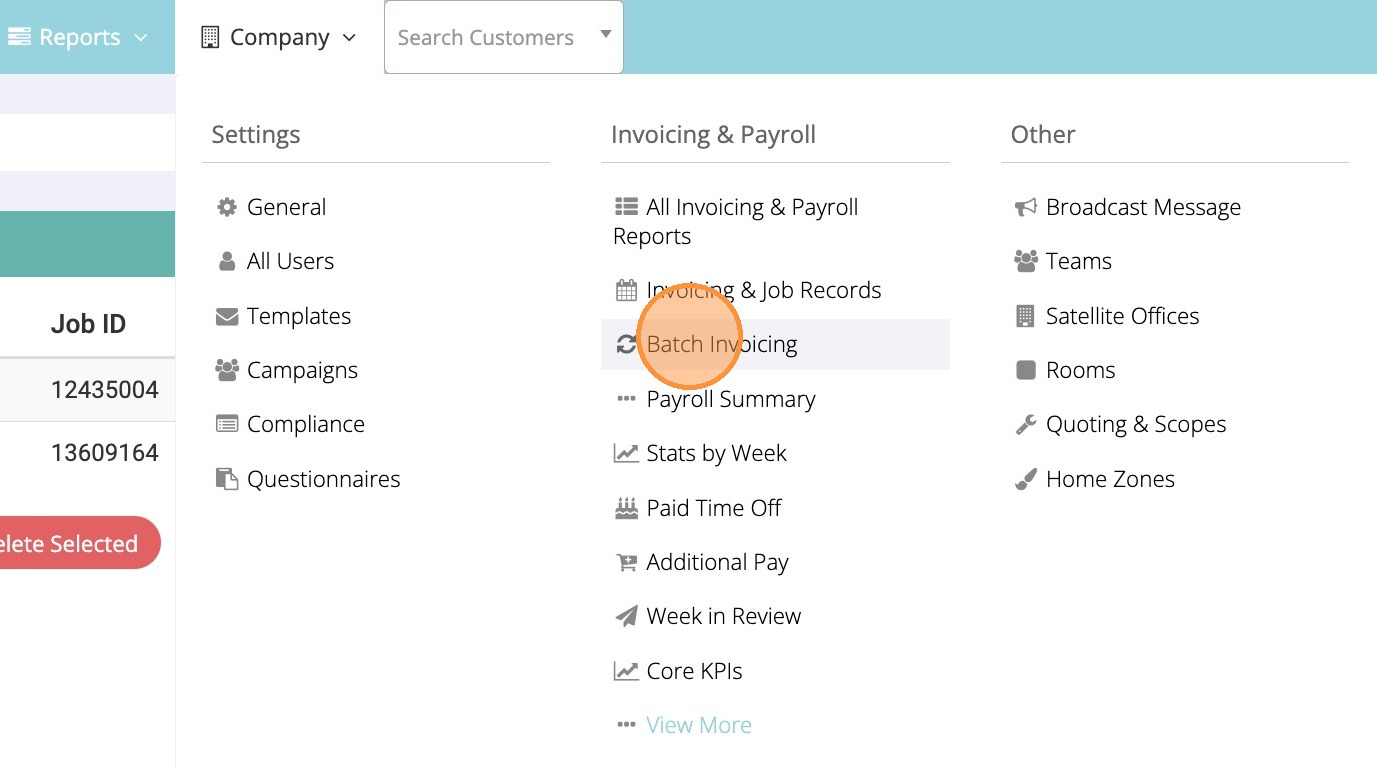
2. Locate and click on the client that needs monthly invoicing
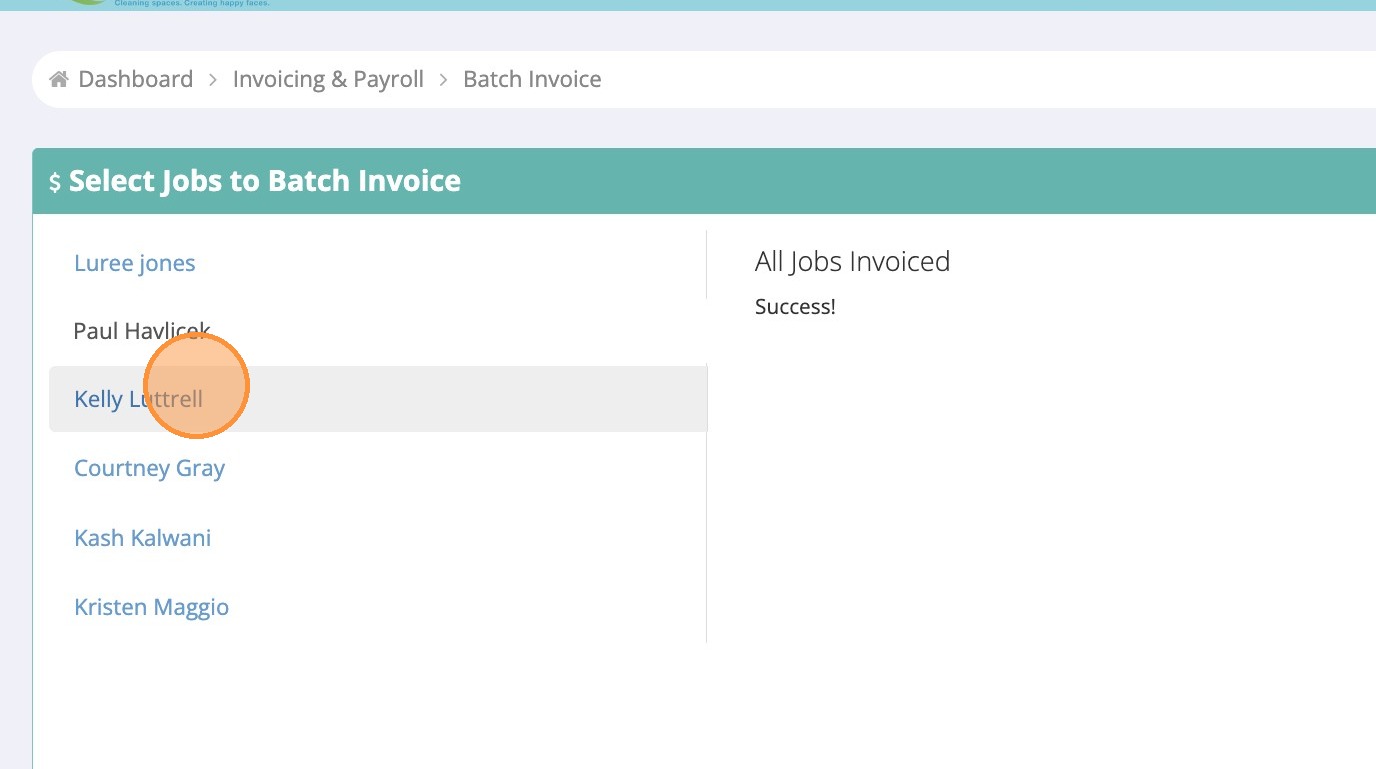
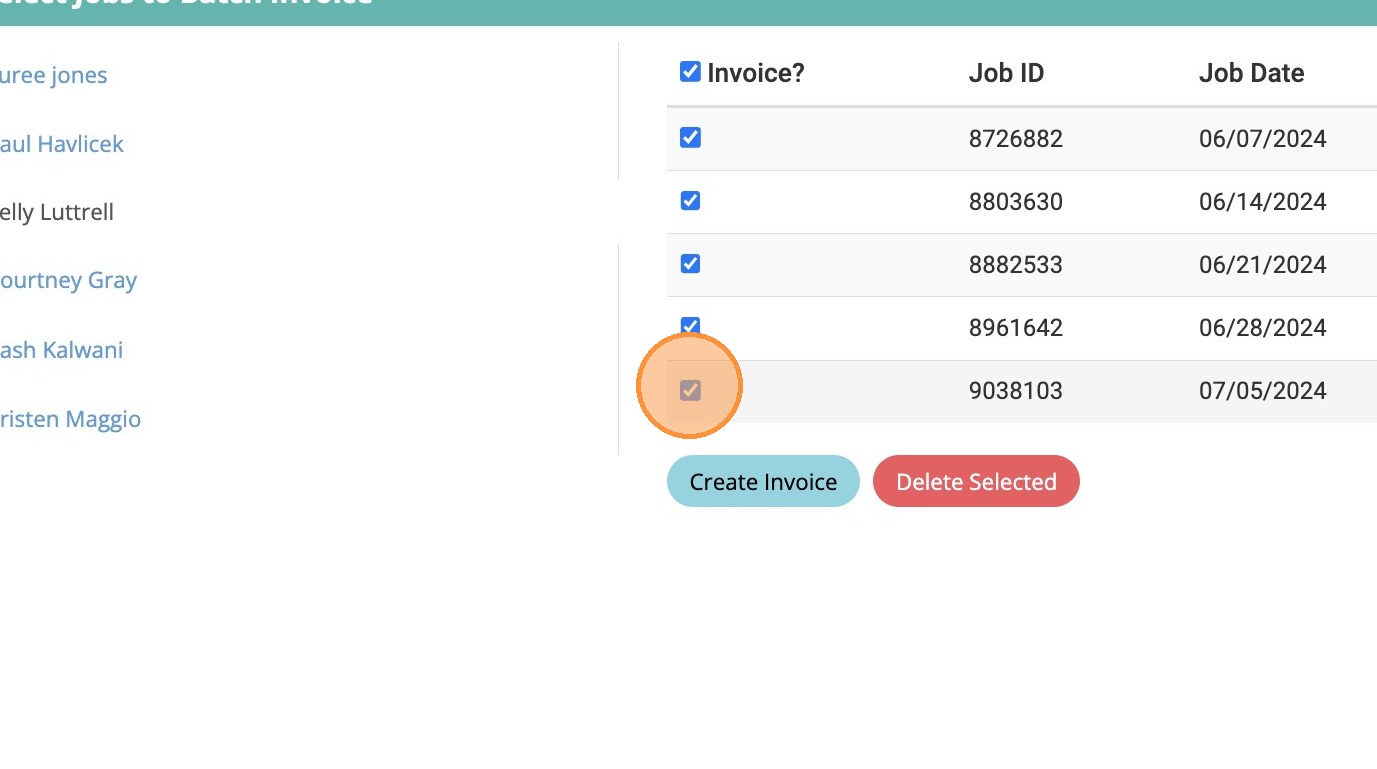
3. Check only cleanings from previous month (job date)
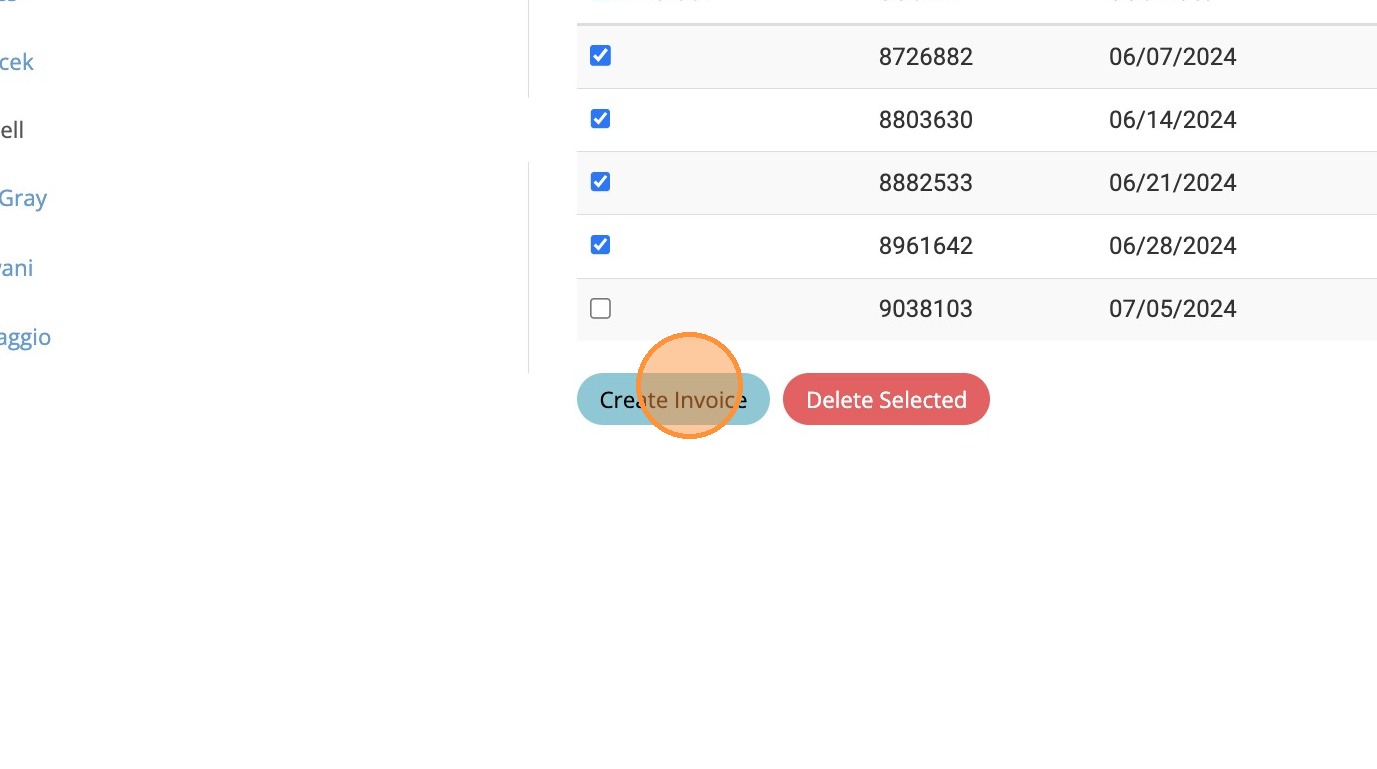
4. Click “Create Invoice”
5. Click the “Invoice Date” and change to current date.
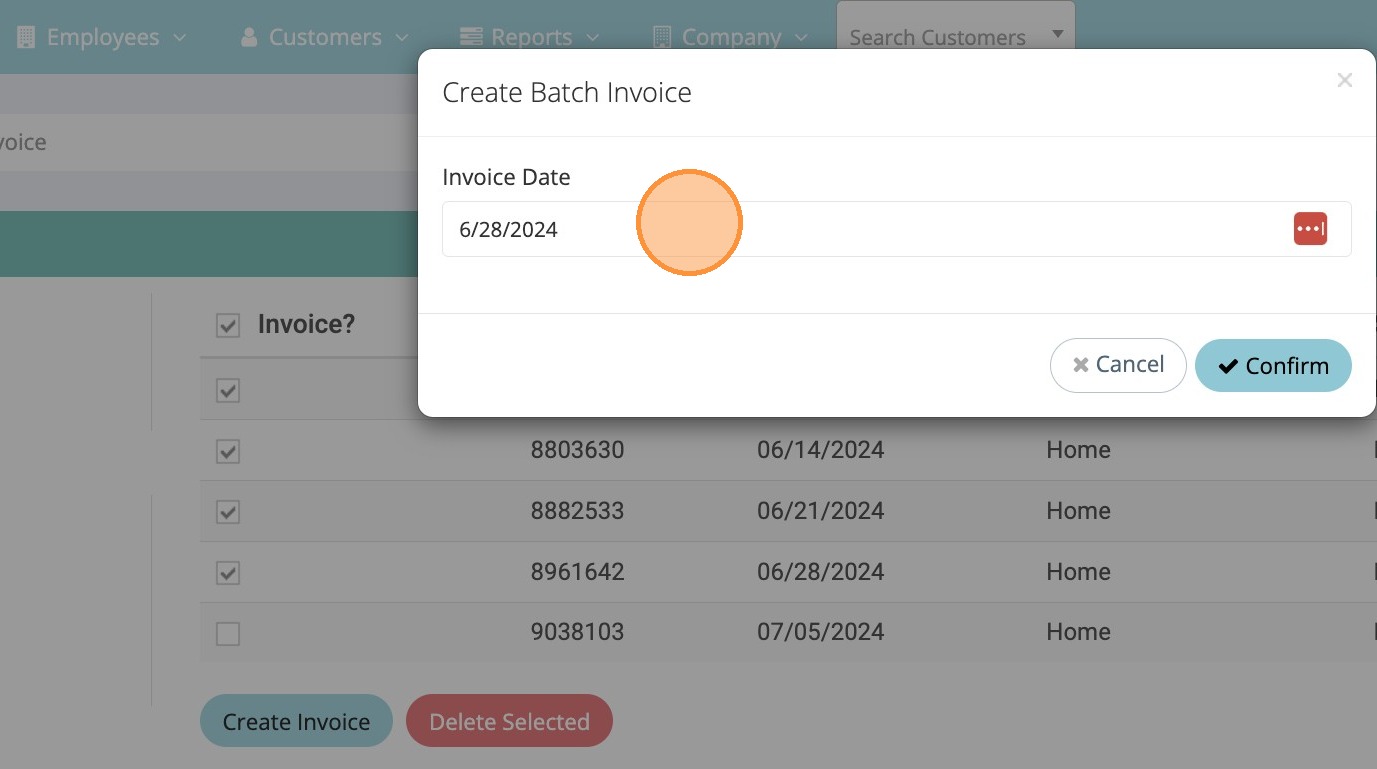
6. Click “Confirm”
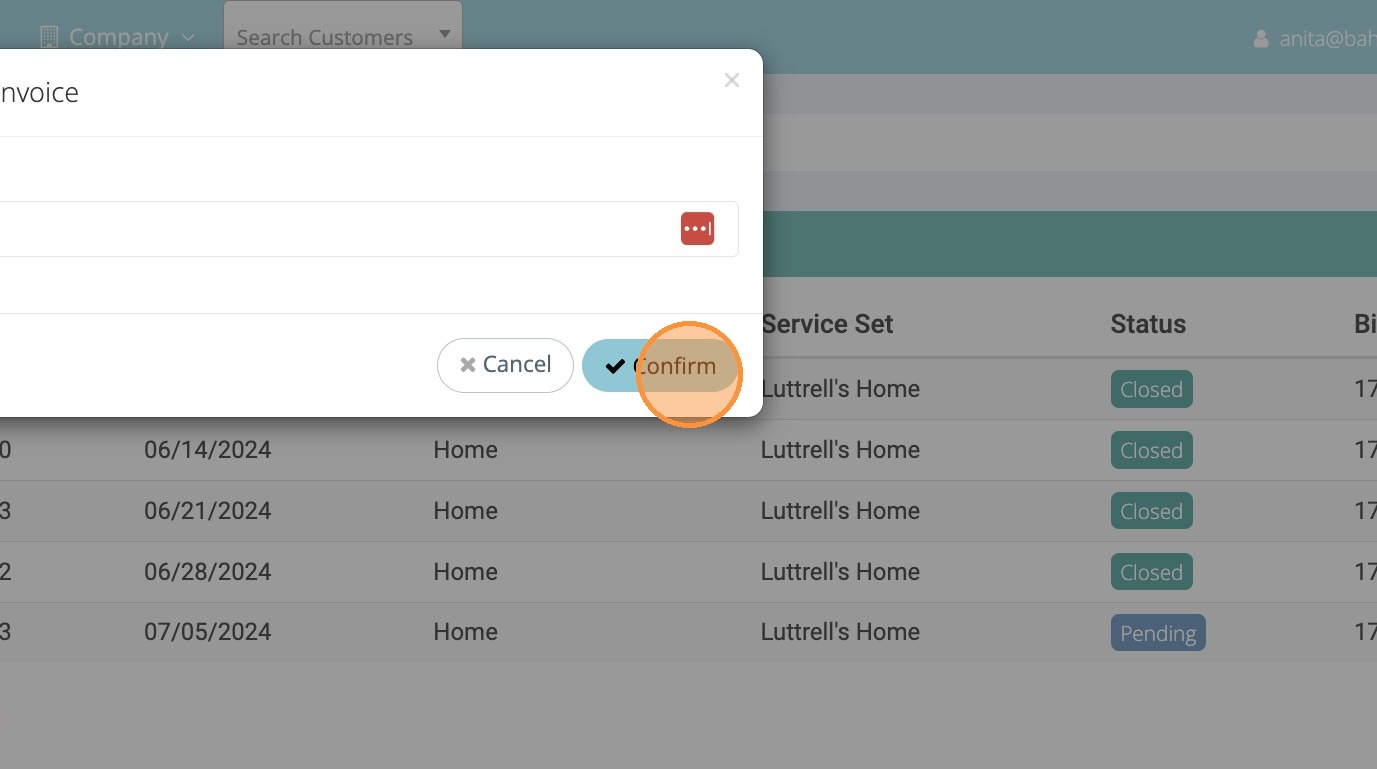
7. Switch to tab “QuickBooks”
8. Search for customer name
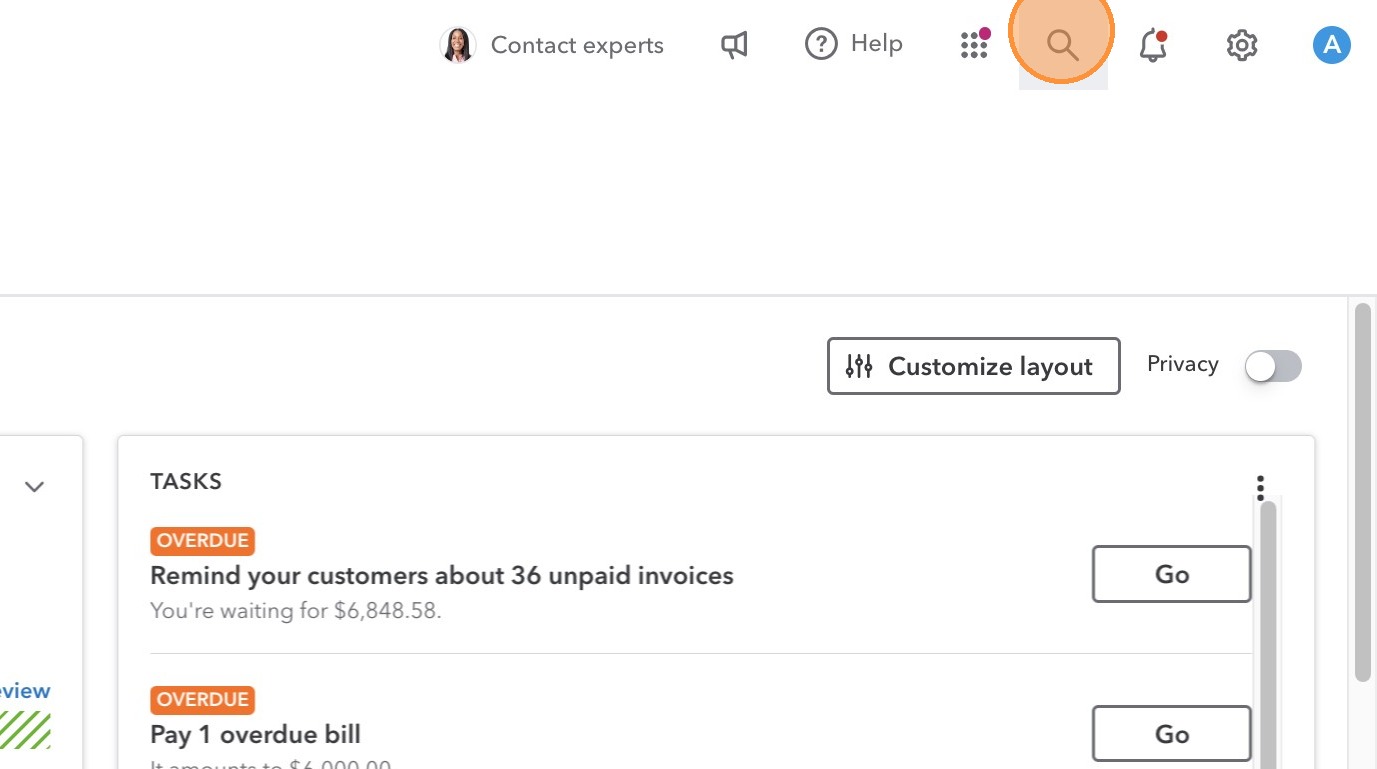
9. Click “Customer name”
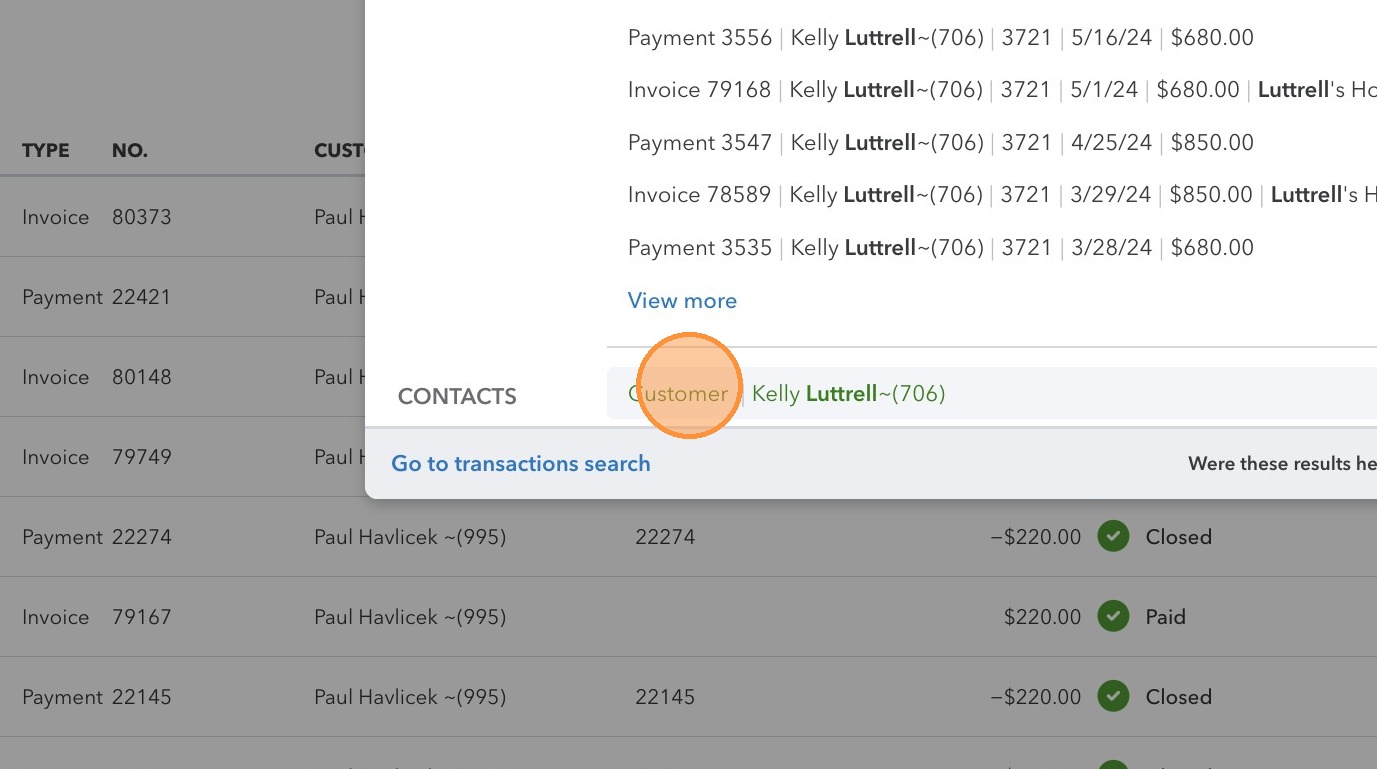
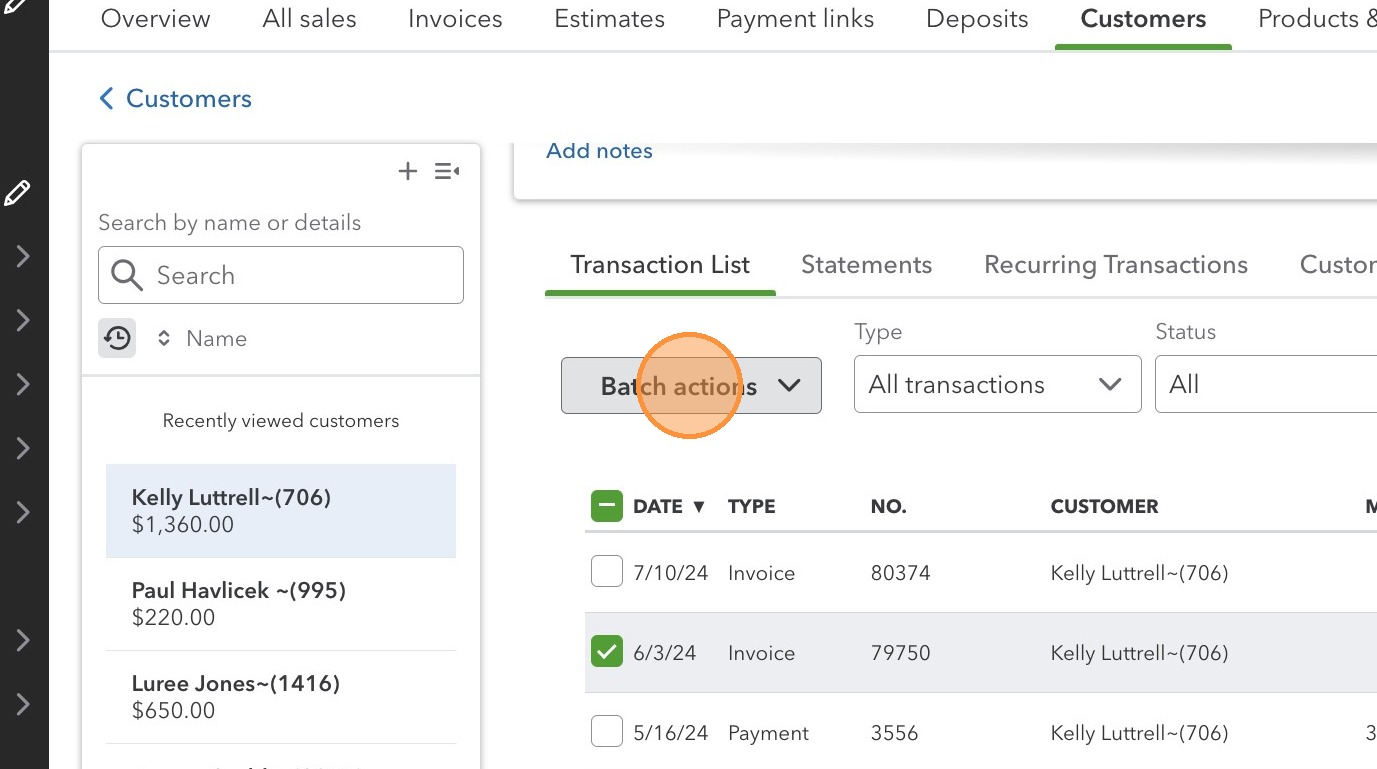
10. Check any old unpaid invoices and send reminder for payment
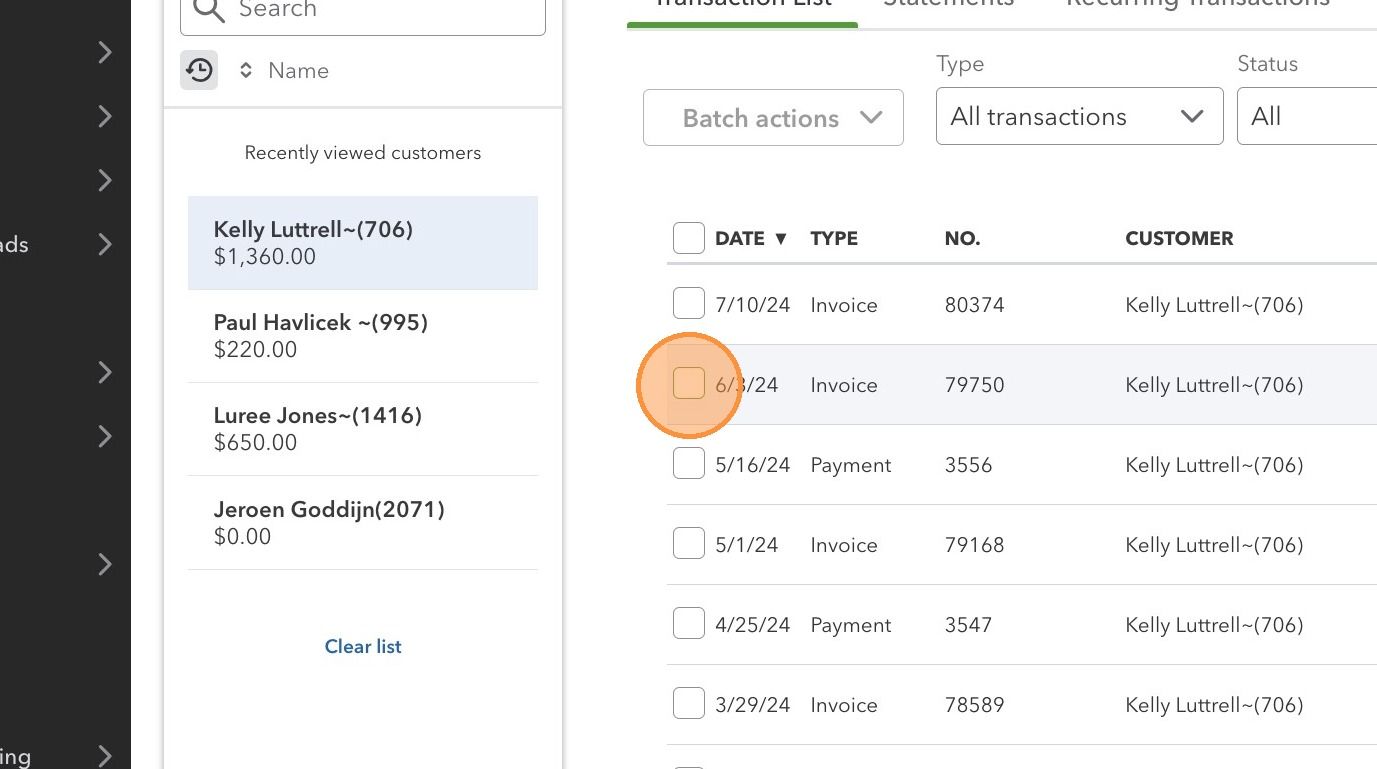
11. Click “Batch actions”
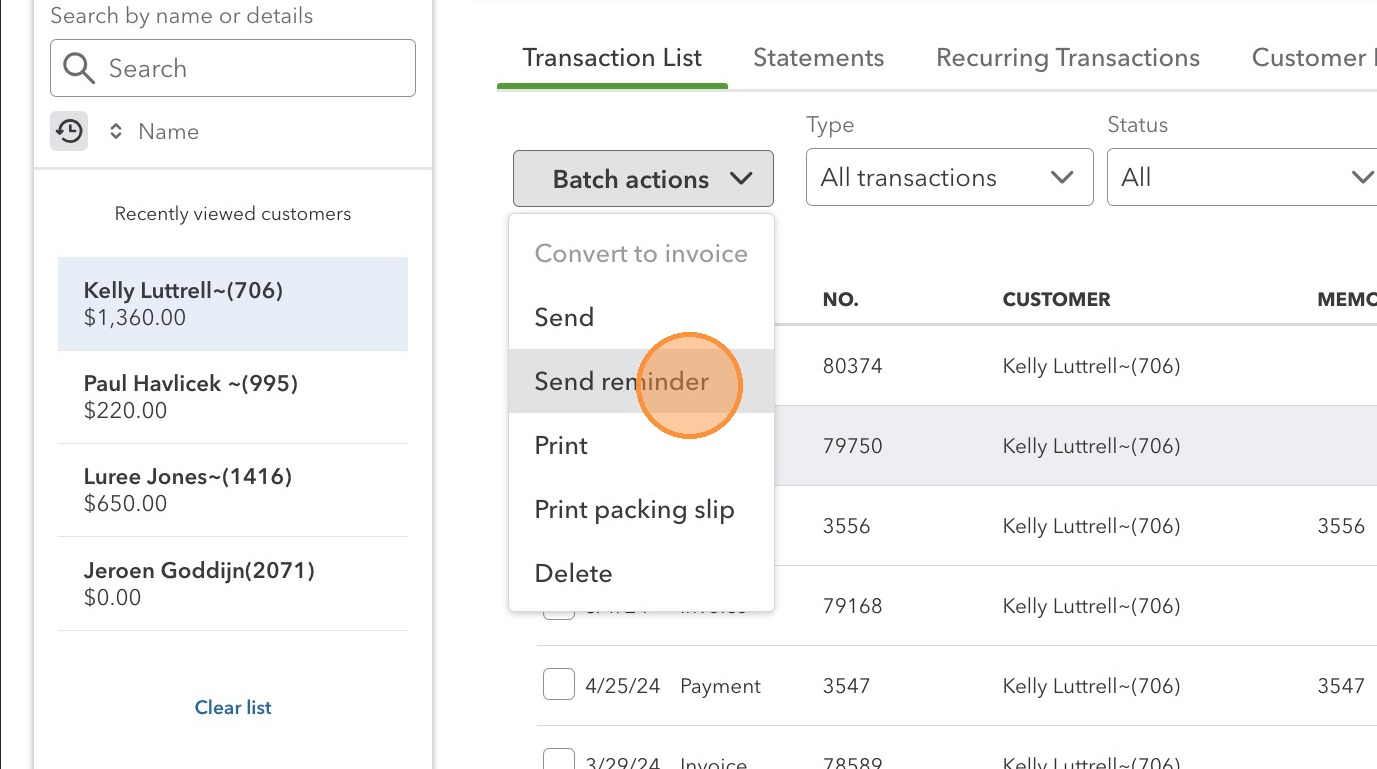
12. Click “Send reminder”
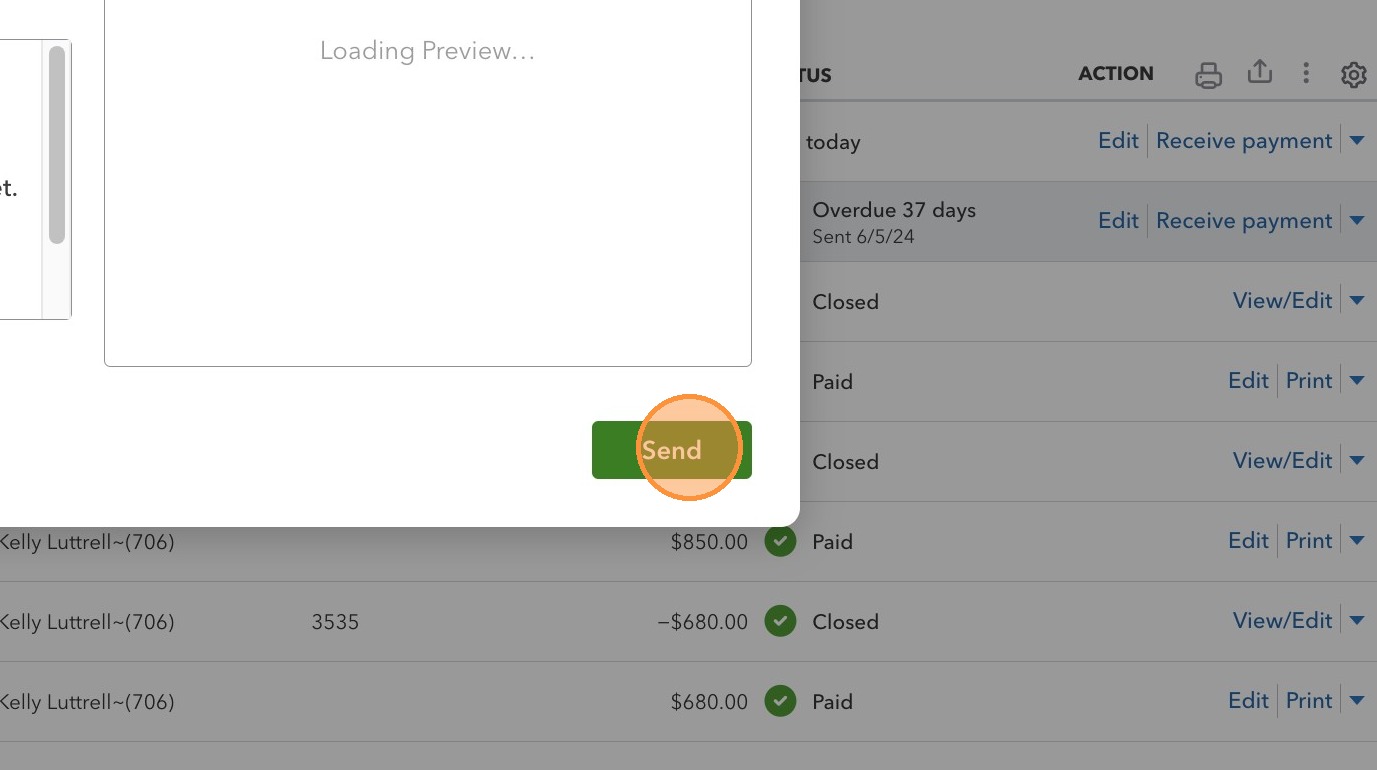
13. Click “Send”
14. Click “Edit” customer to obtain customer’s email address
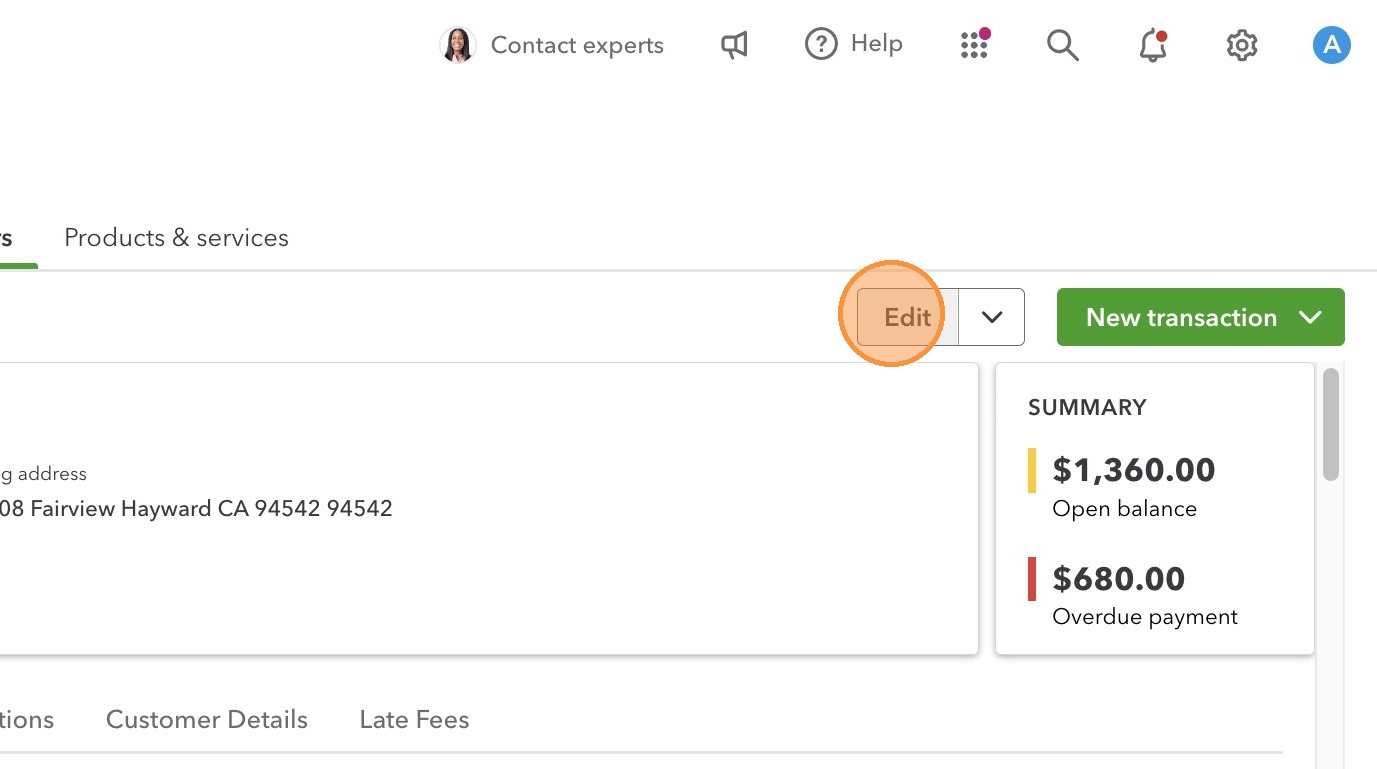
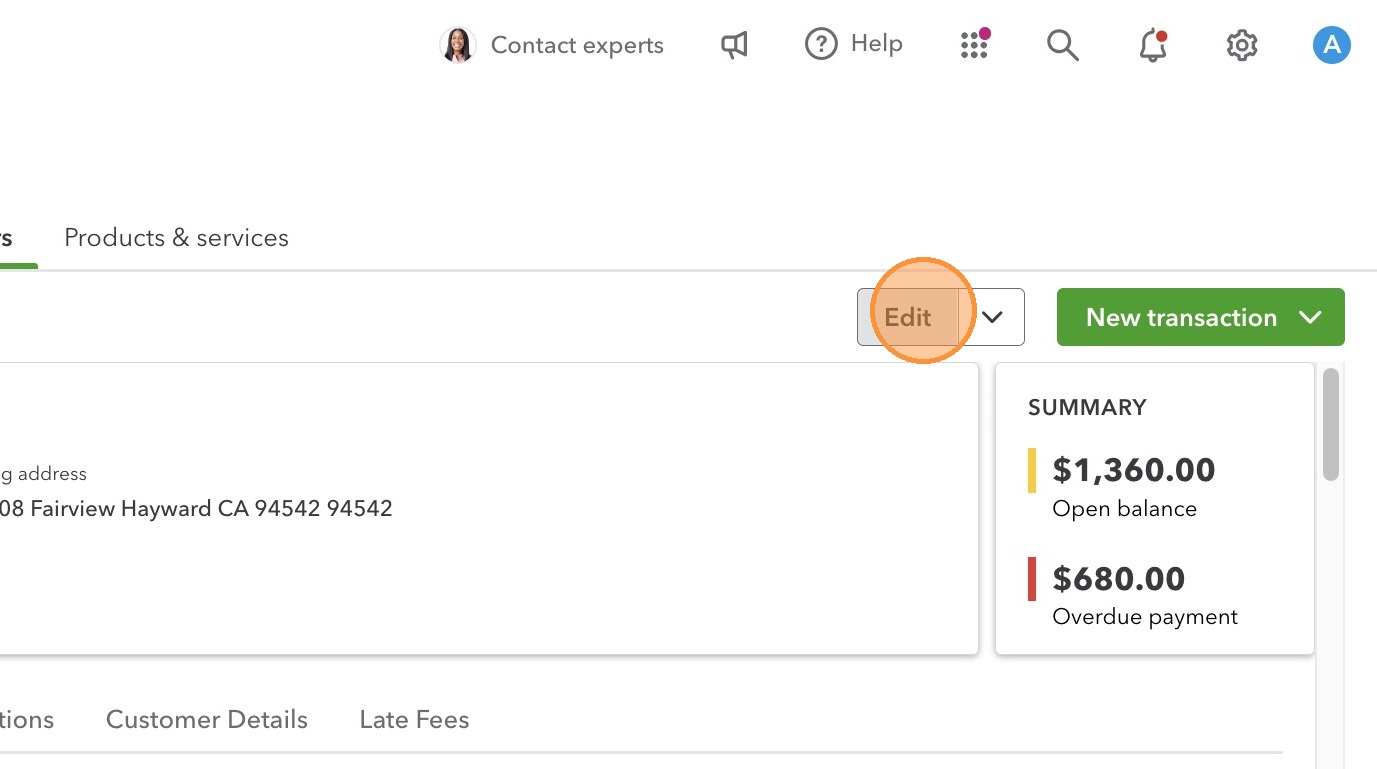
15. Click “Edit”
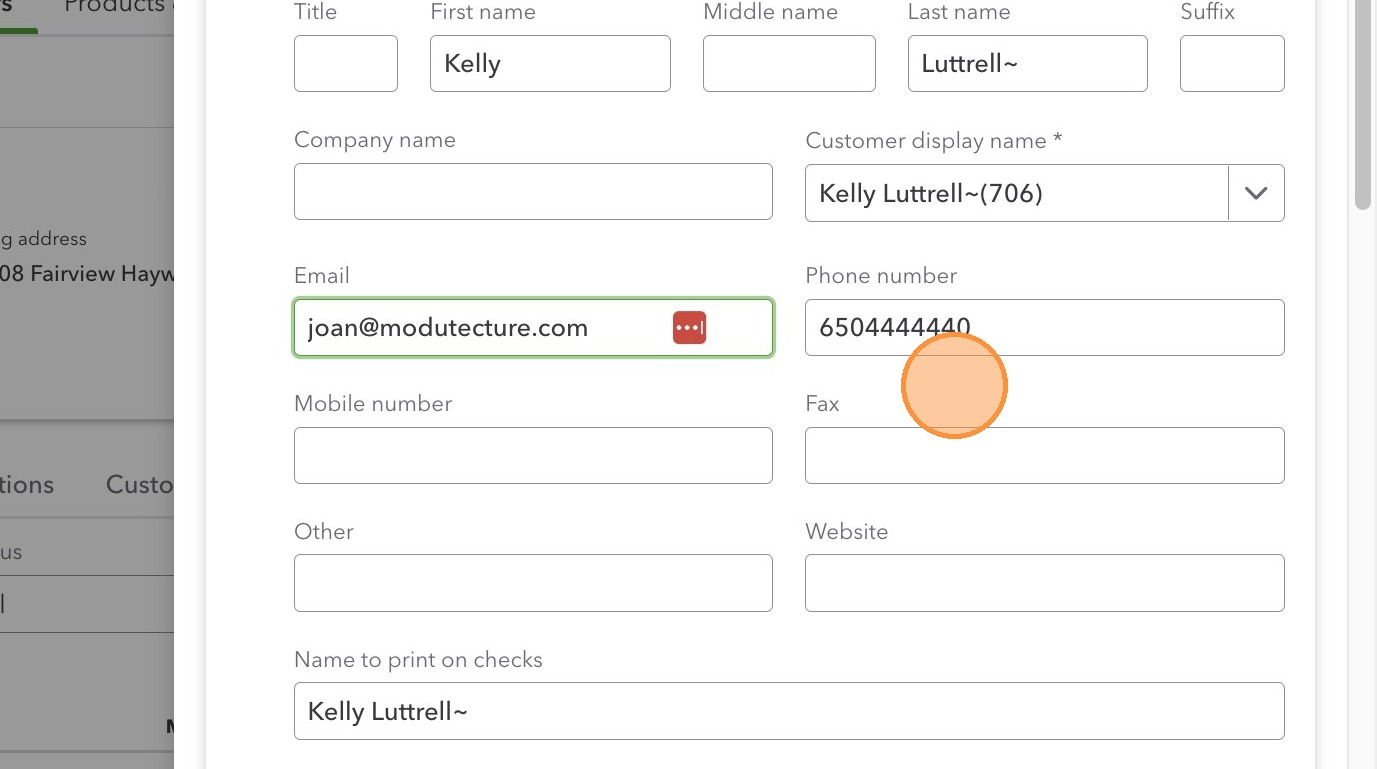
16. Copy email address
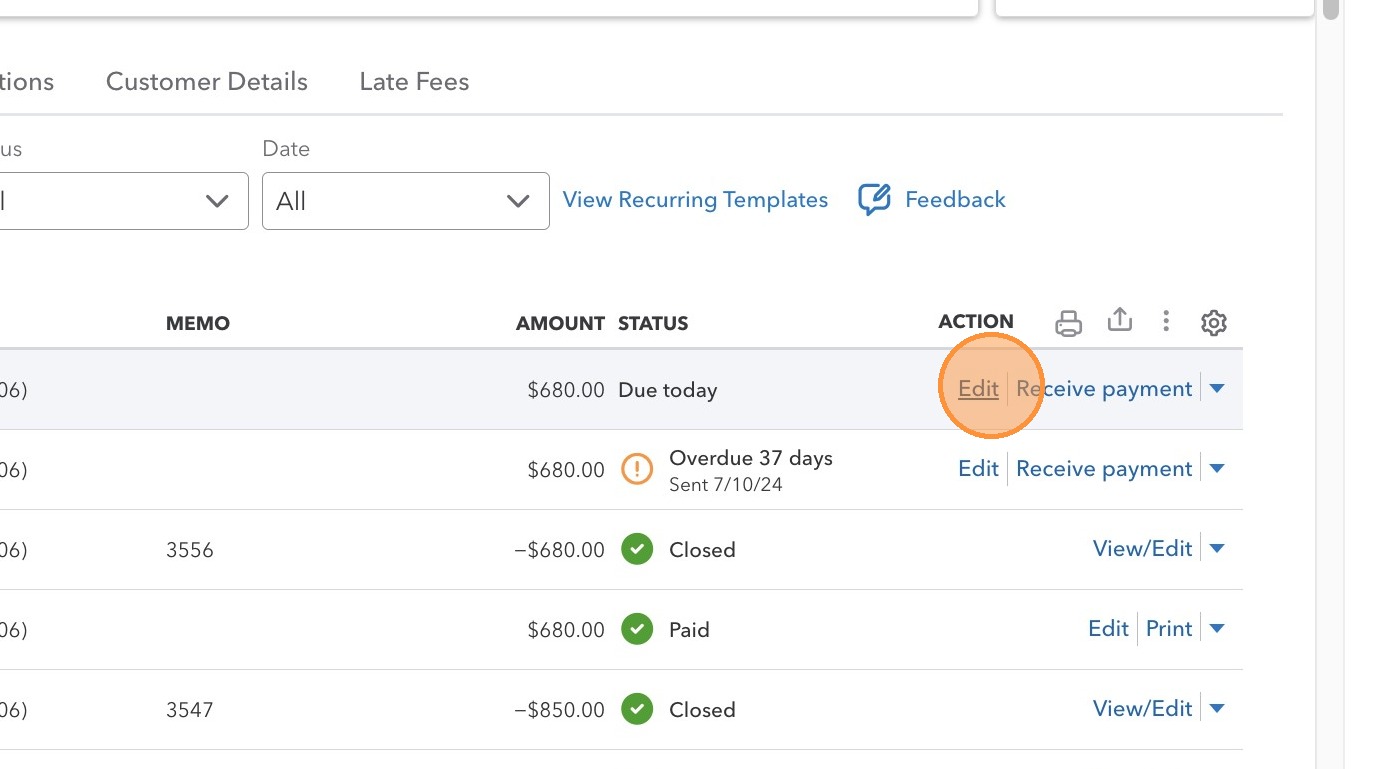
17. Go back to Invoice list and locate the newly created invoices. Click “Edit”
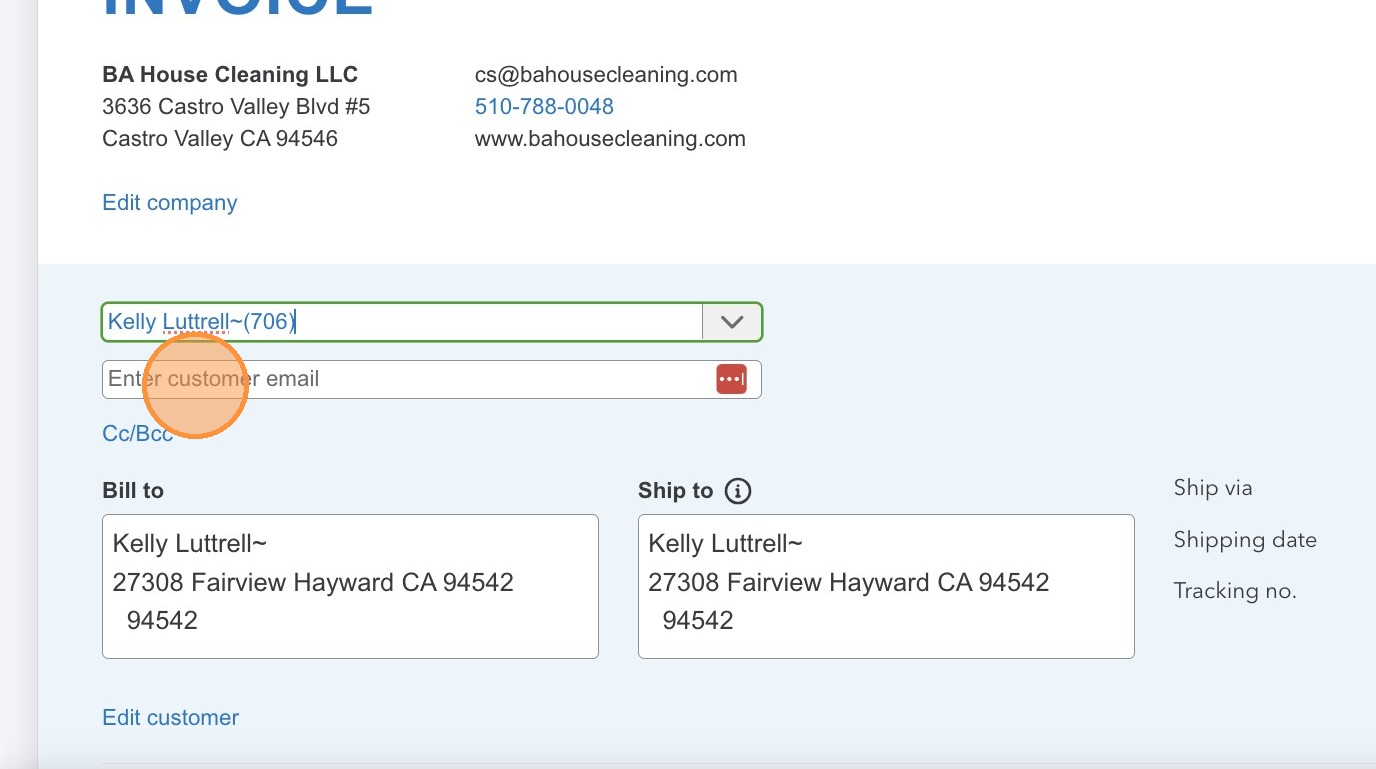
18. Click the “Enter customer email” field and PASTE the email address
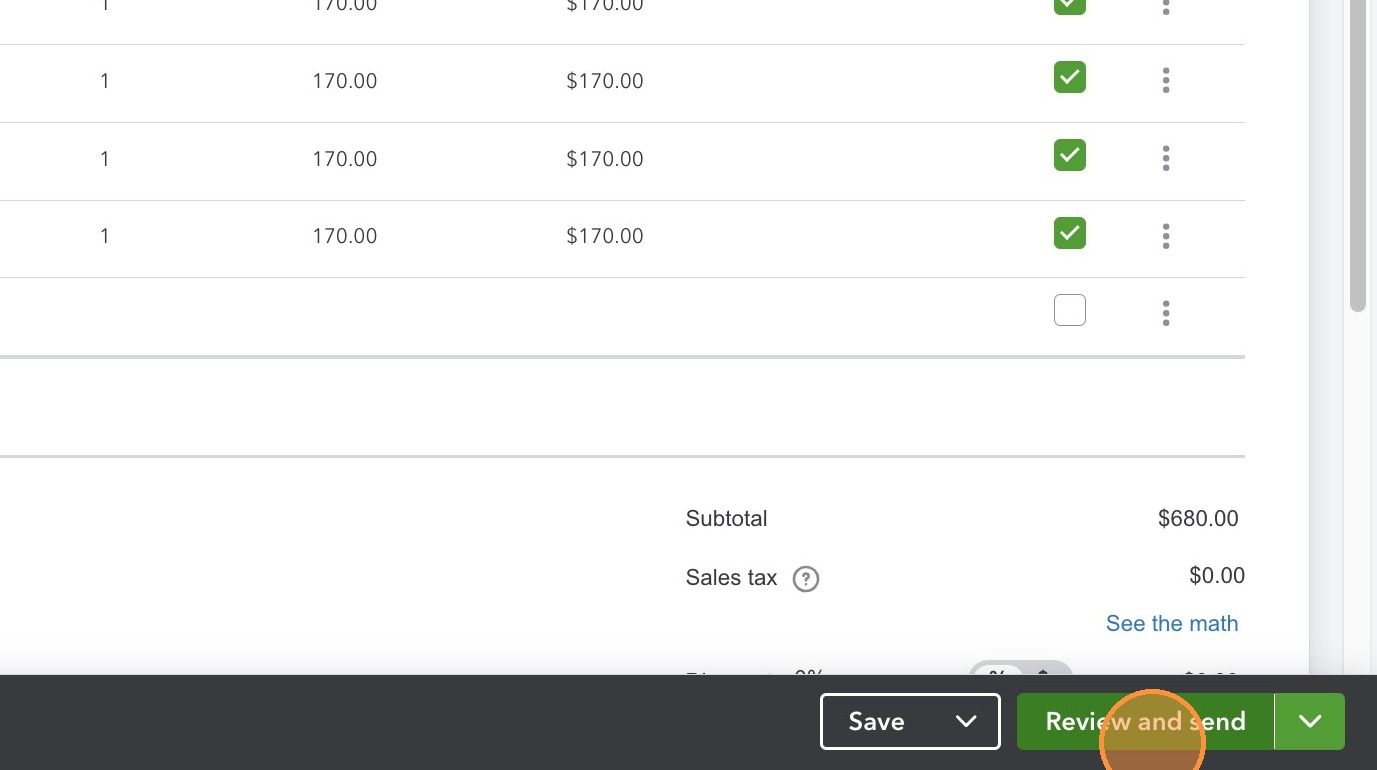
19. Click “Review and send”
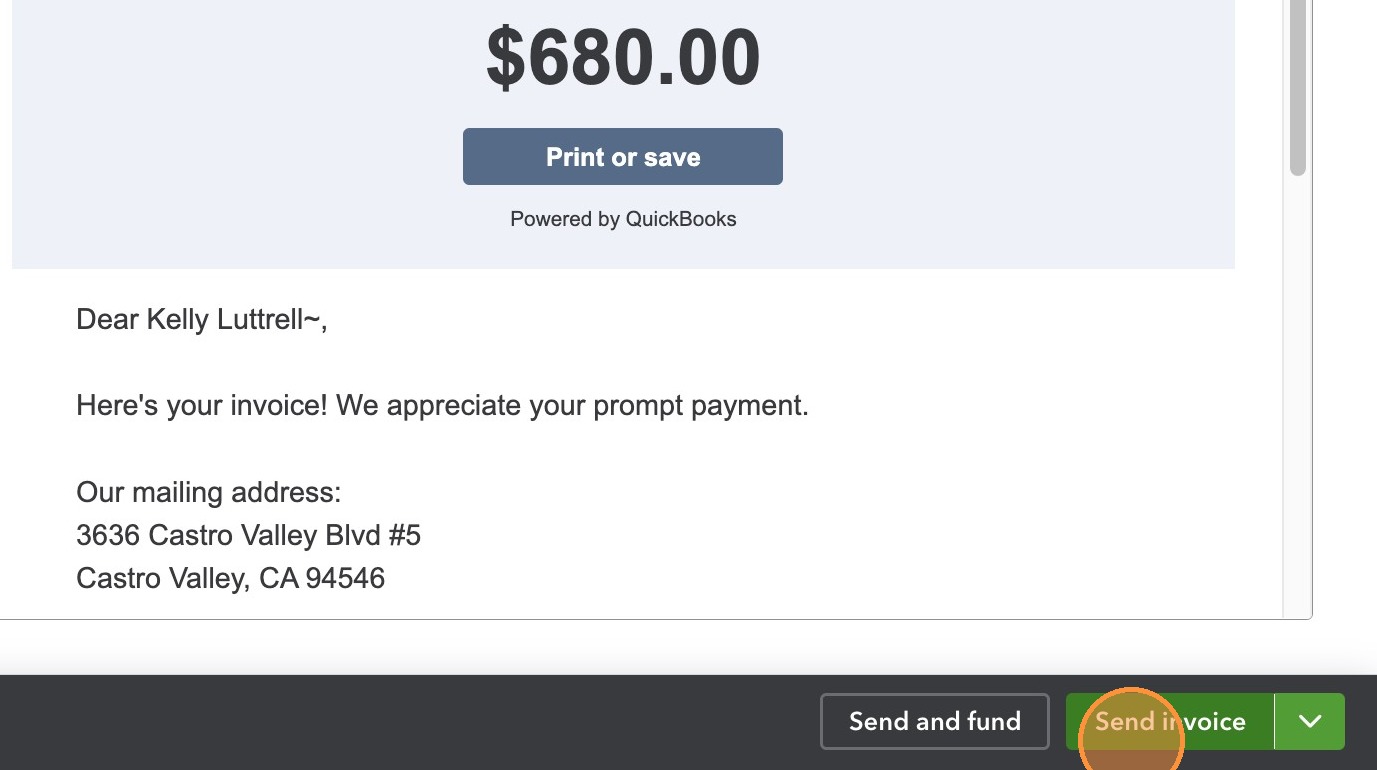
20. Click “Send invoice”
Made with Scribe