
IMS Charging
1. In Maid central Click “Search…”
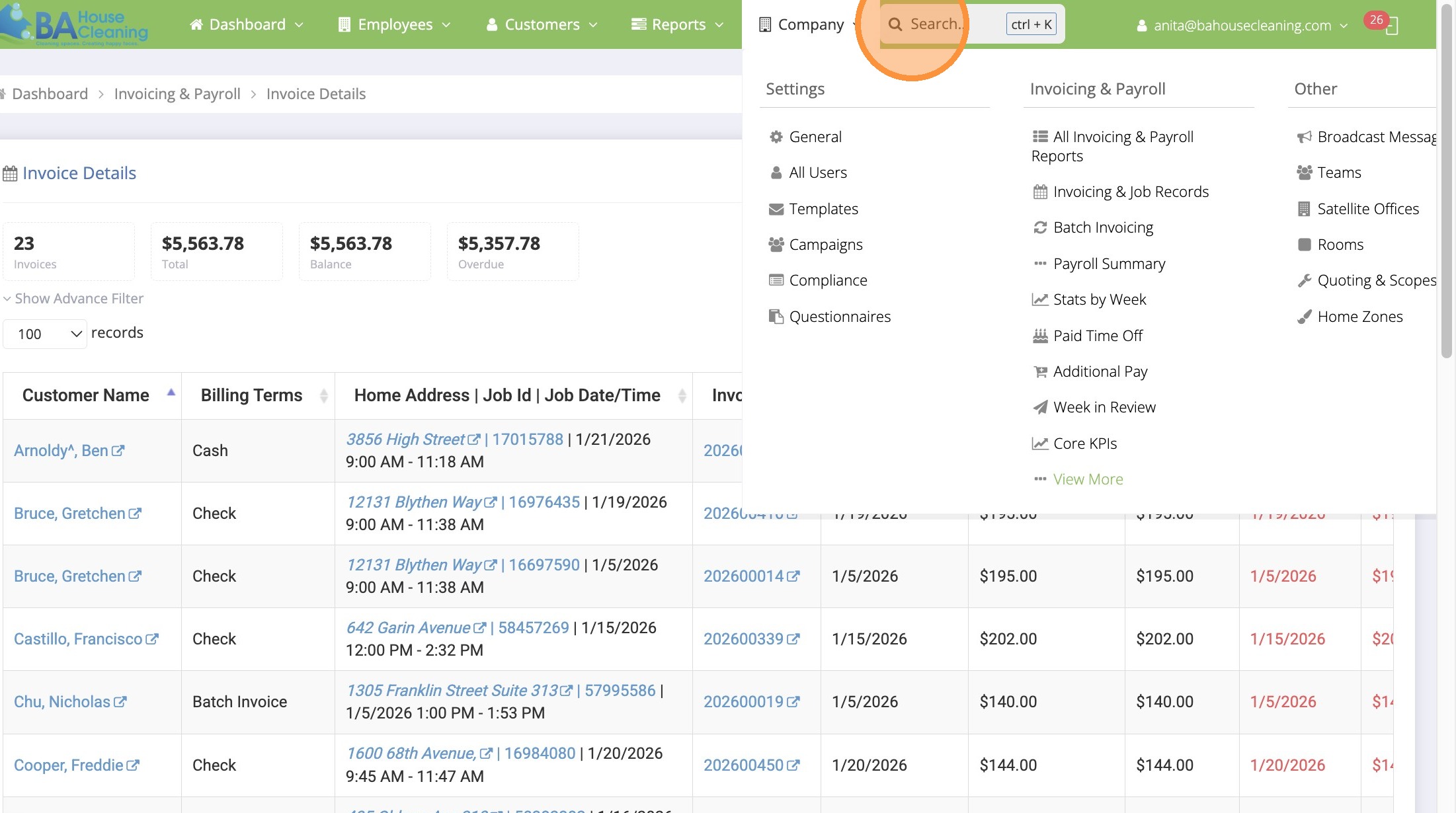
2. Type “invoice details”
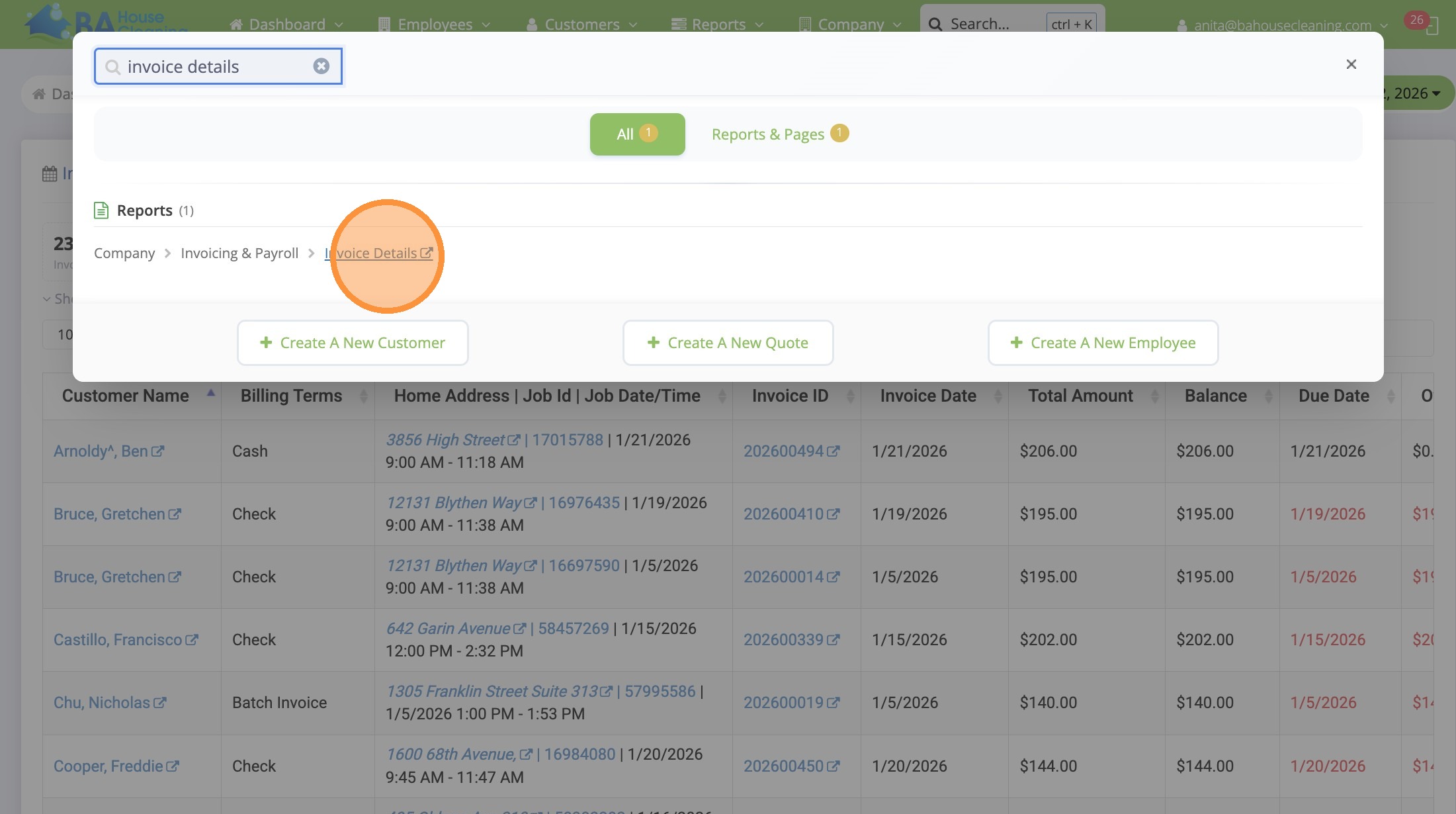
3. Click “Invoice Details”
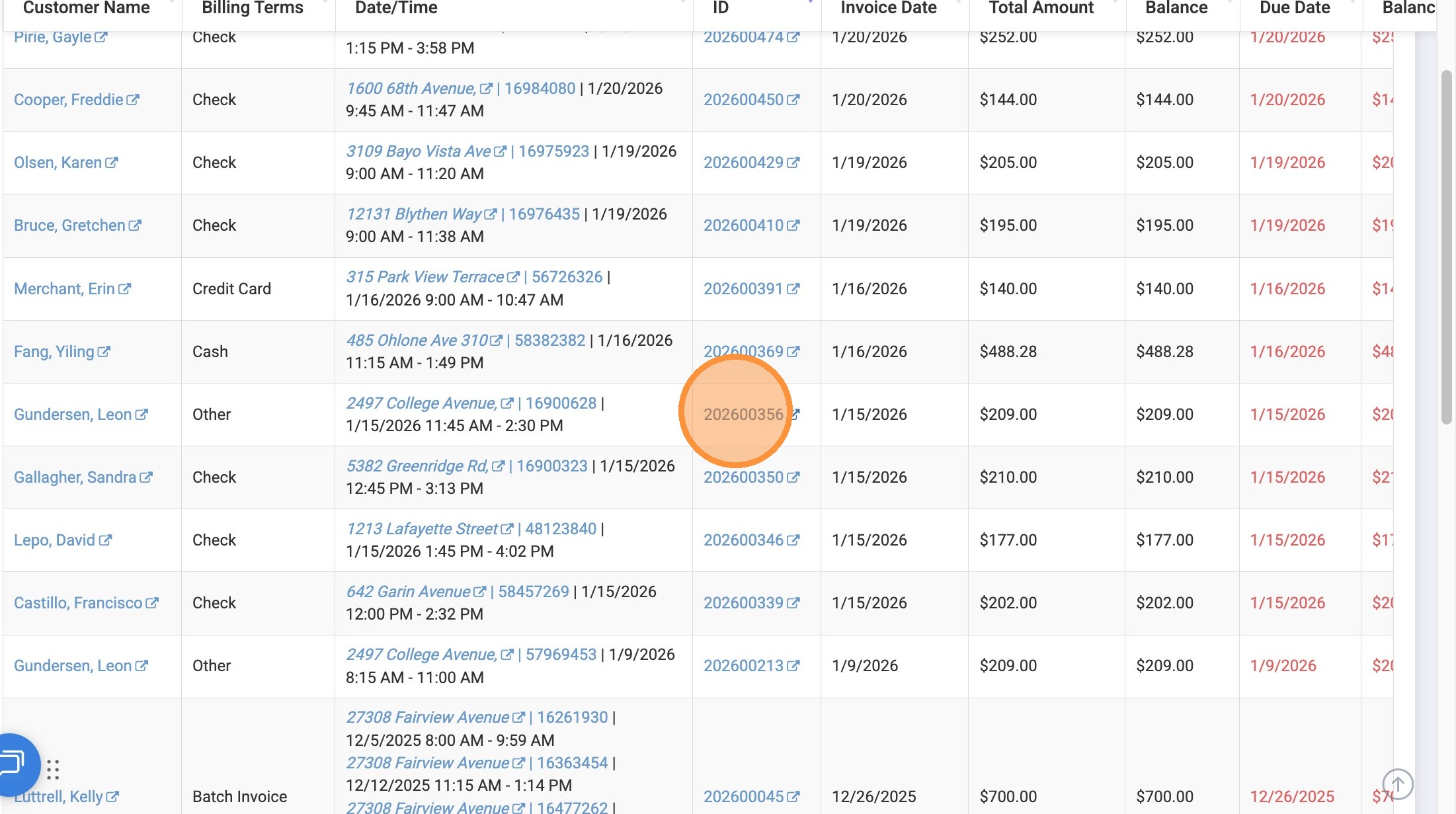
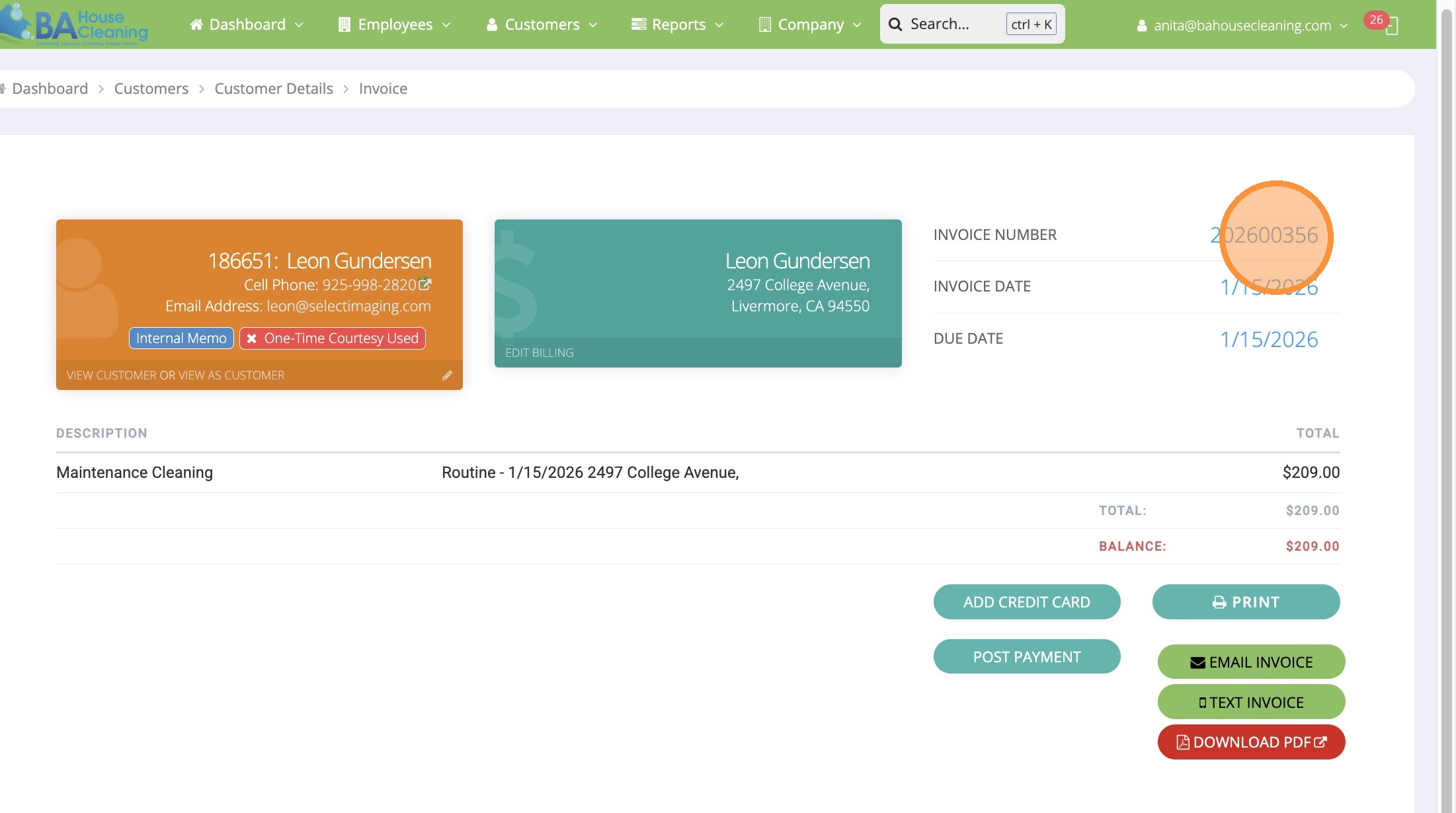
4. Locate outstanding invoice that needs to be charged on IMS Click “202600356”
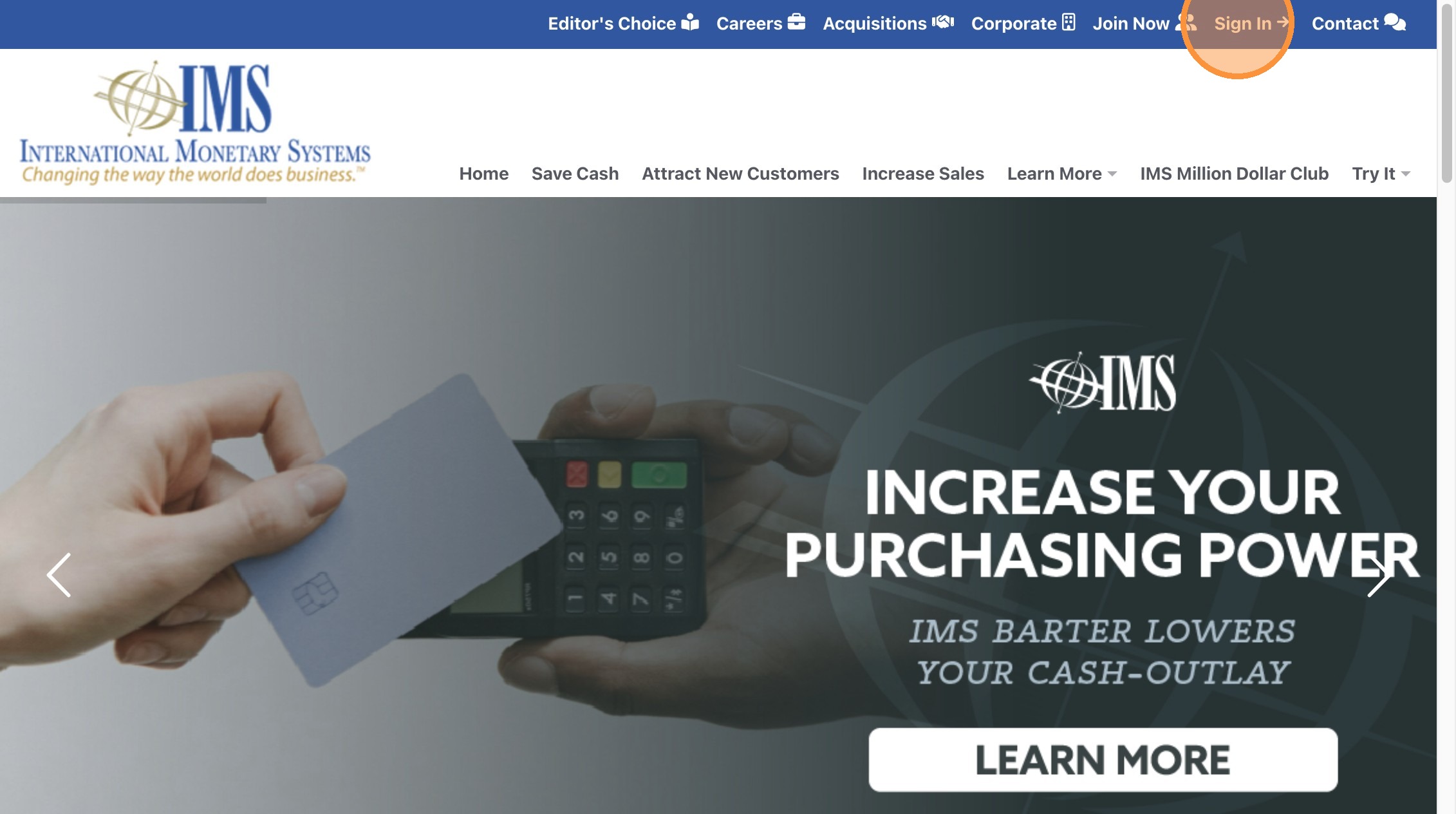
5. Open IMS & Click “Sign In”
6. Type in your username and password then Click “Sign In”
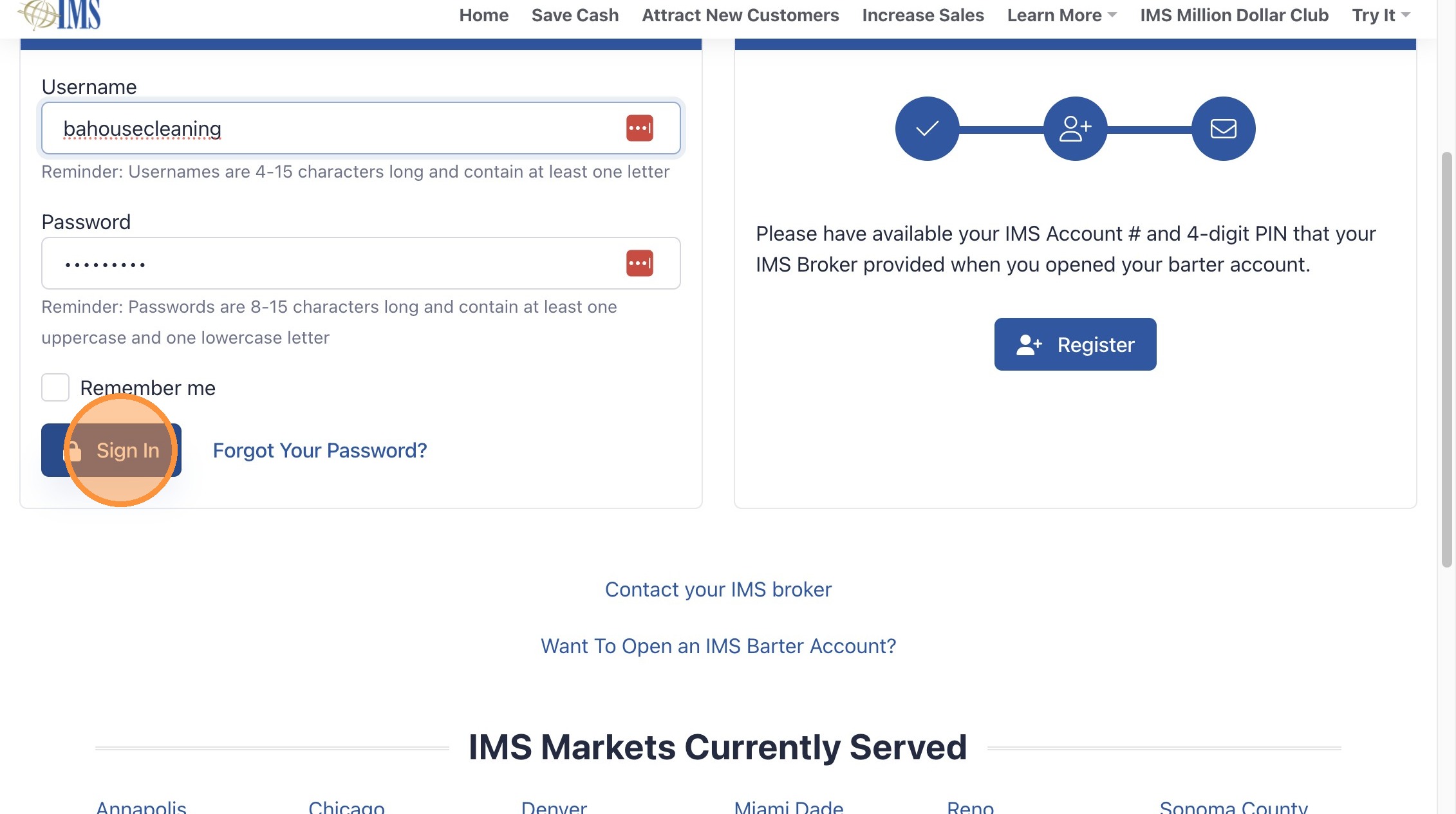
7. Click “Authorizations”
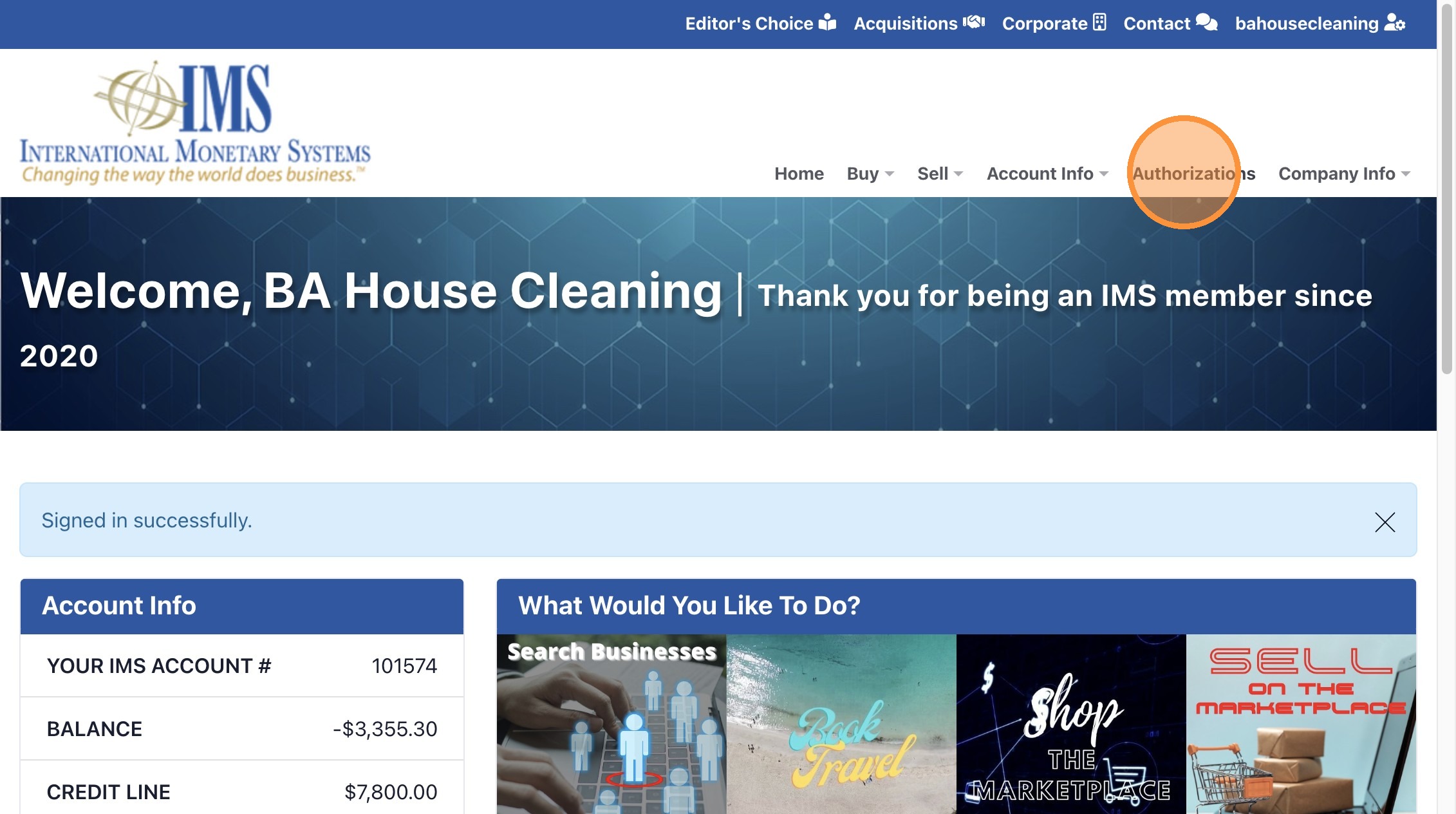
8. Open invoice in MC to obtain IMS Account information
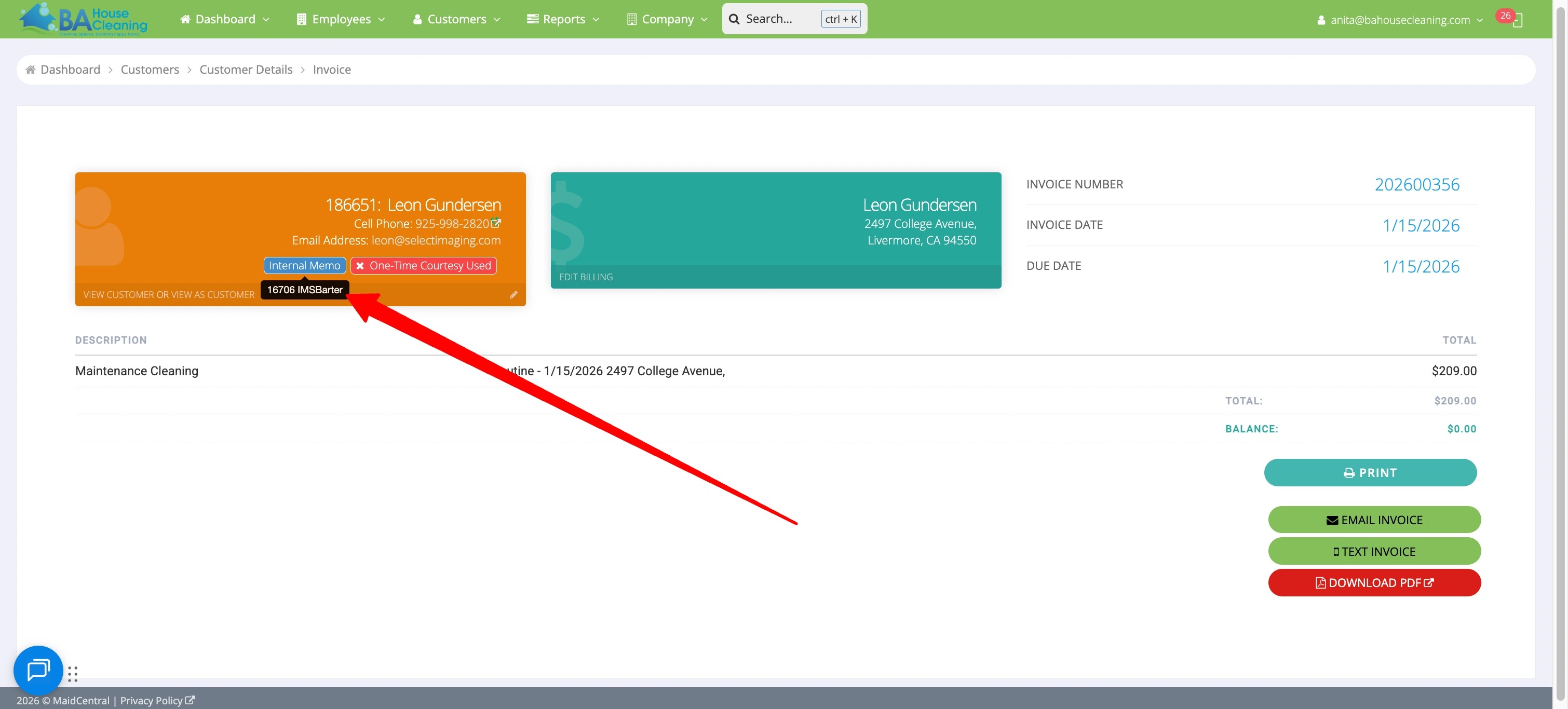
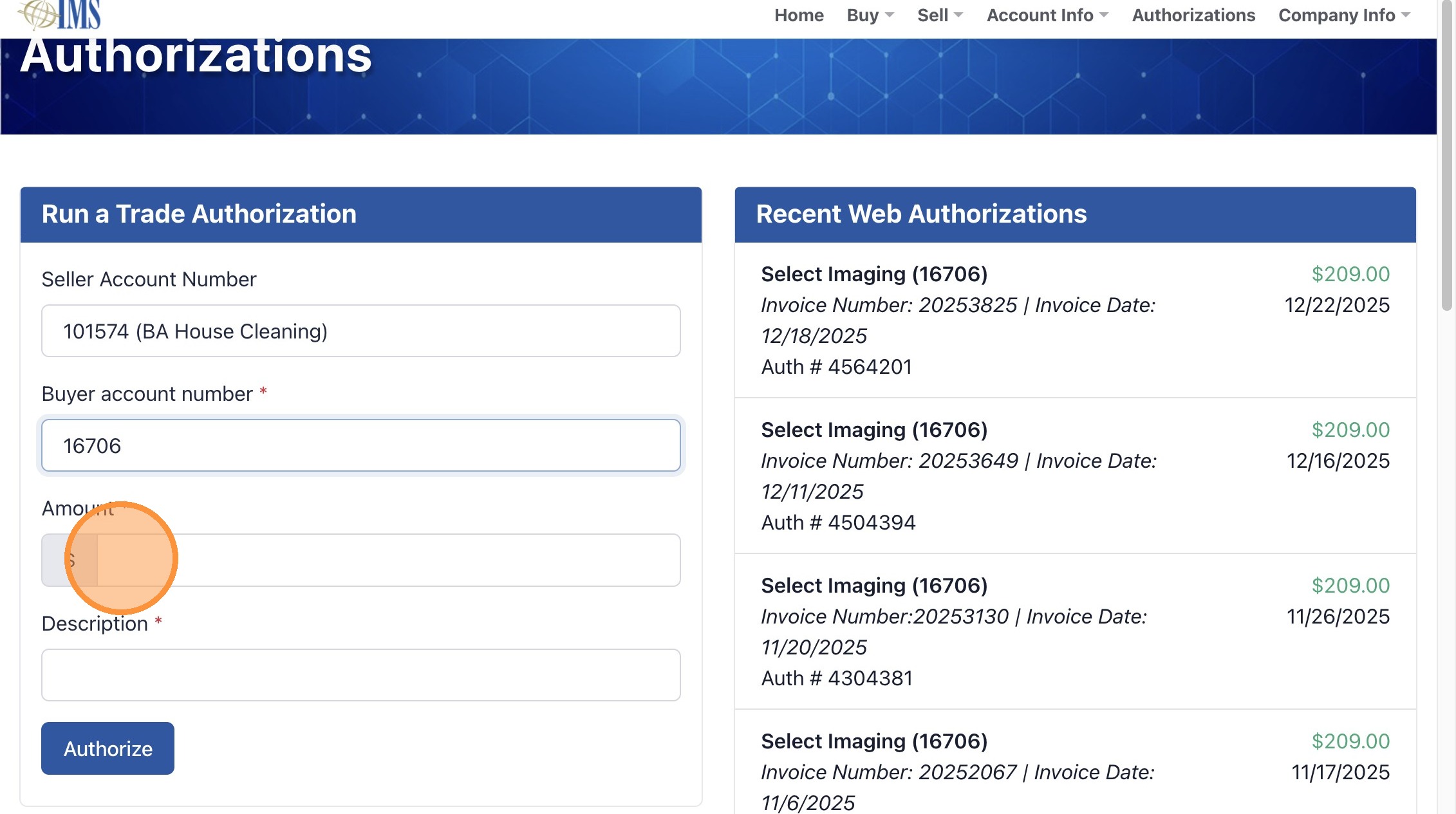
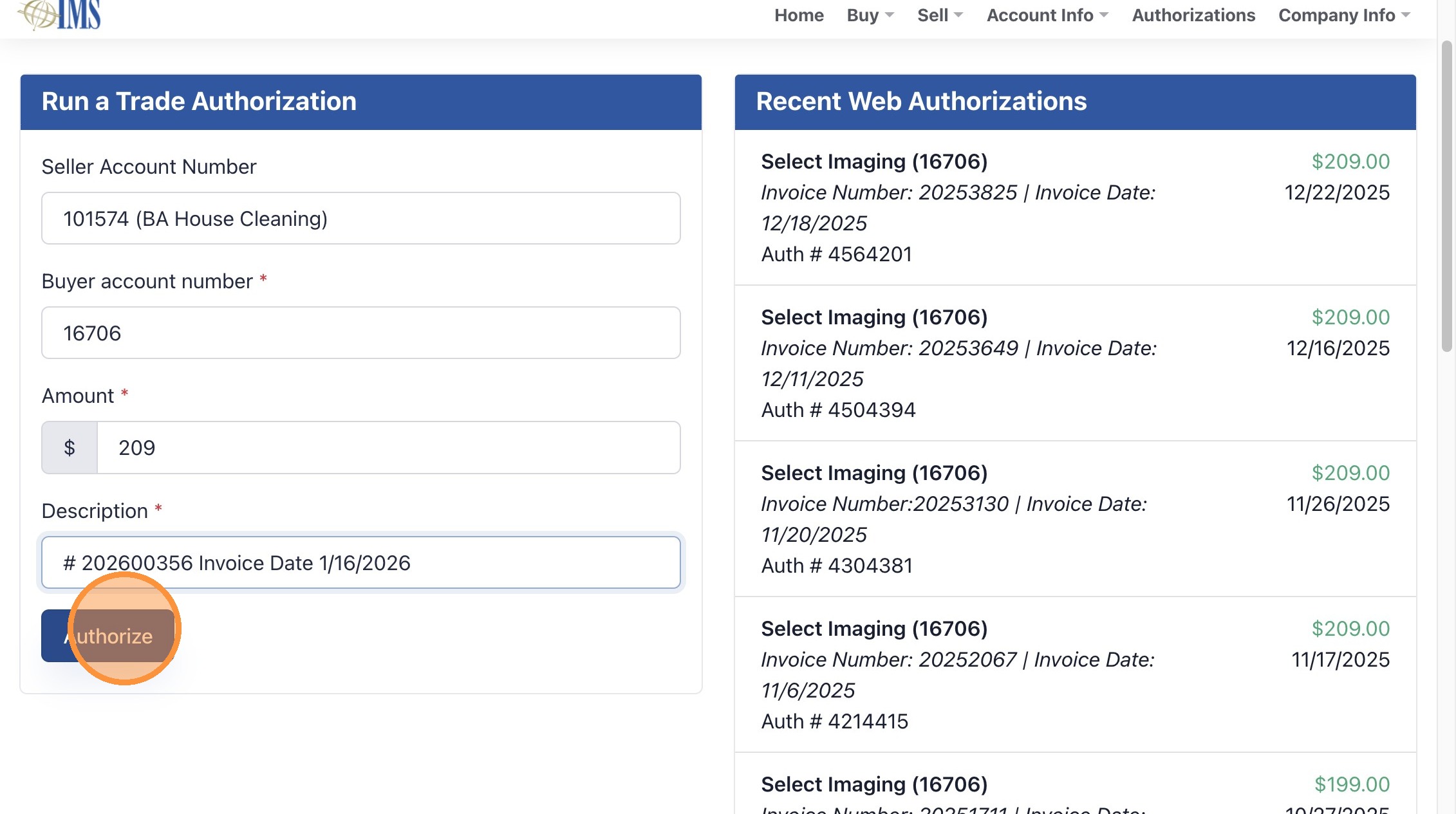
9. Enter “Buyer account number *” from invoice or customer notes in MC.
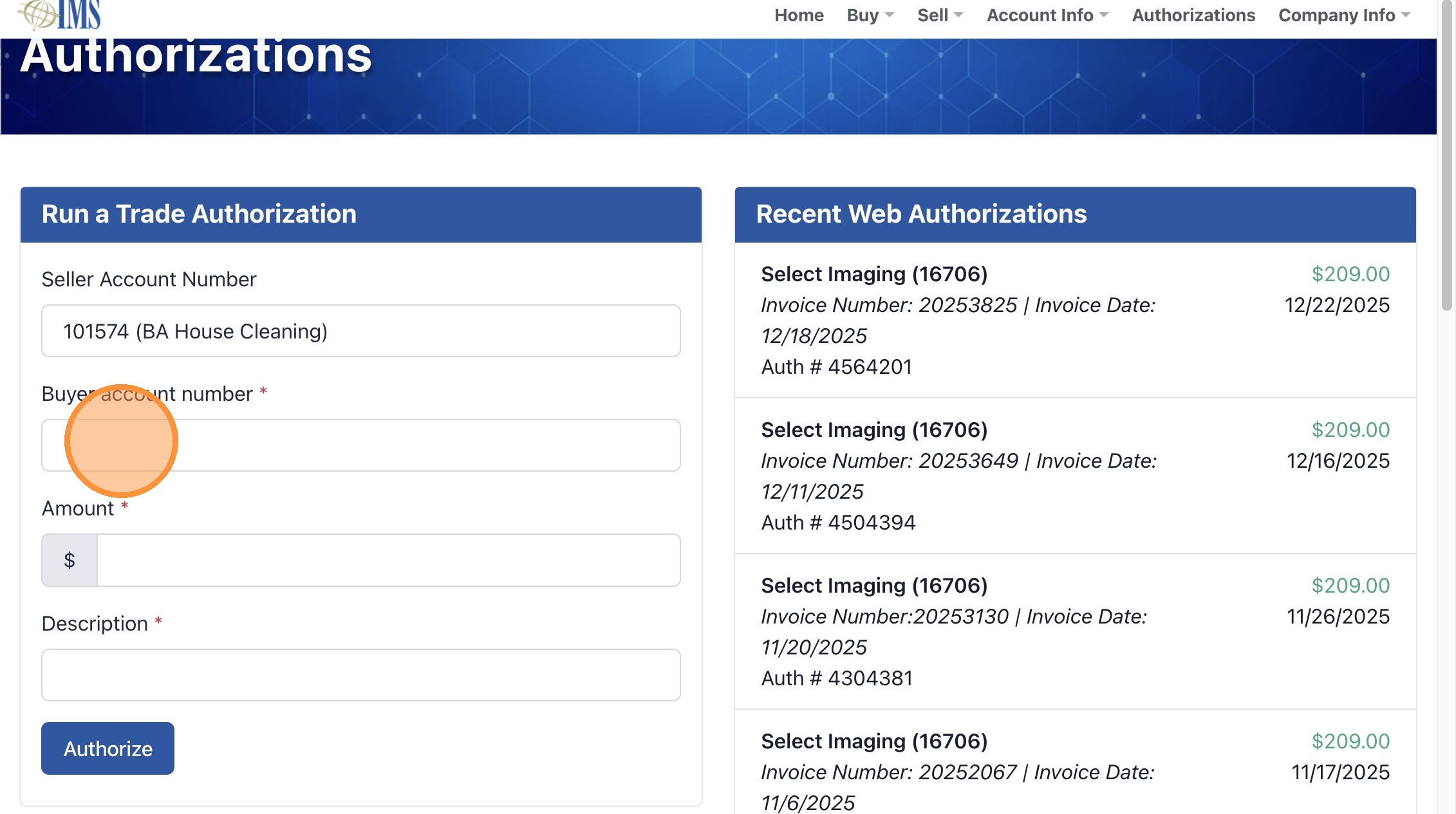
10. Click the “Amount *” field.
11. Double-click invoice number to copy
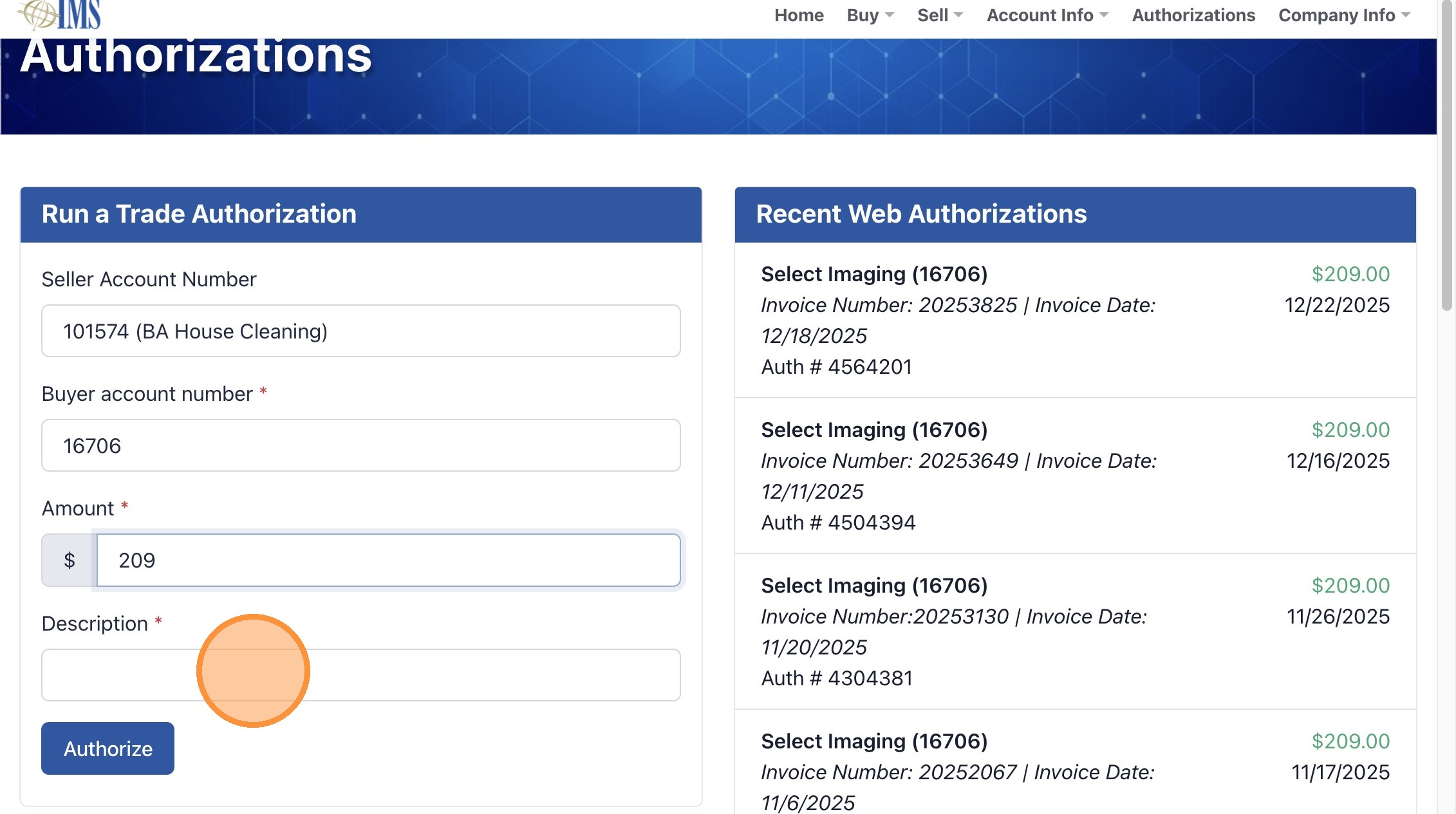
12. Click the “Description *” field.
13. Paste Invoice # and add invoice date
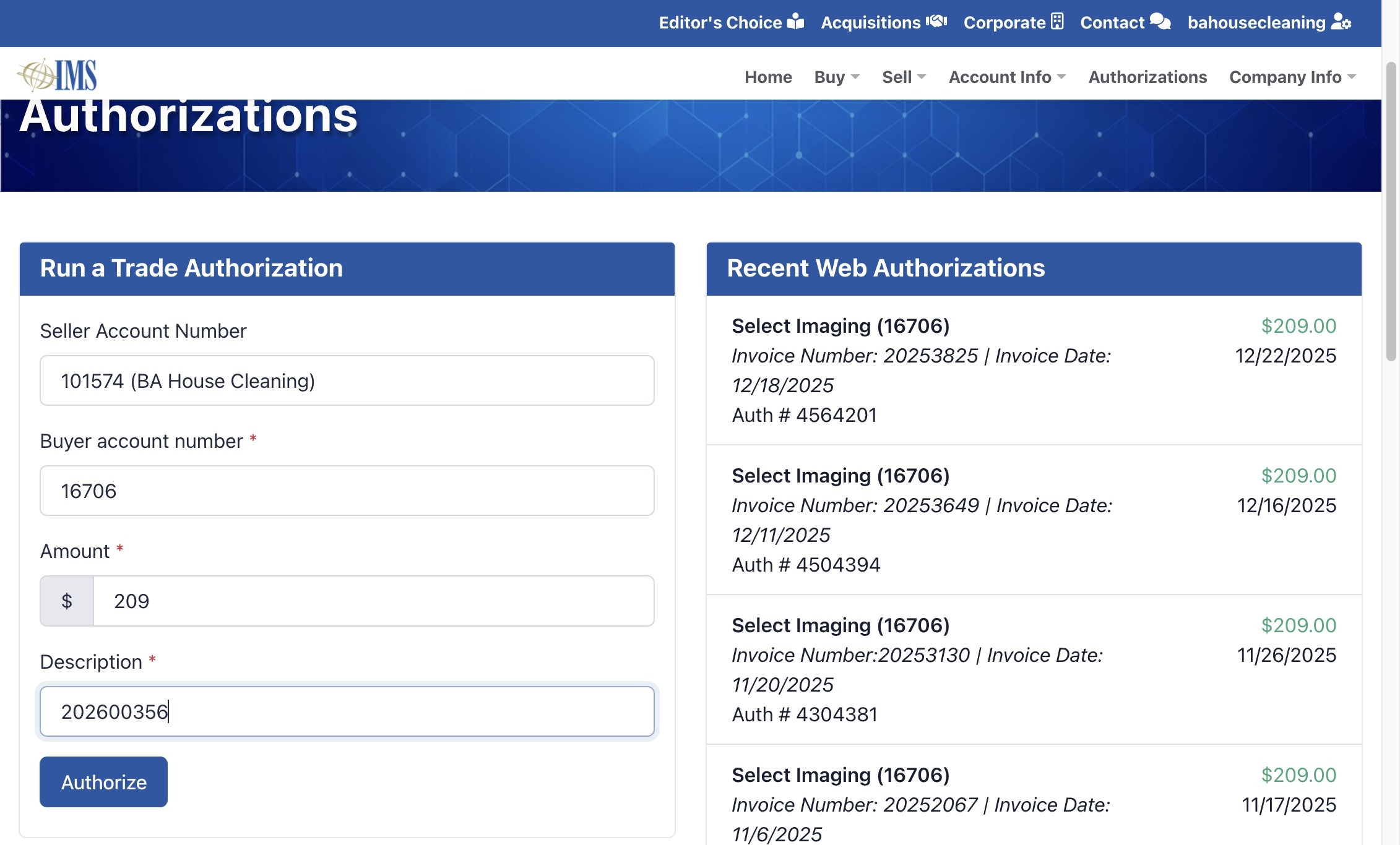
14. Click “Authorize”
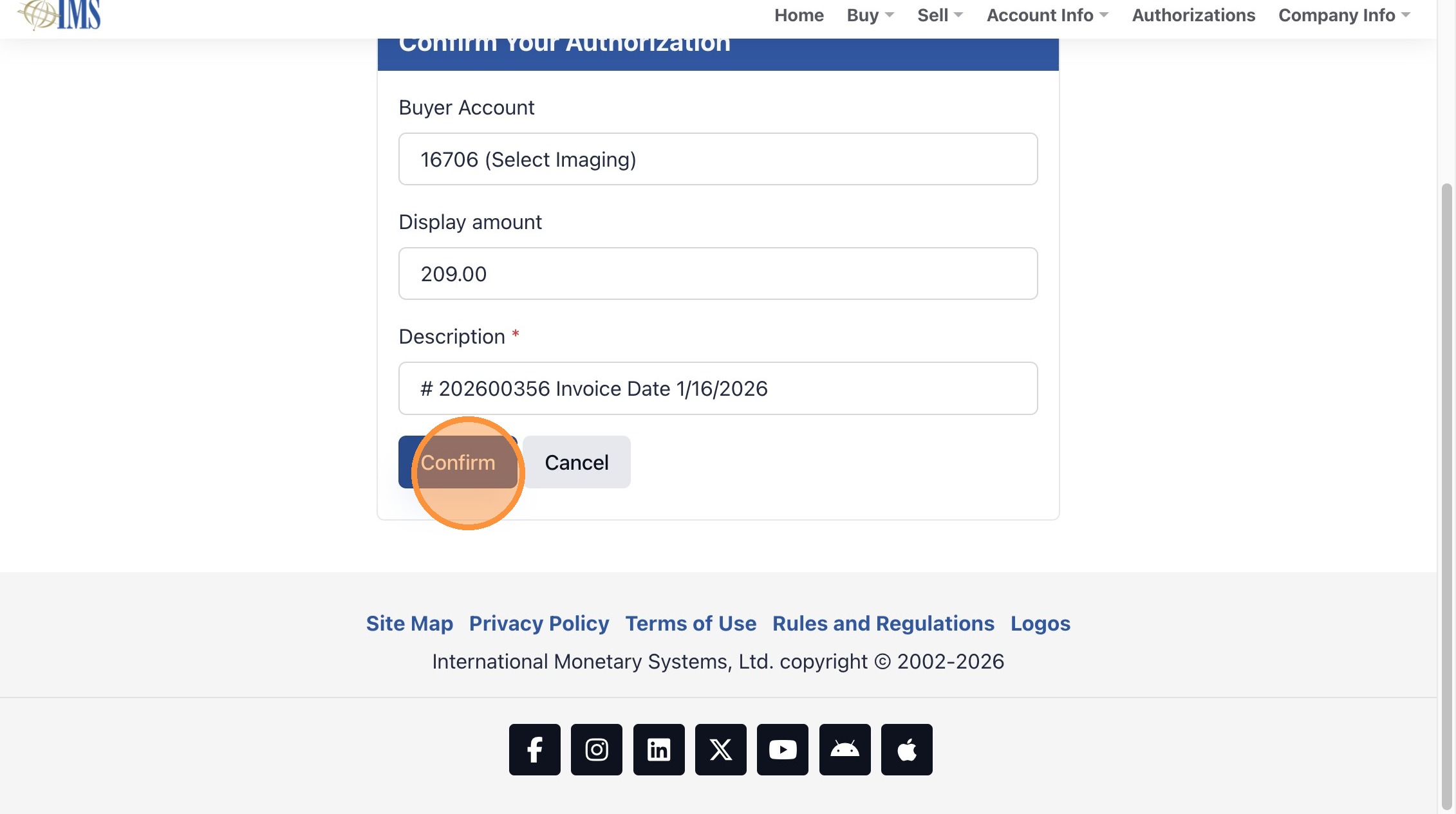
15. Click “Confirm”
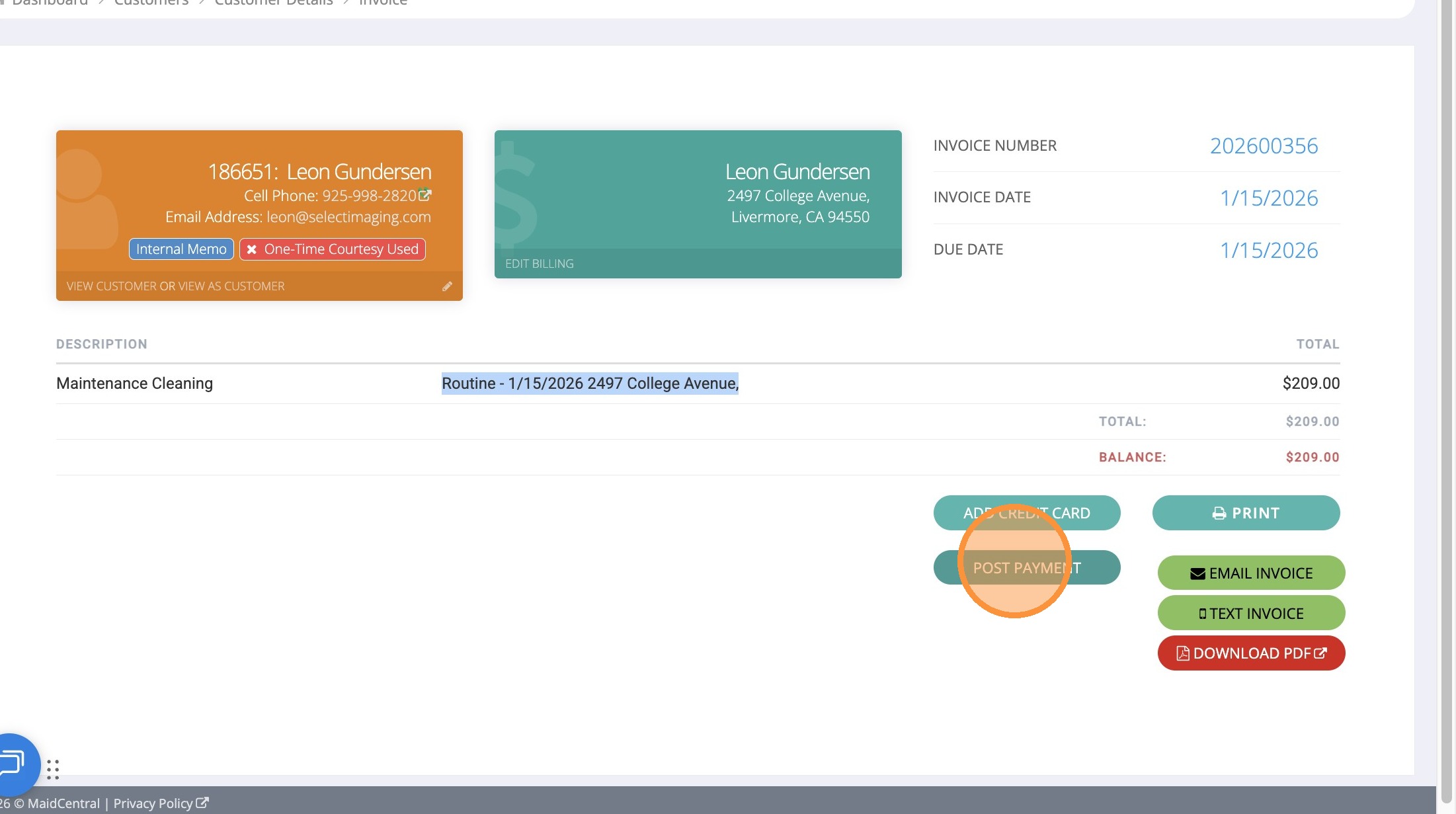
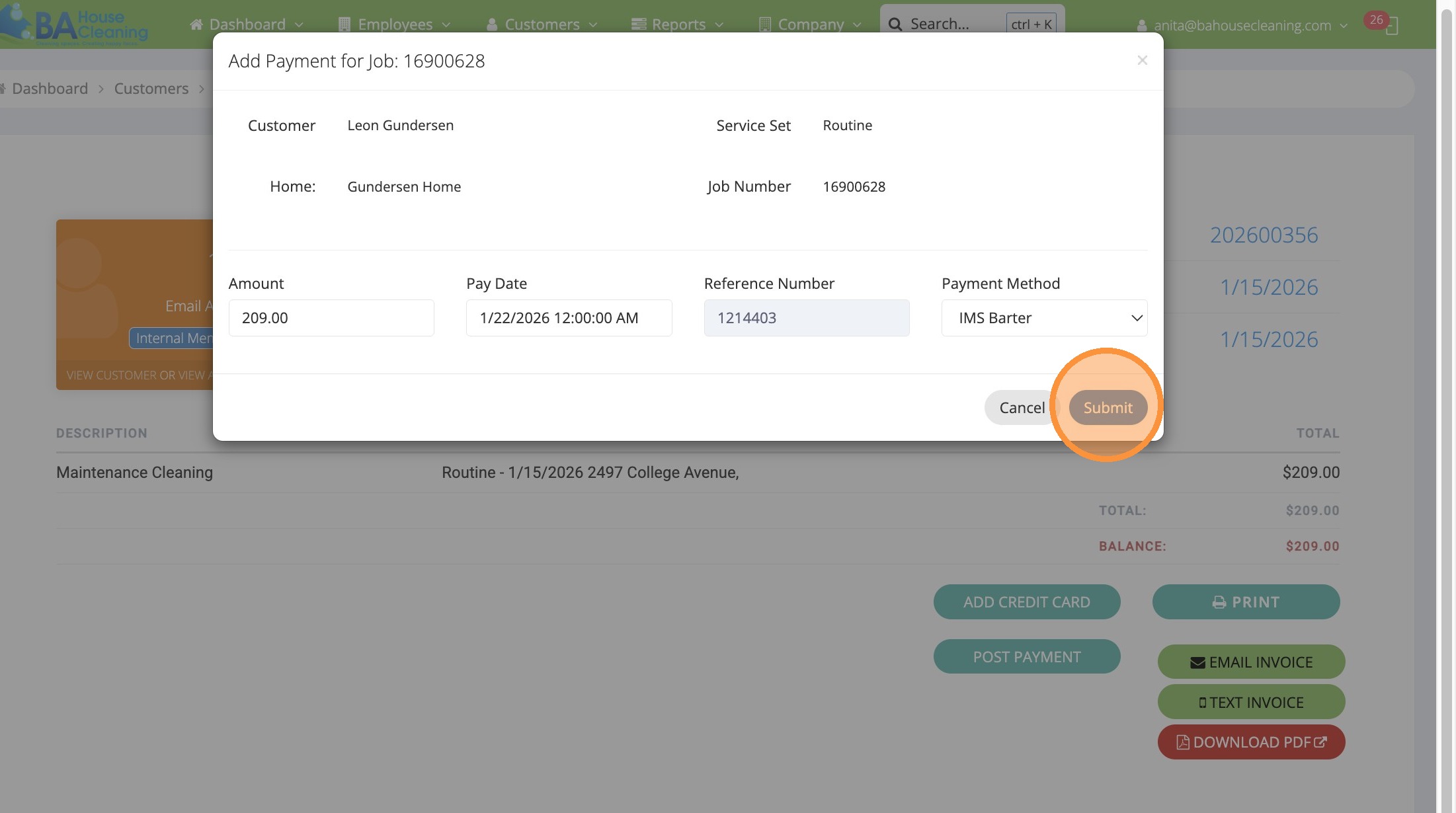
16. Go back to invoice and Click “Post Payment”
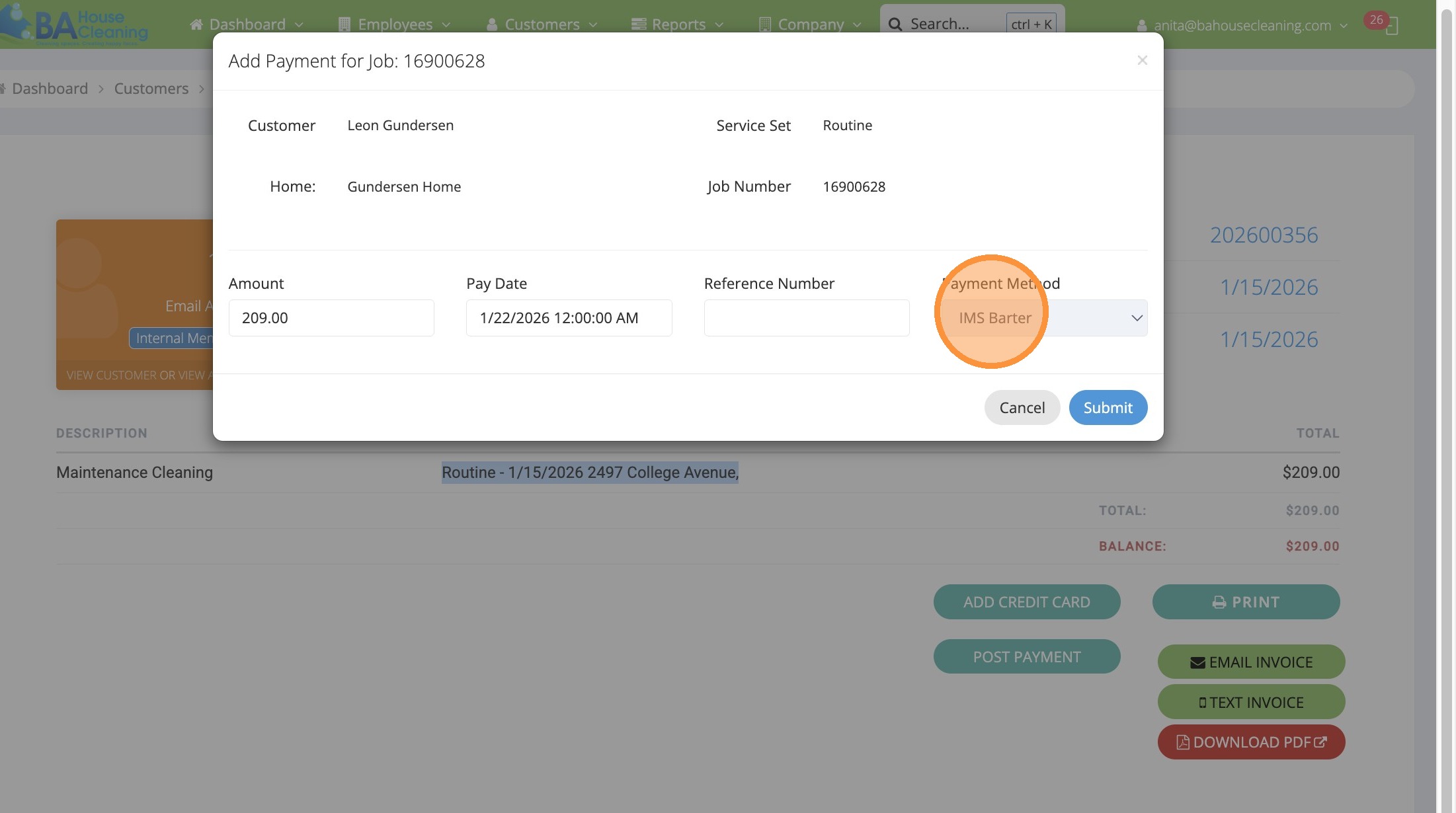
17. Select the “IMS Barter” option.
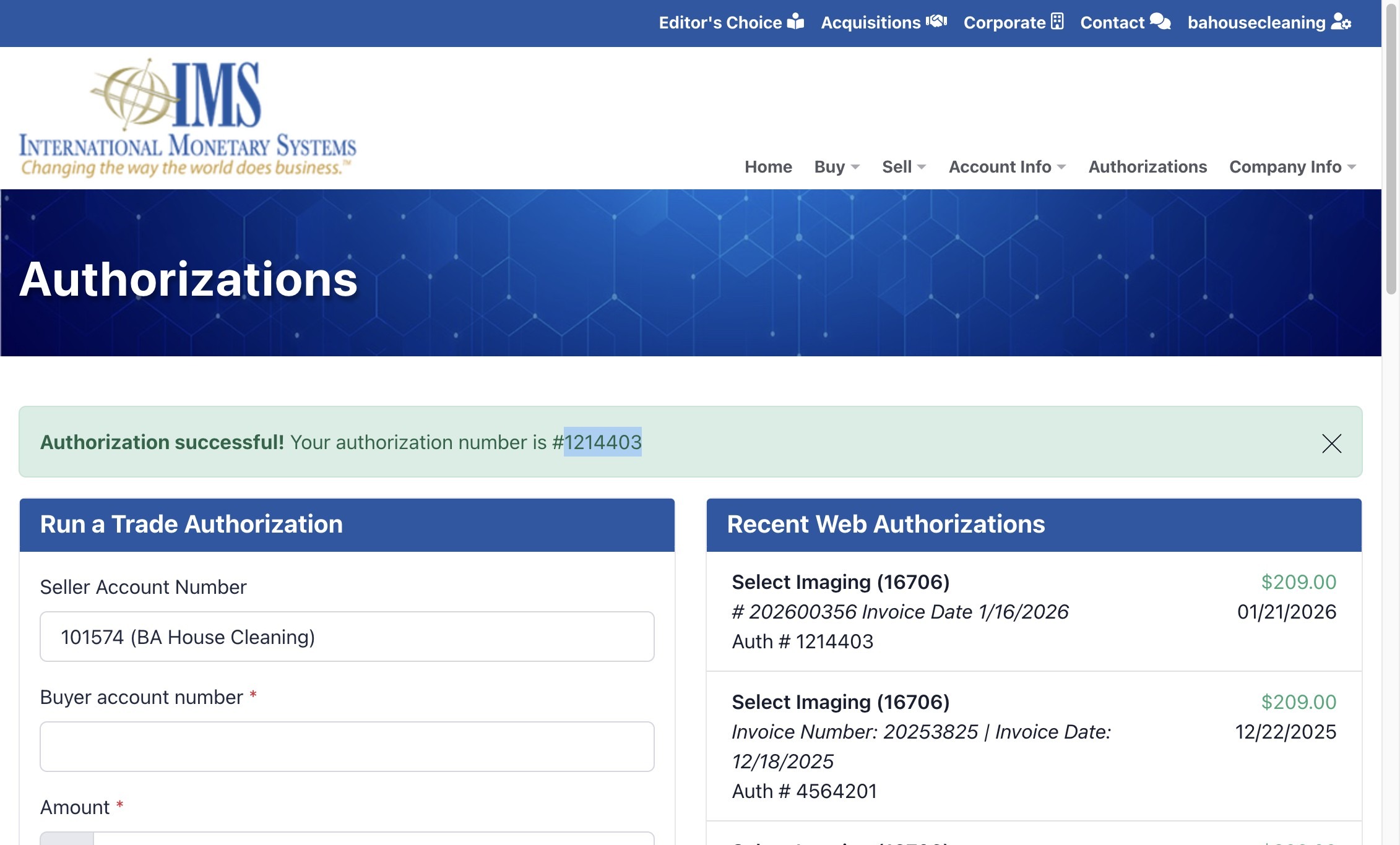
18. Double-click “Authorization successful! Your authorization number is #1214403”
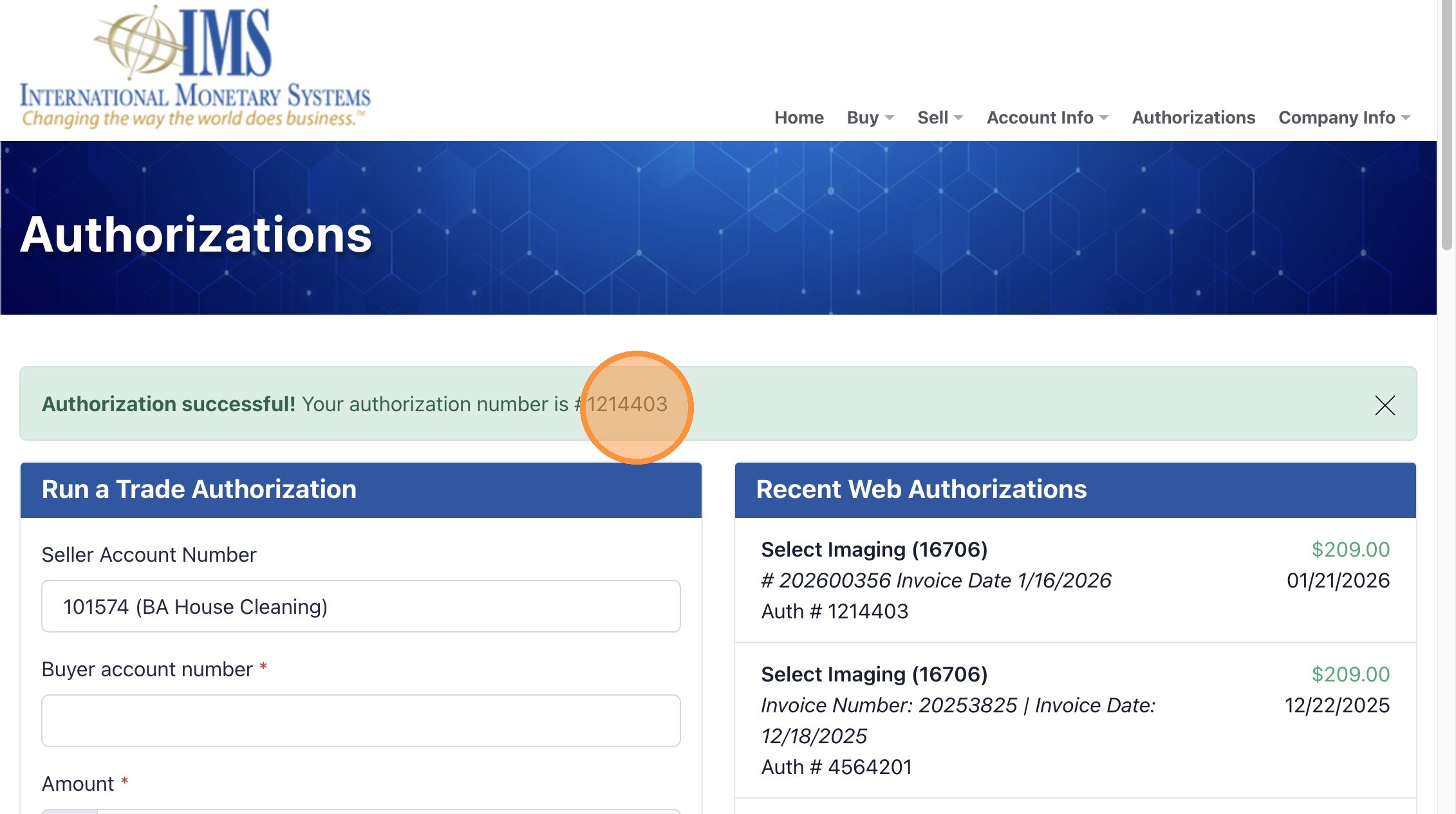
19. Select and copy
20. Click this text field.
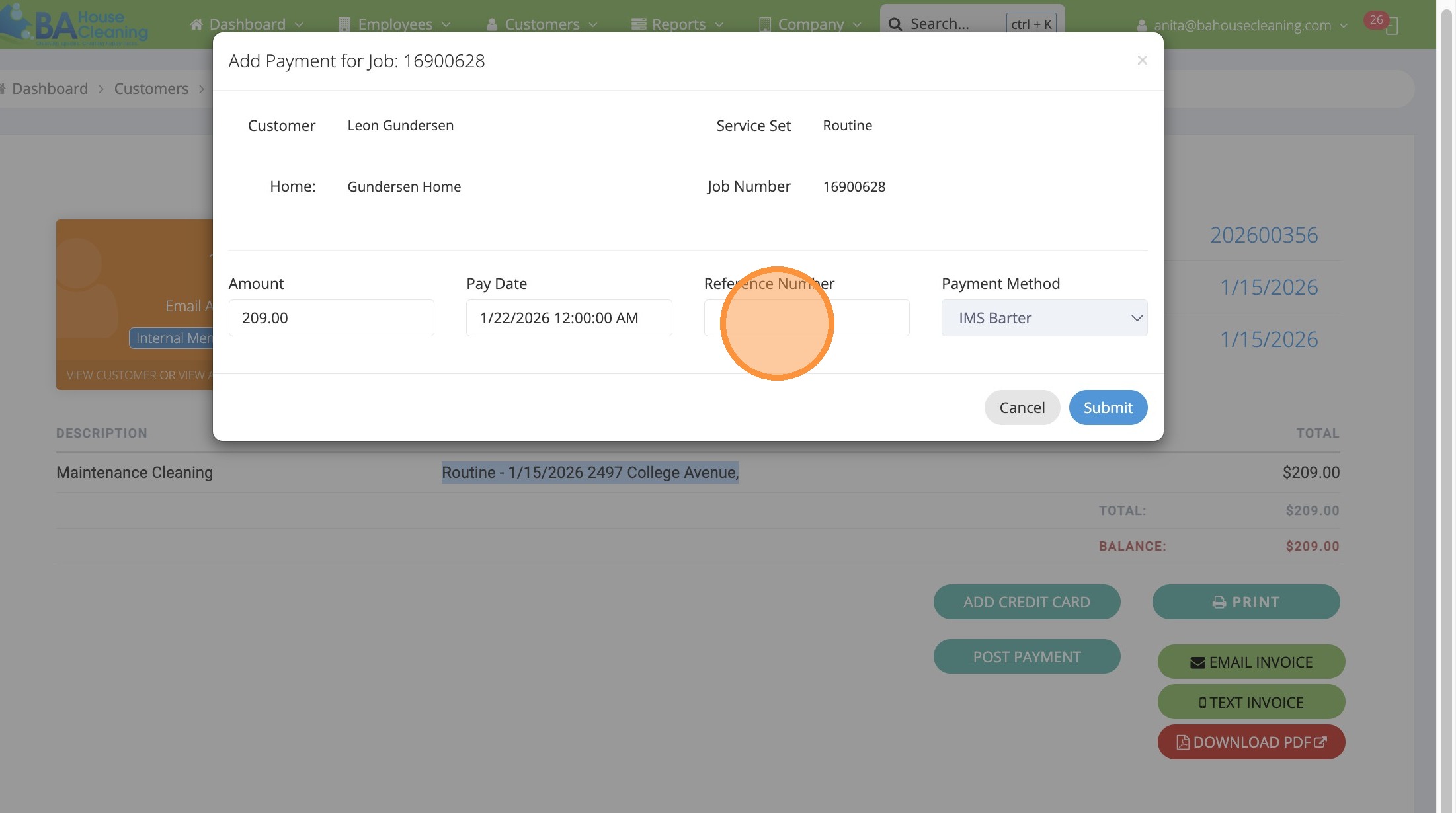
21. Paste
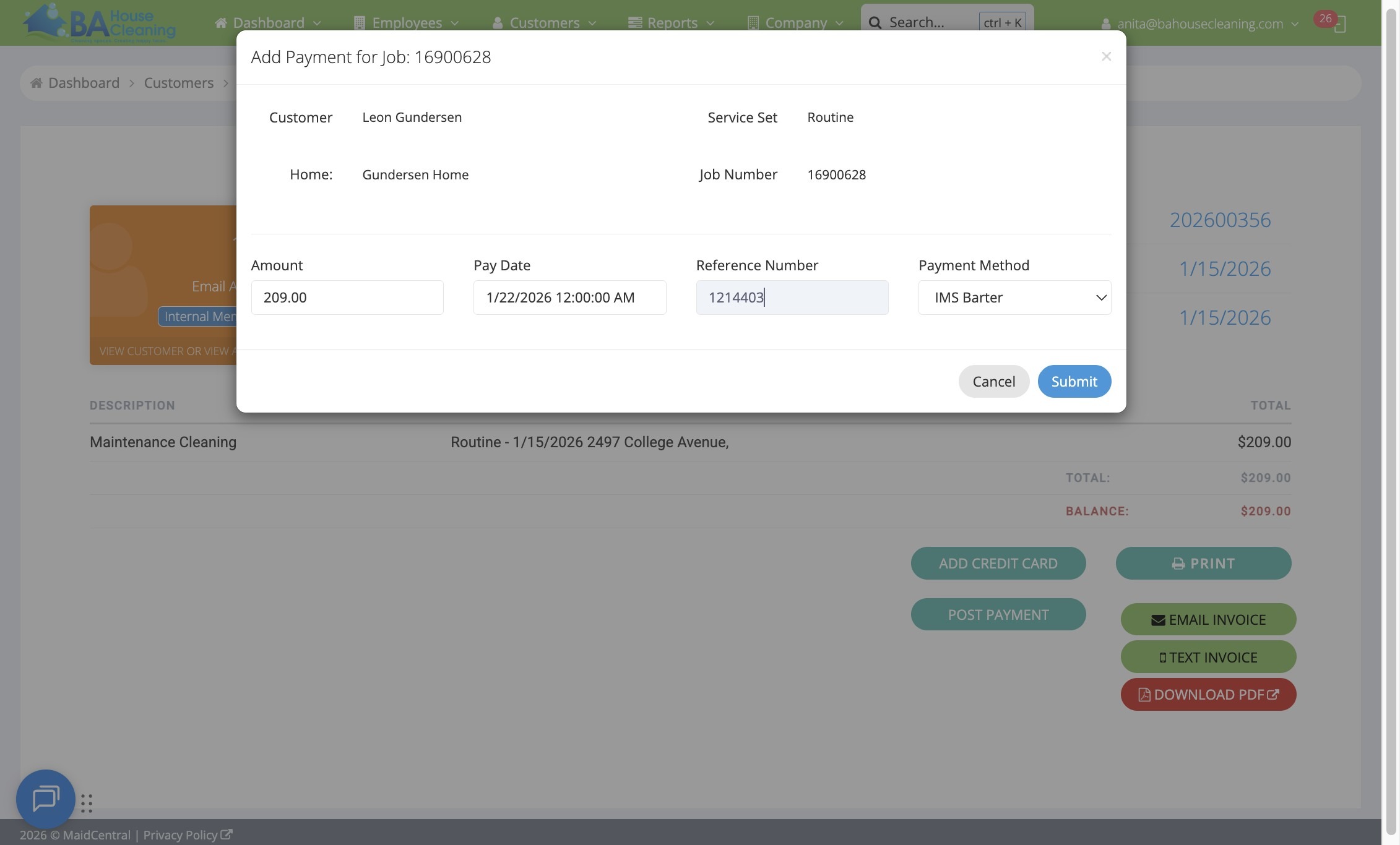
22. Click “Submit”
Made with Scribe