
Office Resources
Exit Intent PopUP Linking
Edit Popup Triggers and Conditions in Elementor
1. Navigate to https://bahousecleaning.com/wp-admin/post.php?post=18368&action=edit
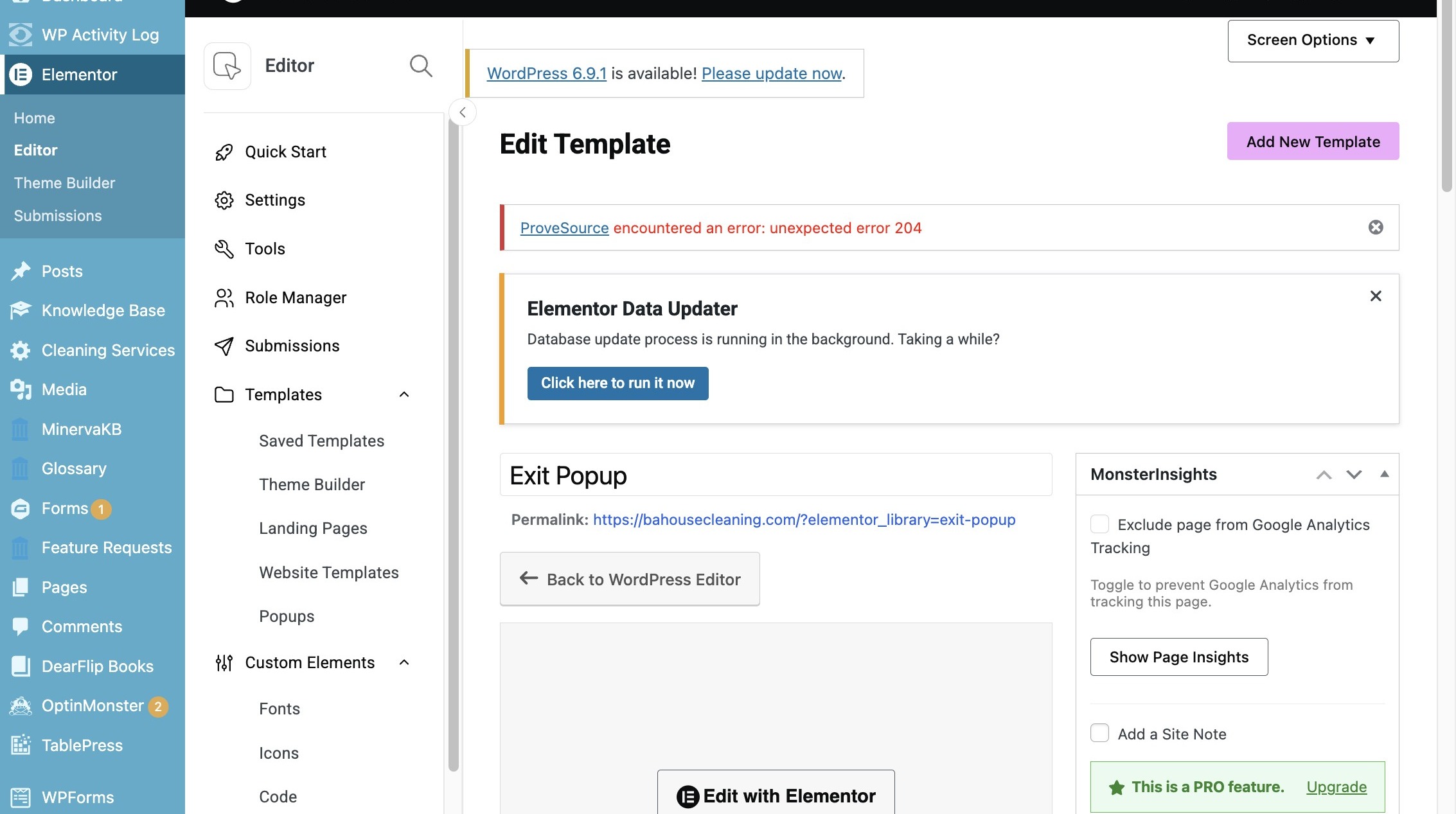
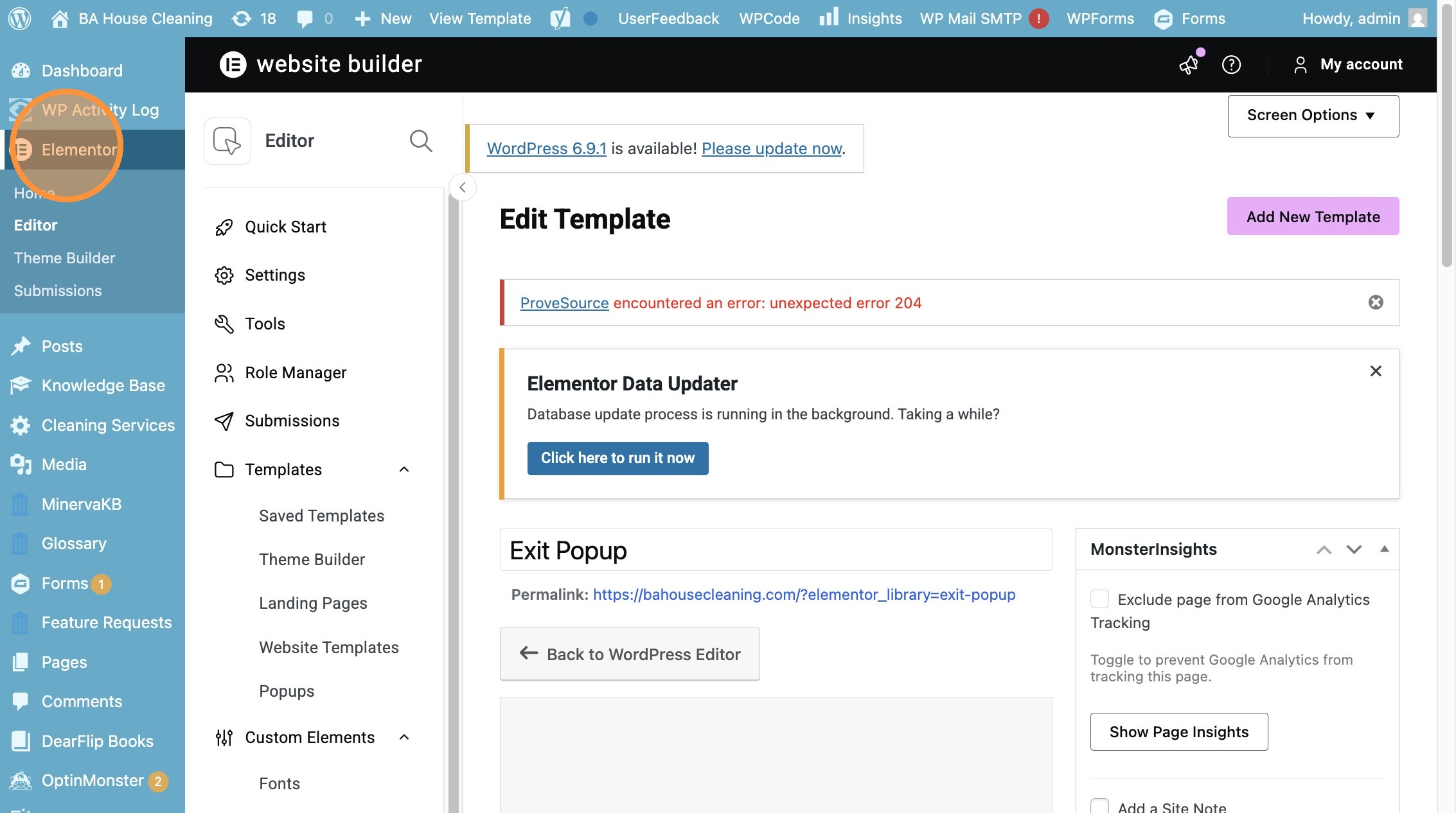
2. Click “Elementor”
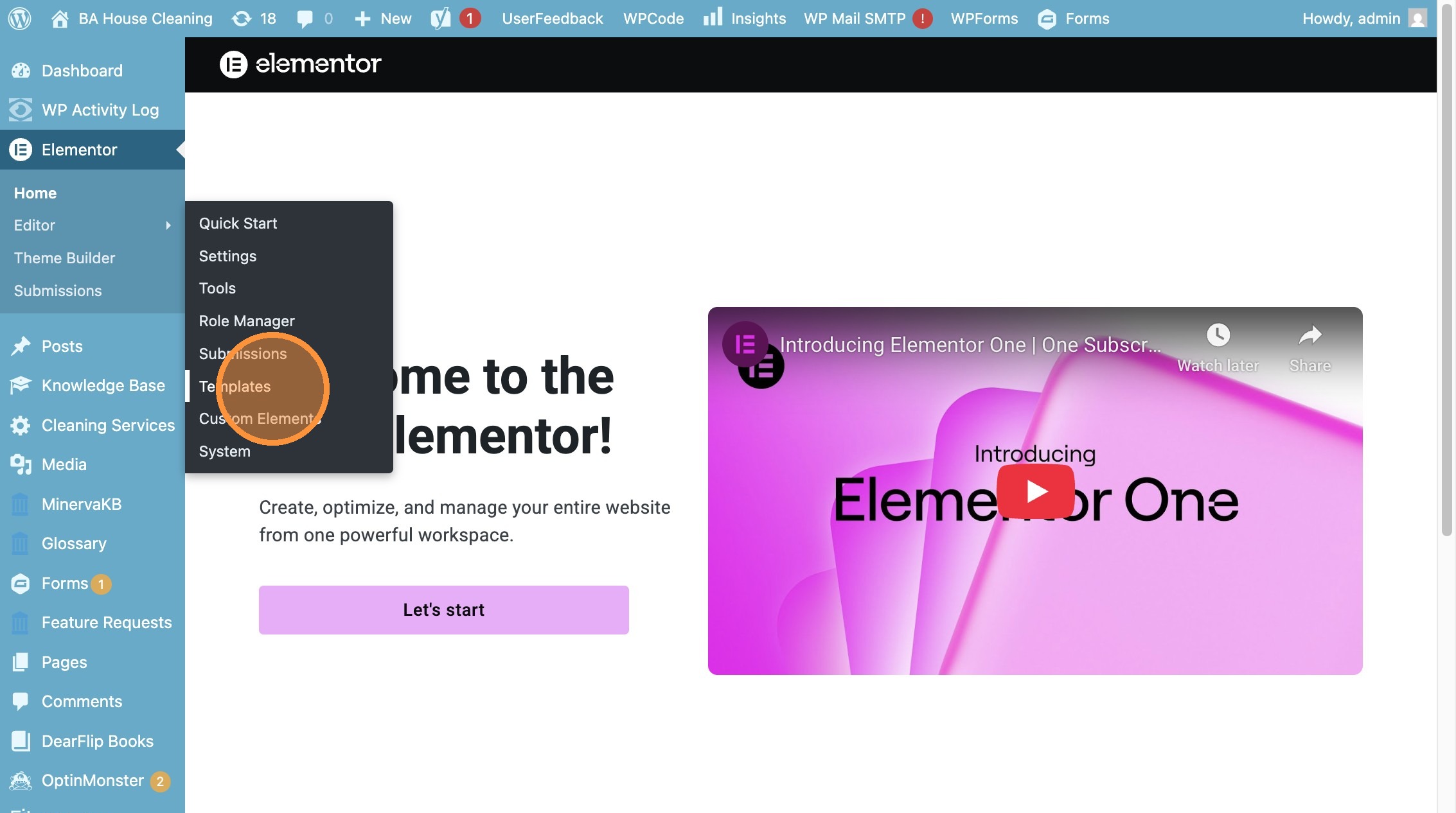
3. Click “Templates”
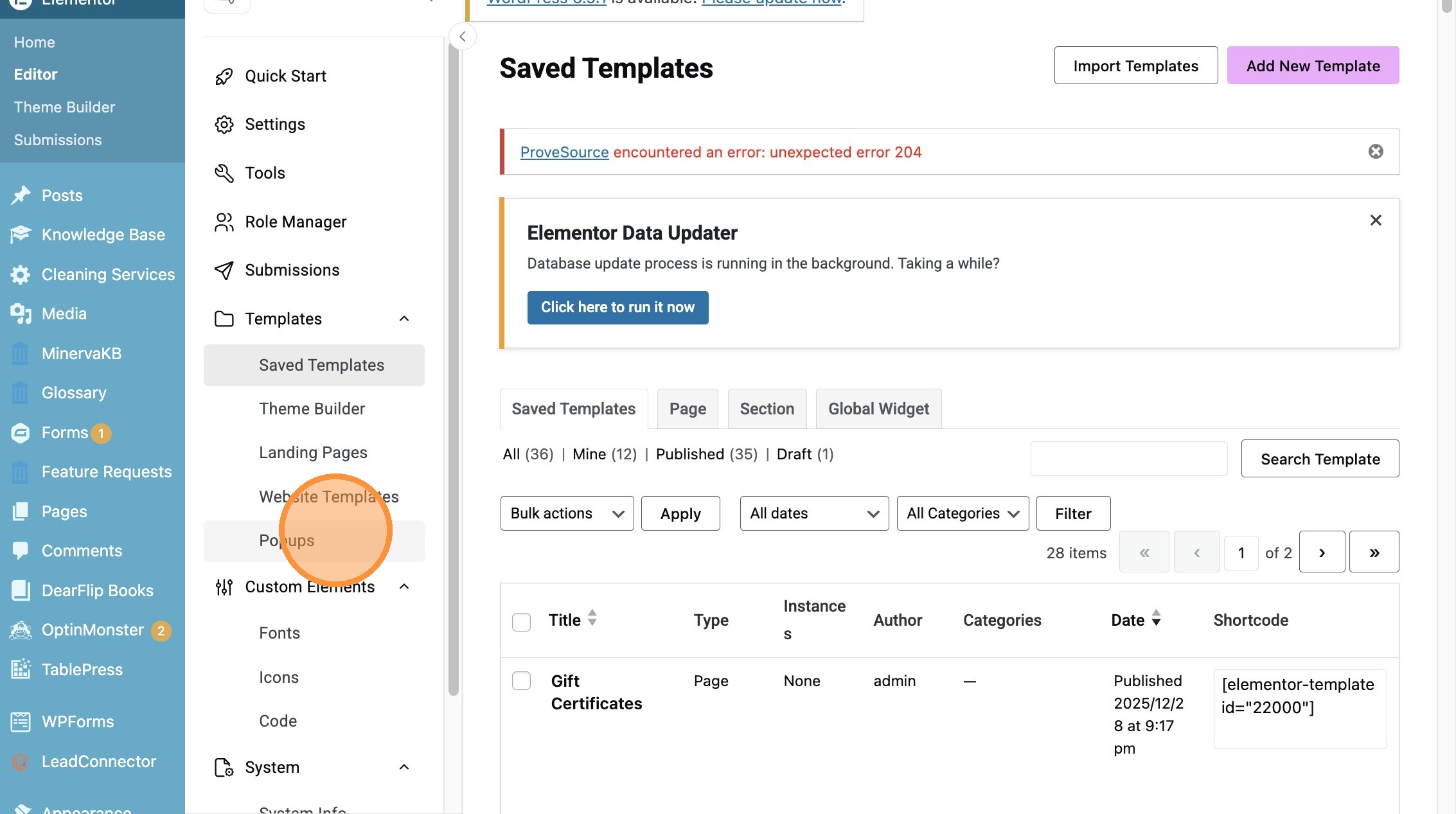
4. Click “Popups”
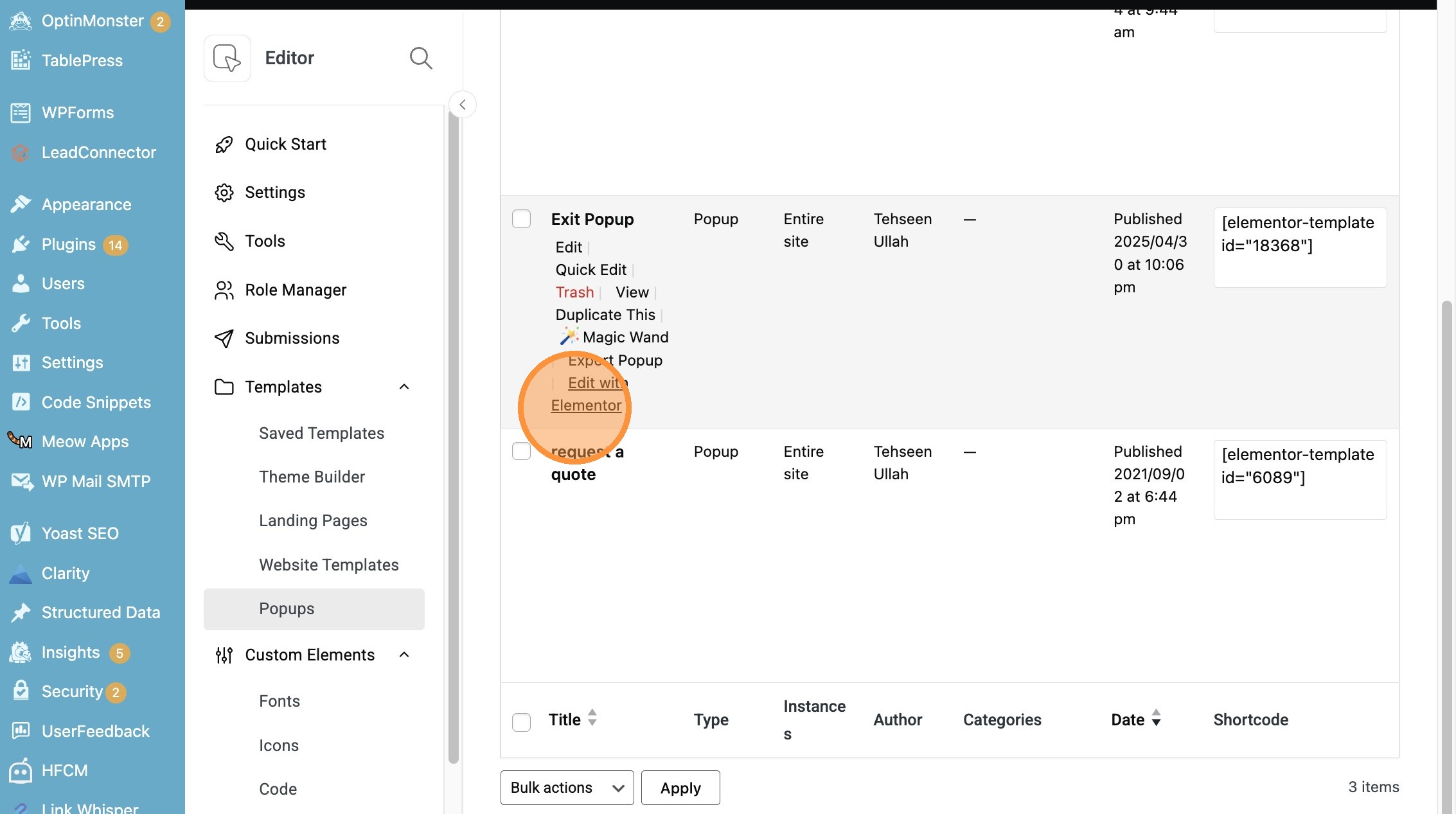
5. Click “Edit with Elementor”
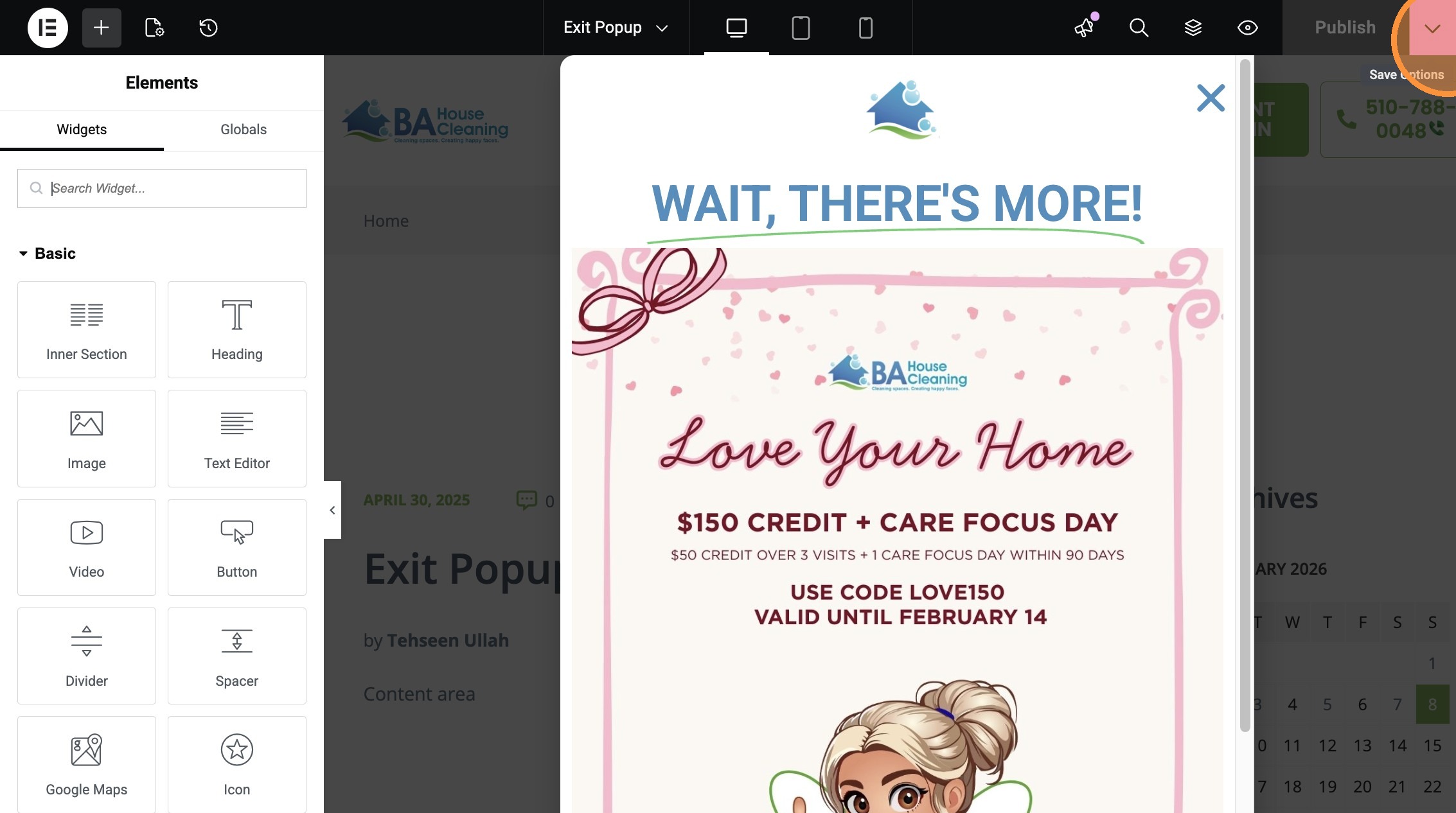
6. Click this button.
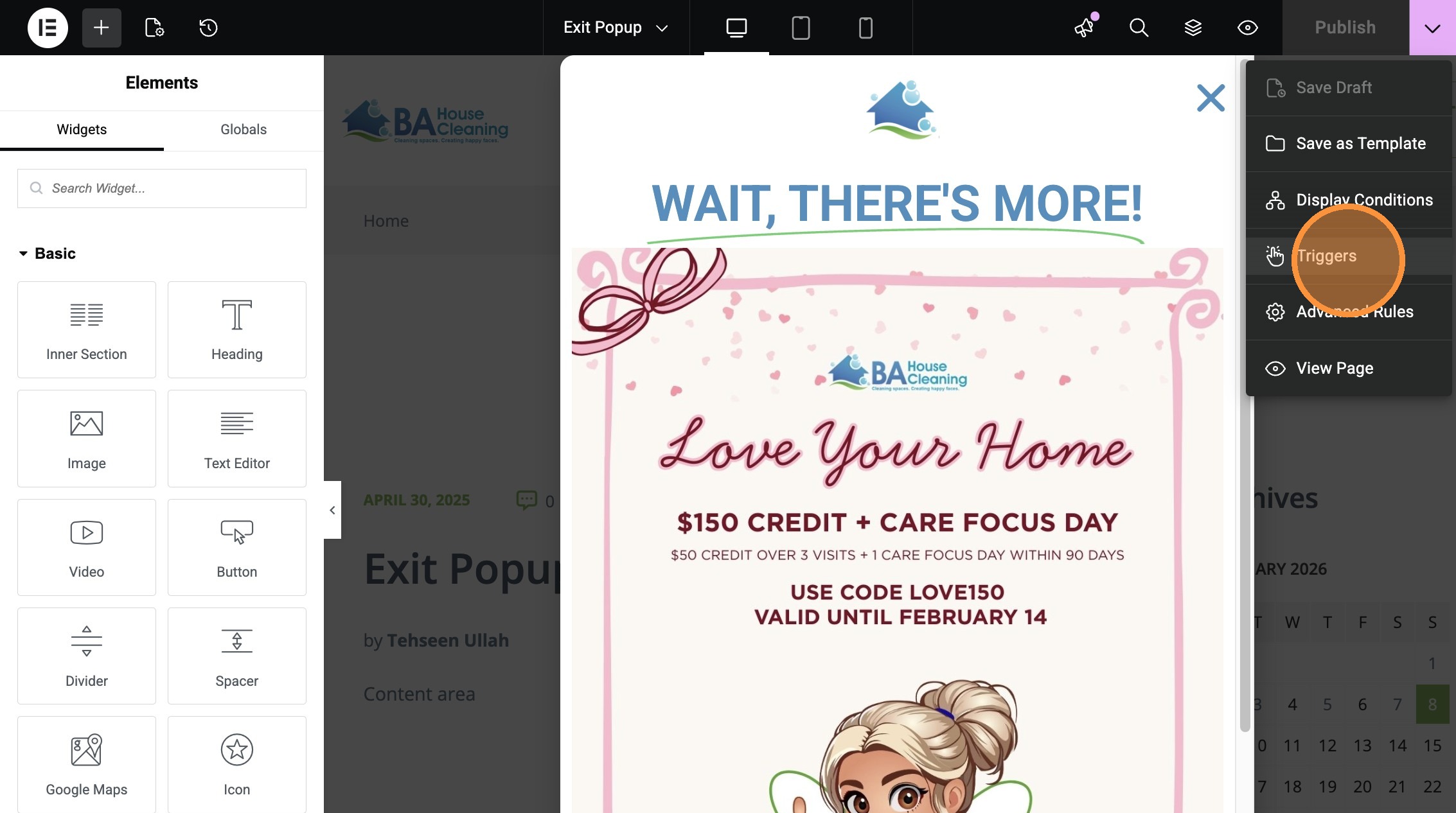
7. Click “Triggers”
8. Click “Conditions”
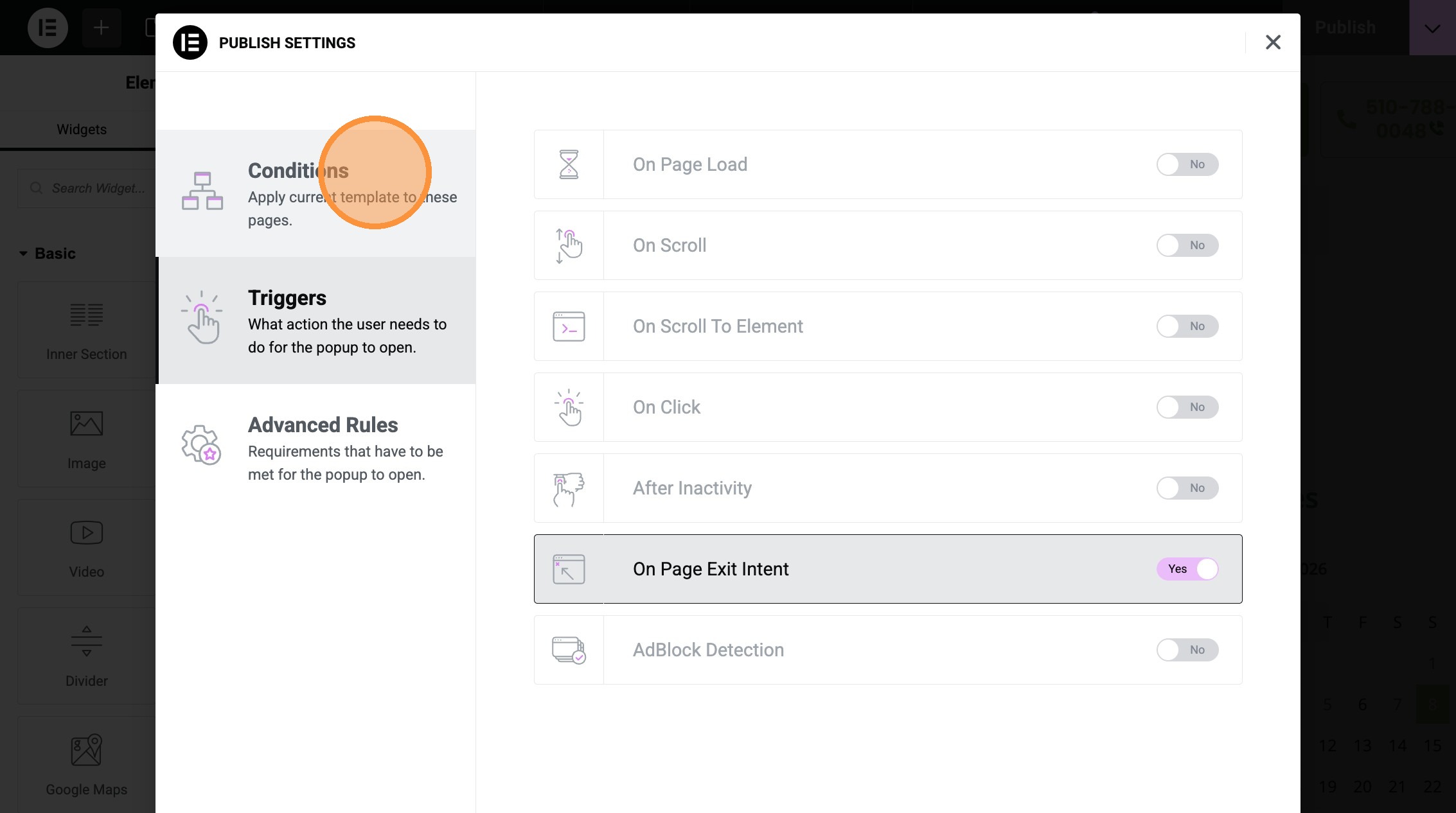
9. Click “Triggers”
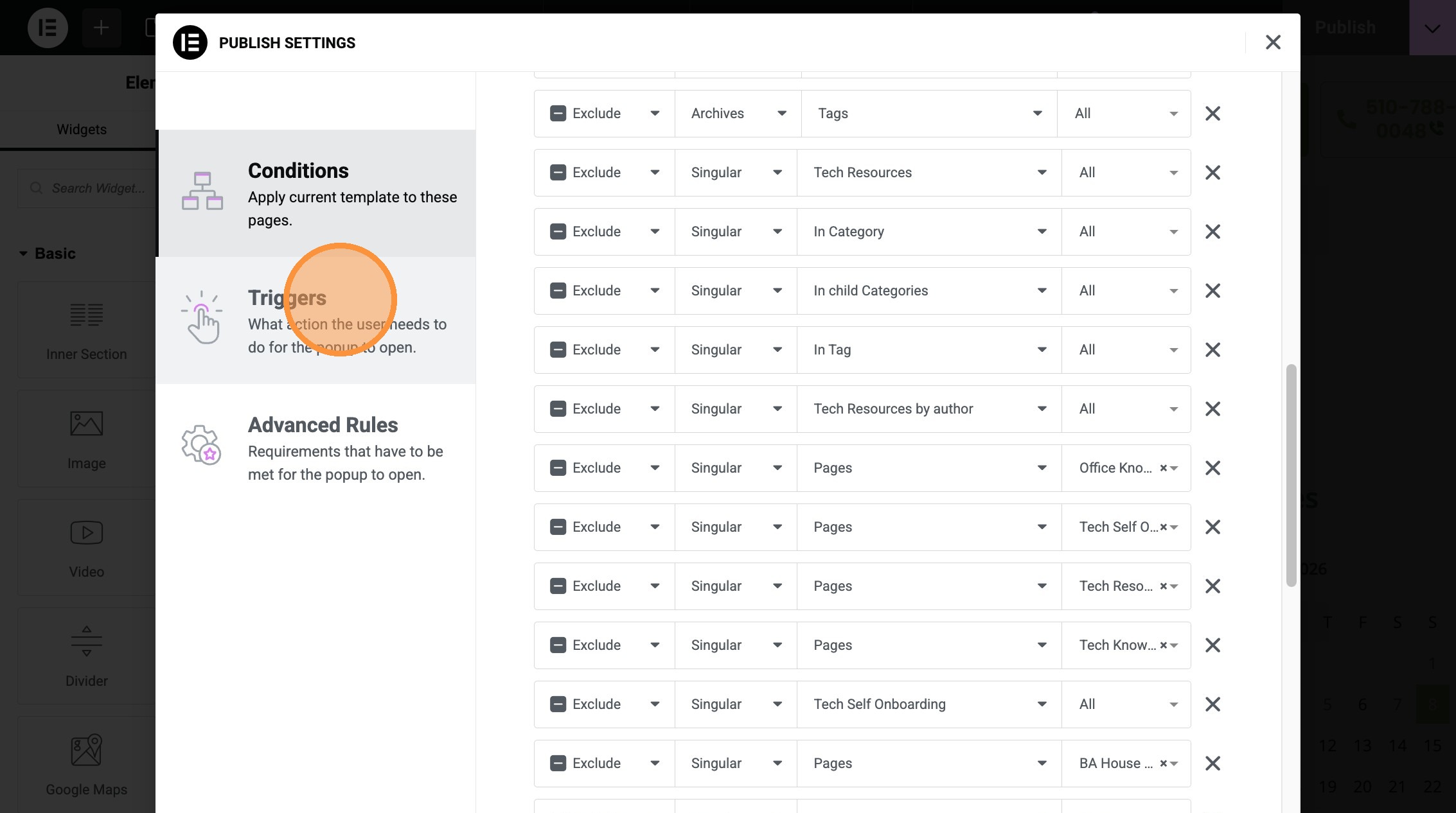
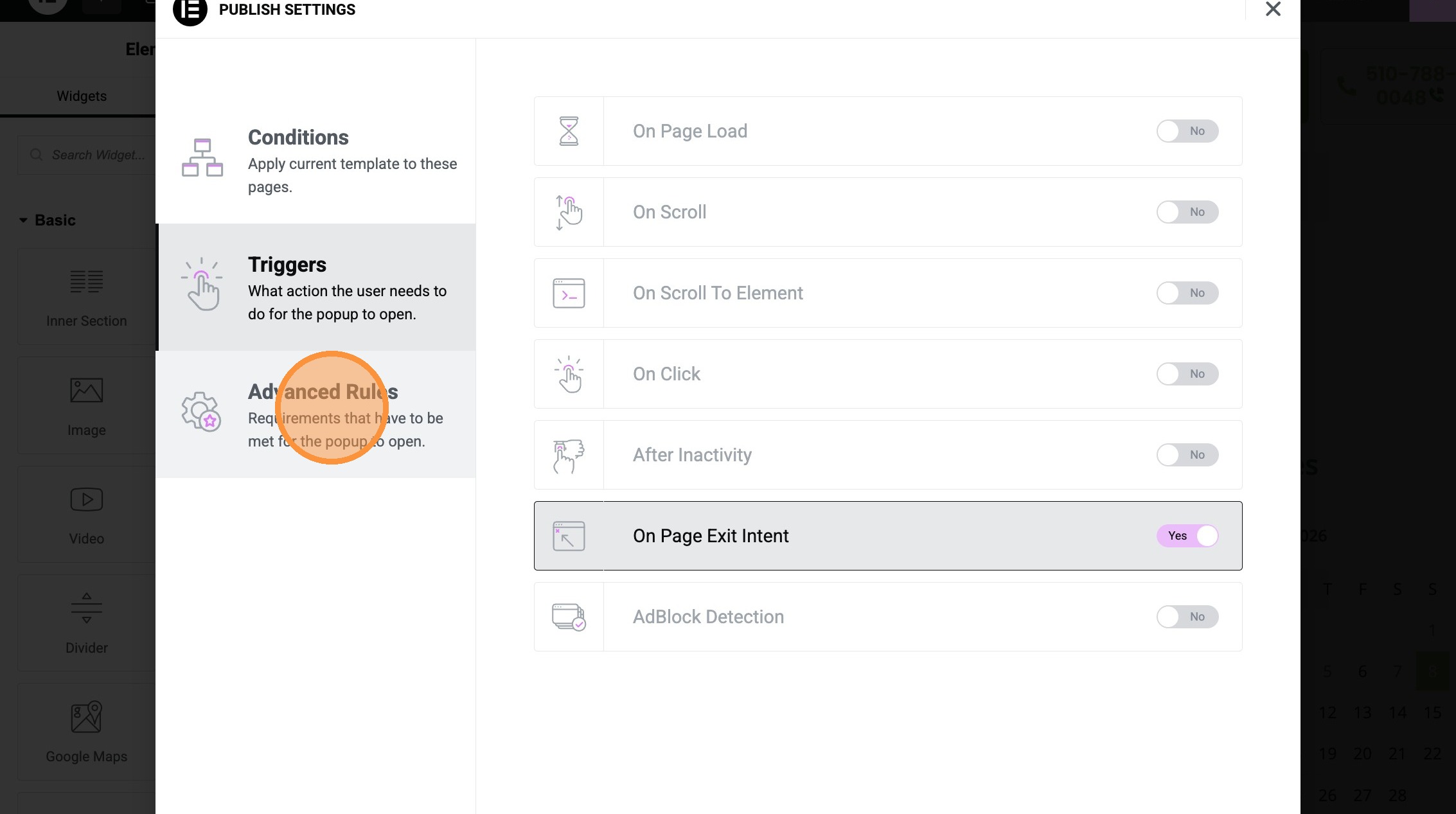
10. Click “Requirements that have to be met for the popup to open.”
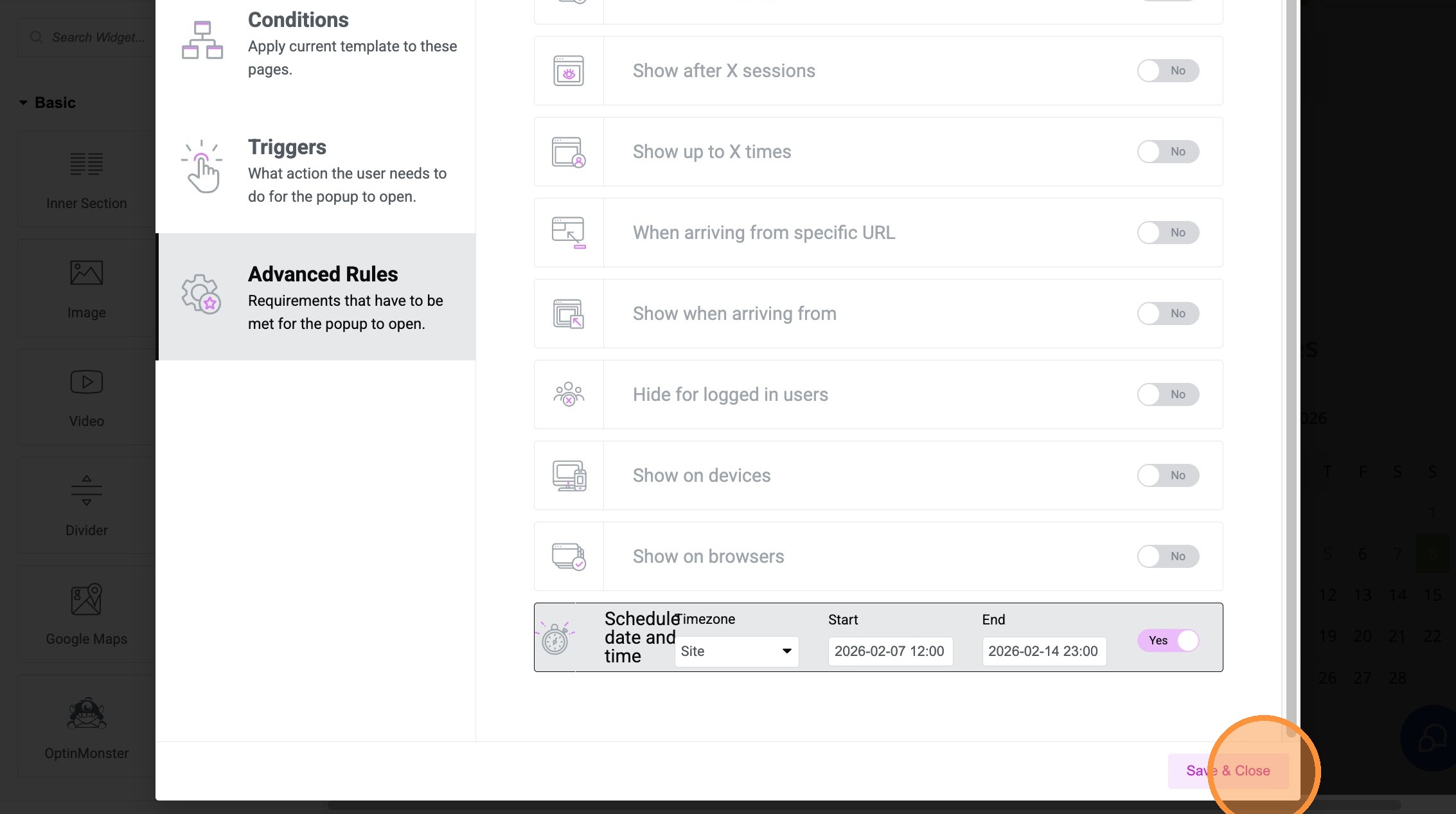
11. Click “Save & Close”
Made with Scribe