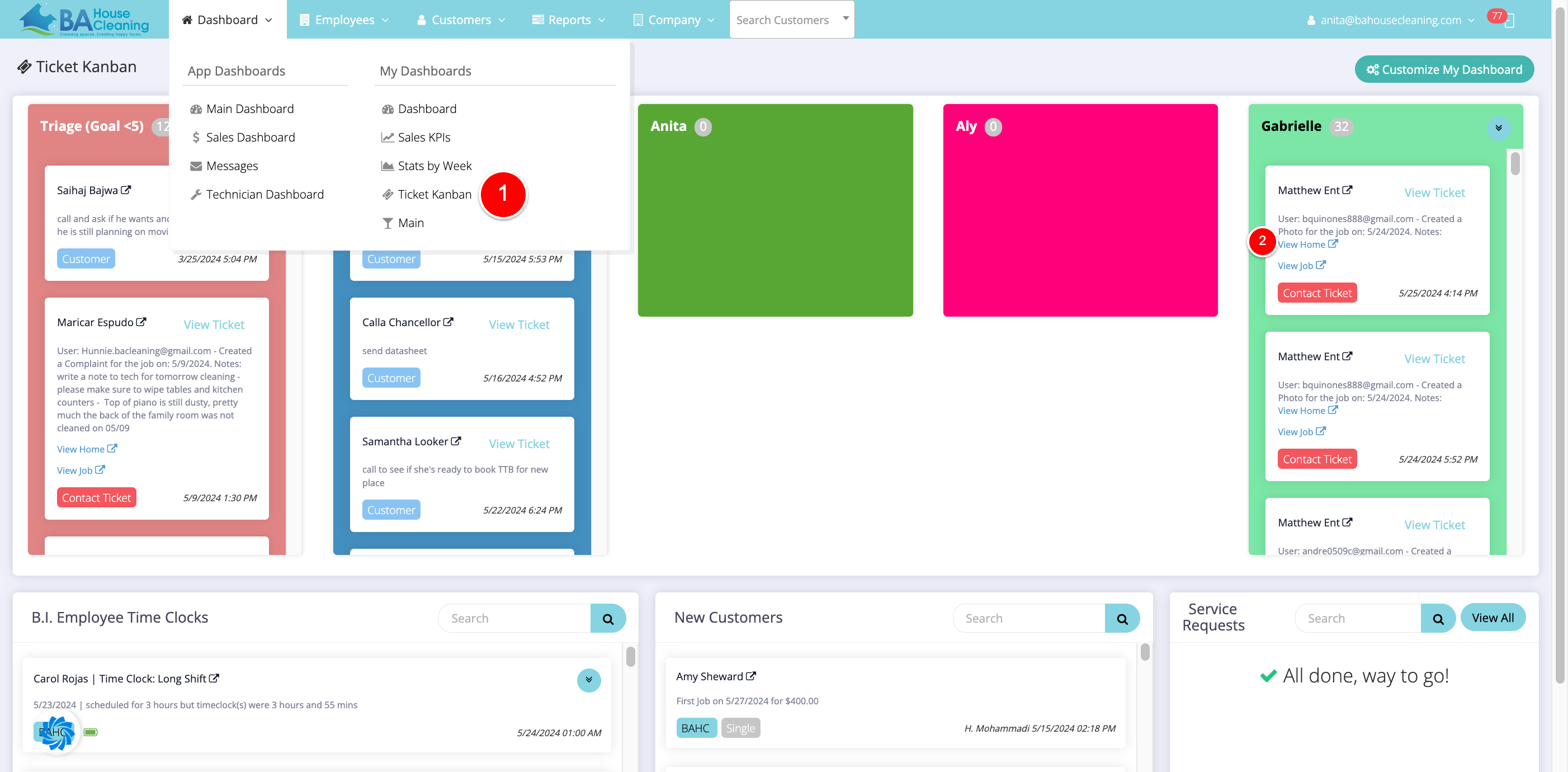
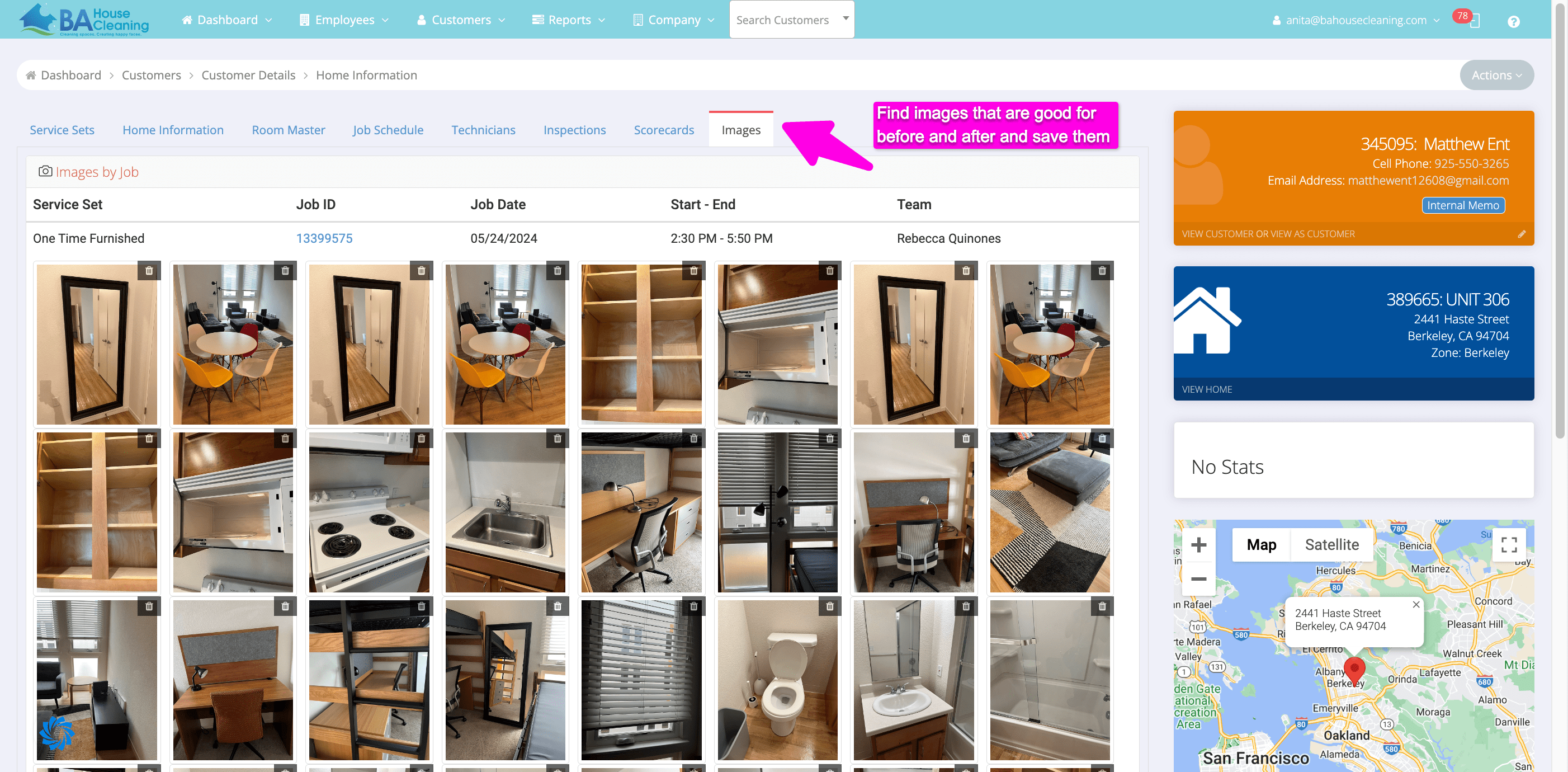
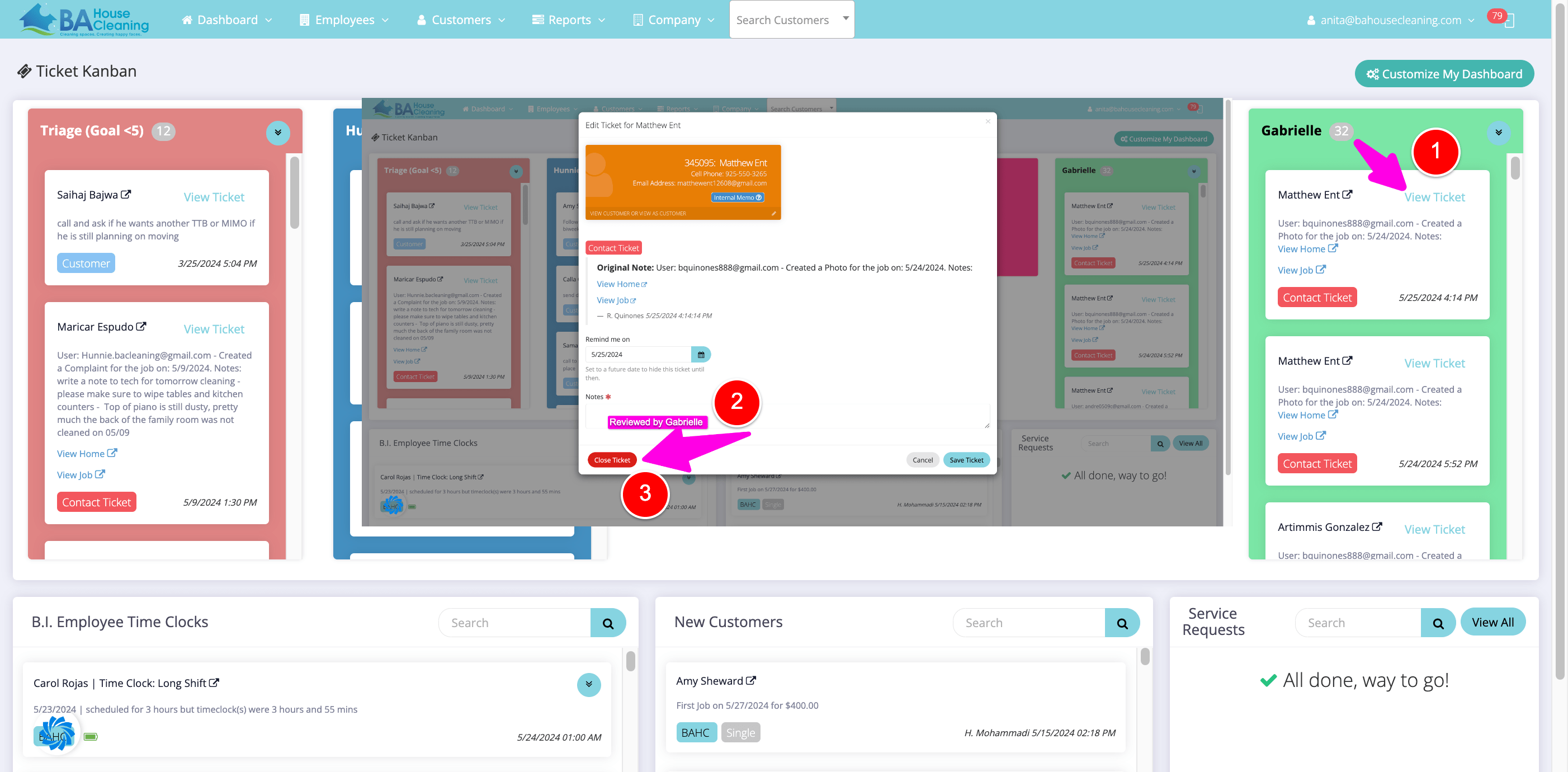
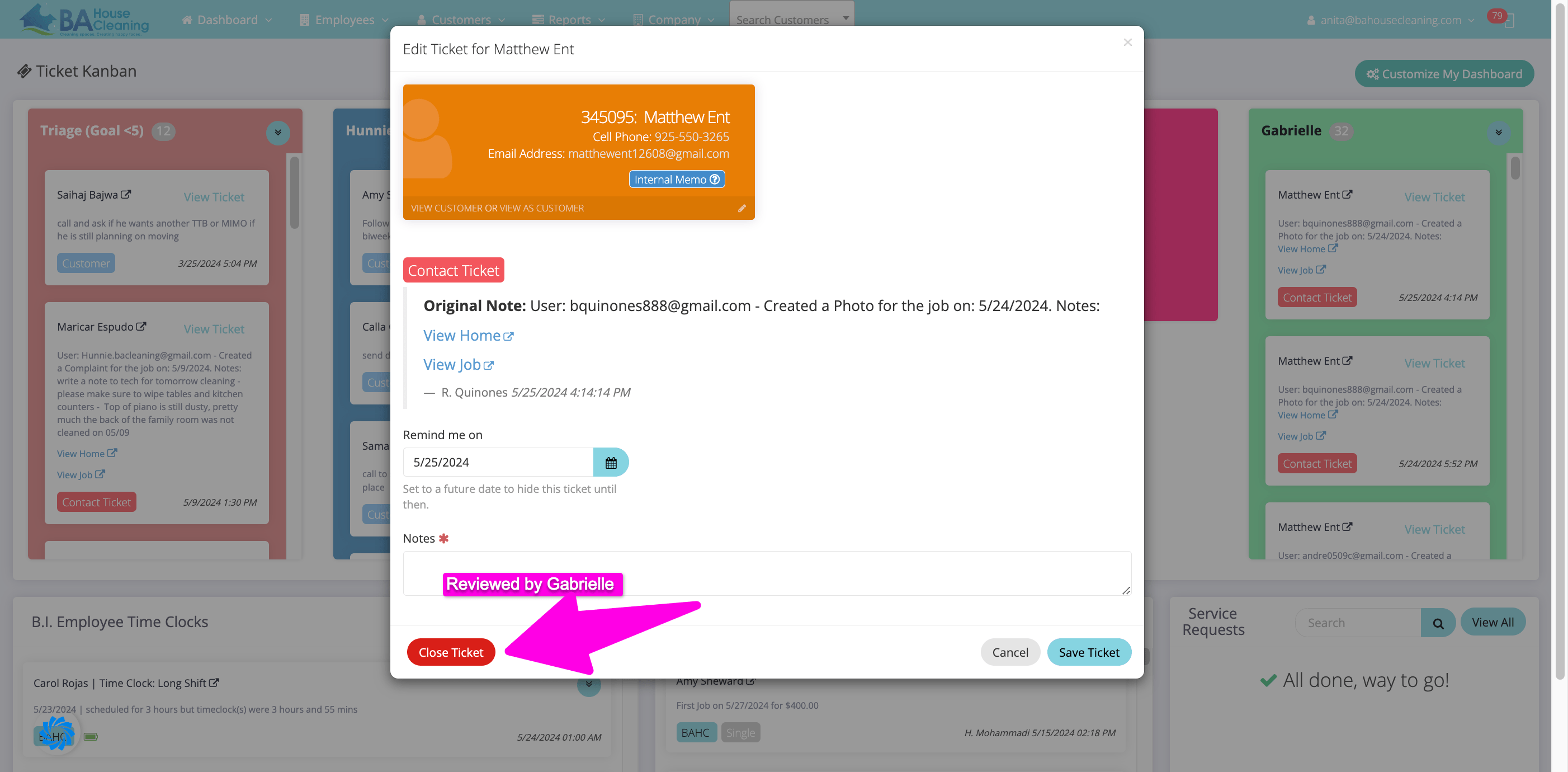
< All Topics Main Sales Marketing Internal Closing Kanban Tickets Print Closing Kanban Tickets PostedMay 28, 2024 UpdatedMay 28, 2024 ByGabrielle Ashley 0 out of 5 stars 5 Stars 0% 4 Stars 0% 3 Stars 0% 2 Stars 0% 1 Stars 0% In Maid Central, open Dashboard > Ticket Kanban > View Home. 2. Review images under Images tab. 3. Click View Ticket > Add ‘Reviewed by’ Note. 4. Close Ticket.