
At Risk Clients > Care Focus
This process walks through how to pull the required reports from MaidCentral and compile the At-Risk Client list in the dashboard. After the list is generated, the spreadsheet automatically verifies which clients are eligible for Care Focus on their next visit. Clients who have received Care Focus within the last 90 days are automatically identified as ineligible and displayed with a strikethrough, indicating that a different retention action should be used instead.
1. [[Open at Risk Clients Spreadsheet]]
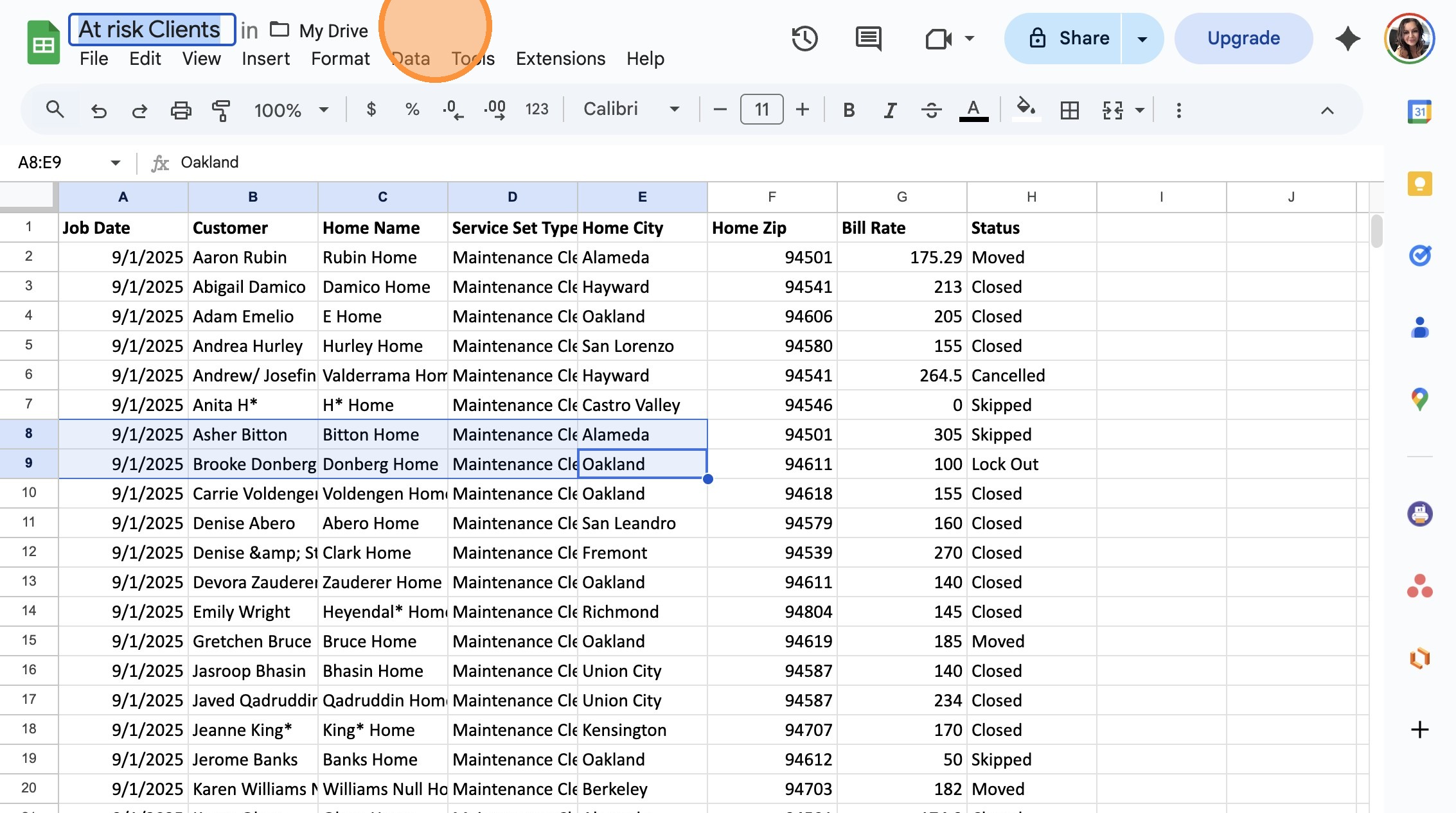
2. Switch to tab Dashboard – BA House Cleaning”
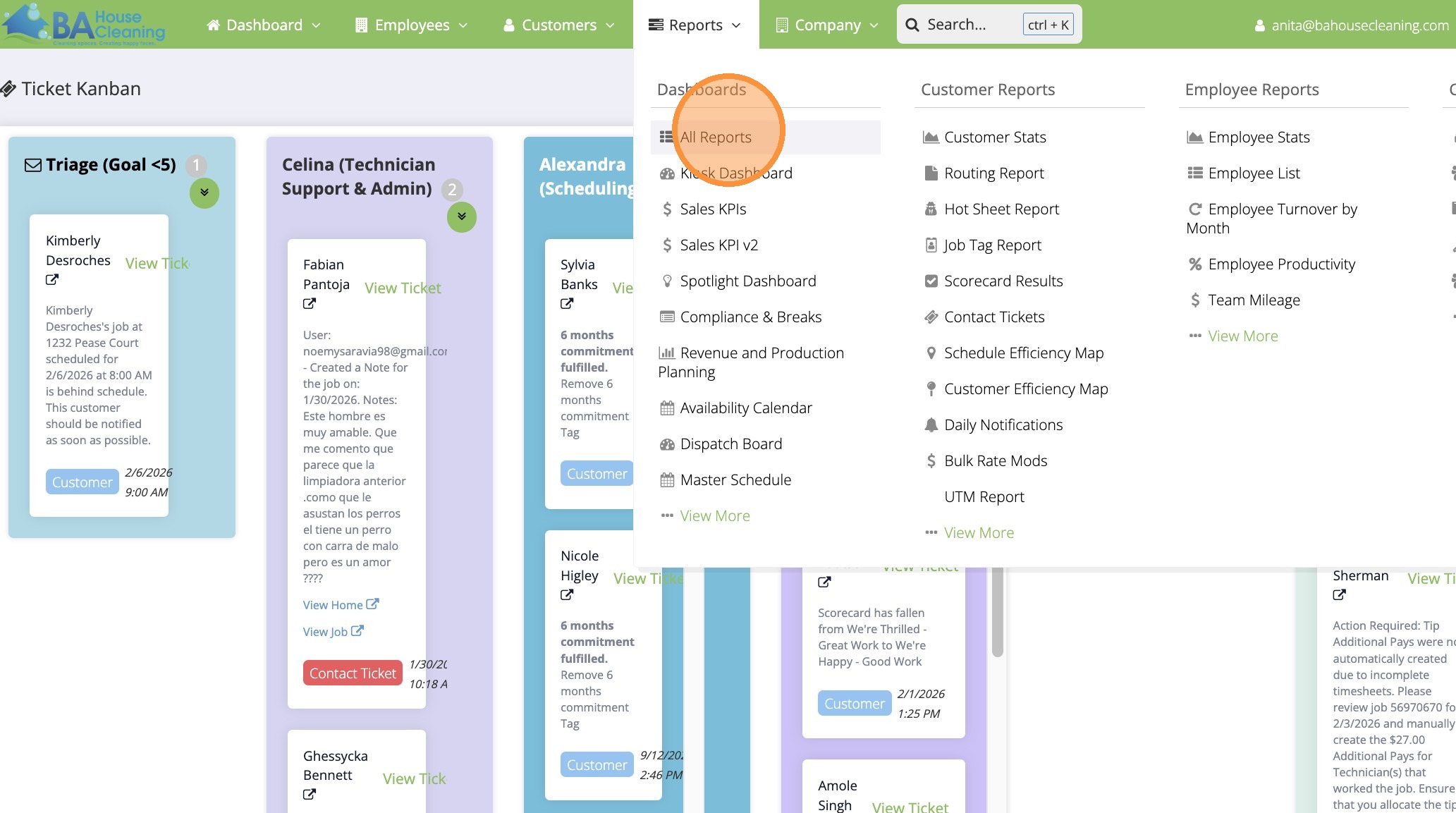
3. Switch to Maid Central and Click “All Reports”
4. Click the “Search:” field.
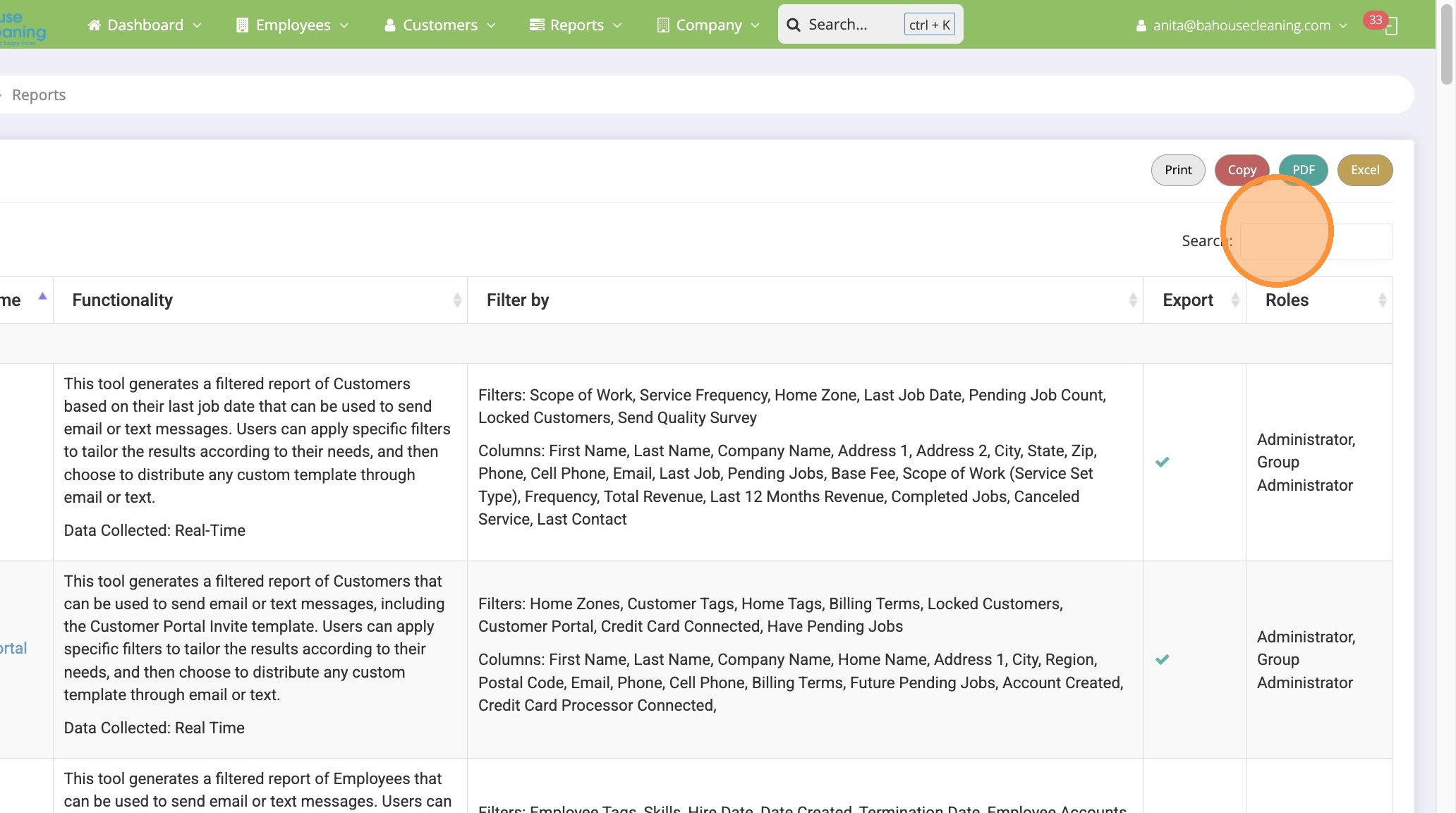
5. Type “scorecard”
6. Click “Scorecard Results”
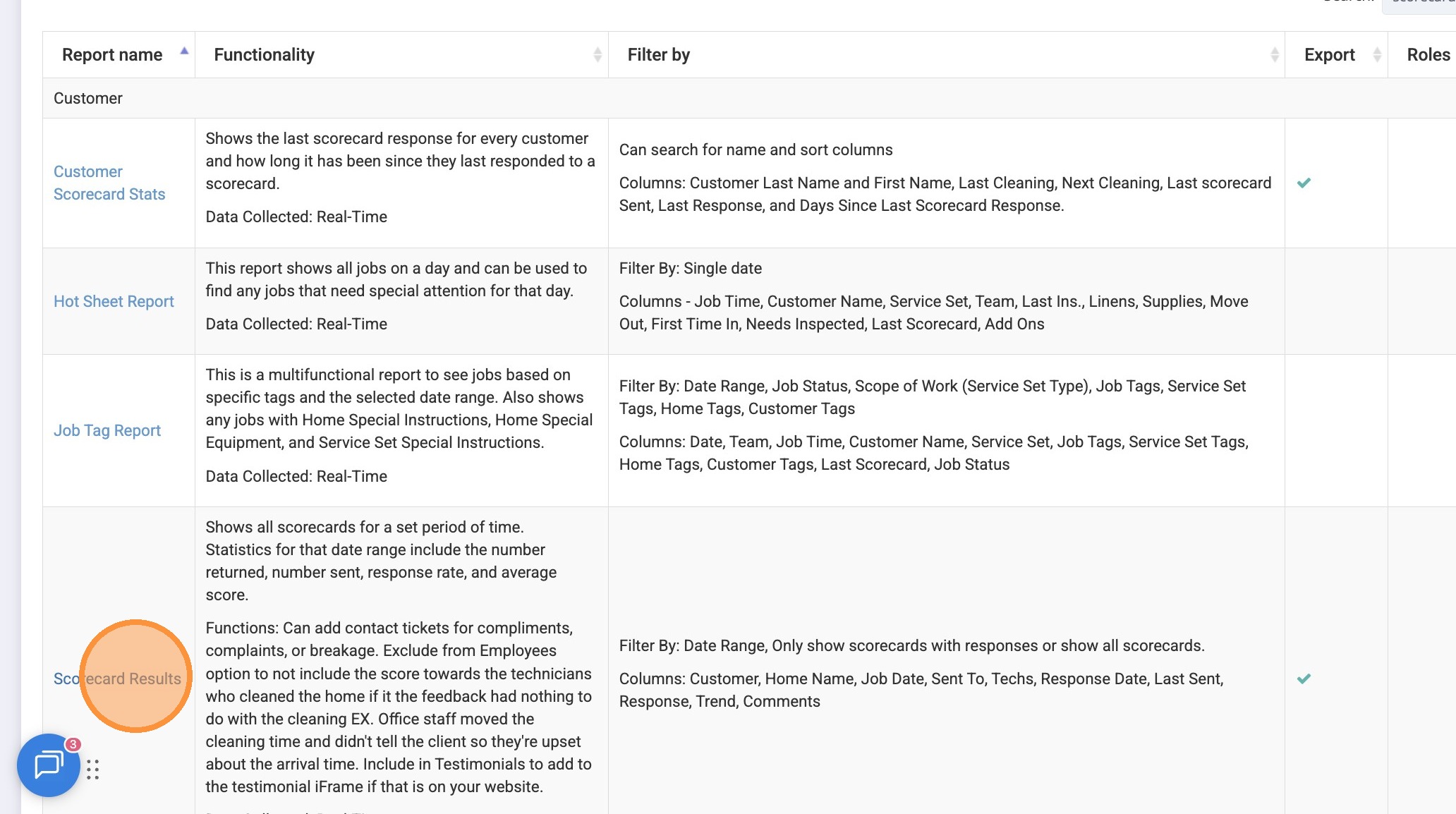
7. Click this datetime field.
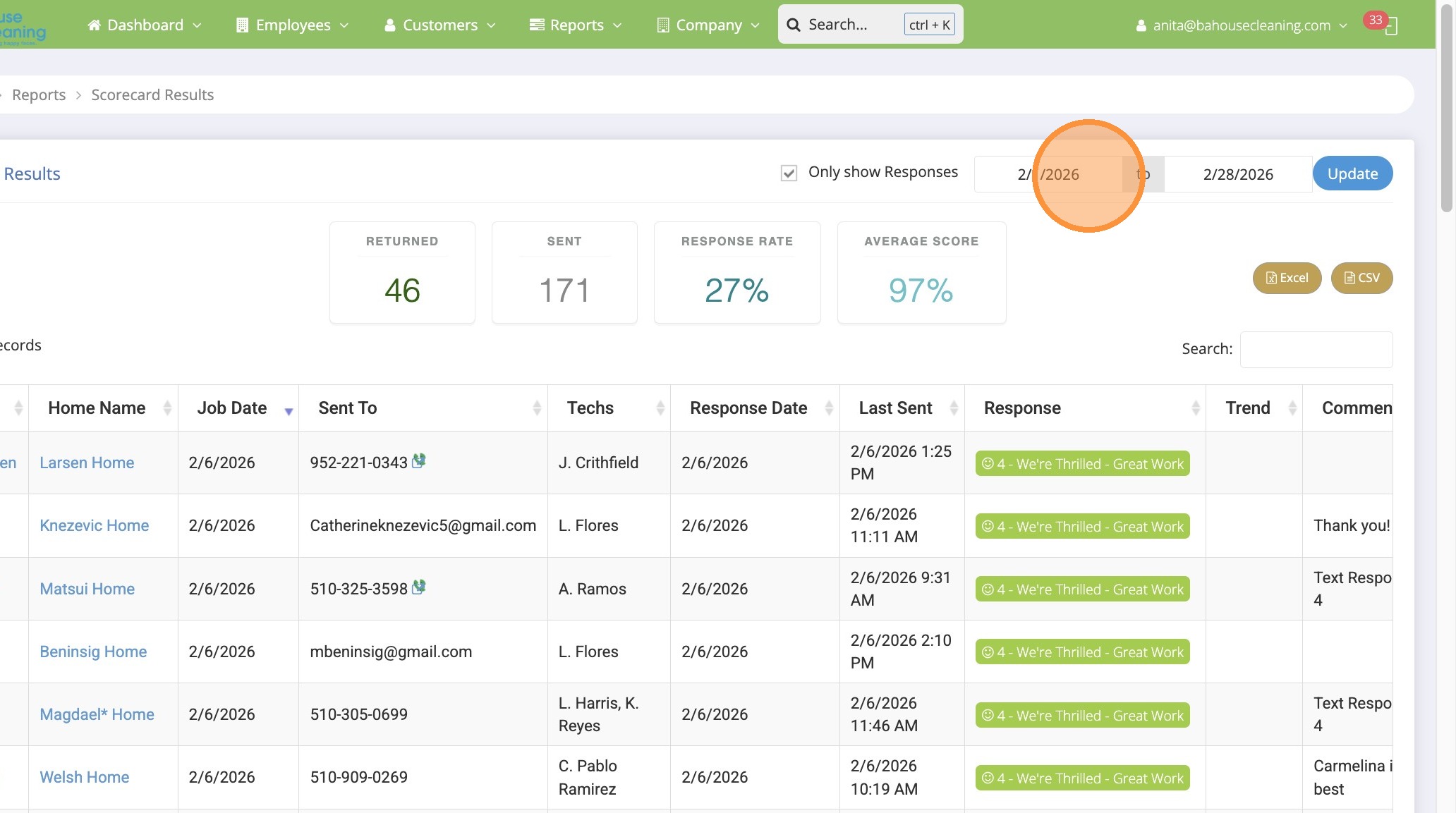
8. Select last 90 days
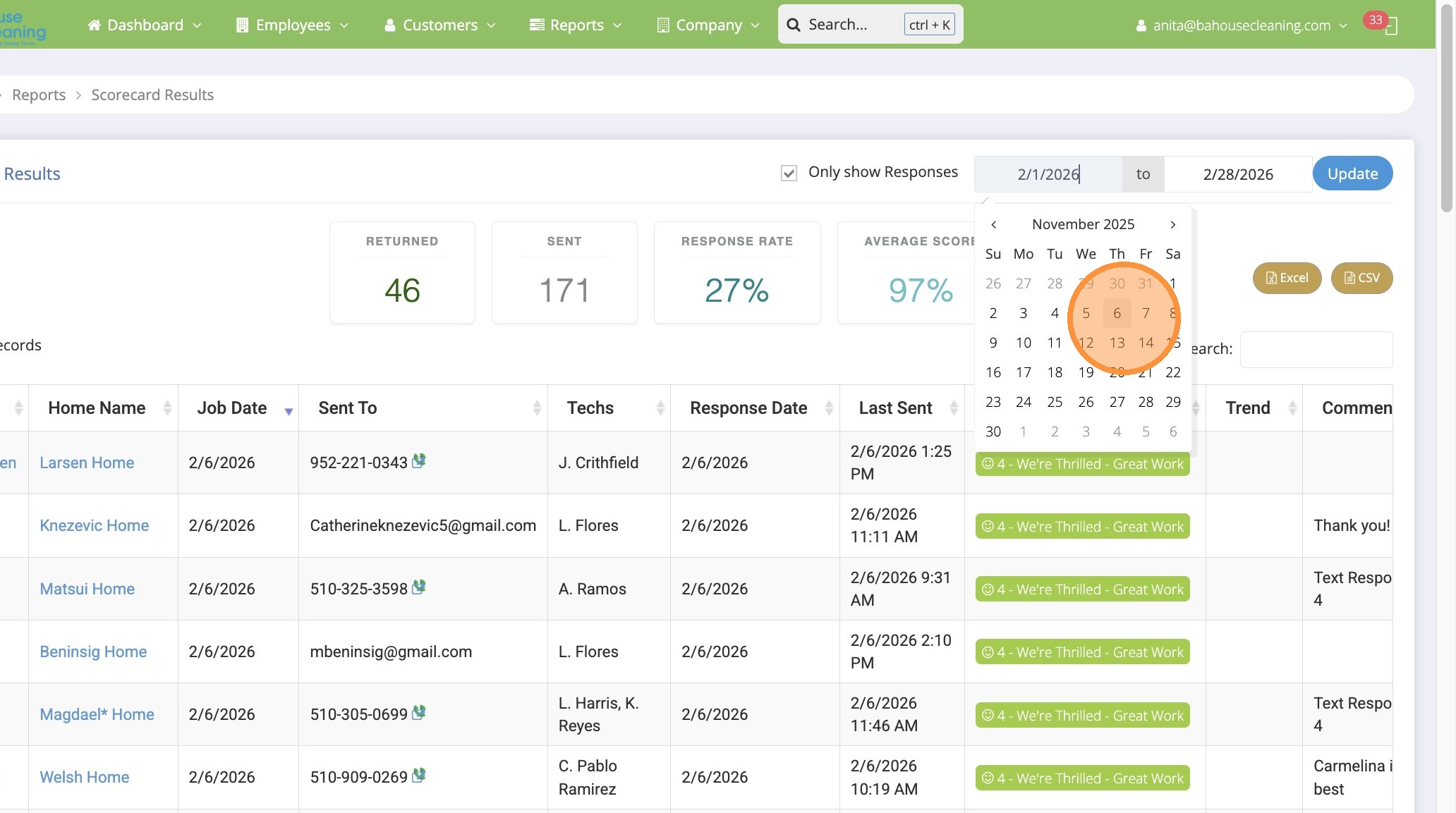
9. Click “Update”
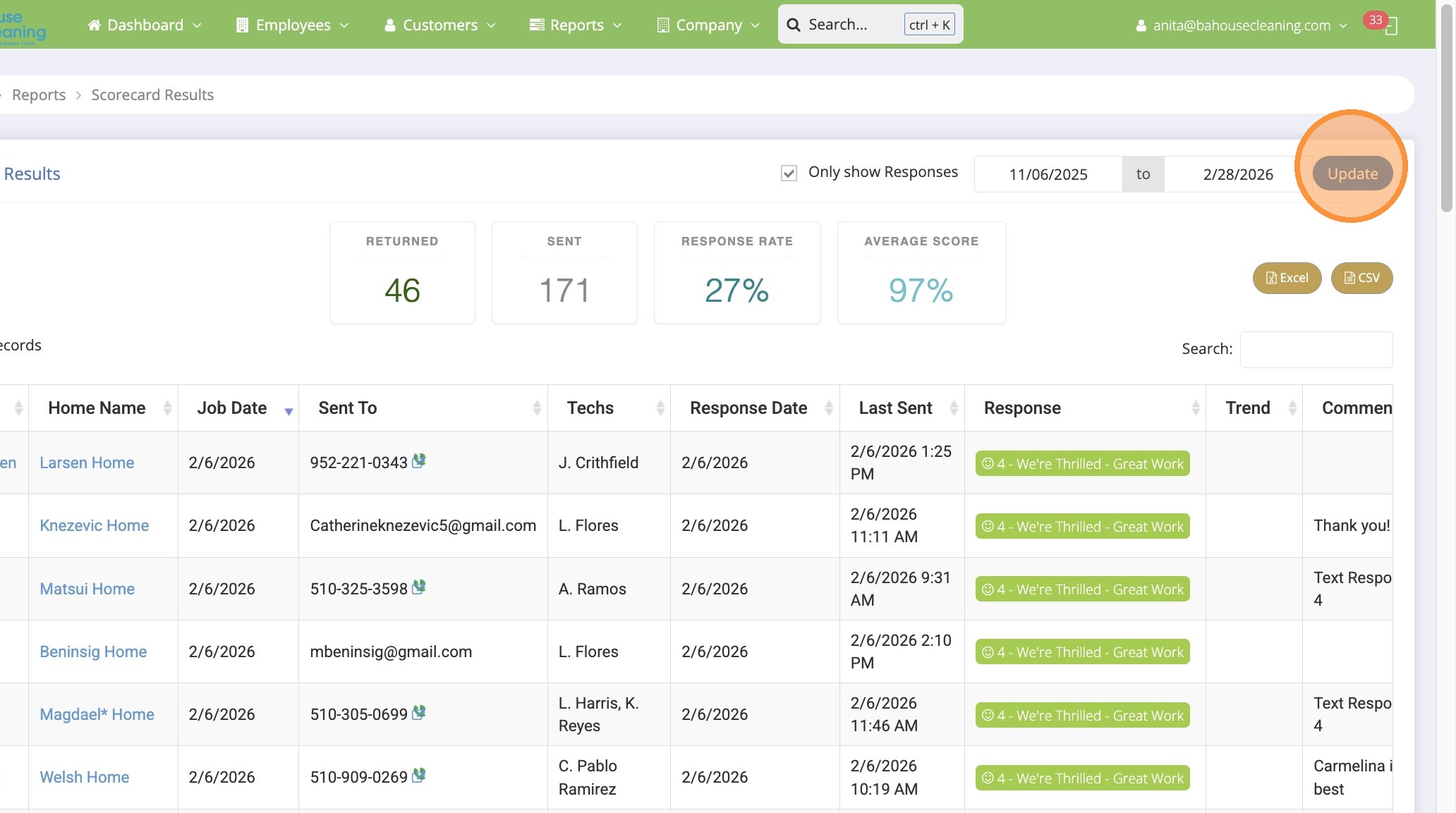
10. Click “Excel”
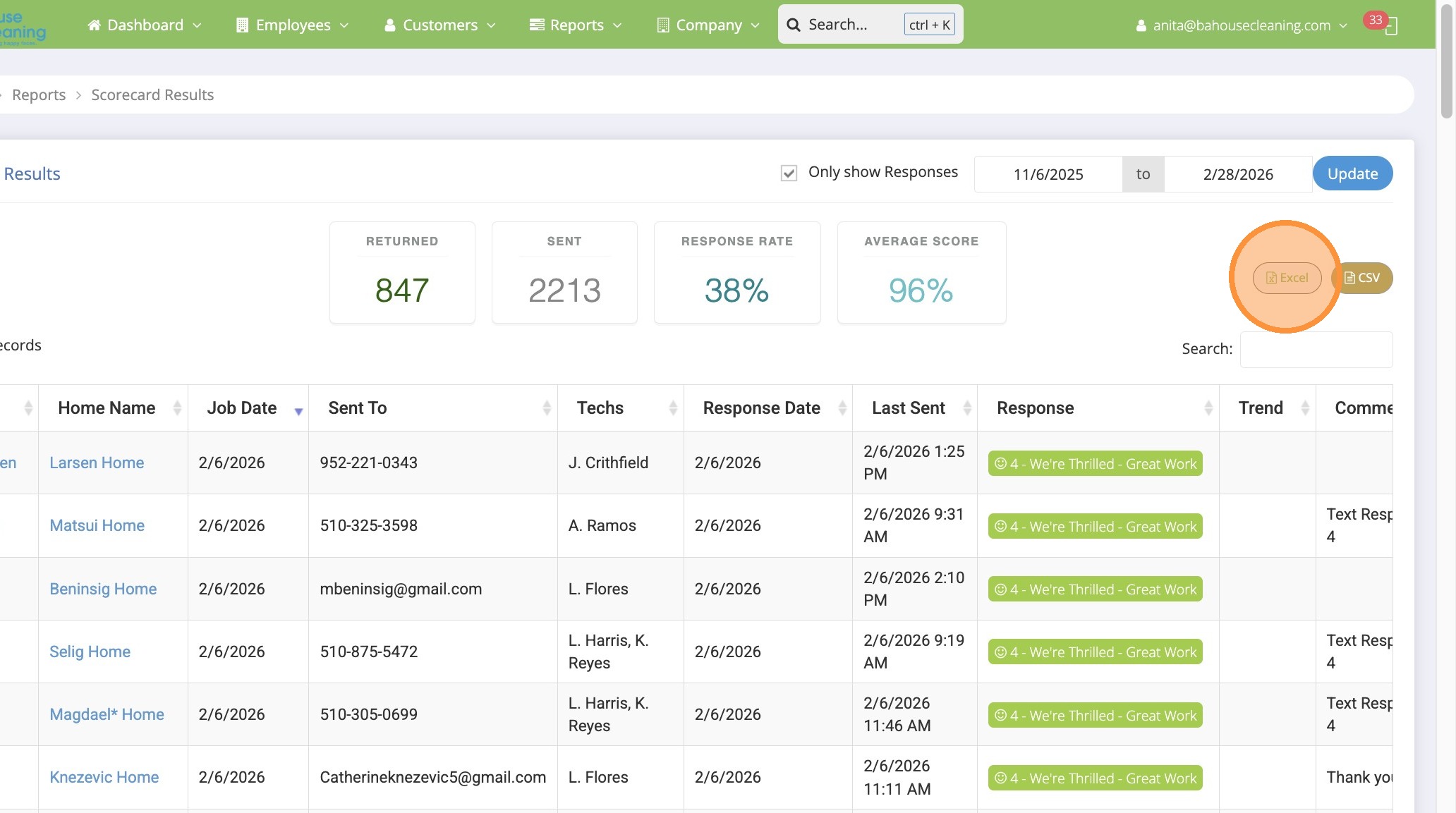
11. Open in Excel, select ALL and COPY
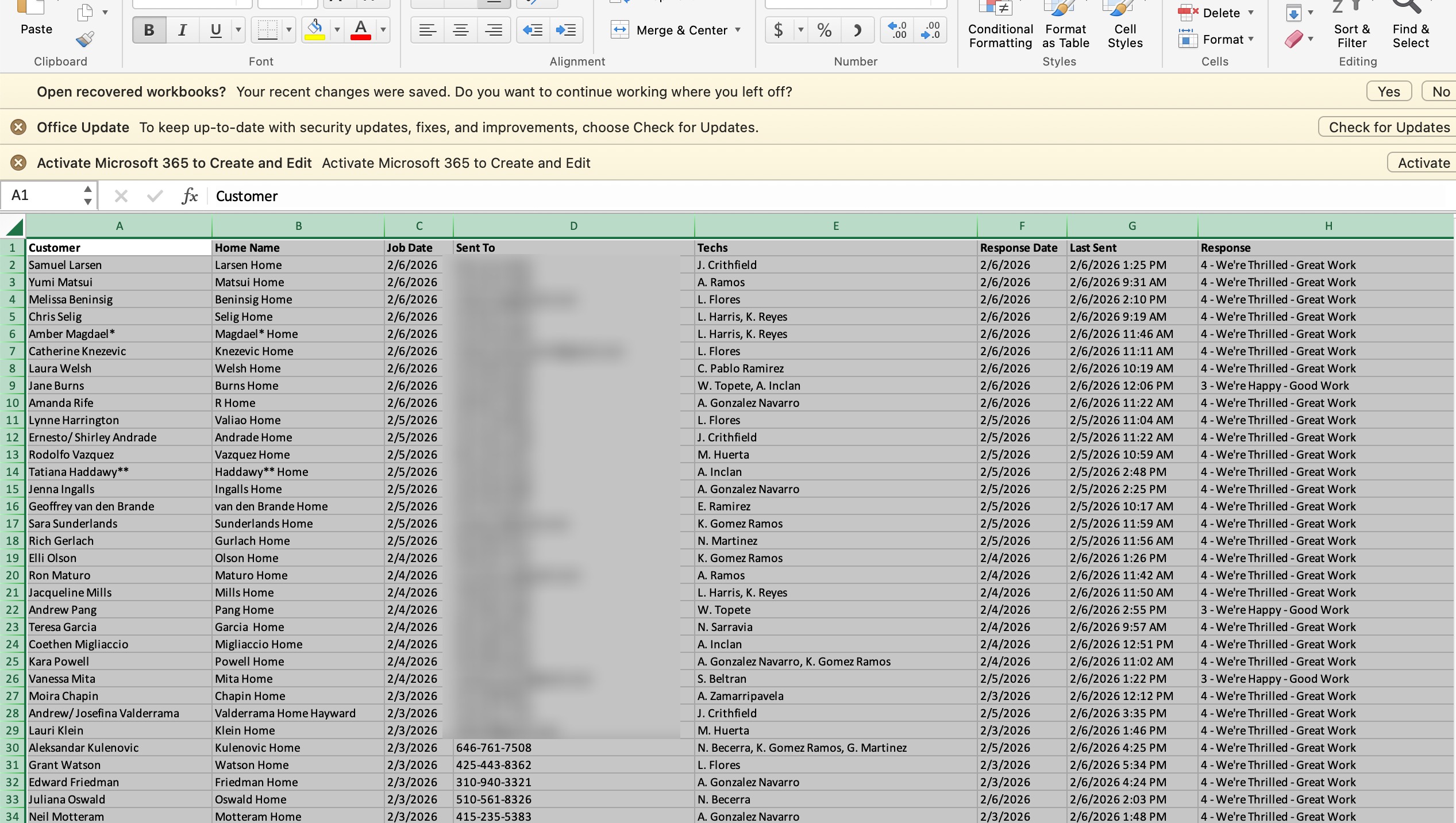
12. Click “Scorecard Results-90 Days” Tab
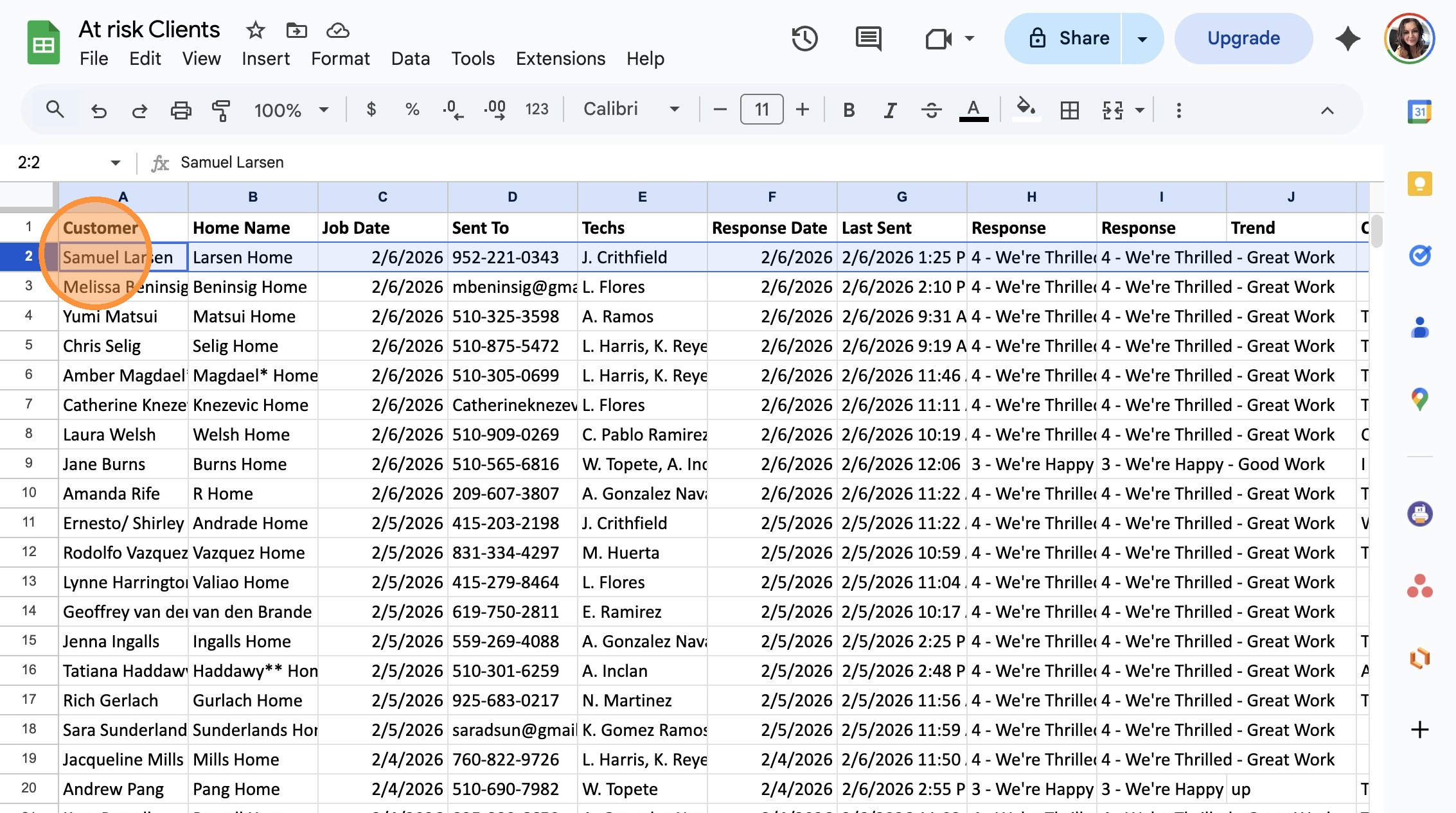
13. Click in Cell A2.
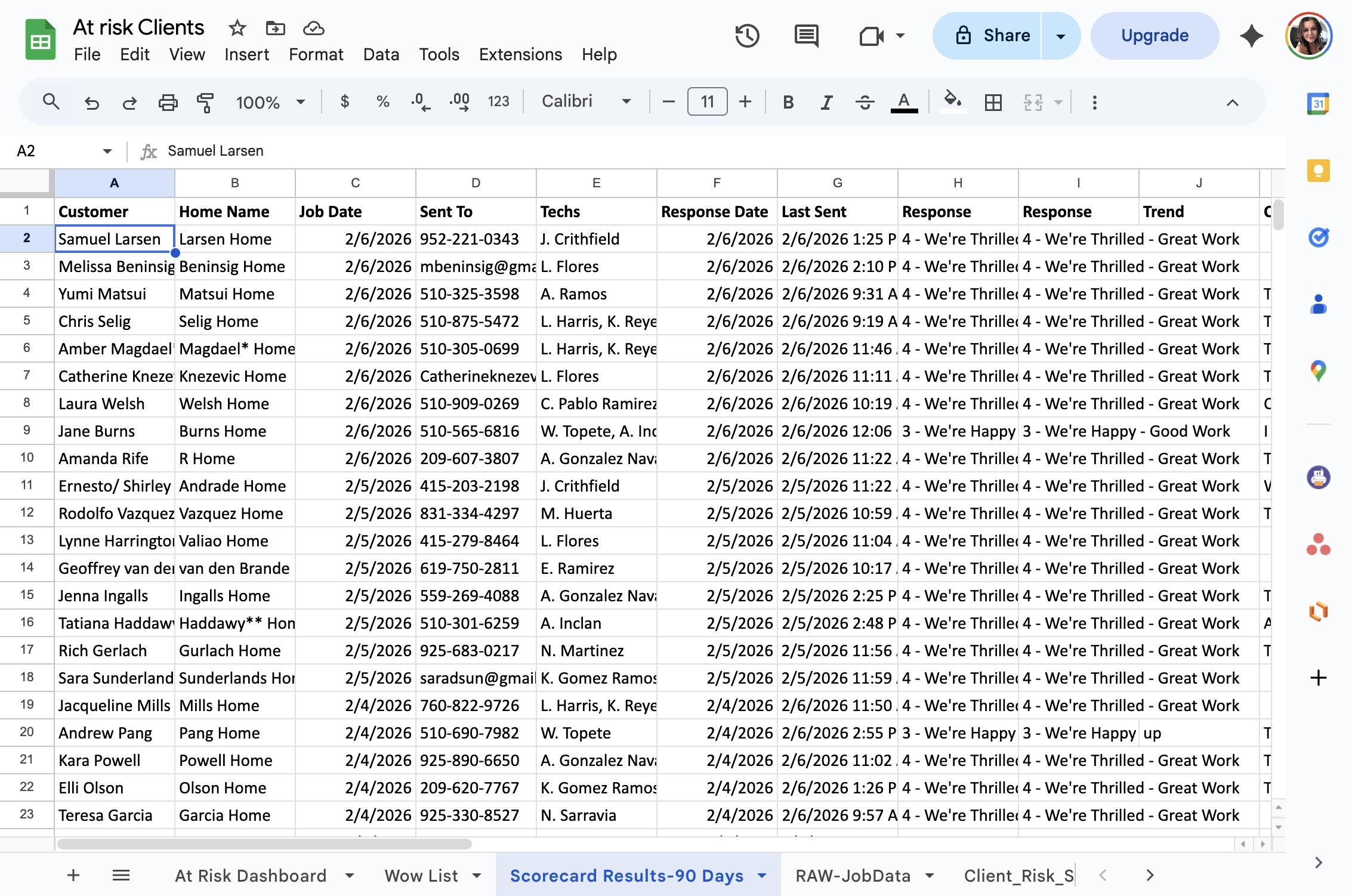
14. Click PASTE
15. Select the heading Row. Right-click
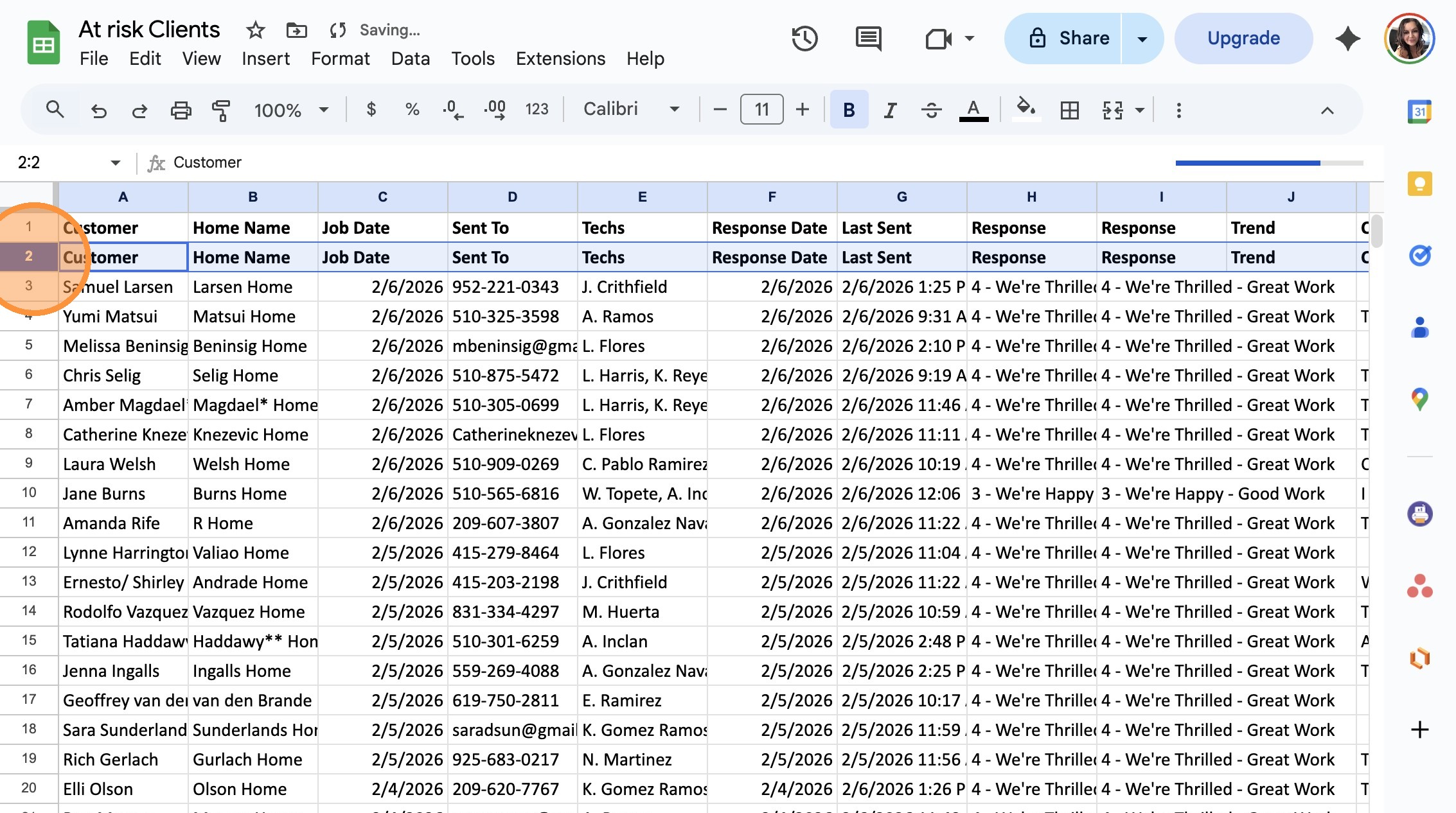
16. Click “Delete row”
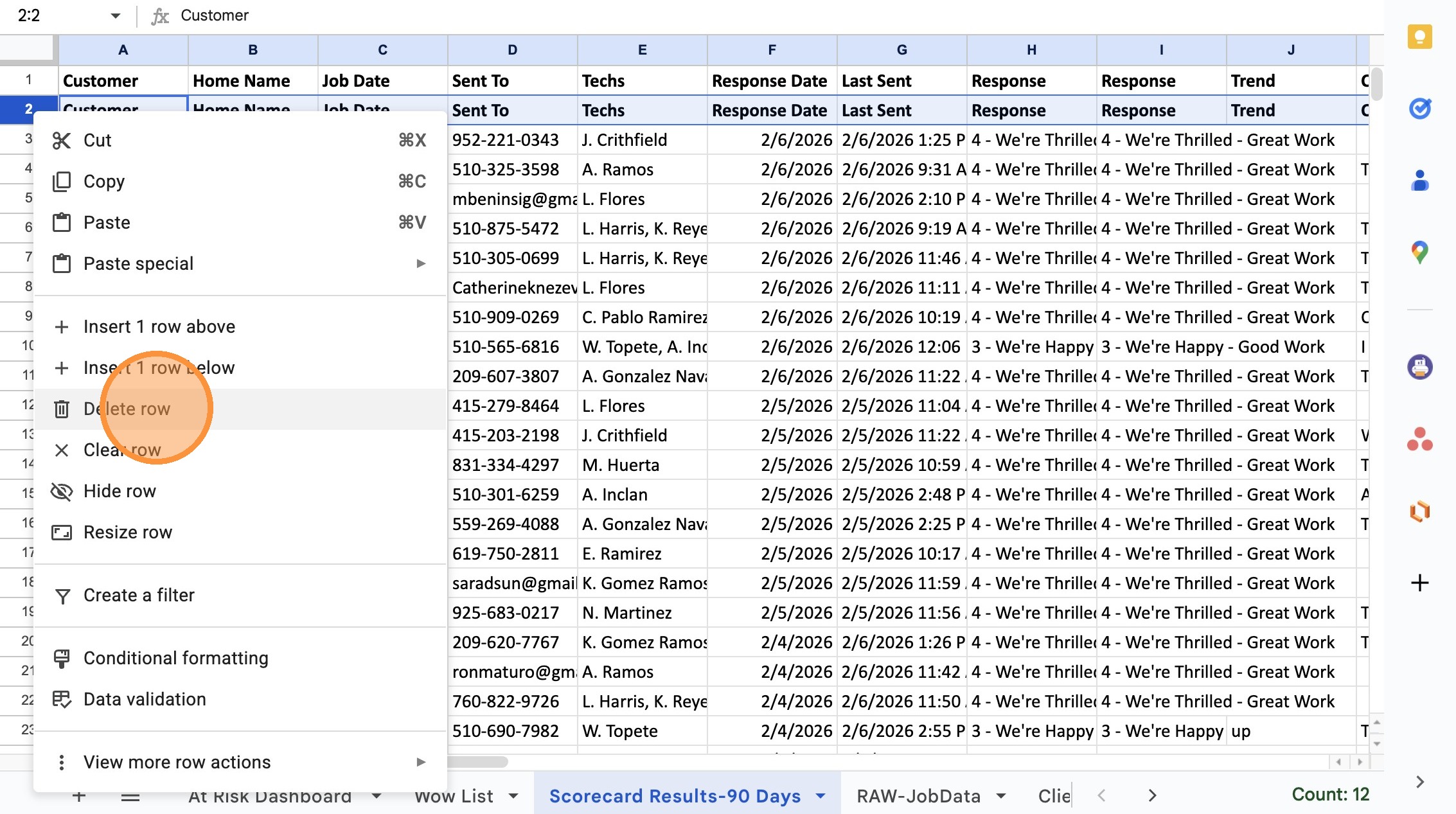
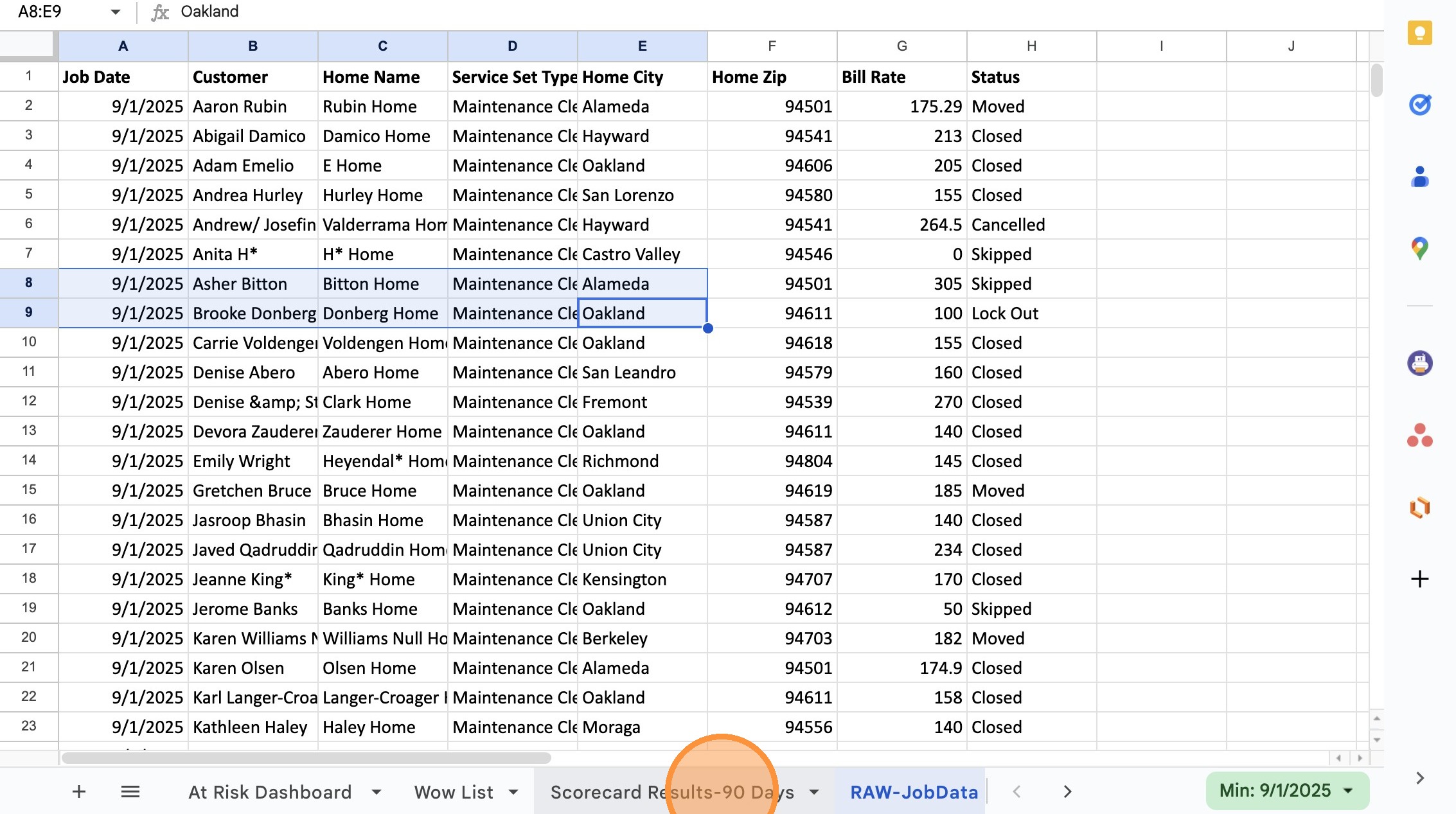
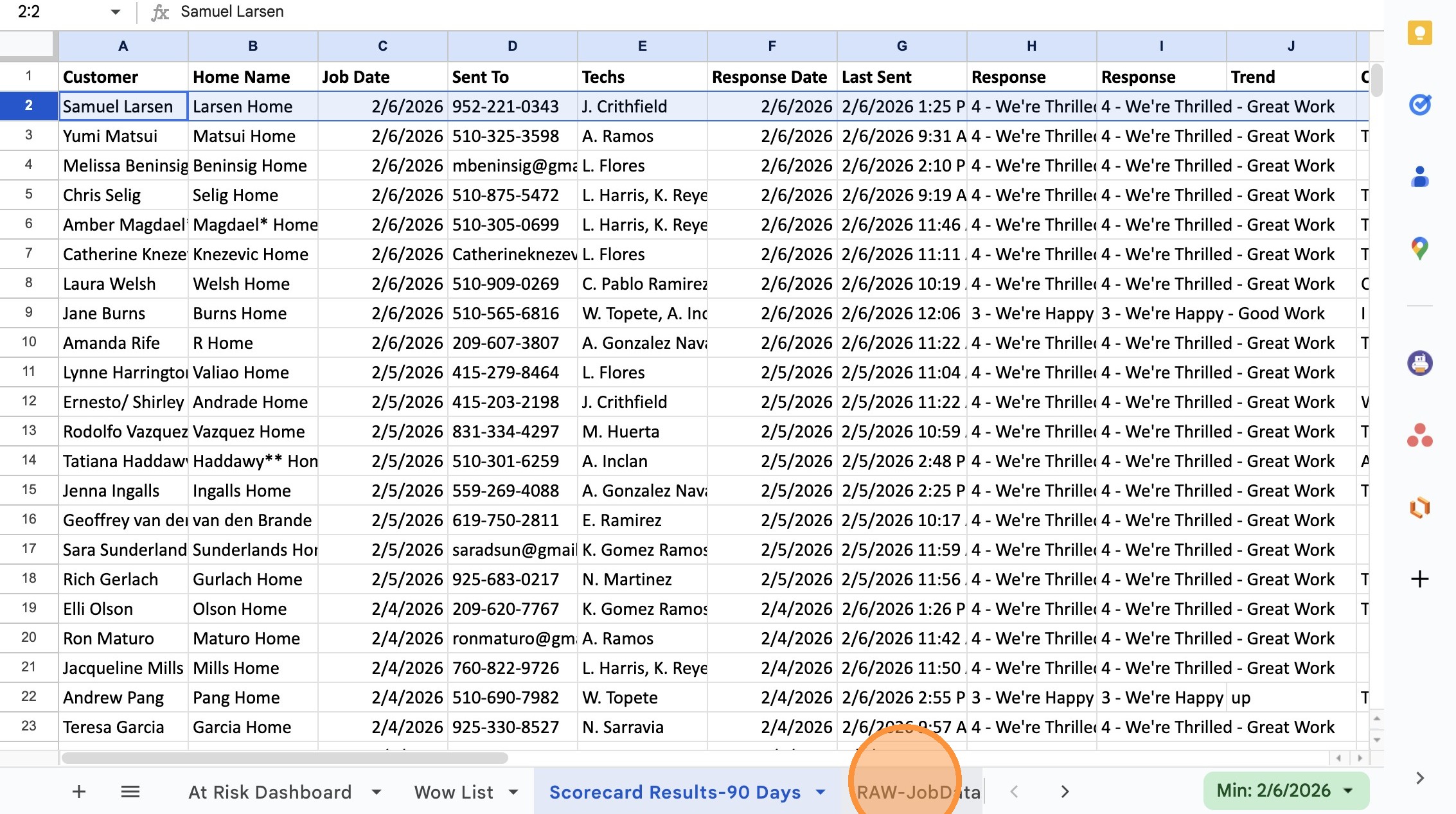
17. Click “RAW-JobData” Tab
18. Switch to Maid Central
19. Click “All Reports”
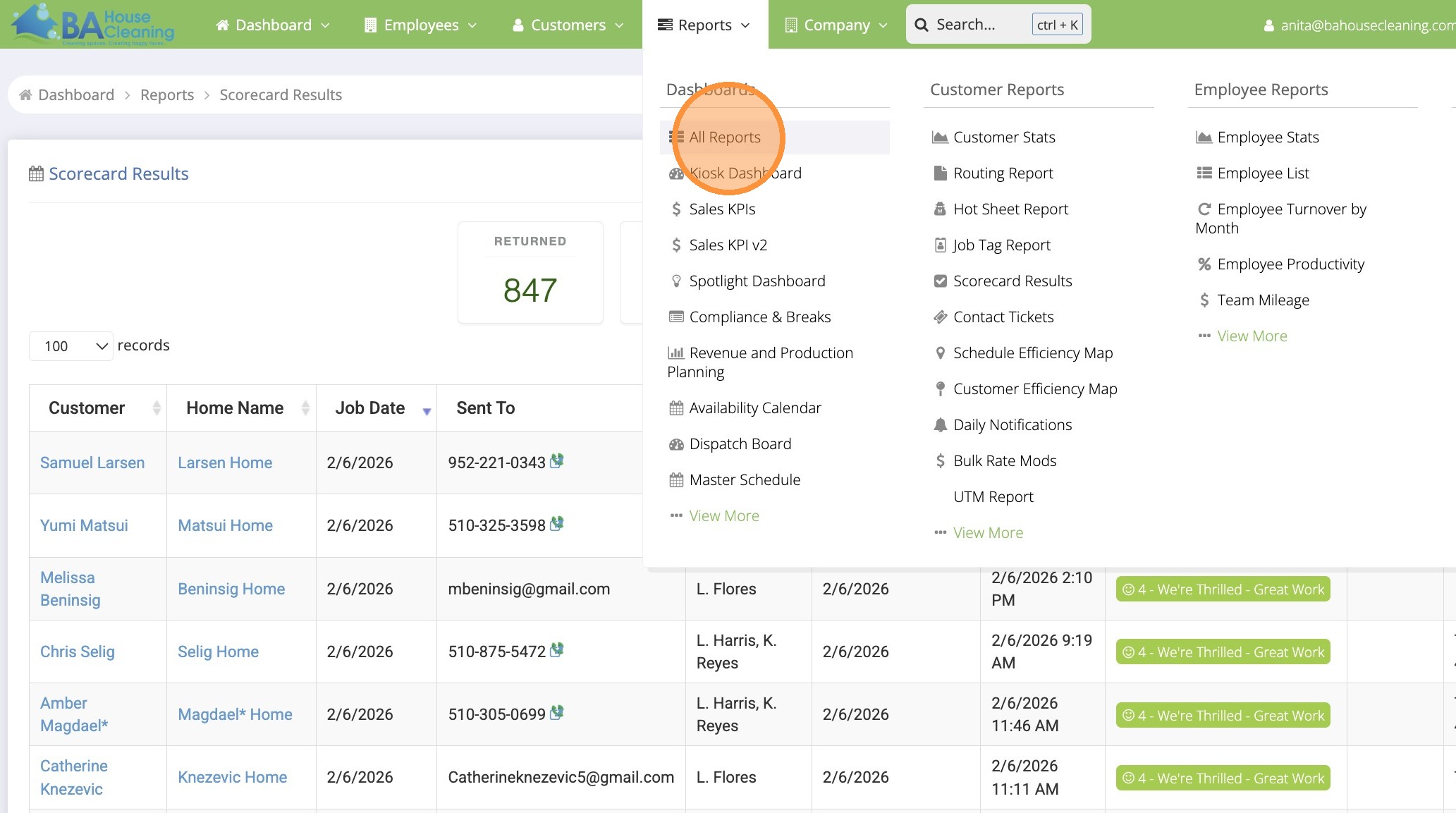
20. Click the “Search:” field.
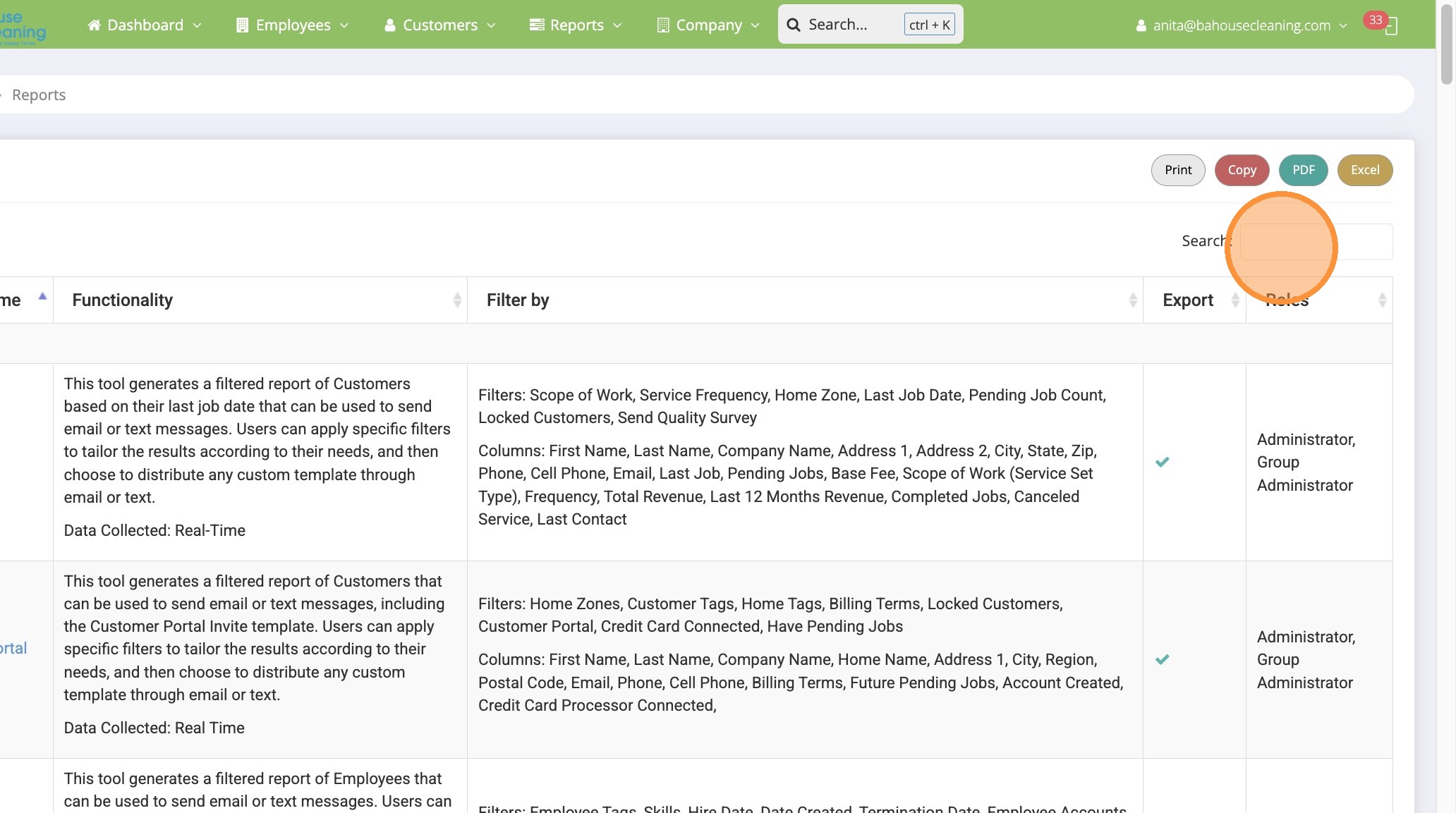
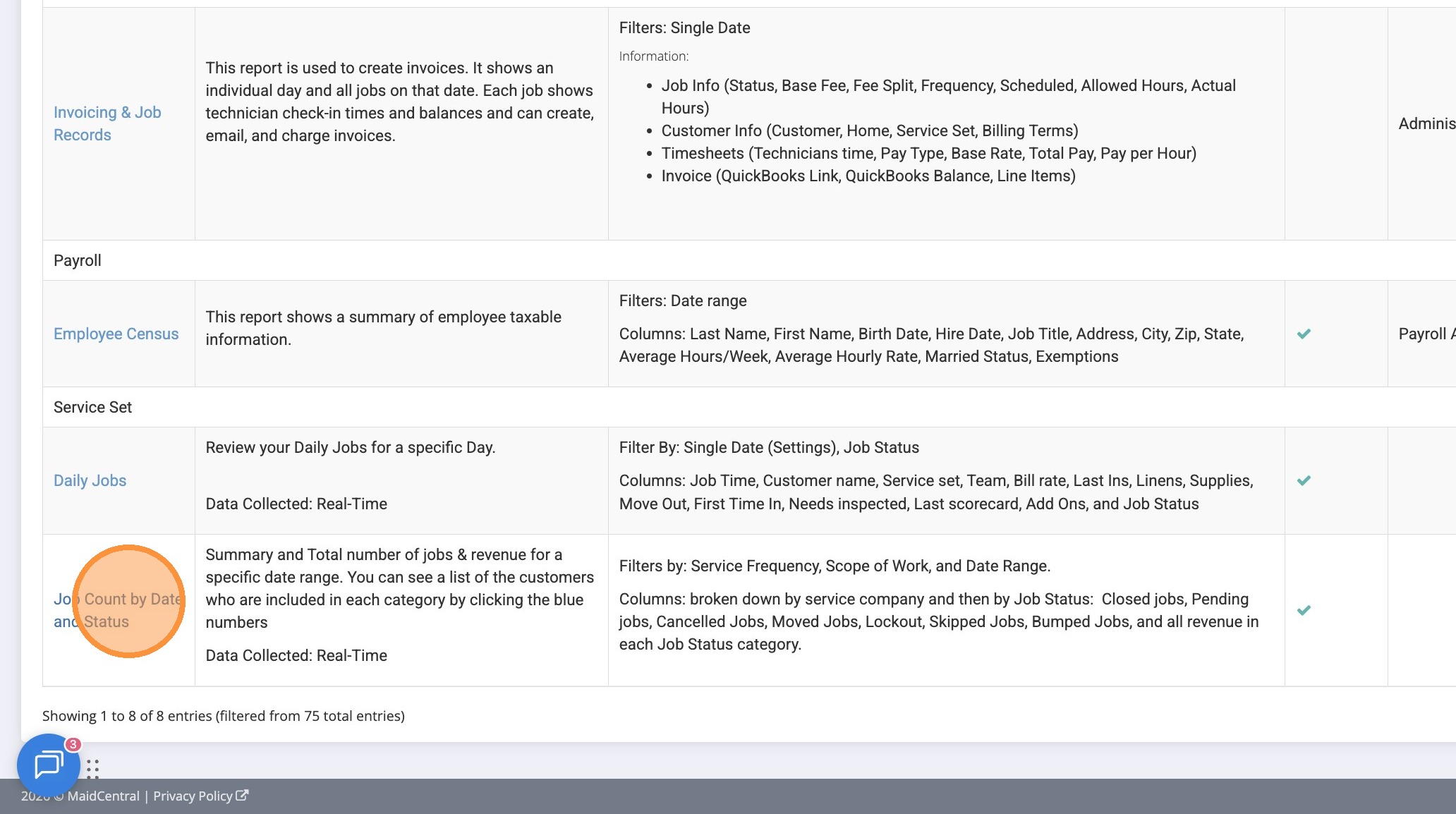
21. Type “job status”
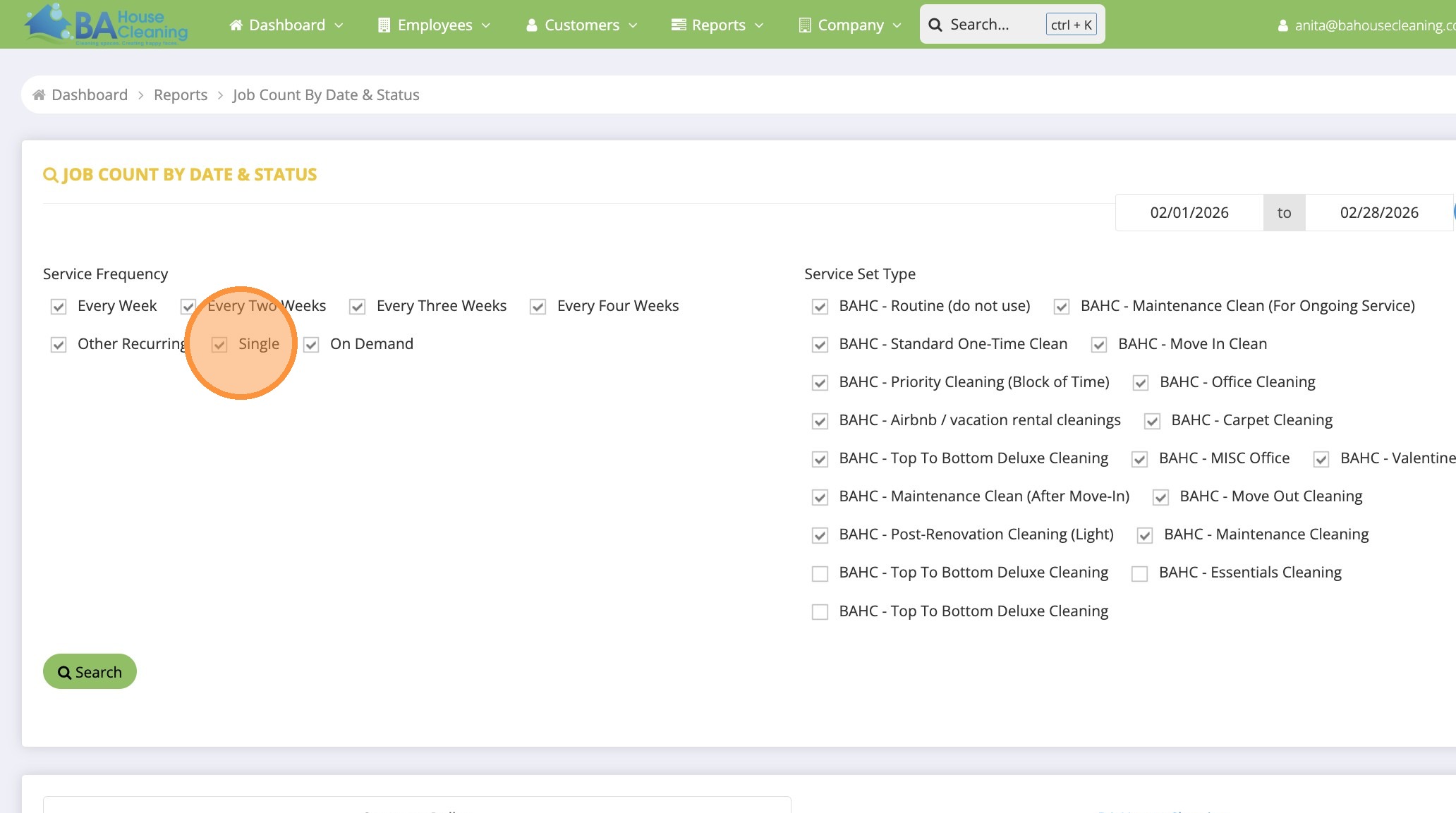
22. Click “Job Count by Date and Status”
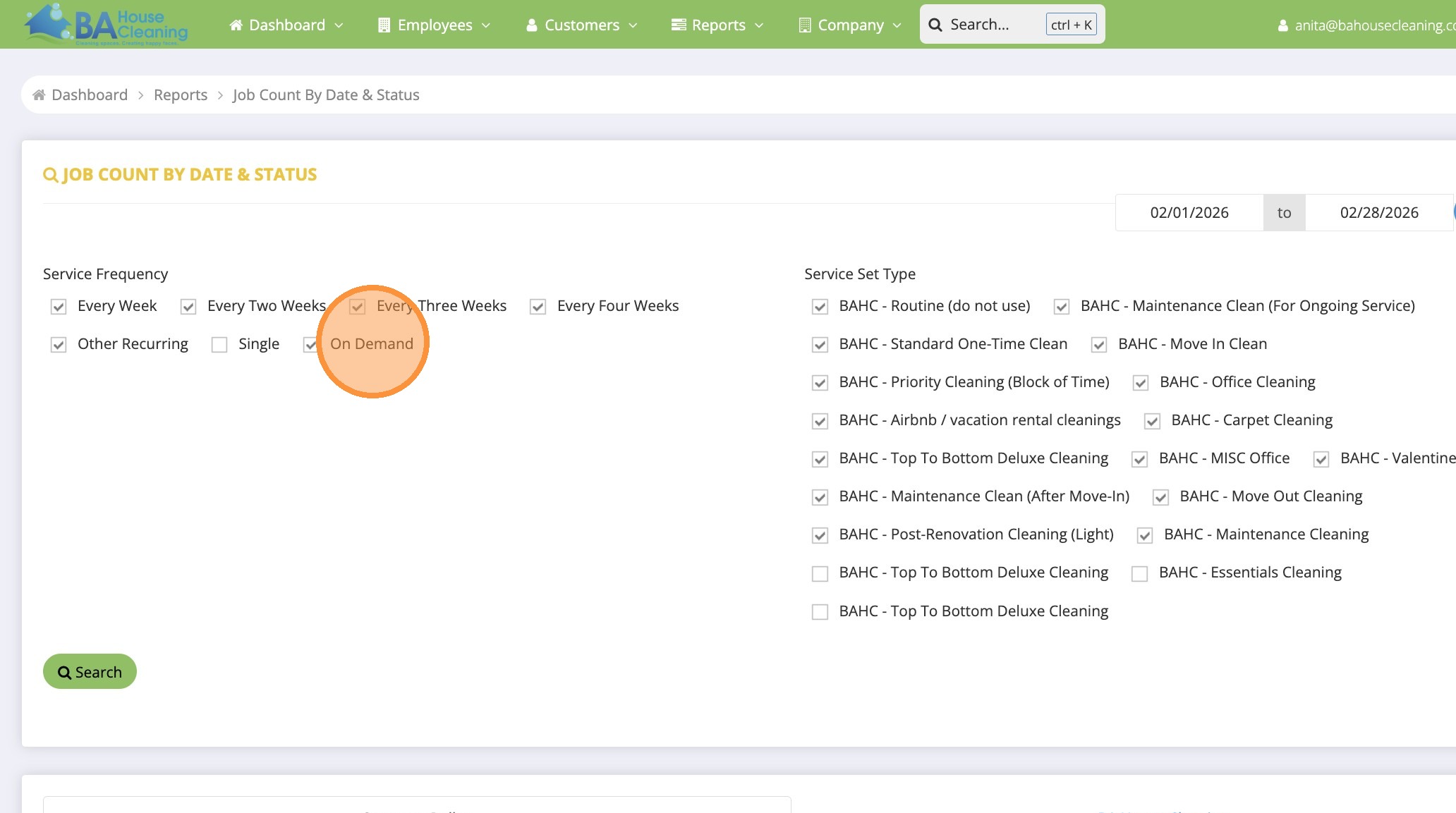
23. Click “Single” to remove the checkmark
24. Click “On Demand” to remove the checkmark
25. Double-click here and select last 90 days date range from ‘today”
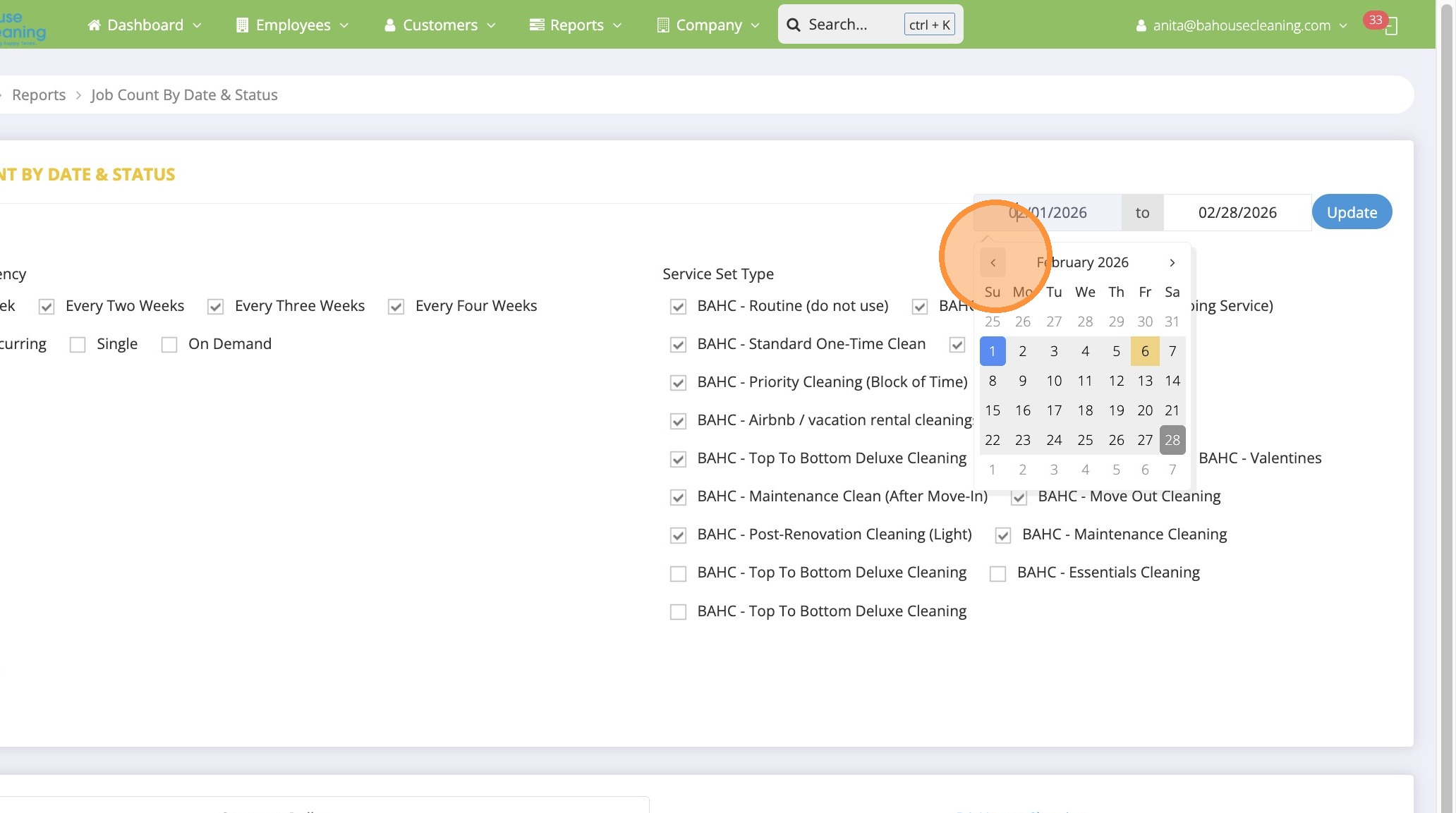
26. Click “Update”