
Adjusting Job Pay for Anita and Nermin in MaidCentral
Purpose
This process ensures that Cleaning Technicians are paid correctly for jobs completed under Anita and Nermin (Airbnb).
Because these jobs follow different pay structures, each job must be reviewed and adjusted during payroll processing.
Pay Structure Rules
Jobs Under Nermin (Airbnb)
-
Paid $50 flat per job
-
You must adjust the hourly rate based on the time worked so the total job pay equals $50
Example:
| Time Worked | Hourly Rate | Total Pay |
|---|---|---|
| 1.25 hrs | $40/hr | $50 |
| 2 hrs | $25/hr | $50 |
| 2.5 hrs | $20/hr | $50 |
⚠️ Important: The final total must always equal $50.00
Jobs Under Anita
-
Paid $25 per hour
-
The hourly rate should always be set to $25
-
Total pay will automatically calculate based on hours worked.
Example:
| Time Worked | Rate | Total Pay |
|---|---|---|
| 2 hrs | $25/hr | $50 |
| 3 hrs | $25/hr | $75 |
When To Perform This Check
This process should be completed during payroll processing for every day in the current pay period.
Even if some days do not contain jobs under Anita or Nermin, each day should still be checked.
Step-by-Step Instructions
1st Search for jobs under “Nermin”
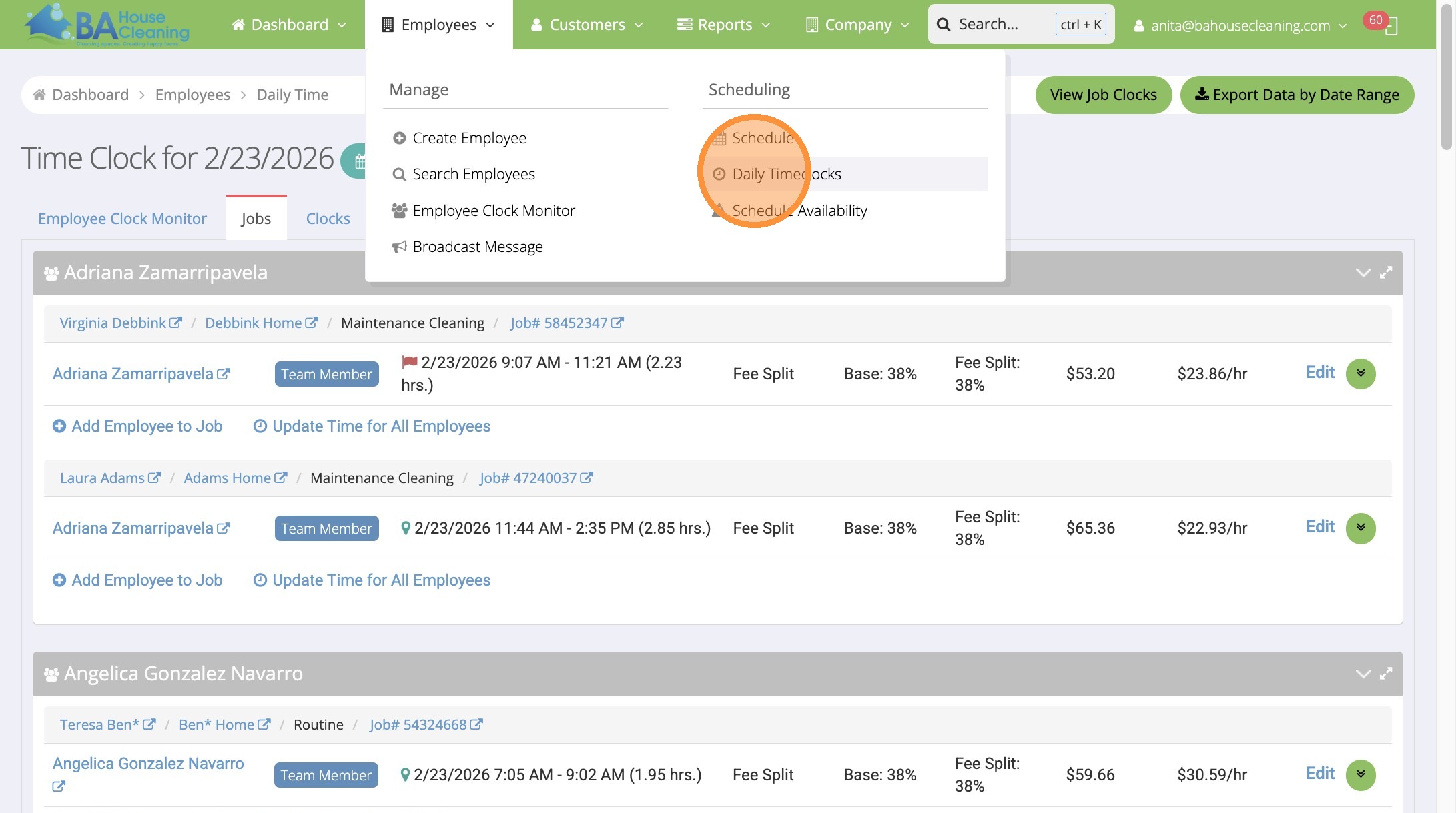
1. Employees → Daily Timeclocks
2. Click this button.
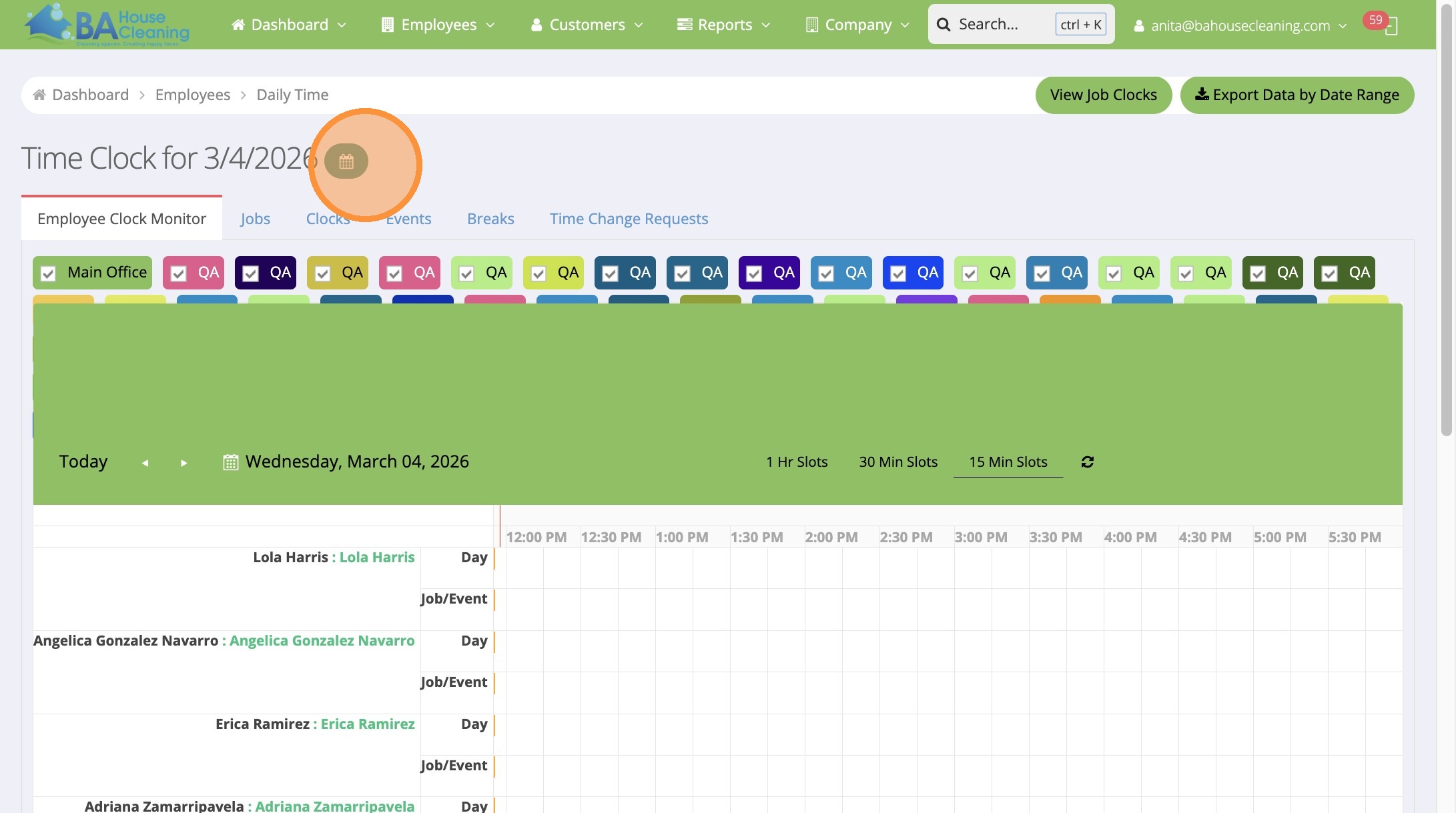
Tip: You will check ALL days in current pay period
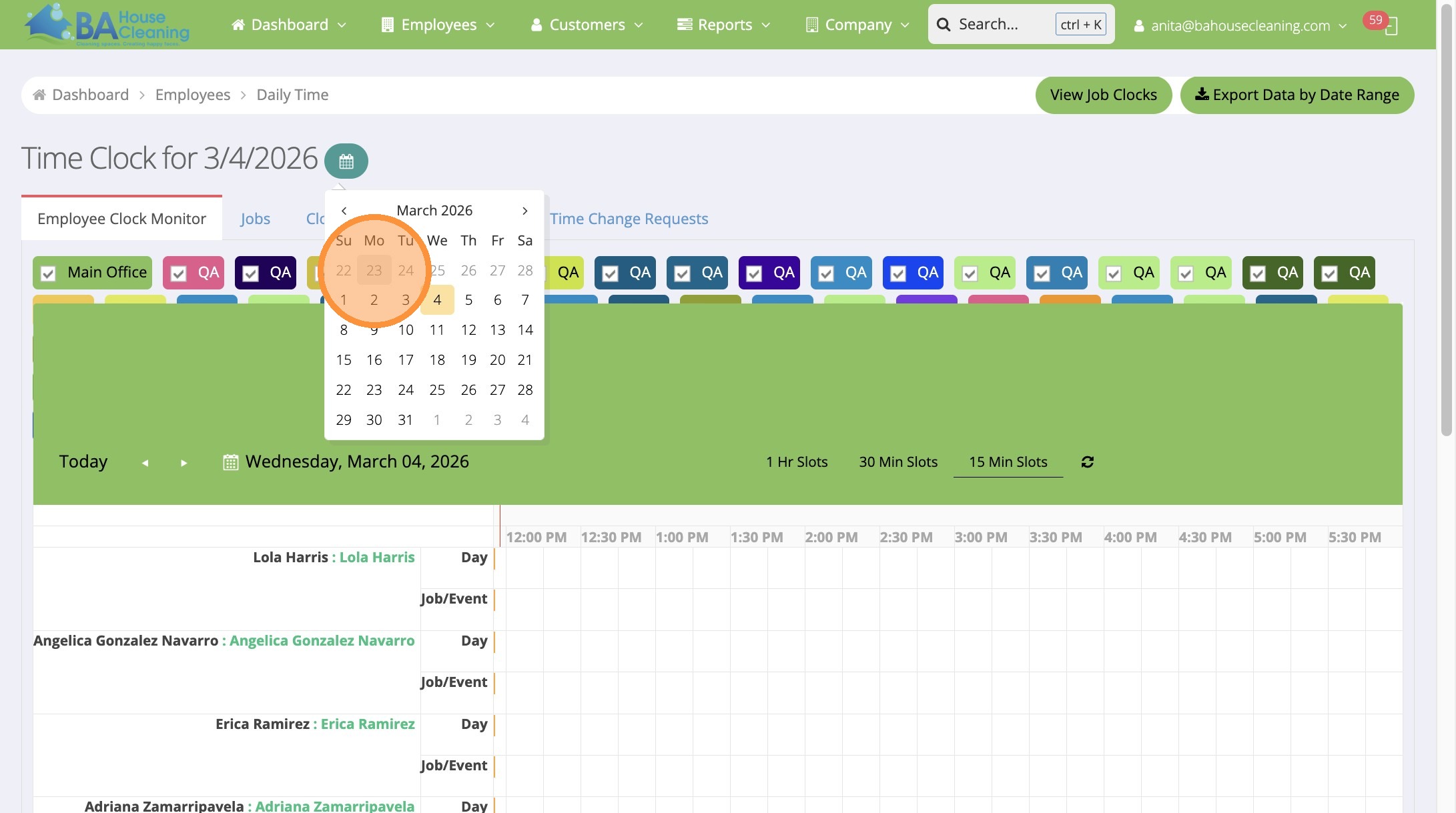
3. Select date
4. Click “Jobs”
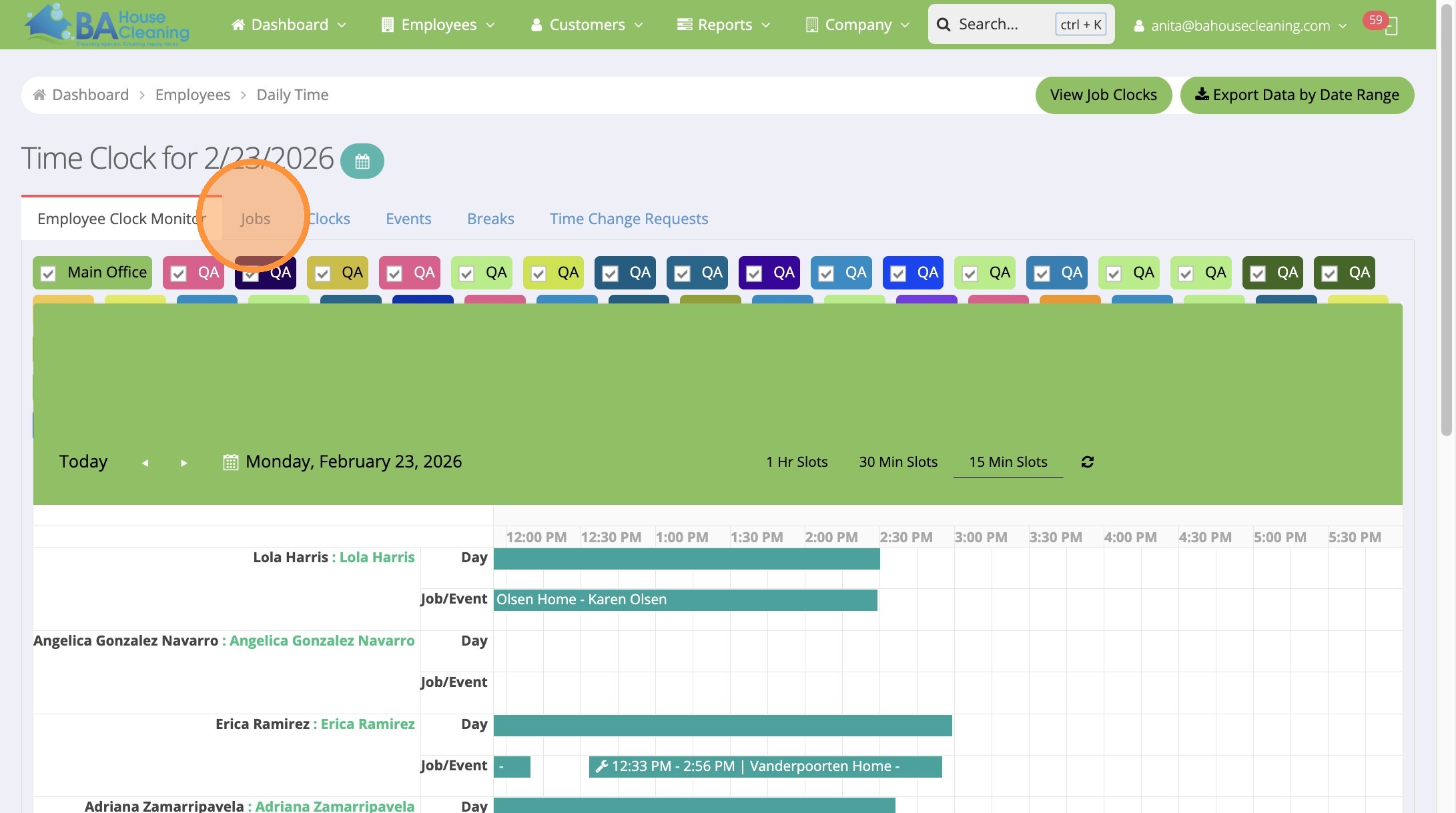
Alert: Not All days will have jobs for Anita or Nermin, and thats okay. As long as you verify each day.
5. Click Control F (for Find) and Search for “Nermin”, CLICK edit
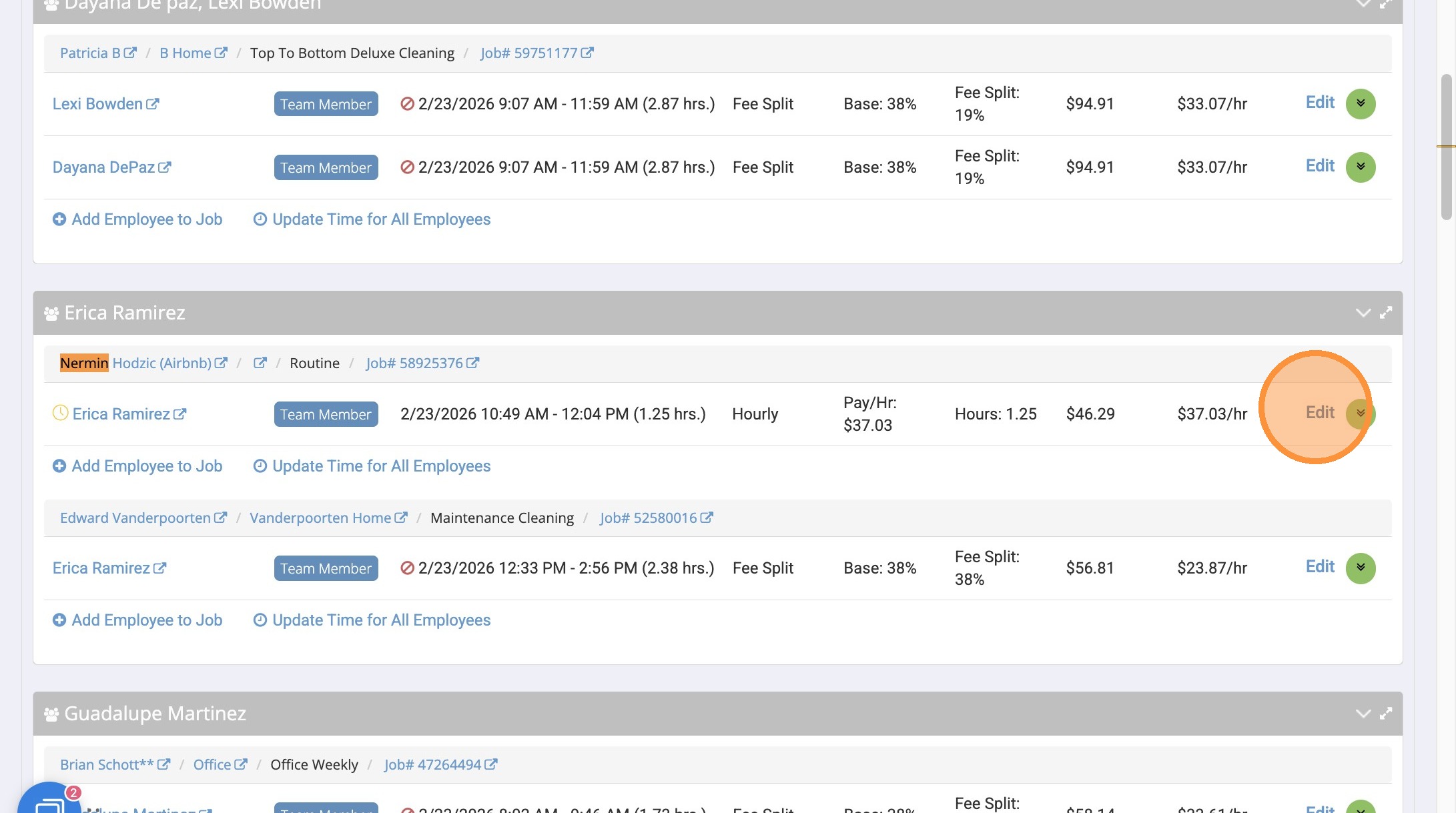
6. Calculate Hourly rate base don time in and time out, for total job pay to be at $50
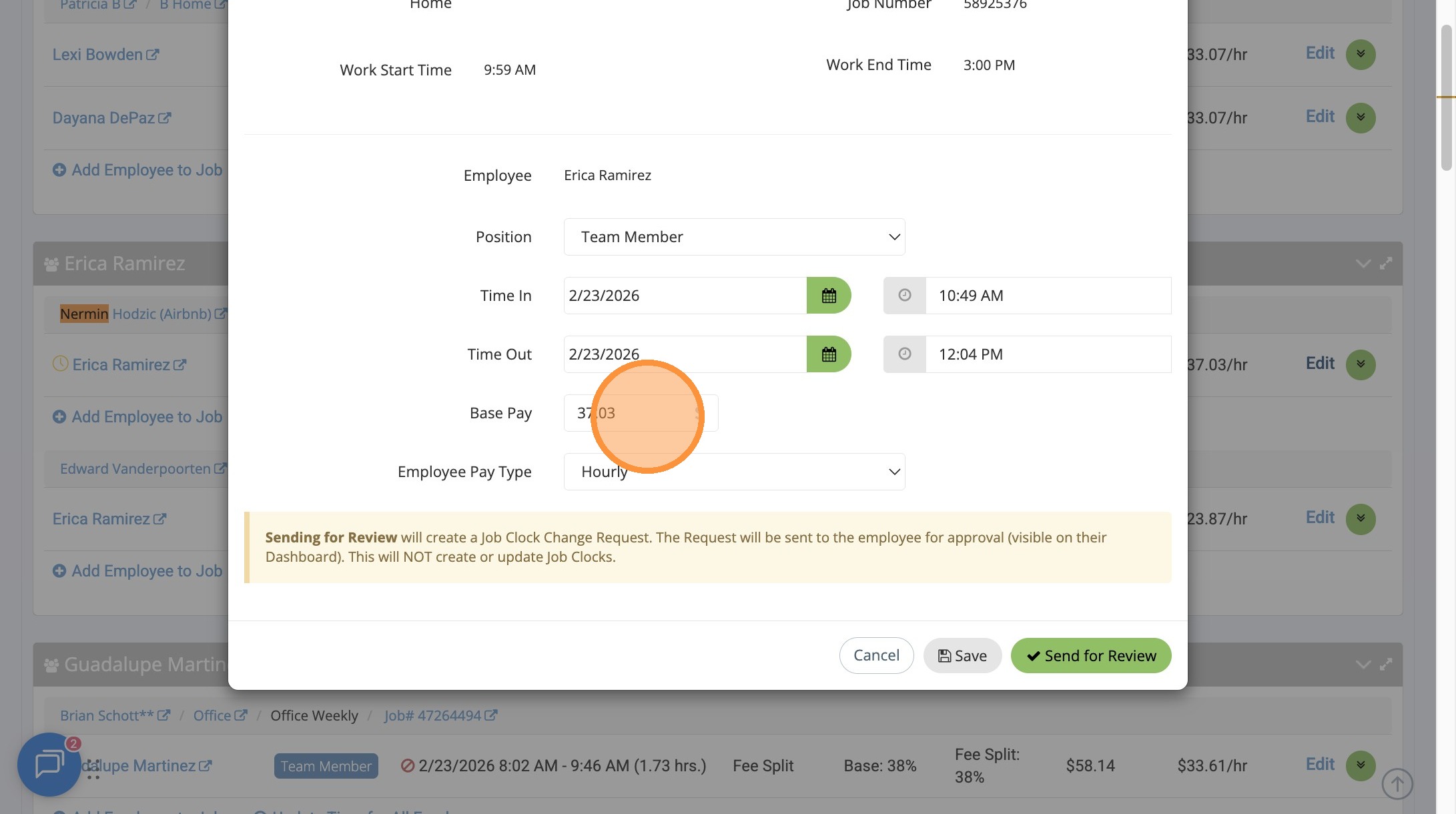
Tip: On occasion to round the number to even $50, you may need to adjust the clock times.
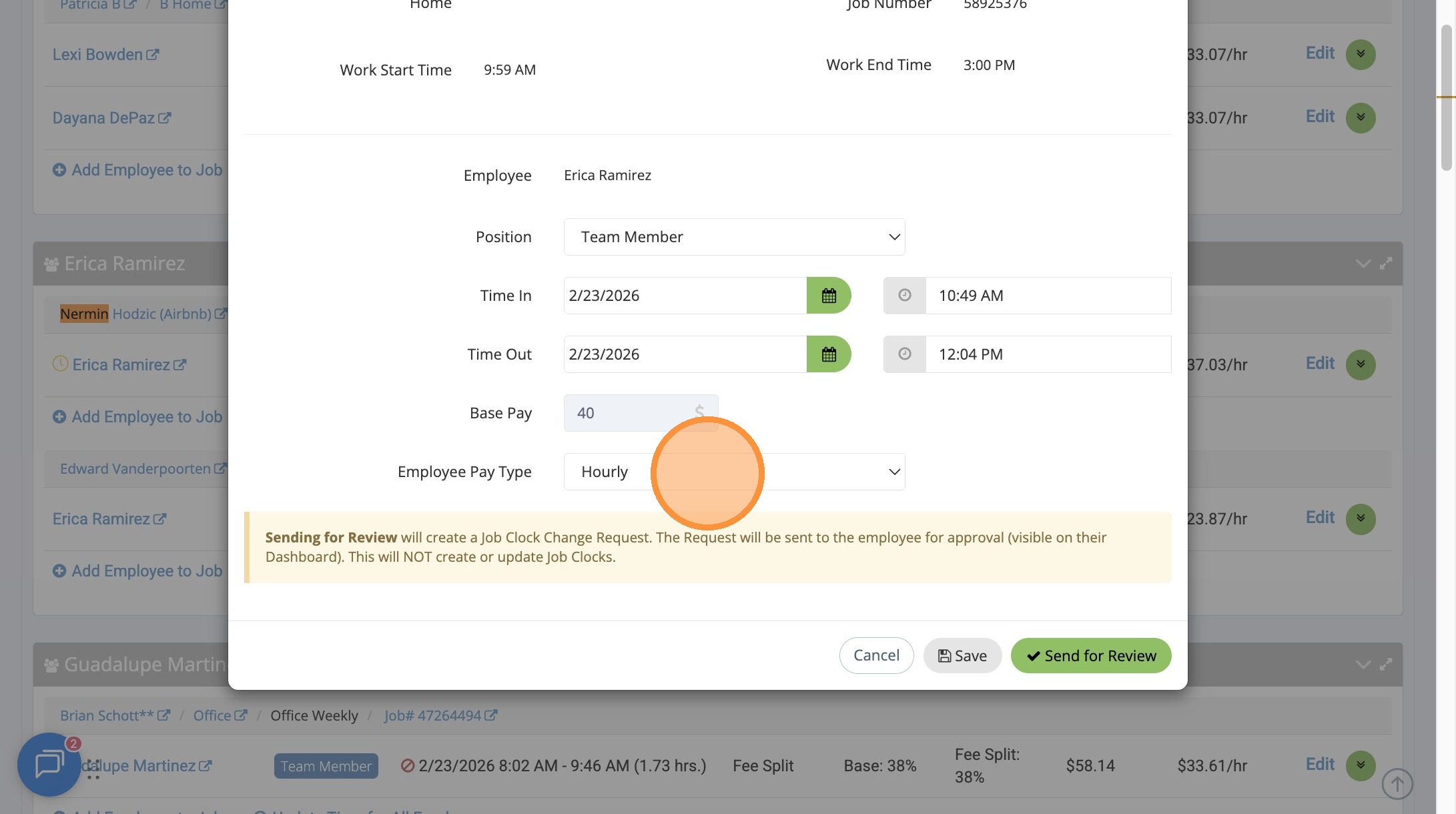
7. Type “40”
8. Click this dropdown.
9. Select HOURLY and Click “Save”
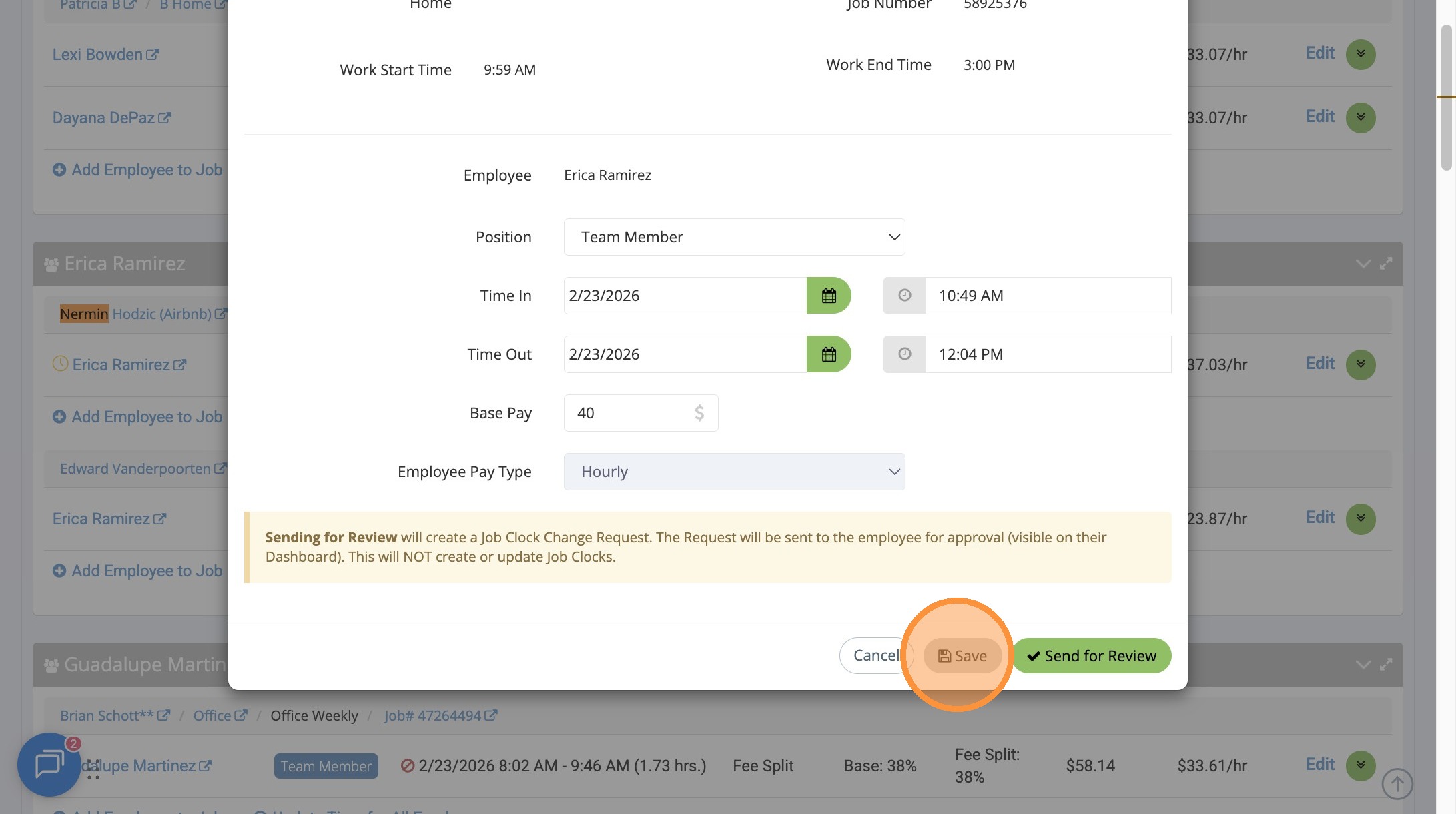
10. Double check the amount is exactly “$50.00”