
Office Resources
Adding Supplemental Pay
1. In MaidCentral, Click on Company and “Additional Pay”
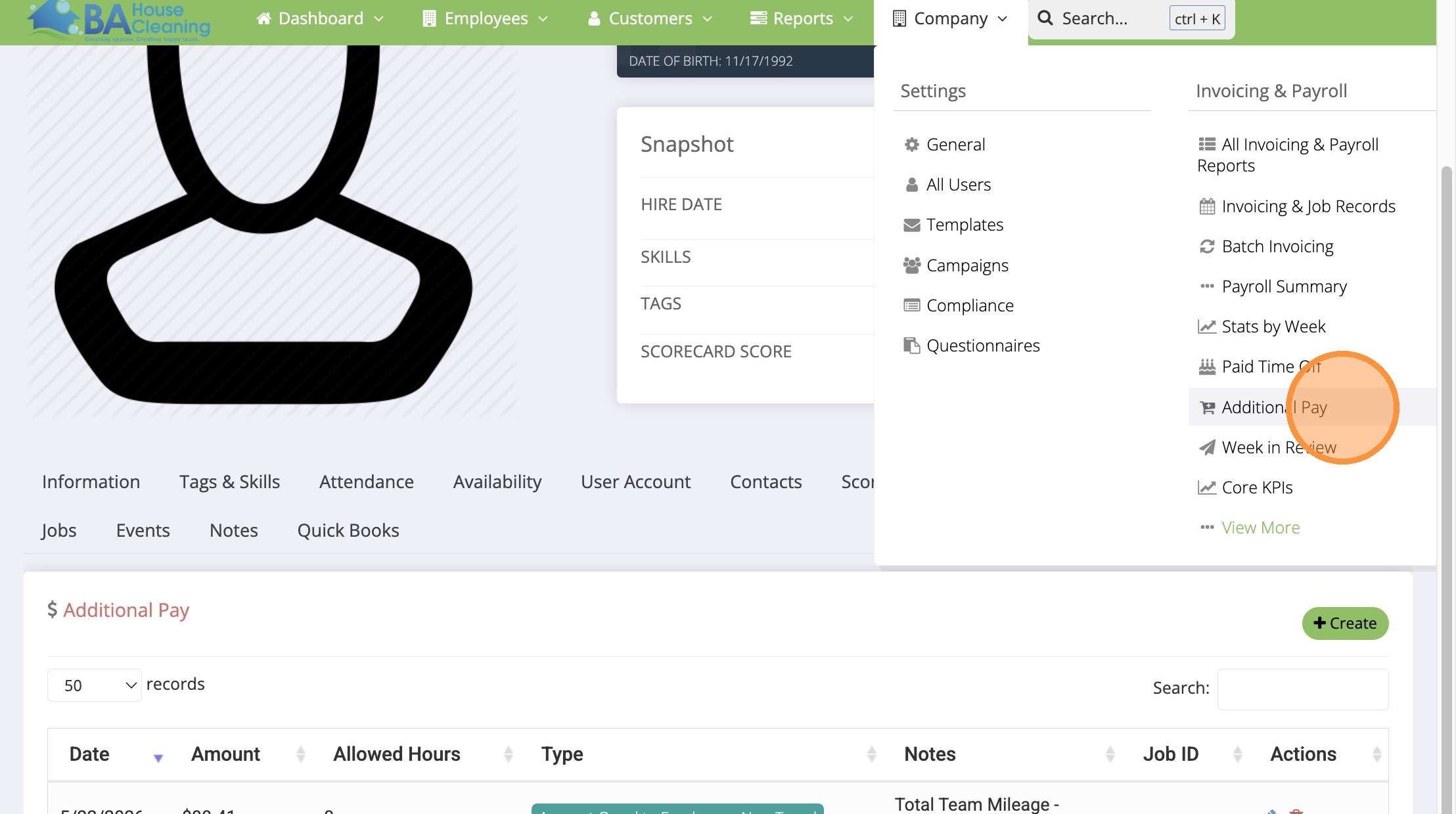
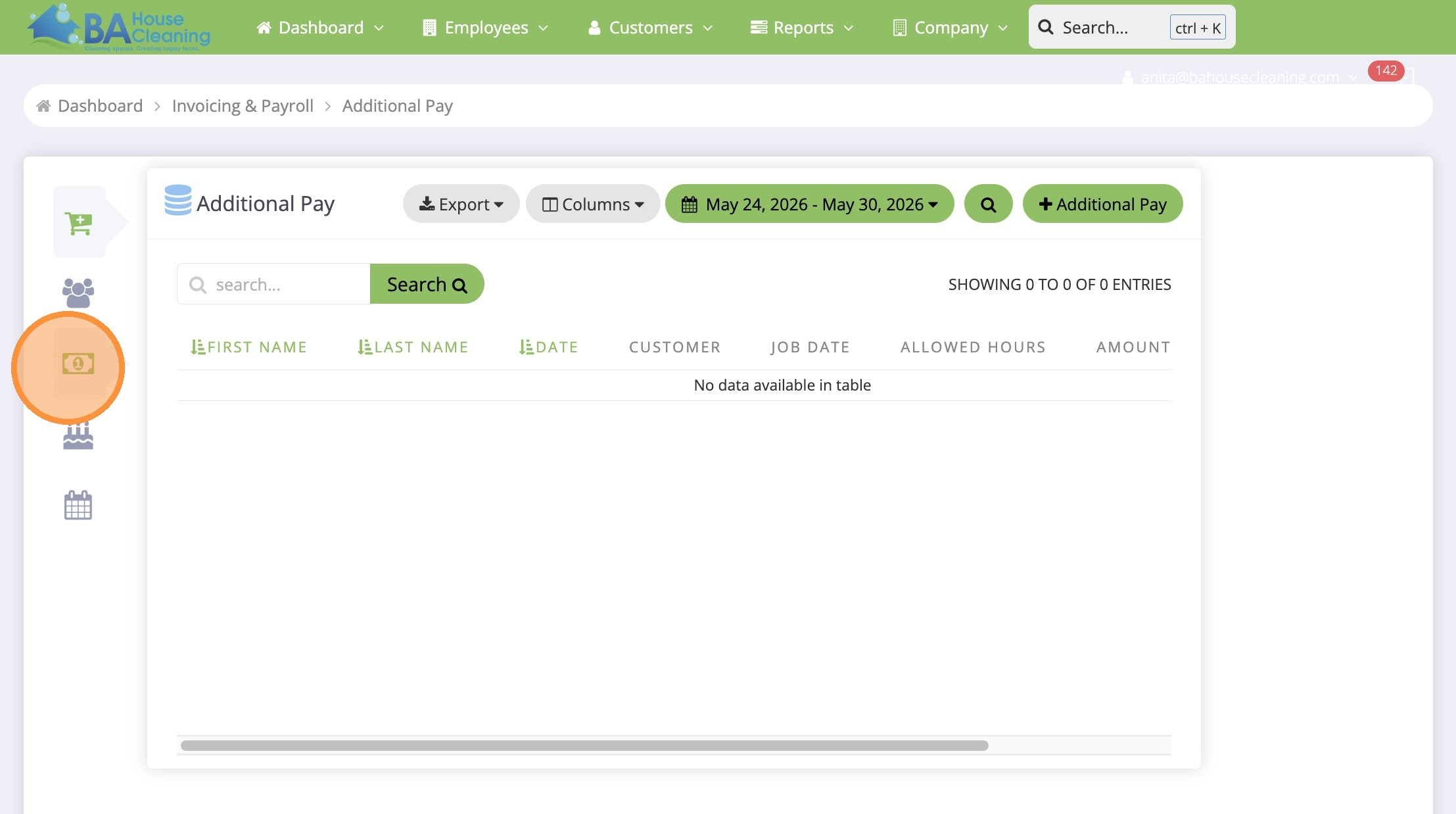
2. Select Additional Pay tab
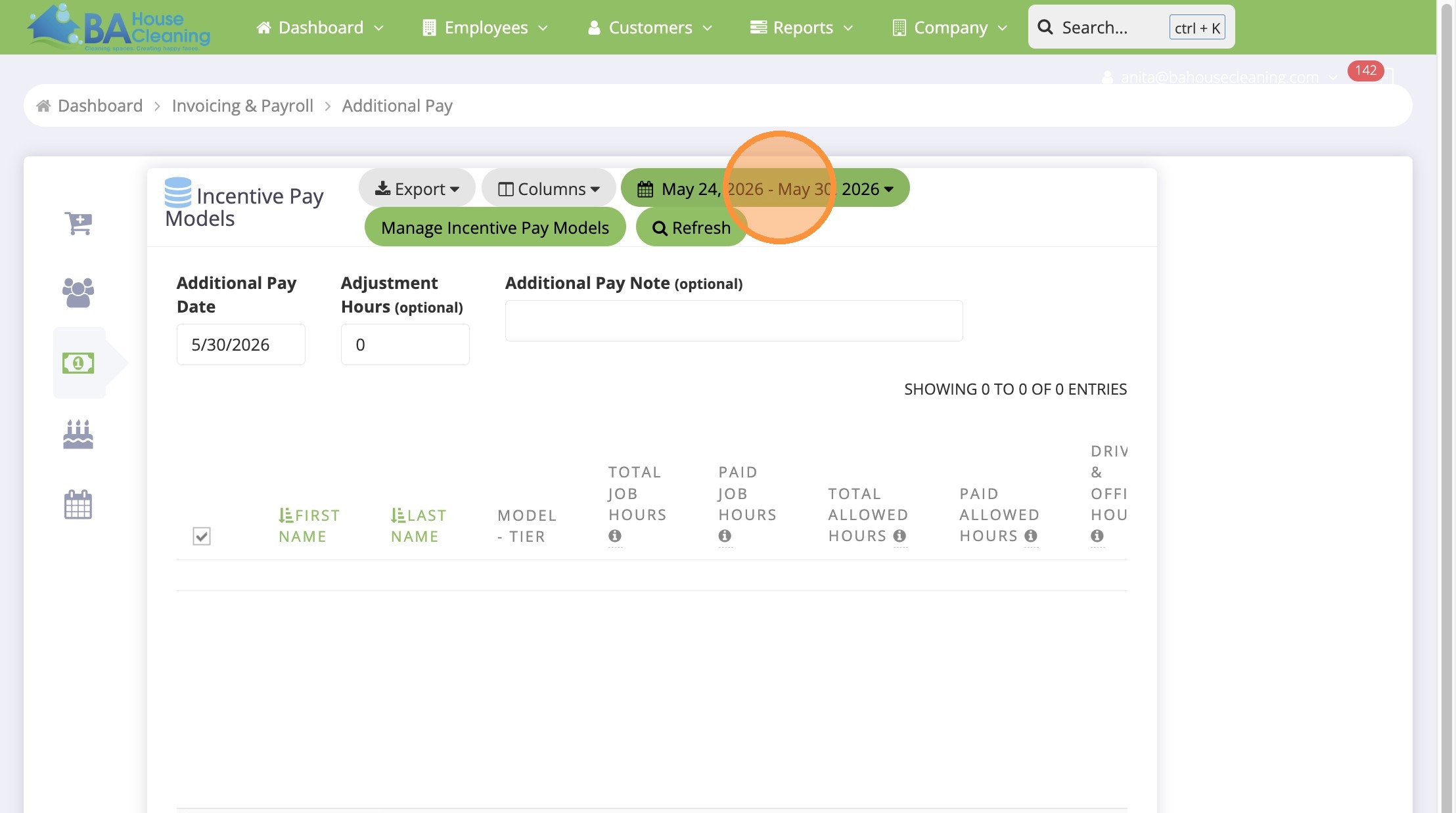
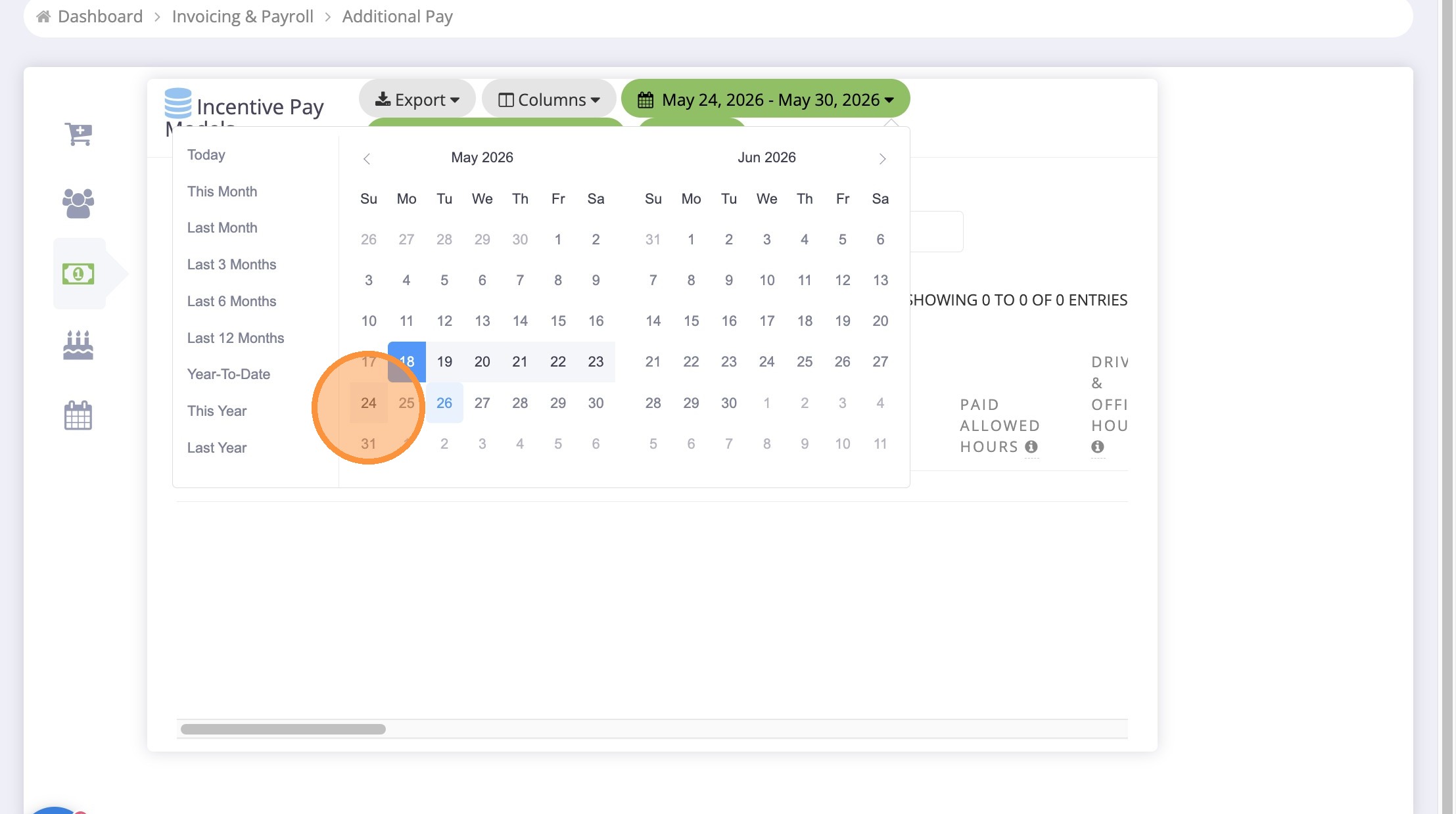
3. Open date range with correct payroll dates
4. Select start payroll date
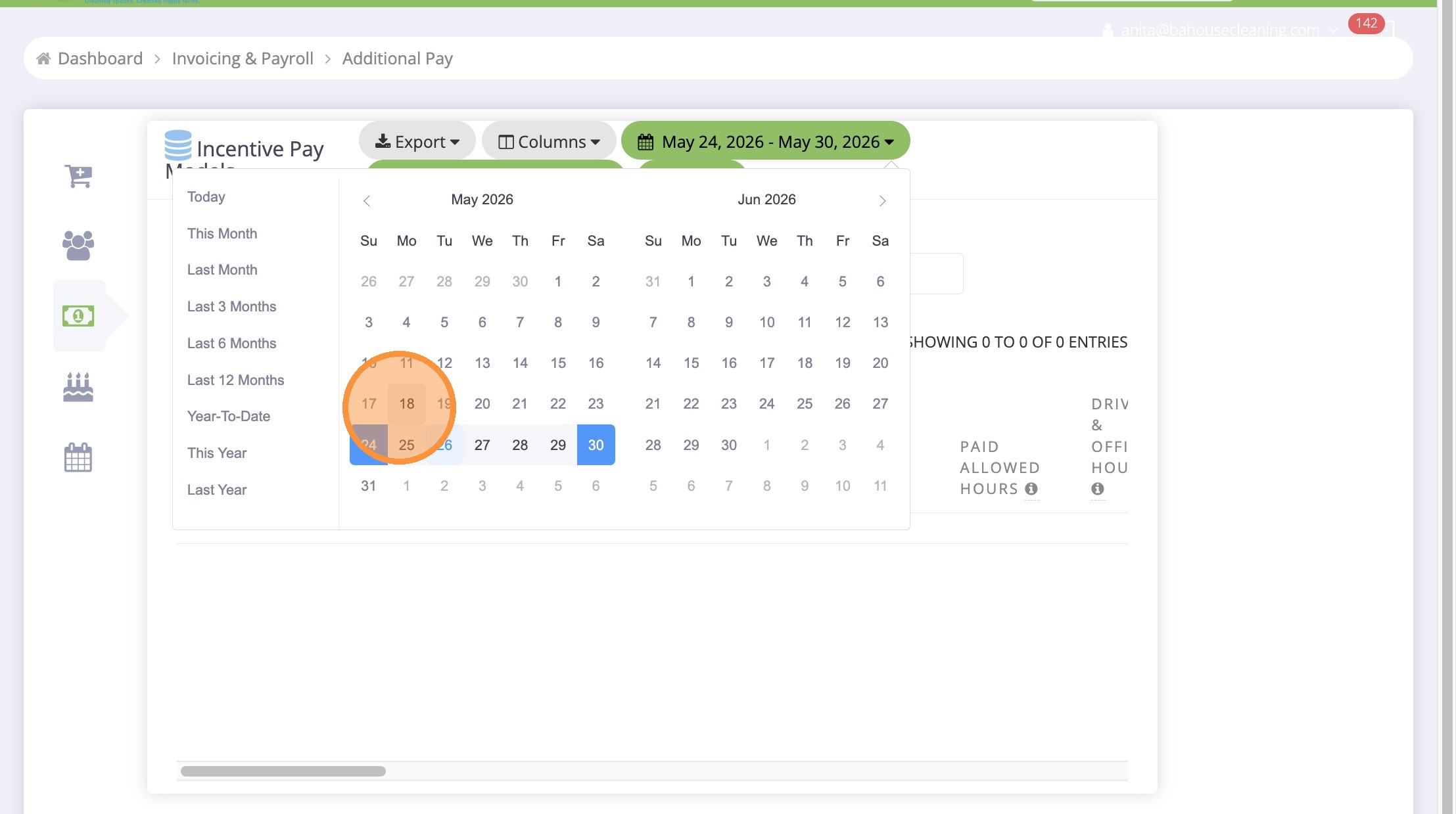
5. Select end payroll date
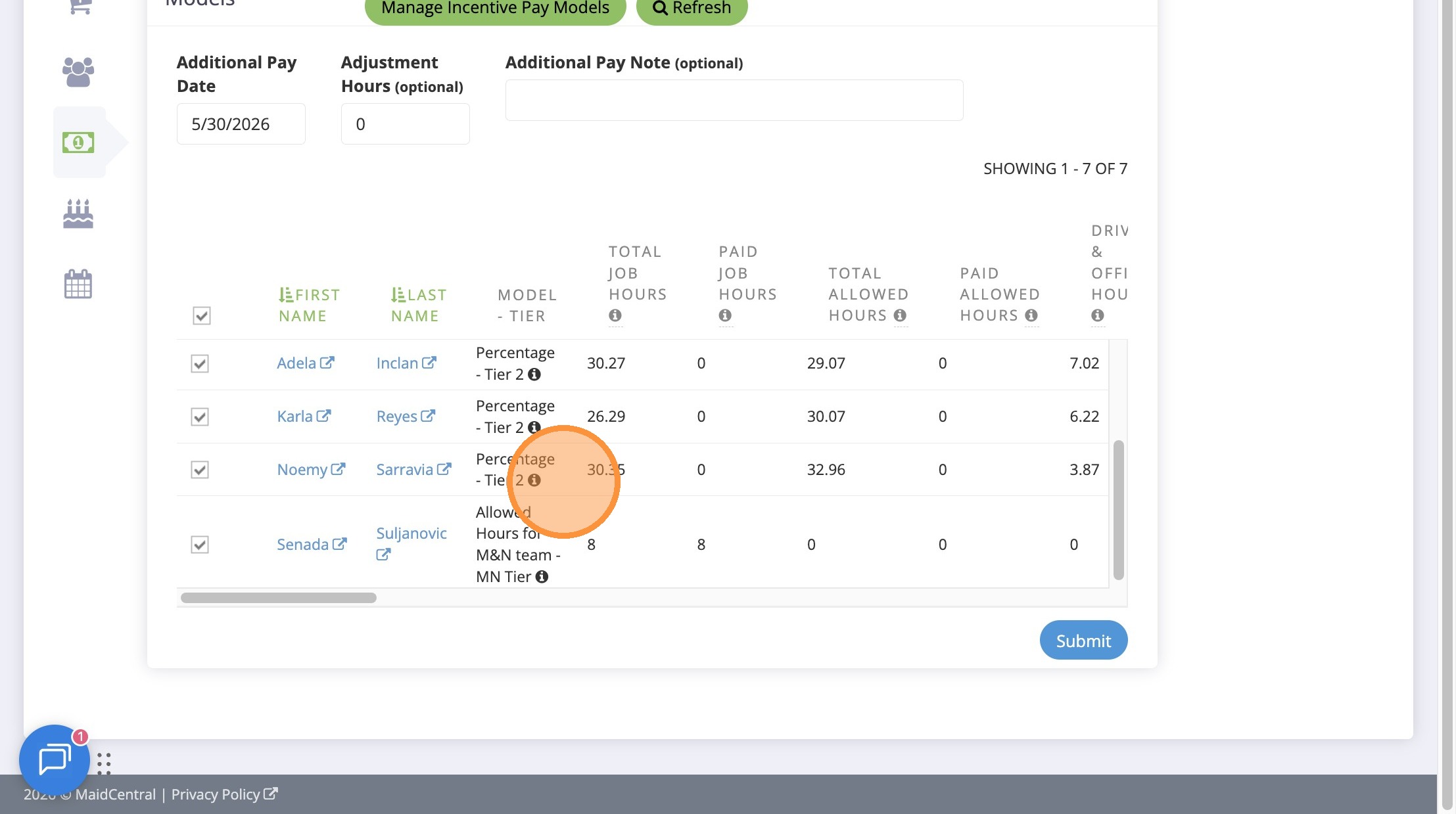
6. Note: This will show the tier the Cleaning Technician was awarded
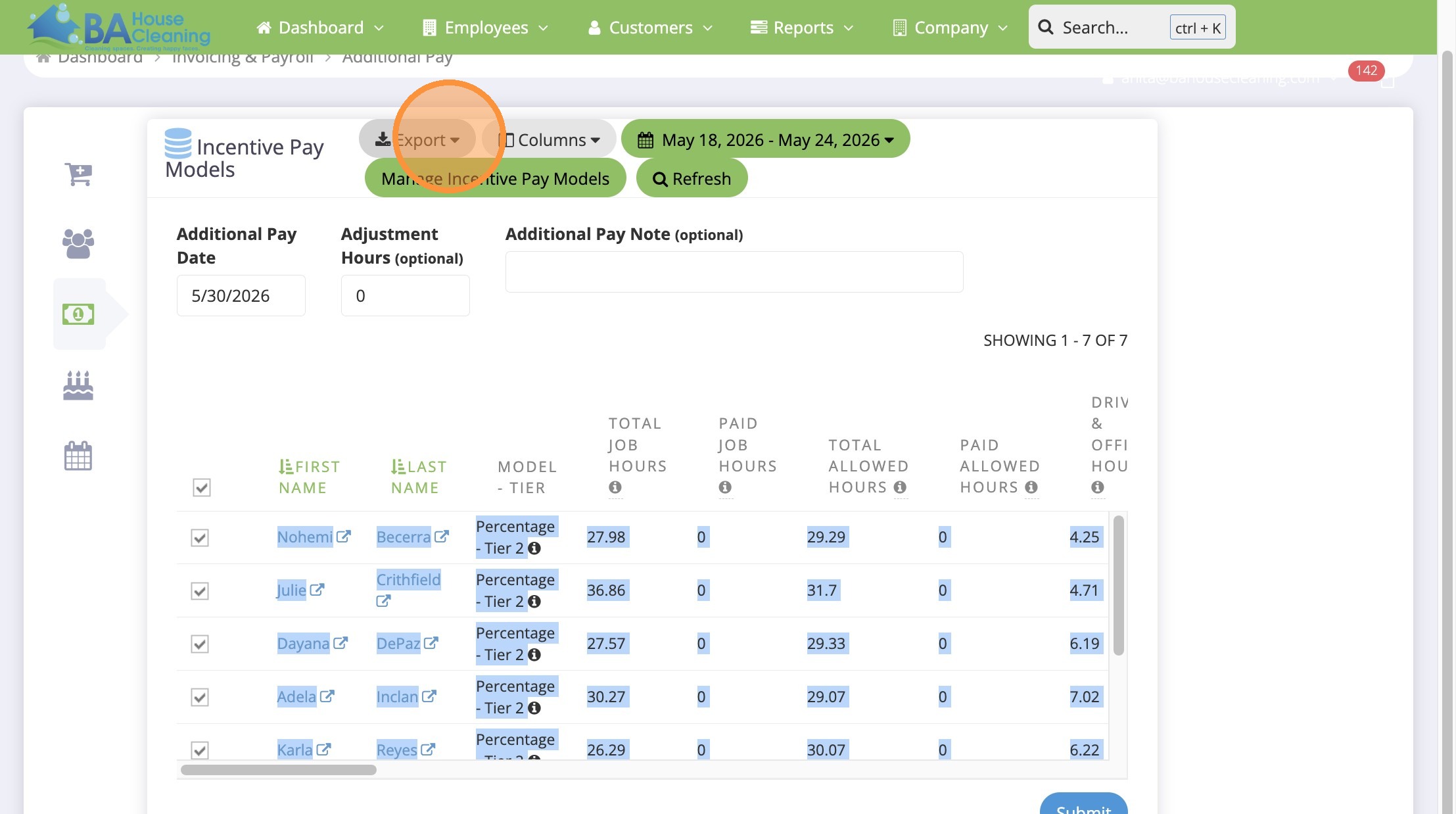
7. Open Export menu
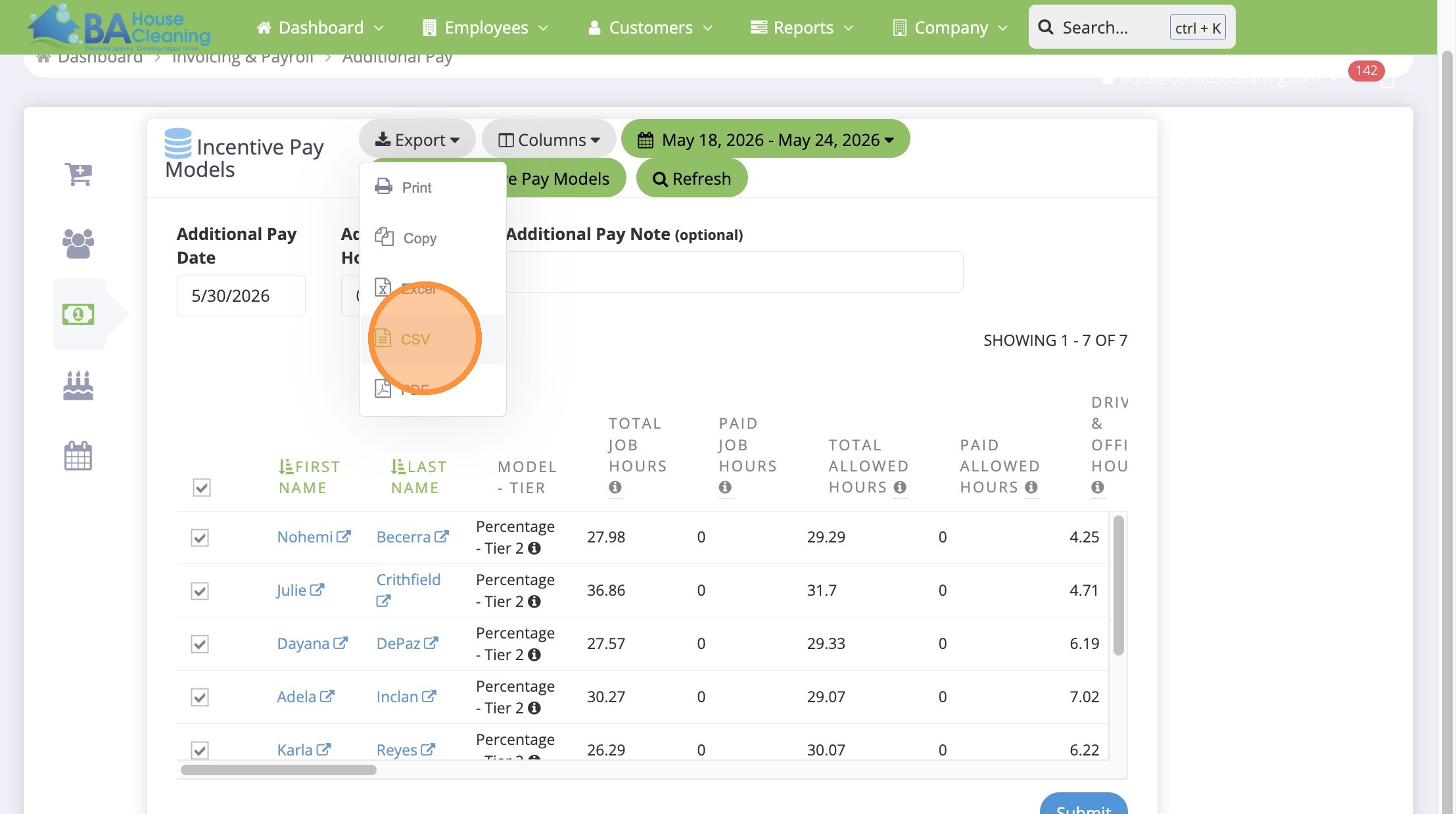
8. Download CSV file
Internal Task Update
9. Select accounting task in ClickUp
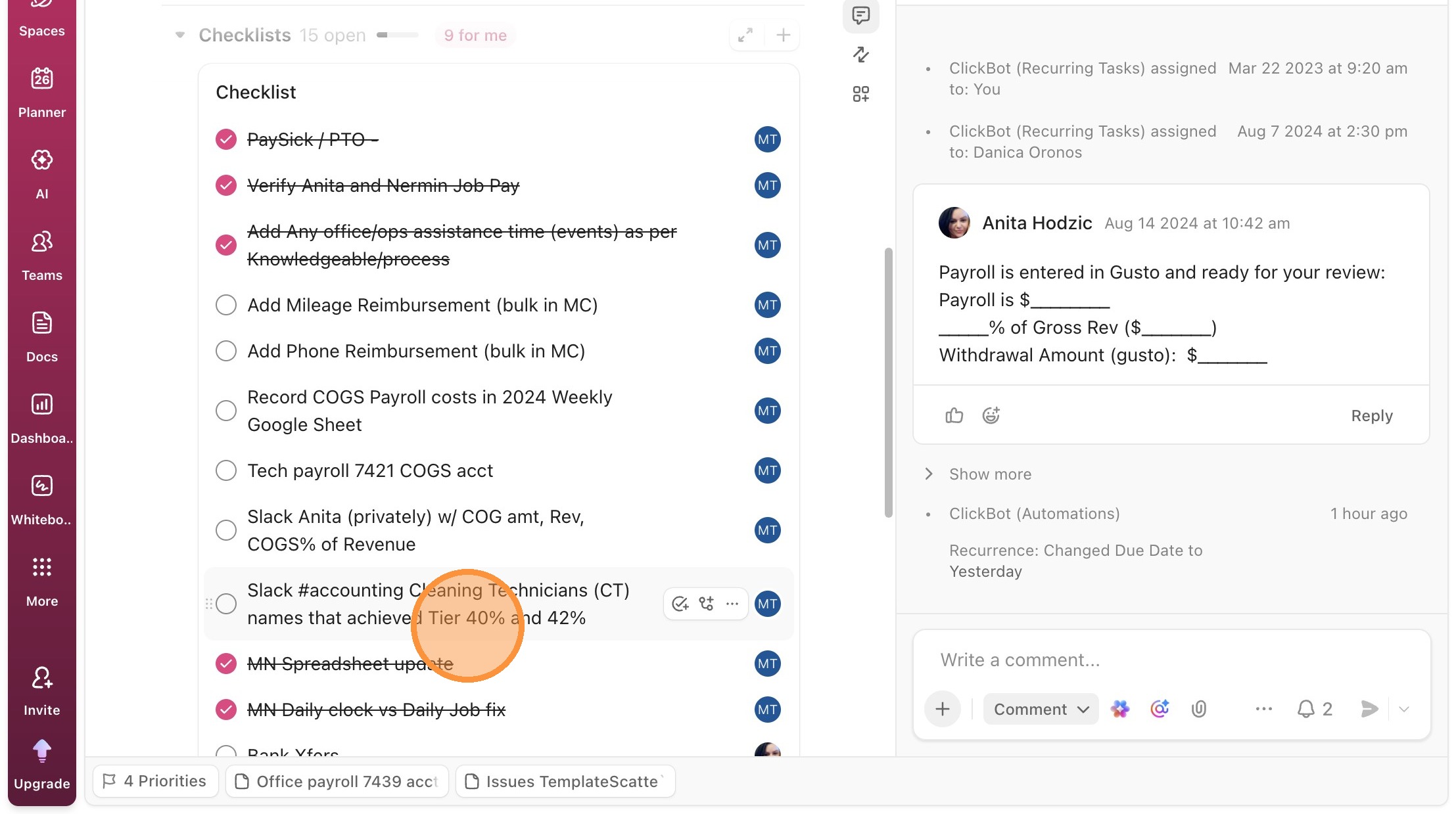
Reporting to Accounting
10. Switch to tab accounting (Channel) in Slack
11. Add announcement about pay Tier 2 or 3 achievers!

Payroll Confirmation
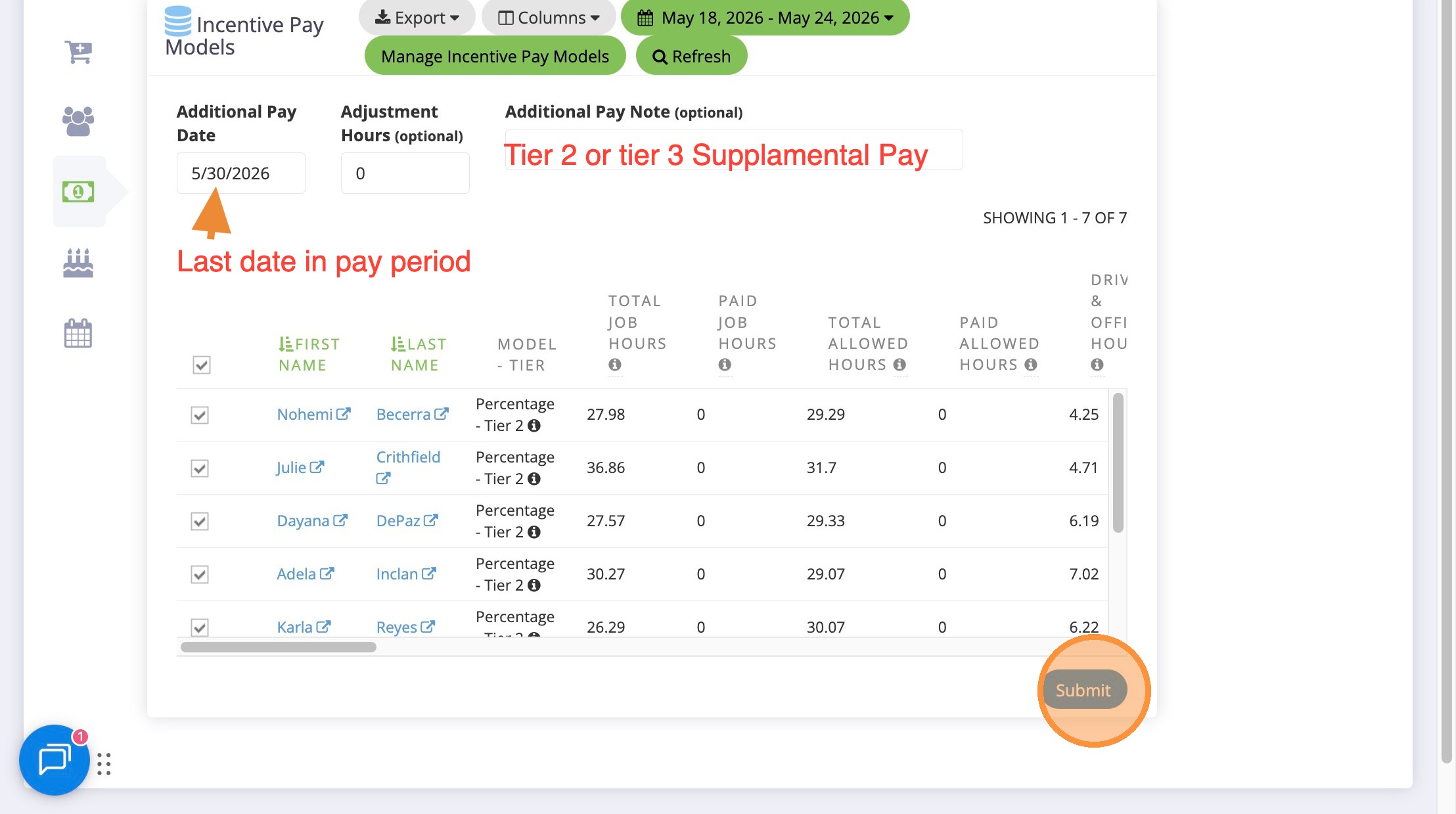
12. Switch to tab Additional Pay – BA House Cleaning”
13. Click Submit
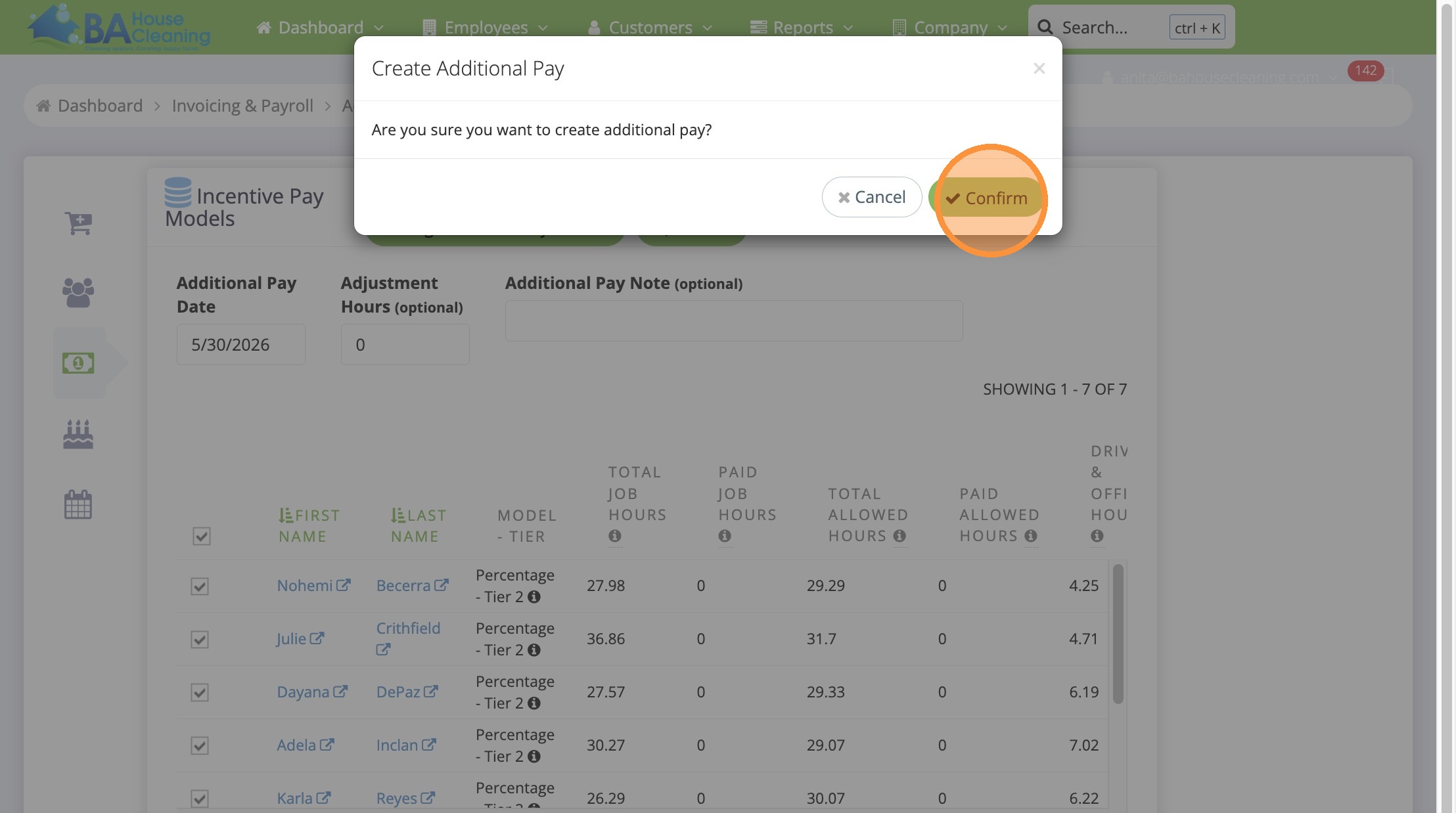
14. Click Confirm
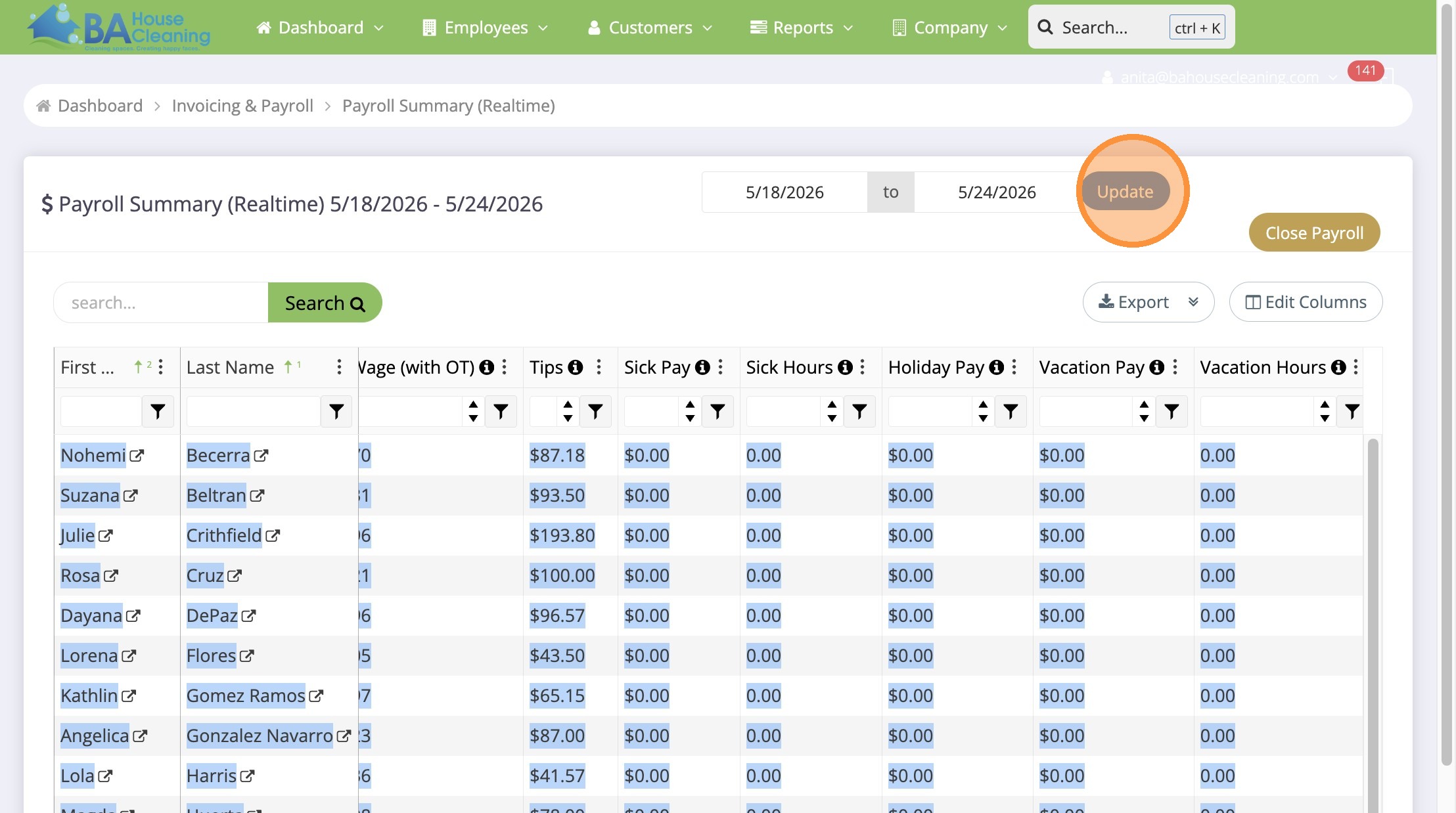
15. Go back to Payroll Summary and Click Update. It should reflect in Supplemental pay
Made with Scribe