Office Resources
Adding Content to the Office Knowledge-base
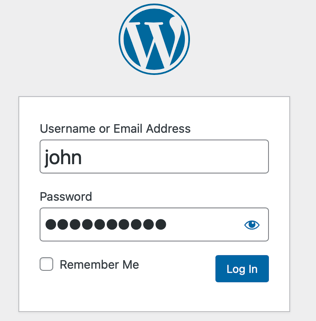
Log into your account
Using your WPEngine credentials
Add article
New > Office Knowledgebase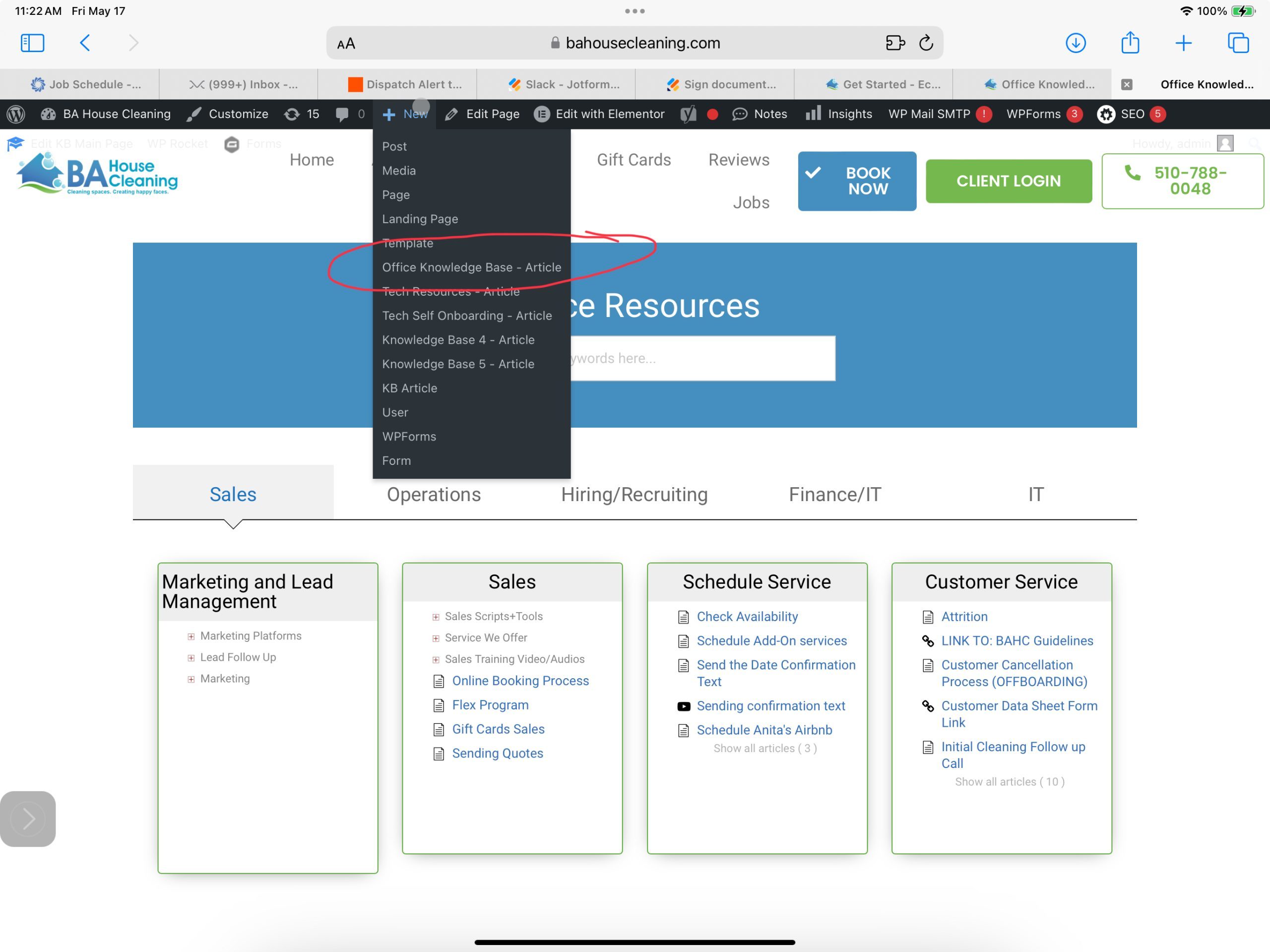
Be sure to select the appropriate Knowledge Base you’d like to add the article.
Add Title
Add the title you would like to show representing the content
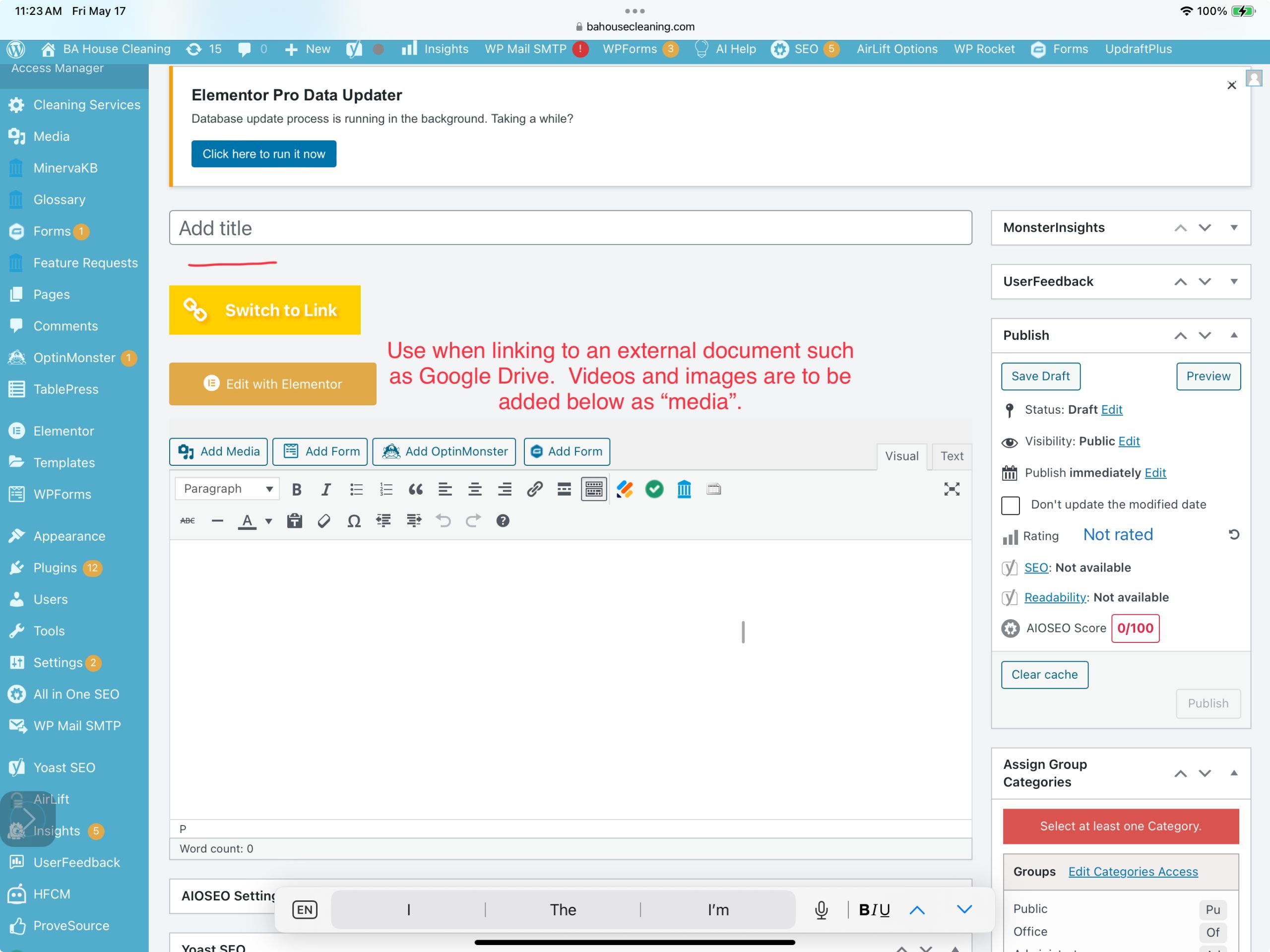
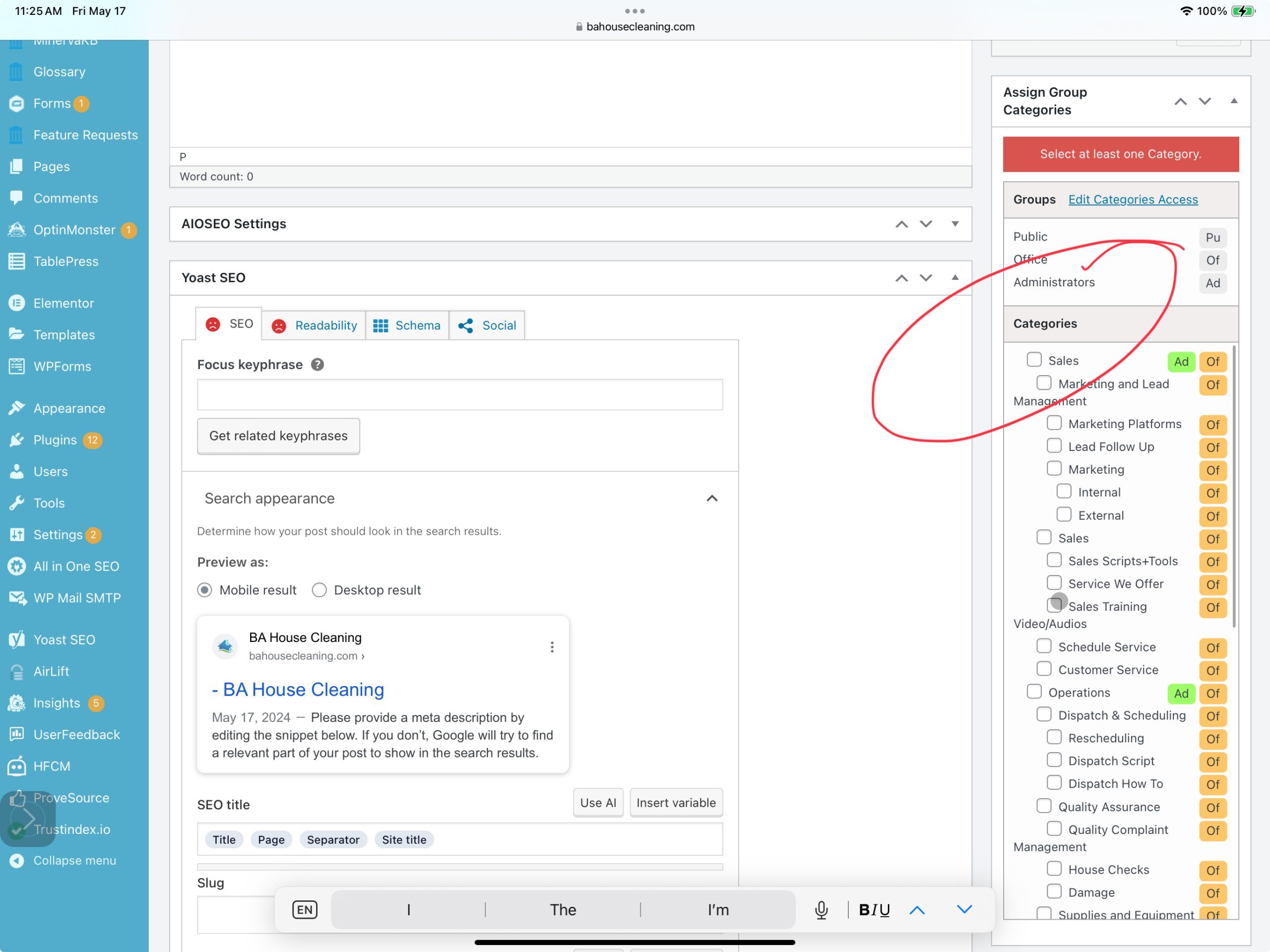
Selecting a category
Make sure you are adding this article to the correct category/subcategory.
Preview and Publish
Before publishing the article its always a great idea to preview and proofread. 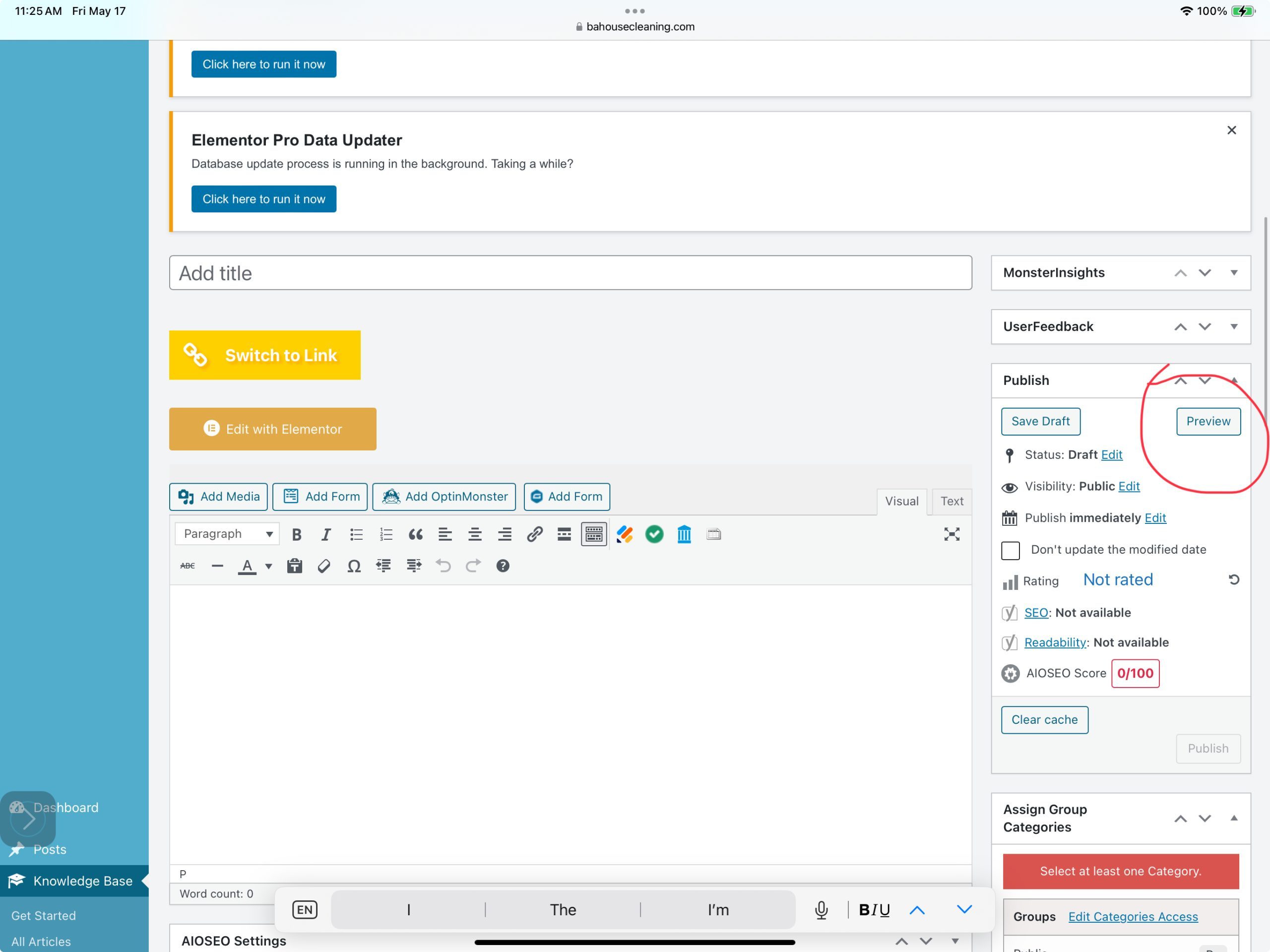
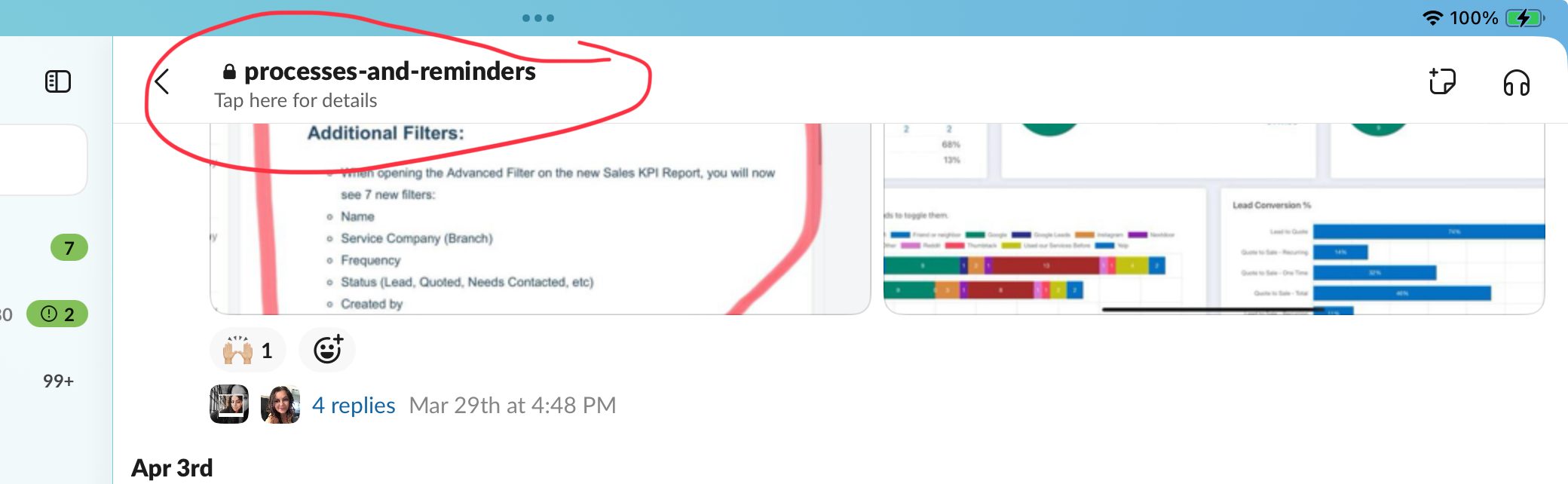
Slack processes-reminders Slack channel
Finally let others in office know that their is a knew article added to the knowledgebase by providing a link. This also work for articles that are getting ‘updated’ always a good idea to let everyone know there is an update.